Buy any 1 product and get 1 absolutely free — this offer applies to all Website Templates, UI Kits, and Complete Scripts.
Buy Now! Article Information Table Of Contents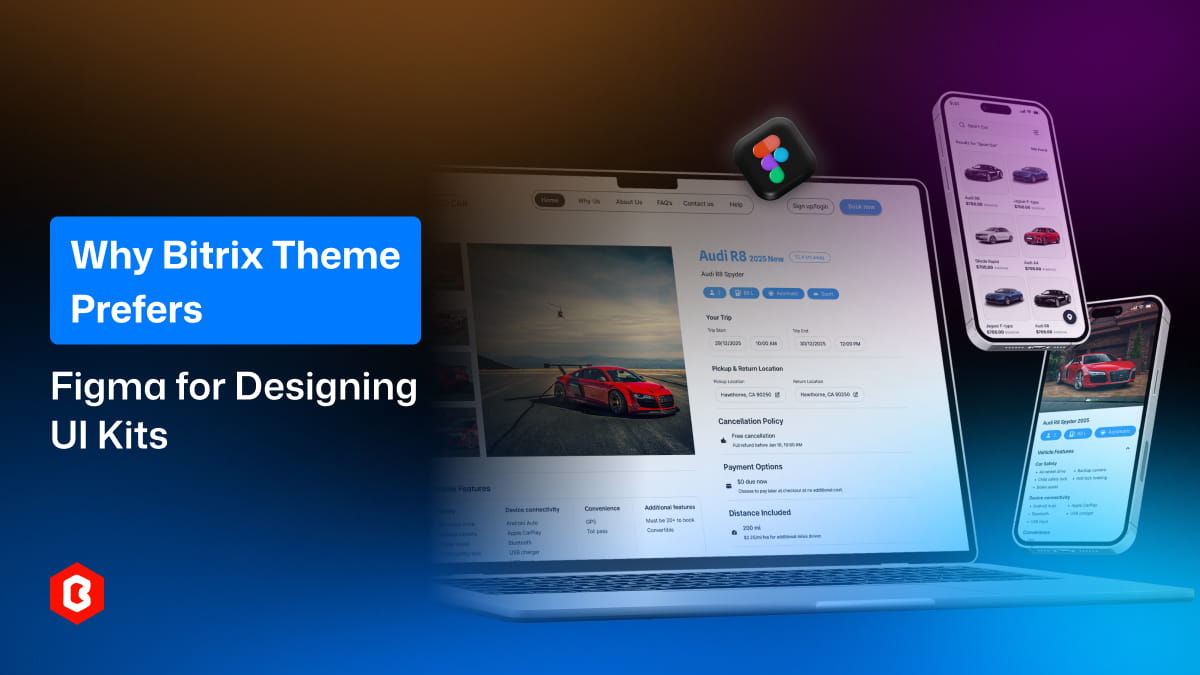
Designing modern UI kits requires tools that are fast, flexible, and collaborative. Companies that create website and app templates need a platform that helps teams work efficiently while maintaining high-quality results. That is why Bitrix Theme prefers Figma for designing UI kits. It allows designers to create consistent layouts, manage components easily, and collaborate in real time without technical barriers.
One of the biggest reasons for choosing Figma is that it is cloud-based. Unlike traditional design tools that need installation and manual file sharing, Figma works directly in the browser.
Designers can access projects from anywhere, whether they are working from the office or remotely. This flexibility helps improve productivity and reduces dependence on specific devices. Teams also avoid version confusion because files update automatically.
For a company that creates multiple UI kits and templates, this convenience saves time and makes the overall workflow smoother and more efficient.
UI kit design usually involves multiple people, including designers, developers, and project managers. Figma allows everyone to collaborate in real time on the same file.
Team members can leave comments, suggest changes, and review designs instantly. This helps reduce communication gaps and speeds up decision-making. Instead of sending files back and forth, feedback happens directly inside the design workspace.
Real-time collaboration is especially helpful when working on large template projects that need continuous updates and improvements.
UI kits depend heavily on reusable elements like buttons, forms, icons, cards, and navigation menus. Figma provides strong component features that make it easy to manage these elements.
Designers can create main components and reuse them across multiple screens. If a change is made to the primary component, it updates automatically everywhere it is used. This helps maintain consistency across all templates and reduces repeated work.
For companies that create templates, keeping design consistency is very important, and Figma makes this process simple and efficient.
Another major advantage of Figma is its built-in prototyping features. Designers can create interactive prototypes without using extra tools.
This allows teams to test user flows, navigation, and layout behavior before development starts. Finding usability issues early helps save development time and reduces the risk of costly mistakes.
Interactive previews also help clients and stakeholders understand how the final product will work, which makes the approval process faster and smoother.
UI design is only one part of creating a product. Developers also need clear and accurate details to turn designs into working websites or applications. Figma provides developer-friendly features that make this process easier.
CSS properties and measurements
Exportable assets
Design specifications
Spacing and alignment details
Developers can inspect elements directly inside the design file instead of guessing values. This helps reduce misunderstandings and improves efficiency during the development process.
Companies that build UI kits need to maintain consistent typography, colors, spacing, and design patterns across all products. Figma supports design systems through shared libraries and styles, which makes this easier to manage.
Designers can create global color palettes, text styles, and reusable components that work across multiple projects. This helps save time and keeps everything organized.
As a result, every UI kit maintains a professional and consistent look, which is important for a strong brand identity and a better user experience.
As a template provider grows, the number of design projects also increases. Figma supports scalability by allowing teams to organize files, pages, and components in a structured way.
Multiple projects can be managed within one workspace, which makes it easier to handle updates, revisions, and new releases. Teams can quickly find assets, reuse components, and maintain consistency across products.
This level of scalability is important for companies that regularly launch new templates and UI kits while managing ongoing improvements.
Figma works on different operating systems, including Windows, macOS, Linux, and even tablets through web browsers. This cross-platform support allows teams to collaborate without worrying about device compatibility.
Designers and developers can work together regardless of the devices or systems they prefer. This improves flexibility, makes collaboration easier, and ensures that everyone can access projects whenever needed.
Compared to many traditional design tools, Figma offers flexible pricing plans, including free options for small teams or early-stage projects.
For companies that design multiple products, cost efficiency is important. Figma provides advanced features without requiring expensive licenses for every user, which makes it a practical choice for growing businesses.
Figma regularly introduces new features and improvements. This ensures designers always have access to modern tools without needing manual upgrades or installations.
New capabilities like auto layout enhancements, advanced prototyping, and AI-assisted features help teams work faster and create better results. Continuous updates also reduce the risk of using outdated tools.
Using a platform that keeps evolving allows companies to stay competitive in the fast-changing digital design industry.
Bitrix Theme prefers Figma for designing UI kits because it combines collaboration, flexibility, efficiency, and scalability in one platform. From component management to real-time teamwork and developer-friendly features, Figma helps simplify the entire design process. For companies that create modern website templates and mobile UI kits, choosing the right design tool directly affects productivity and quality. Figma offers a strong balance of functionality and convenience, which makes it an ideal choice for professional UI kit development.
 Similar Blogs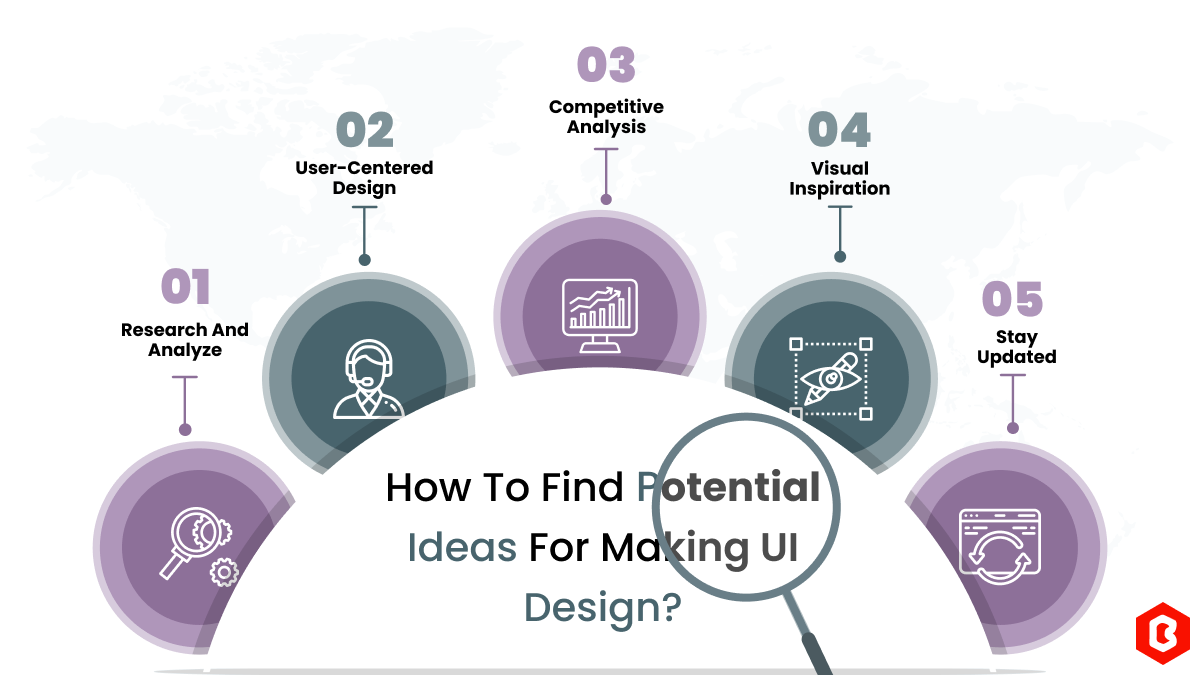
We can discover a lot of alternatives when it comes to UI design or UI thoughts, which we are able t...
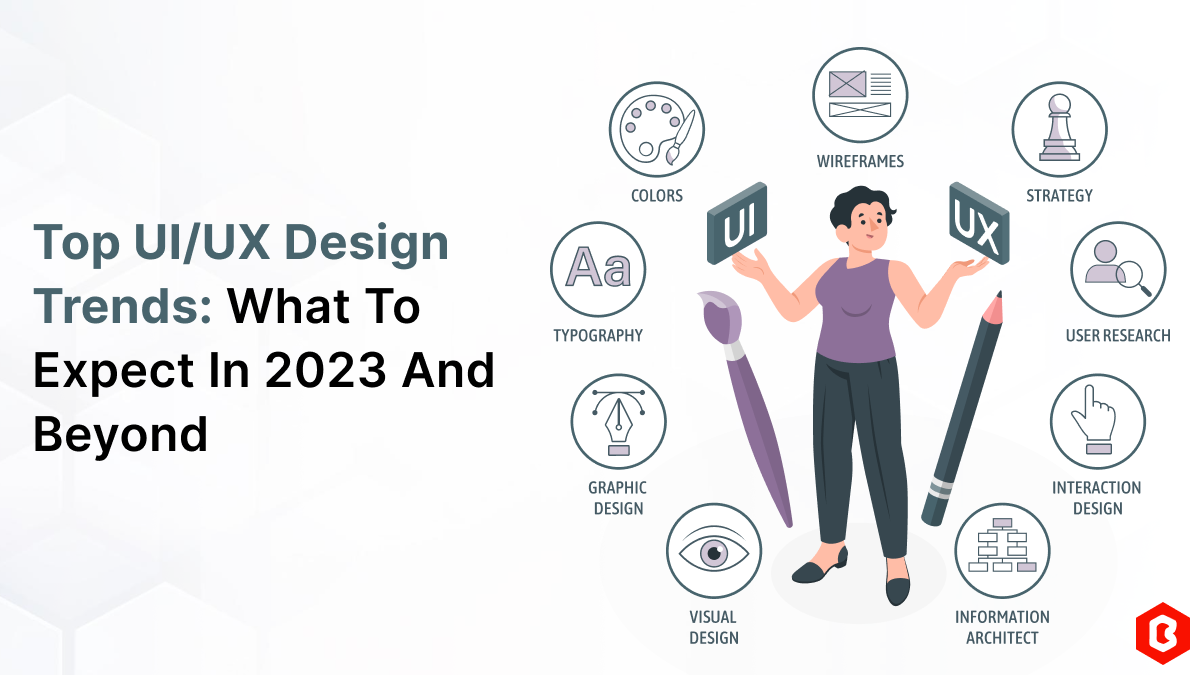
UI/UX. User interface and Use experience are the two important things we can consider in today’s web...
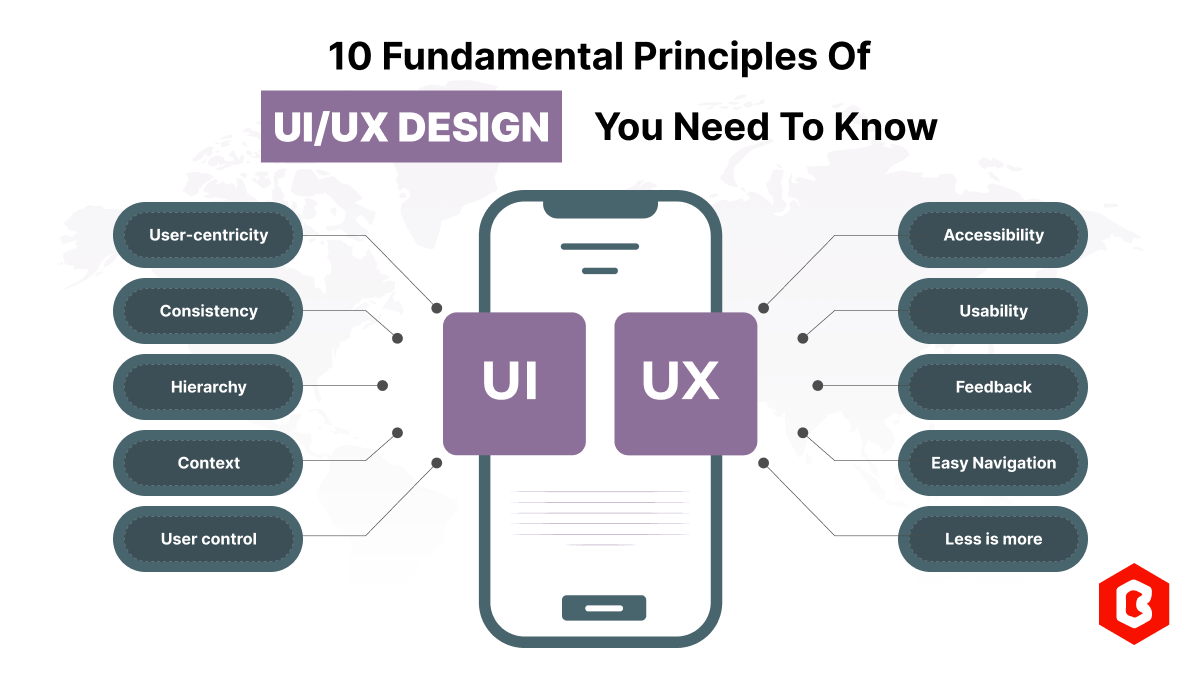
Today everything seems to be online whether it's an eCommerce store or a stock broker mobile app. Bu...
The digital world is moving exceptionally fast. In this fast-paced digital world, building a website...
User Interface (UI) design is the backbone of a mobile application. UI design for mobile apps can be...
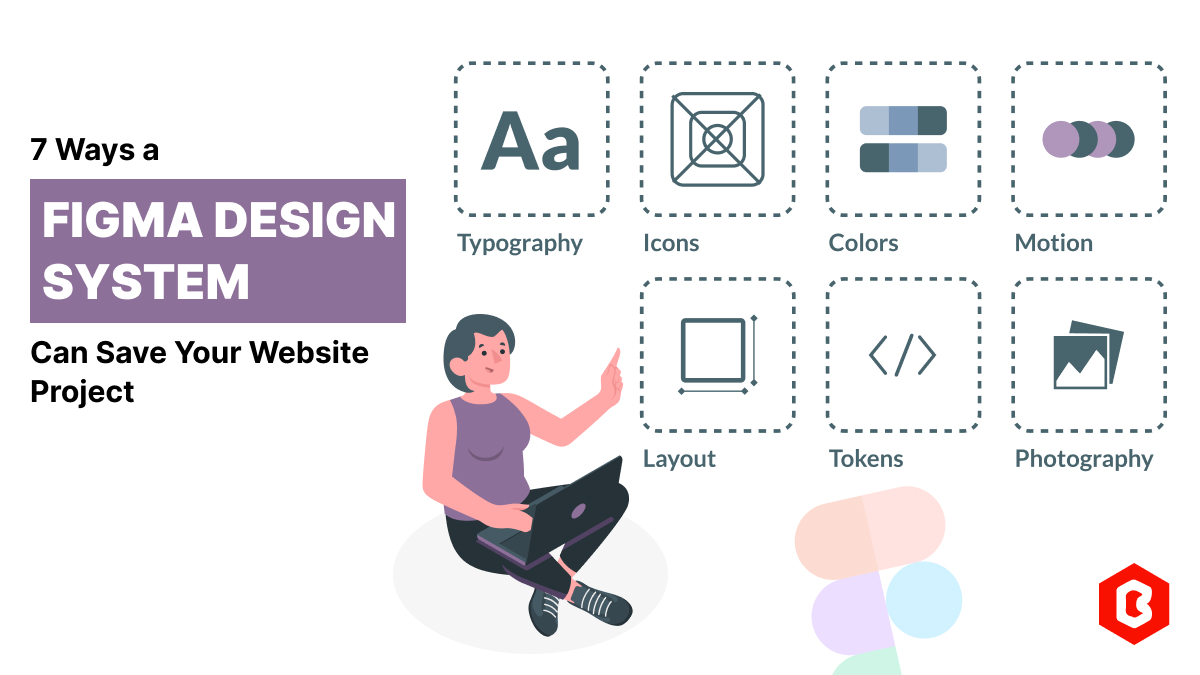
Figma has revolutionized the web design process. Figma design systems are a game-changer for website...

Not sure which template or UI kit fits your project? Reach out for expert advice.
 100% Satisfaction Guaranteed
  Shop with Confidence!
 Tags
Tags