Buy any 1 product and get 1 absolutely free — this offer applies to all Website Templates, UI Kits, and Complete Scripts.
Buy Now! Article Information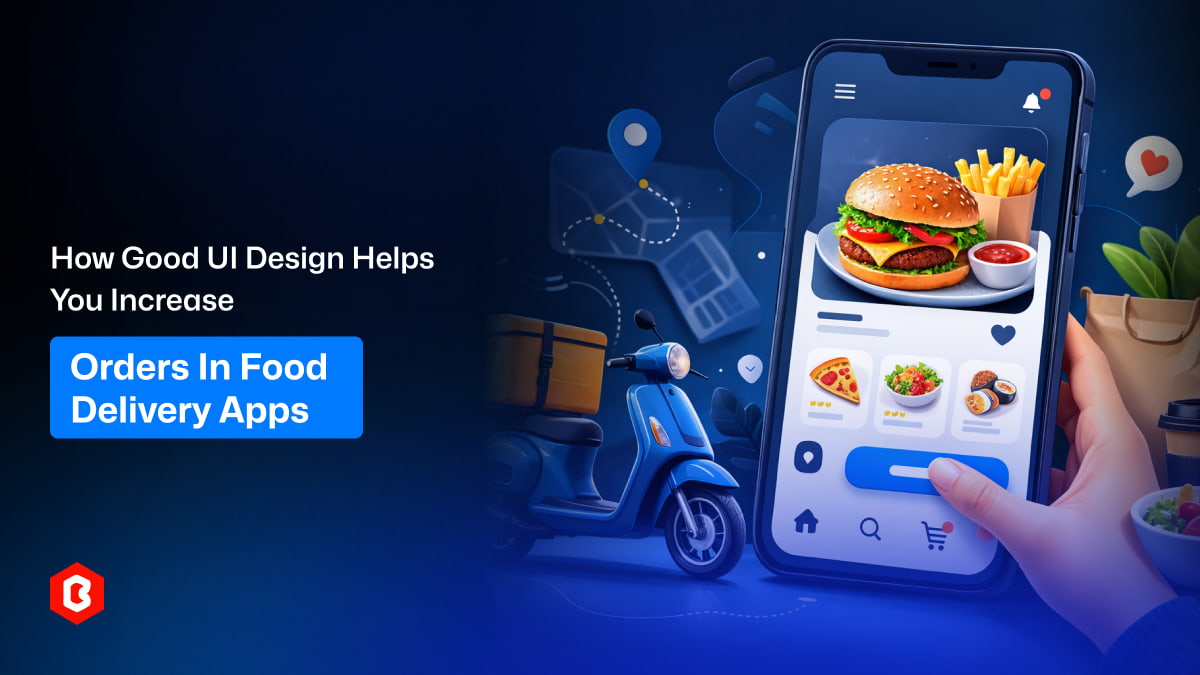
The online food delivery market is quite competitive. A good UI design plays a major role in convincing customers and increasing orders. A well-designed food delivery app does more than display restaurant menus. It creates a smooth and enjoyable experience that encourages users to explore options, trust the platform, and complete orders quickly.
When users find an app easy to navigate, visually appealing, and convenient to use, they are more likely to place orders more often. Effective UI design directly influences conversion rates, customer satisfaction, and long-term user loyalty.
Below are the key ways good UI design helps increase orders in food delivery apps.
The first few seconds after opening a food delivery app often determine whether users stay or leave. A clean and modern interface creates confidence and encourages users to explore the platform.
Simple layouts with clear categories, high-quality food images, and attractive colors make the app feel professional and trustworthy. When users feel confident about the platform, they are more comfortable placing orders without hesitation.
On the other hand, a cluttered or outdated design can create confusion and reduce credibility, which may result in lost orders.
Customers usually open food delivery apps when they are hungry and expect quick results. Complicated navigation can create frustration and increase drop-off rates, reducing the chances of completed orders.
Good food delivery app UI design focuses on:
Clear menu categories
Smart search functionality
Visible filters and sorting options
Quick access to previous orders
When users can quickly find what they want, you can expect a near-instant conversion.
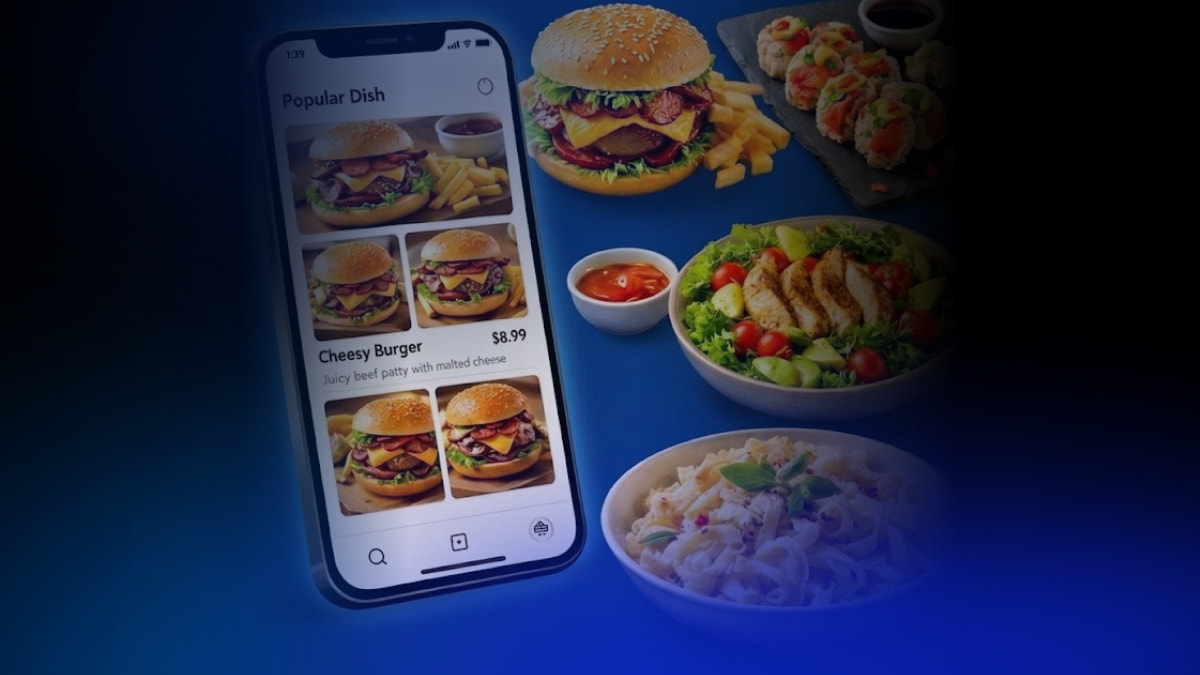
Food is emotional, and visual presentation strongly influences purchase decisions. Attractive food photos can create instant cravings and motivate users to place orders more quickly.
A good food app UI design has:
Large, clear food images
Consistent image styling
Proper spacing and layout
Highlighted popular dishes
When food looks visually appealing, users are more likely to feel interested and add items to their cart, increasing the chances of completing an order.
A complicated checkout process is one of the biggest reasons users leave without completing an order. A good UI design removes extra steps and makes the payment process easy and fast.
The following features help you increase orders:
One-tap reordering
Saved addresses and payment methods
Clear pricing breakdown
Progress indicators during checkout
The easier the payment process, the higher the chances that users will complete their orders. Simple and smooth payments help increase overall order completion rates.
Personalized experiences help users feel understood and valued. Modern UI design includes smart recommendations based on user behavior, making it easier for users to find what they want.
Examples of personalized UX:
Recommended dishes based on previous orders
Personalized offers and discounts
Location-based restaurant suggestions
Favorite restaurant shortcuts
Personalization increases user engagement and encourages people to order more often. When users see relevant suggestions, they are more likely to place orders.
Well-designed promotional sections can help increase orders. UI elements like banners, limited-time offers, and discounts attract user attention and create a sense of urgency.
Effective UI promotion techniques include:
Highlighted deals on the home screen
Countdown timers for offers
Combo meal suggestions
Free delivery badges
These visual triggers encourage users to place orders immediately instead of delaying their decision.
A food delivery app should feel easy and pleasant to users. When people can quickly find food, view appetizing images, and place orders without confusion, they naturally use the app more often. Small design choices can make a big difference in how users feel while ordering. A thoughtful and simple UI design helps build trust, keeps customers engaged, and encourages them to return whenever they feel hungry.
 Similar Blogs
We know having an online website for food delivery is a golden chance to offer your service. But a c...

Did you know that over 70% of food orders are now placed online instead of through traditional calls...

One thing to keep in mind: Hungry customers aren’t waiting, and neither should your food delivery we...

Food delivery apps have become an important part of daily life. People use them to order pizza for a...
The food chain business concept is becoming a favorite for many entrepreneurs. This category is idea...
The food delivery industry is growing quickly as more customers prefer ordering meals online instead...

Not sure which template or UI kit fits your project? Reach out for expert advice.
 100% Satisfaction Guaranteed
  Shop with Confidence!
 Tags
Tags