Buy any 1 product and get 1 absolutely free — this offer applies to all Website Templates, UI Kits, and Complete Scripts.
Buy Now! Article Information Table Of Contents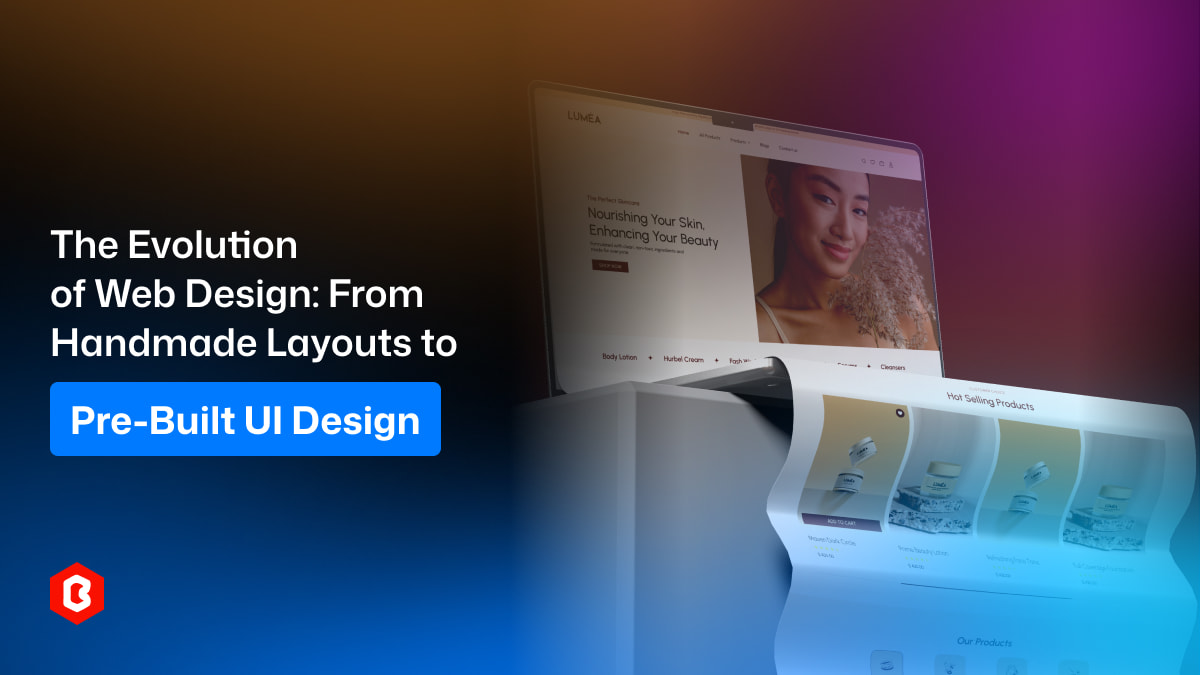
Web design has grown from basic hand-coded pages into structured, user-focused systems built with smart tools and reusable components. This change is not only about technology but also about rising user expectations and strong online competition. Today, web UI design focuses more on creating smooth user experiences, maintaining consistency, and helping businesses build websites faster and more efficiently.
In the early stages of the internet, websites were created entirely by hand. Designers and developers wrote raw HTML code to build every page structure. There were no visual editors, frameworks, or ready-made templates.
Most early websites were very basic. They contained text-heavy pages, simple images, and limited styling options. The concept of website UI was still developing, and user experience was not a primary focus. The goal was simply to share information online.
Handmade layouts offered full creative control, but they came with serious challenges:
Time-Consuming Development: Every page element had to be manually coded, which made building large websites slow and complex.
Limited Design Consistency: Without reusable components, maintaining the same style across multiple pages was difficult.
Poor User Experience: Navigation systems were often confusing because usability principles were still evolving.
Despite these limitations, handmade layouts played an important role. They created the foundation of modern UI design and introduced businesses to digital presence.
As internet usage increased, website design began focusing more on visual presentation. The introduction of CSS allowed designers to separate styling from content, which improved flexibility and organization.
This period marked the beginning of structured web UI design. Designers started experimenting with colors, typography, and layout grids. Websites became more visually appealing and easier to navigate.
Several major improvements shaped this stage of evolution:
Better typography improved readability
Navigation menus became more structured
Page layouts followed consistent alignment
Branding elements started influencing design
Businesses began recognizing that design could influence customer trust and engagement. A well-organized website UI helped companies appear more professional and reliable.
However, development still required significant manual work. Each design element had to be recreated across different pages, which slowed down large-scale projects.
The introduction of website templates changed the design industry completely. Instead of building layouts from scratch, developers could start with pre-designed structures and customize them according to project needs.
Templates helped businesses launch websites faster while maintaining professional design quality. This shift also improved web UI design consistency across pages and sections.
Templates provided several major benefits:
Faster project completion
Reduced development costs
Structured navigation and layout systems
Built-in responsiveness for different devices
For business owners, templates made professional websites more accessible. Small businesses could now compete online without investing heavily in custom development.
For developers and designers, templates reduced repetitive work. Teams could focus more on improving user experience instead of rebuilding basic layout structures repeatedly.
As competition increased, simply having a visually attractive website was no longer enough. The focus shifted toward usability and user behavior. Modern UI design began prioritizing clarity, accessibility, and smooth navigation.
Designers started studying how users interact with websites. This research led to improvements in website UI structure, including:
Clear call-to-action placement
Improved content readability
Simplified navigation paths
Faster page loading performance
Businesses realized that strong web UI design directly affected conversions and customer retention. Websites that made browsing easier often generated higher engagement and sales.
This shift introduced design thinking strategies where user needs became the starting point of every project.
As websites became larger and more complex, maintaining design consistency became challenging. This led to the development of design systems and reusable UI components.
Design systems provide a structured collection of buttons, forms, navigation elements, typography rules, and layout patterns. These systems help teams maintain consistent UI design across multiple pages and products.
Benefits of design systems include:
Improved collaboration between designers and developers
Faster feature development
Easier scalability for growing platforms
Stronger brand identity through consistent visuals
Design systems represent a major milestone in web UI design evolution because they transform design from individual creativity into organized frameworks.
Modern design tools have further transformed how websites are built. One of the most impactful developments is the introduction of the Figma UI kit. These kits provide ready-made design components that simplify the entire design and development workflow.
A Figma UI kit includes pre-built elements such as navigation bars, dashboards, buttons, forms, and layout templates. Designers can quickly assemble website UI structures without starting from scratch.
Using a Figma UI kit offers several advantages:
Rapid prototyping and design creation
Easy collaboration between remote teams
Improved design consistency across projects
Simplified design handoff to developers
For developers, Figma UI kits provide clear visual guidelines. This reduces confusion during implementation and speeds up coding processes. For business owners, it reduces development timelines and ensures professional results.
Today, web UI design balances visual quality with technical performance. Websites must load quickly, adapt to different screen sizes, and provide smooth interaction.
Modern website UI development focuses on:
Mobile responsiveness and adaptive layouts
Accessibility for users with different needs
Optimized performance and loading speed
Clean visual hierarchy for better readability
Users now expect websites to function perfectly across devices. A design that looks attractive but performs poorly cannot succeed in today’s competitive digital environment.
Businesses also rely on UI design to guide user actions. Strategic placement of important content helps increase conversions and customer engagement.
Pre-built UI design continues to shape the future of website development. Businesses demand faster launch timelines, and development teams rely on structured systems to meet these expectations.
The future of website UI is likely to focus on:
More automation in design creation
AI-assisted layout suggestions
Advanced customization through modular components
Stronger integration between design and development tools
Pre-built UI systems allow designers to spend more time improving user experience rather than building basic structures repeatedly. This shift encourages creativity while maintaining efficiency.
Web design has come a long way from basic manual coding to smart UI design systems that make building websites easier and faster. Earlier handmade layouts helped shape the industry, but today designers and developers use templates, design systems, and Figma UI kits to create consistent and professional website UI with less effort. This growth helps businesses launch websites quickly, connect better with users, and build a stronger online presence. As technology and user expectations keep changing, web design will keep improving, but its main goal will always stay the same: creating websites that feel simple, smooth, and enjoyable to use.
 Similar Blogs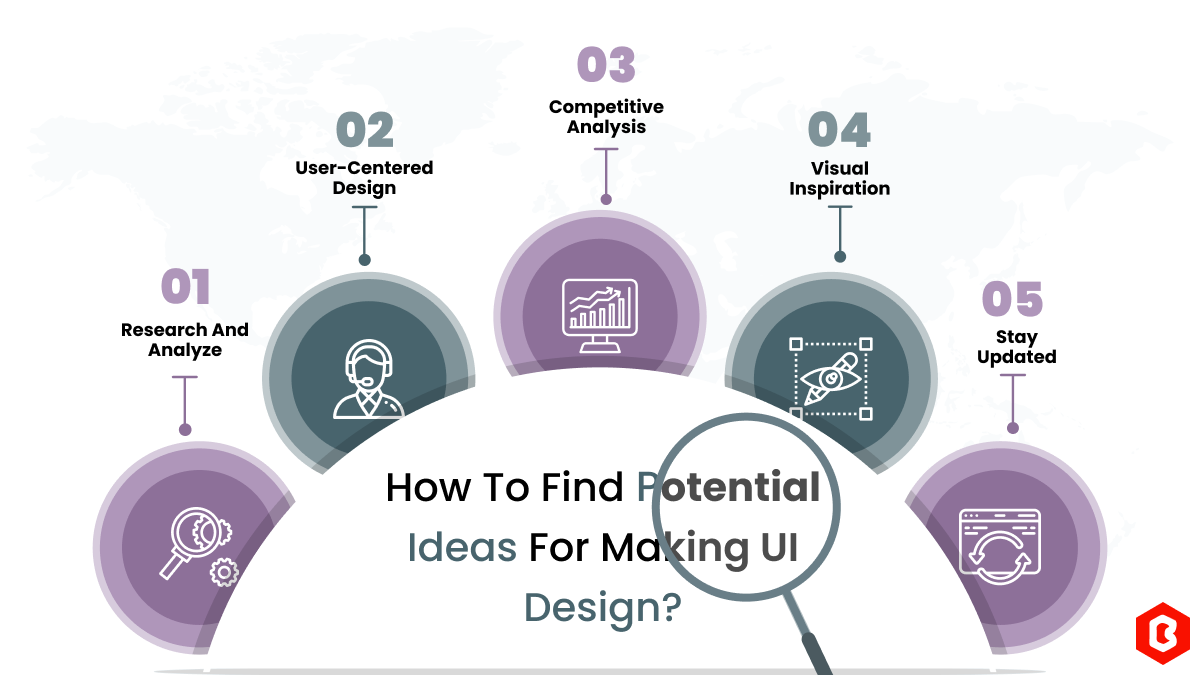
We can discover a lot of alternatives when it comes to UI design or UI thoughts, which we are able t...
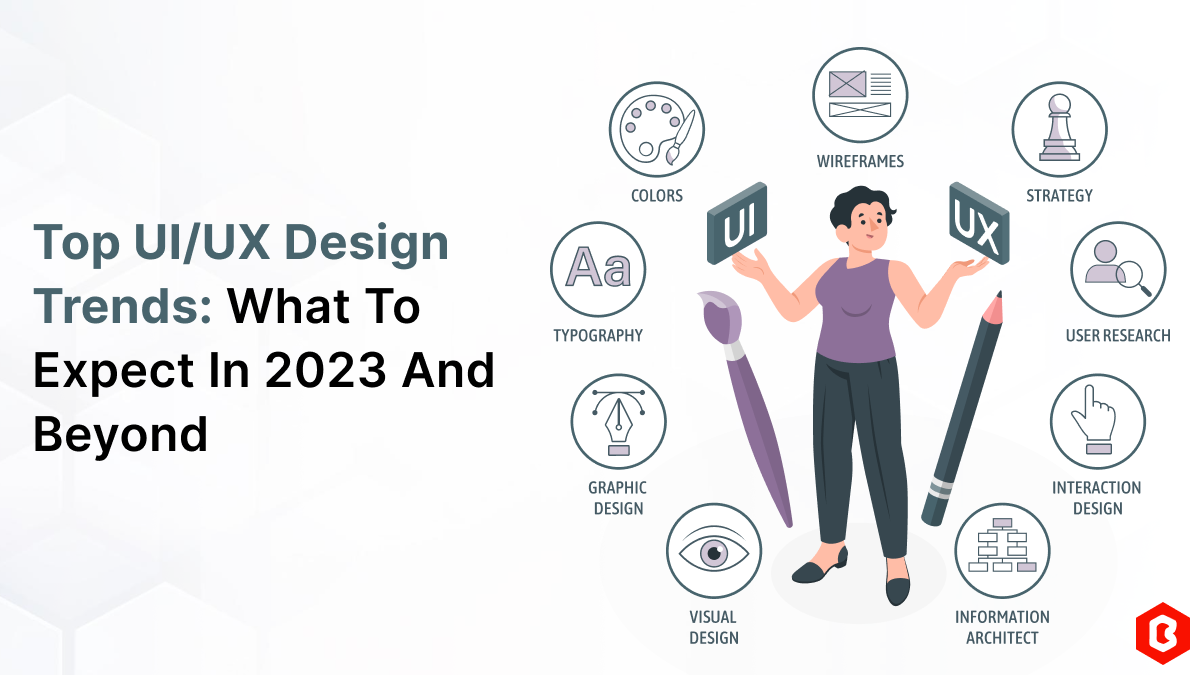
UI/UX. User interface and Use experience are the two important things we can consider in today’s web...
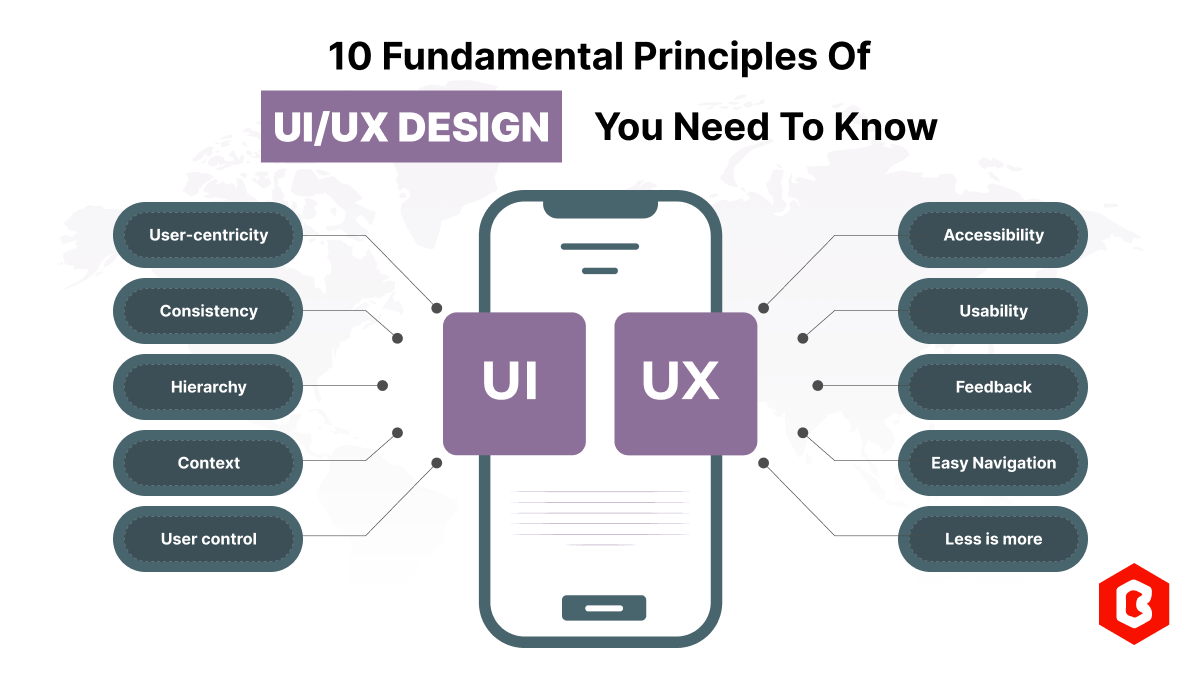
Today everything seems to be online whether it's an eCommerce store or a stock broker mobile app. Bu...
Having an interactive and functional website is a core aspect of making a successful online business...
In 2023, the worldwide online betting and lottery market size reached $242.04 Billion. To capture a...

Have you ever played and learned about the best experience for exciting mobile gaming? So, welcome H...

Not sure which template or UI kit fits your project? Reach out for expert advice.
 100% Satisfaction Guaranteed
  Shop with Confidence!
 Tags
Tags