Buy any 1 product and get 1 absolutely free — this offer applies to all Website Templates, UI Kits, and Complete Scripts.
Buy Now! Article Information
Web design trends keep changing. So, if your website’s UI is following older trends, then you may consider redesigning it. However, the web redesign process requires excessive resources, effort, and time. So, some businesses consider using a Figma web UI kit. But is it the right decision? In this article, we will learn if it is possible to redesign a website using a ready-made Figma UI kit.
You can definitely use a ready-made UI design kit to redesign your website. Such solutions have many benefits. Let’s have a look at them one by one.
Professionally designed web UI kits come with a complete user interface of a website, including fonts, images, and other design elements. So, you have to do nothing apart from modifying the content and the brand identity. This way, you don’t need to design your site from scratch, reducing your R&D and manual design efforts. With a ready-made solution, you can quickly redesign your website.
As discussed above, redesigning a website manually requires resources and effort. If you choose the manual UI design way, you may have to hire expert web designers and pay them extensively. Unless you have a dedicated team of UI designers, you may end up spending thousands of dollars. On the other hand, you can easily get a web UI kit for under USD100. So, a Figma website UI kit can save you a lot of money on web design.
When you are relying on a web UI kit designed by expert providers like Bitrix Theme, you are never going to compromise on professionalism. In general, such pre-designed solutions are created by professional designers. So, your website’s UI will have fewer to no flaws. If you have purchased a UI design template from a reputable provider, your website will appear professionally designed.
Most Figma web UI design kits are fully customizable. So, you can modify the interface according to your requirements. You can match the UI design based on your website theme or brand identity. Apart from that, white labeling allows you to use the template for your brand. This means you can change the brand elements, such as logo, fonts, or image, without purchasing any additional licenses.
As your website gets redesigned in Figma, it is properly organized with components, styles, and layers. Developers can quickly see how buttons, text, spacing, and layouts are structured. This type of structure helps developers understand the UI design quickly and convert it into code very efficiently. This way, your website’s UI remains consistent even after development.
Consider purchasing a UI kit designed specifically for your business. If the genres of the UI kit and your business don’t match, you may need to spend days customizing the web UI design. There is no point in using a web UI kit if customization is more time-consuming. For example, if you are looking to redesign your e-commerce website, you must look for an e-commerce web UI kit.
The web UI kit you are going to choose should align closely with your brand’s identity. If the design template matches closely with your brand’s theme, you will not need to make many customizations. You can make some basic (and necessary) modifications and consider it for further development.
Before purchasing a website UI kit in Figma, you should check its customization abilities. If your UI kit is fully customizable, then you can make necessary modifications without any issue. If your UI kit is non-customizable or partially customizable, you may not make the necessary modifications, and your website may end up looking like a generic one.
Check whether the UI kit includes licensed or copyright-free elements. If your UI kit doesn’t have such elements, it may face copyright infringement issues in the future.
Make sure the UI kit contains design elements for all or most of the features of your existing website. This will reduce your customization effort and help you redesign your website and go live quickly.
Analyze your competitors’ websites to identify ongoing trends. Try to find a web UI design kit that matches the ongoing UI/UX design trends, but doesn’t go old quickly. So, your website’s fresh UI design can be observed quickly on the internet and doesn’t start feeling outdated in a few days or months.
In answer, you can definitely redesign your website using a ready-made Figma web UI kit. However, you have to check whether the UI kit is made for your business and matches your brand identity. Apart from that, you also need to check its customization abilities, licensing, design elements, and features. In return, you can expect an affordable, time-efficient, professional, and branded web design output.
Web design trends keep changing, so your website may feel outdated over time. Therefore, you should redesign your website to stay aligned with current trends.
Yes, basic Figma operation skills are always helpful. However, you don’t need advanced Figma skills to redesign your website using a UI kit.
Yes, if your requirements are basic and a wide range of UI kits are available for the same. For unique requirements, custom web design is still a better option.
You can find reliable Figma web UI kits across various marketplaces, including Bitrix Theme. You can use ones from our platform without any copyright or licensing issues.
This is not necessary. If you customize the UI kit based on your branding, then your website can look unique.
 Similar Blogs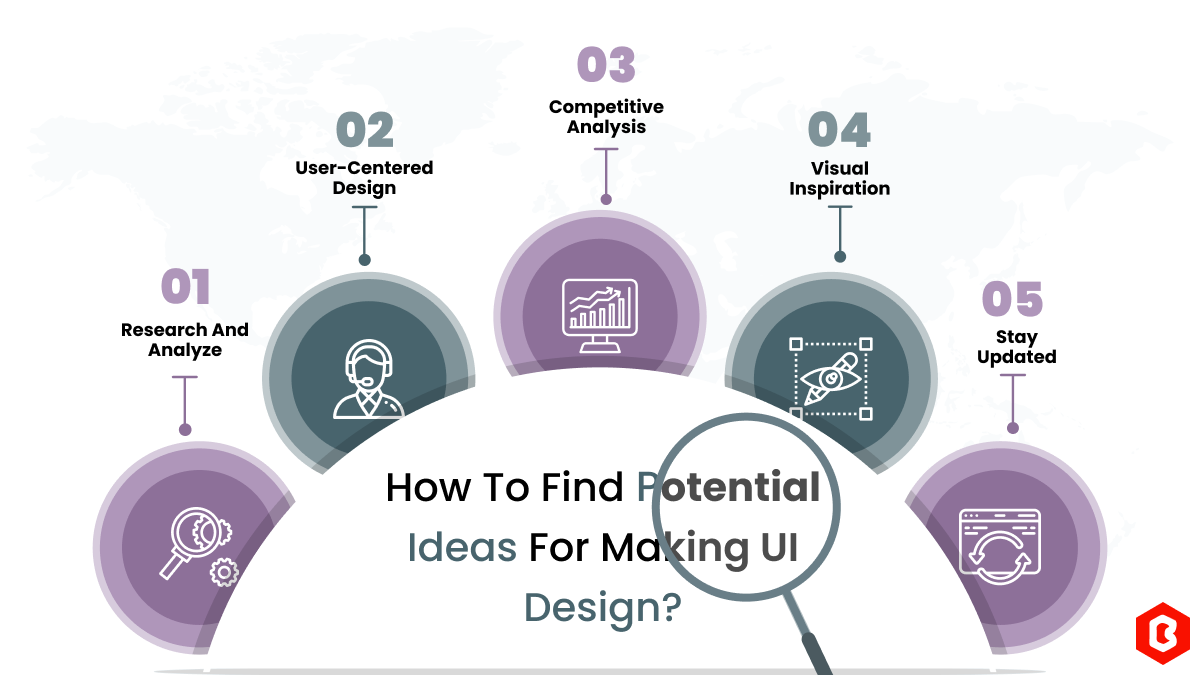
We can discover a lot of alternatives when it comes to UI design or UI thoughts, which we are able t...
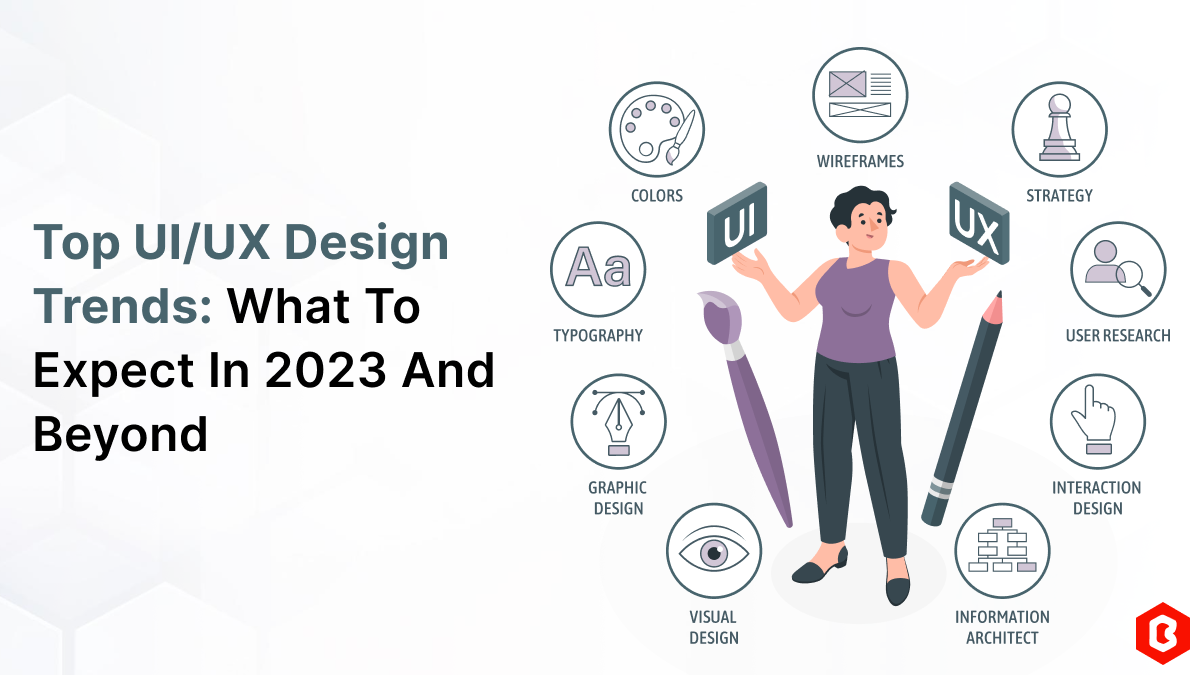
UI/UX. User interface and Use experience are the two important things we can consider in today’s web...
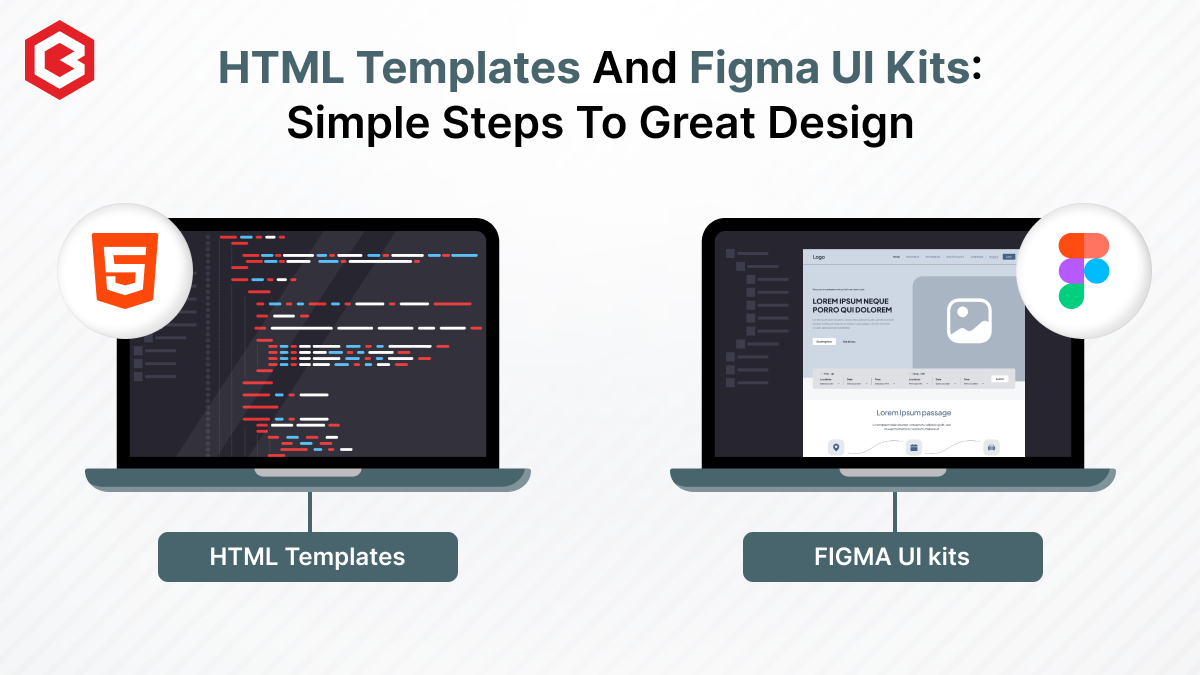
Designing and developing a website may look tough and time-consuming. It is actually tough when it c...
Purchasing UI kits online minimizes a business’s efforts in designing websites or apps. We can consi...
Having an interactive and functional website is a core aspect of making a successful online business...
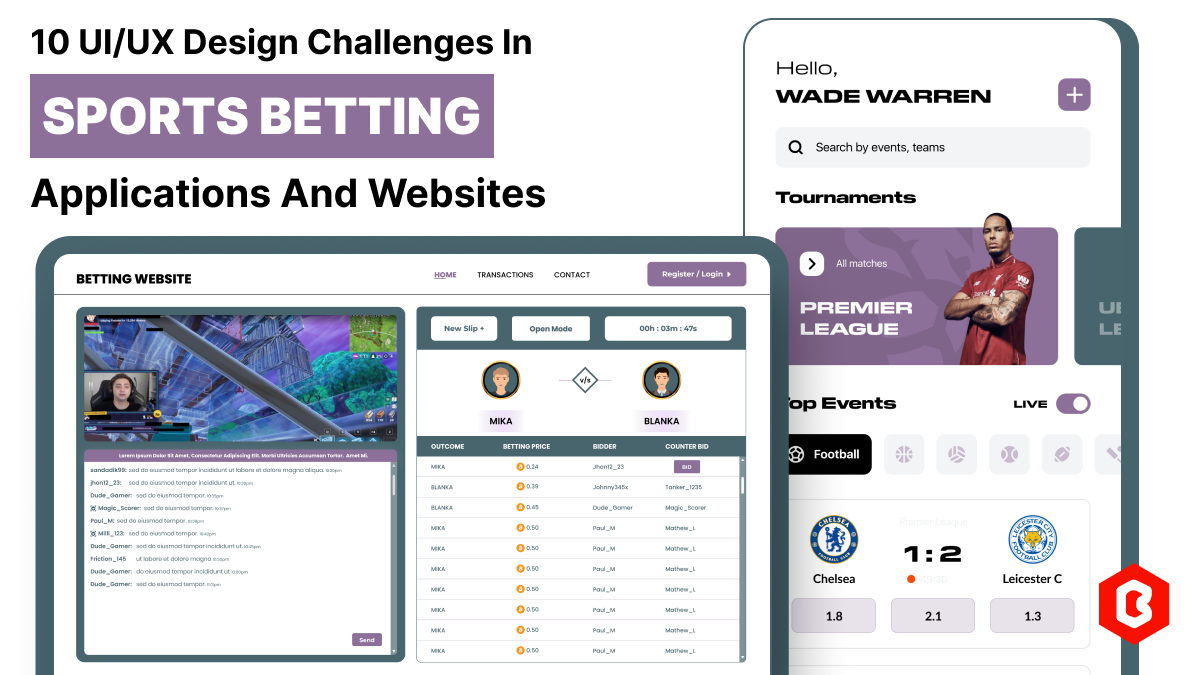
In 2023, the worldwide online betting and lottery market size reached $242.04 Billion. To capture a...

Not sure which template or UI kit fits your project? Reach out for expert advice.
 100% Satisfaction Guaranteed
  Shop with Confidence!
 Tags
Tags