Buy any 1 product and get 1 absolutely free — this offer applies to all Website Templates, UI Kits, and Complete Scripts.
Buy Now! Article Information
A website template decides how users interact with content, services, and products. A user-friendly website template reduces friction, improves clarity, and enables visitors to navigate the website without any confusion. Of course, it is important how the website looks, but it is also important how easy the website is to use.
To know what makes a template user-friendly, we have to analyze how real users use a website regularly, instead of how they see it or judge it from its appearance.
A user-friendly template comes with a clear layout structure. Visitors should be able to understand the operation of the website within seconds. This does not mean simplifying everything. Instead, you should arrange content in a logical hierarchy.
Headings should reflect content accurately, navigation menus should follow familiar patterns, and page sections should be placed where users expect to find them. When a layout follows established conventions, users do not need to relearn how the site works. This predictability reduces cognitive effort and builds confidence as users move from one page to another.
Consistency across pages is equally important. When layouts change unexpectedly, users may lose orientation. A reliable structure allows users to focus on content instead of interface mechanics.
Navigation is one of the most critical elements of usability. A user-friendly template provides clear navigation paths without overwhelming the visitor with choices. Menus should be concise, labels should be specific, and dropdowns should be easy to scan.
Good navigation anticipates user intent. For example, important pages should be reachable within a few clicks, and related content should be grouped logically. Breadcrumbs, where appropriate, can help users understand their position within the site, especially on content-heavy platforms.
Navigation should also function consistently across devices. A menu that works well on desktop but becomes confusing on mobile creates unnecessary frustration.
Text remains the primary way information is communicated on most websites. A user-friendly template prioritizes readability through careful typographic choices. Font size, line spacing, and contrast all affect how easily users can read content.
Overly decorative fonts may look appealing in headings, but often reduce clarity when used extensively. A practical template balances visual style with legibility, especially for longer sections of text. Paragraphs should not feel cramped, and line lengths should remain comfortable across screen sizes.
Accessibility should also be considered. Sufficient contrast between text and background improves visibility at some levels, especially for the disabled, while clear font rendering improves comprehension for everyone.
Modern users access websites through a wide range of devices. A user-friendly template adapts smoothly to different screen sizes without compromising usability. Responsive web design is not just about resizing elements; it is about rethinking layout priorities for smaller screens.
Buttons should remain easy to tap, text should not require zooming, and important content should remain visible without excessive scrolling. A well-designed template ensures that interactions feel natural, whether the user is on a desktop monitor or a mobile phone.
Templates that rely heavily on fixed layouts or oversized visuals often struggle to deliver a consistent experience across devices.
Whitespace is not empty space; it is a functional design element. A user-friendly template uses spacing to separate ideas, guide attention, and reduce visual clutter. When content is too dense, users may feel overwhelmed and disengage quickly.
Balanced spacing helps users scan pages efficiently. It allows headings to stand out, groups related content, and creates a rhythm that supports reading flow. This is especially important for business websites that present detailed information or multiple service offerings.
A visually balanced layout feels calm and intentional, which subtly reinforces trust.
Buttons, forms, and links should be easy to identify and understand. A user-friendly template uses consistent styles for interactive elements so users can recognize them instantly. If links look like regular text or buttons blend into the background, users may miss important actions.
Feedback is also essential. When users submit a form or click a button, the interface should respond clearly. Even small visual cues, such as hover states or confirmation messages, improve usability by confirming that an action has been registered.
Forms, in particular, should be designed with care. Clear labels, logical field order, and helpful error messages make a significant difference in user experience.
Usability is closely tied to performance. A visually complex template that loads slowly undermines the user experience, regardless of how polished it appears. User-friendly templates are designed with performance in mind, avoiding unnecessary animations, oversized images, or heavy scripts.
Fast loading times help users stay engaged and reduce abandonment, especially on mobile networks. A template that balances design quality with technical efficiency supports both usability and business objectives.
From a business perspective, a user-friendly template is not only easy for visitors but also manageable for teams. Clear component structures, reusable sections, and well-organized layouts make updates simpler and reduce the risk of errors.
Templates that require extensive manual adjustments for small changes often lead to inconsistency over time. In contrast, a well-structured template supports long-term usability by making it easier to maintain content quality and design coherence.
This internal usability indirectly benefits end users by keeping the site accurate, current, and stable.
Ultimately, a user-friendly website template respects the user’s purpose. Whether visitors are seeking information, comparing options, or completing a transaction, the template should support these goals without distraction.
This requires thoughtful placement of content, clear calls to action, and an understanding of user priorities. A template that tries to do too much at once often loses focus. Simplicity, when guided by intent, leads to better outcomes.
A user-friendly website template is defined by clarity, consistency, and thoughtful design decisions rather than visual trends. It guides users naturally, communicates information clearly, and performs reliably across devices. For businesses, choosing such a template is not merely a design decision but a strategic one. When usability is treated as a core requirement, the result is a website that feels dependable, professional, and easy to use—qualities that matter long after first impressions fade.
 Similar Blogs
Picking the perfect style for your website is a major decision, especially in the vast scope of web...
Designing and developing a website may look tough and time-consuming. It is actually tough when it c...
Developing a website has now been important to reach a wider audience. Performing web development fr...

In web development, choosing the right CSS framework can make a significant difference in the succes...
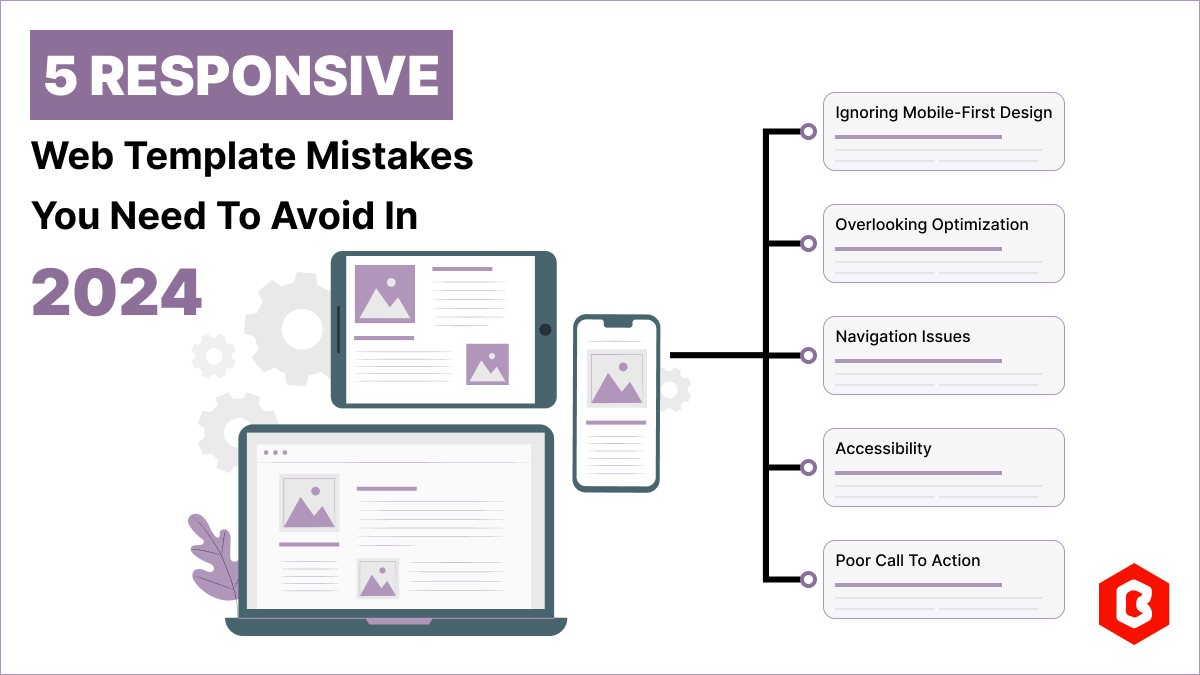
Having a responsive web template can help you succeed and keep your business ahead of the competitio...
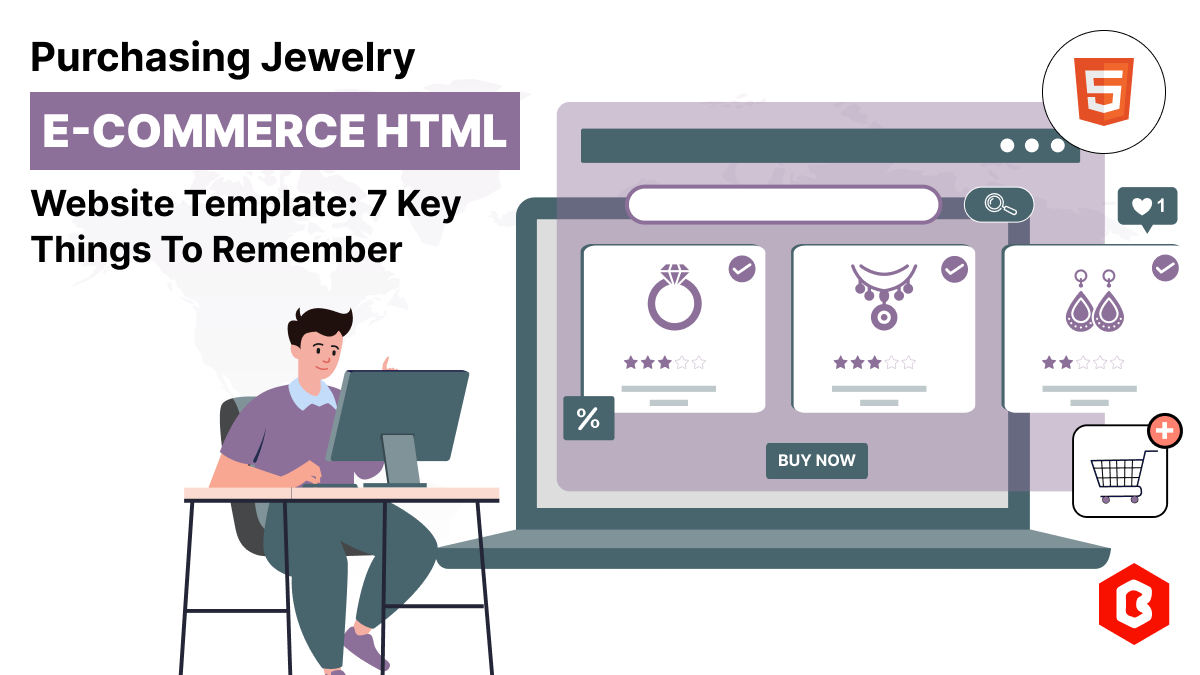
Do you know? The Jewelry Market value is hitting the limit of 310.88 Billion USD in 2024 and by 2028...
Related Products 
Not sure which template or UI kit fits your project? Reach out for expert advice.
 100% Satisfaction Guaranteed
  Shop with Confidence!
 Tags
Tags