Buy any 1 product and get 1 absolutely free — this offer applies to all Website Templates, UI Kits, and Complete Scripts.
Buy Now! Article Information
Building a mobile app without a Figma UI kit may seem like a good decision due to ultimate flexibility. But this is the half-truth. Custom app UI design may not be effective once the app grows. You can witness the lack of a shared UI foundation as more designers and developers join the project. As features increase, design quality may drop, workflows may slow down, and maintenance may become harder. However, you may not witness such issues suddenly, as they accumulate gradually. But fixing such issues later can be complex and expensive. In this article, we’ll learn what consequences you can face if your app isn’t built using a Figma UI kit.
There may not be any pre-defined standard for UI elements if there is no UI kit. Buttons, form fields, typography styles, spacing, and icons can be repeatedly created across screens. Even if you try to remain consistent, slight variations may still occur. Users may subconsciously witness this inconsistency. If the interface feels less predictable, it can affect usability and trust. A Figma app UI kit prevents this, as it enforces shared component rules across the interface.
Design speed slows down significantly when a UI kit is missing, as designers need to recreate the same components for every new screen. Elements are redesigned instead of being reused. Updates can be time-consuming when the design file grows, as a single change may require manual updates across multiple frames. This repetitive work increases the chance of errors and inconsistencies. A Figma app template centralizes components, so you have to change a component only once, and those changes are reflected across the interface.
App developers rely on structured design files for accuracy. But when they don’t have a UI kit for the app project, they cannot be clear about the design files. Similar components may appear different across scenes. So, developers may get confused about which one to use and may create multiple versions of the same UI element. This can result in duplicated code, inconsistent behavior, and larger maintenance overhead. A Figma UI kit clearly defines reusable components, so design and development can be appropriately aligned.
Collaboration becomes difficult without a shared design reference, as developers may interpret the UI design incorrectly. Product teams may not be able to review designs because there is no baseline for comparison. Discussions focus only on design differences, so feedback cycles become longer. If there is no concrete design system, new team members may struggle to understand it properly. A Figma UI kit acts as a common language for the entire team, so it can simplify coordination and eliminate repeated corrections.
UI upgrades are important in every app’s lifecycle, as branding changes, accessibility improvements, and UI refinements are common. However, they may be risky and resource-heavy if you don’t have a UI kit. Designers have to locate and update elements across many screens, and if they miss, it may create new inconsistencies. This may also result in delayed improvements and challenging maintenance due to increased effort. But such updates can be controlled and predictable with a UI kit.
Brand consistency depends on controlled use of colors, typography, spacing, and layout. But without a Figma UI kit, these elements may be applied inconsistently. The app may function correctly, but its visuals may not appeal to users, and your business may feel unreliable. Apart from that, it can be difficult for you to scale an app without a UI kit. Consistent brand identity and scalability can both be managed easily when your app has a UI kit.
Your app’s UI design remains consistent across screens.
The design workflow remains quick, as all screens are managed in a single Figma file.
Since developers have a clear UI design file, they can build the app without confusion.
Figma UI design files can be accessed by anyone with a valid link and credentials, improving collaboration between teams.
You can easily update the app’s design from its Figma UI kit.
As your app grows, you can easily scale its design without affecting consistency and brand identity.
Yes, it is good to buy a pre-built UI kit for your app. It will be more professionally designed and reduce your app UI design costs.
You can find app UI kits on various online marketplaces. Bitrix Theme also has some professionally designed app UI solutions.
Yes, you can build your app’s UI design on your own, but it may cost you more (unless you have an in-house team of designers) and take a lot of time.
Not necessary. You can use the same UI kit to build an app for both operating systems.
After that, you can proceed with developing, testing, and deploying the app.
 Similar Blogs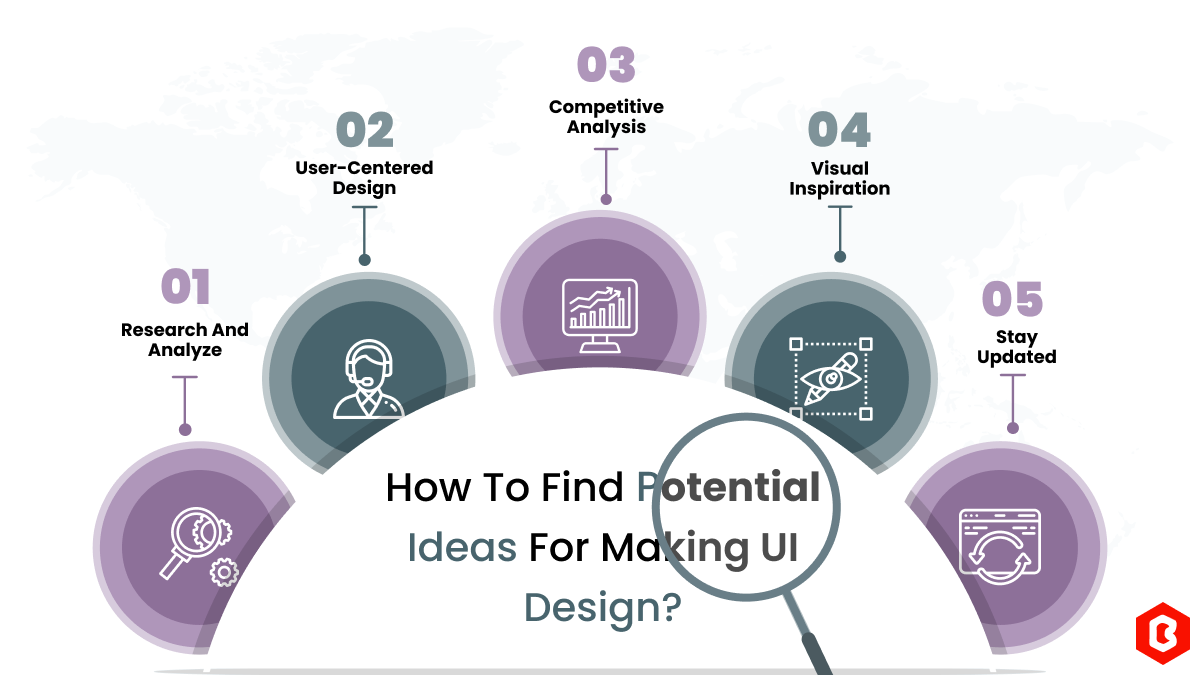
We can discover a lot of alternatives when it comes to UI design or UI thoughts, which we are able t...
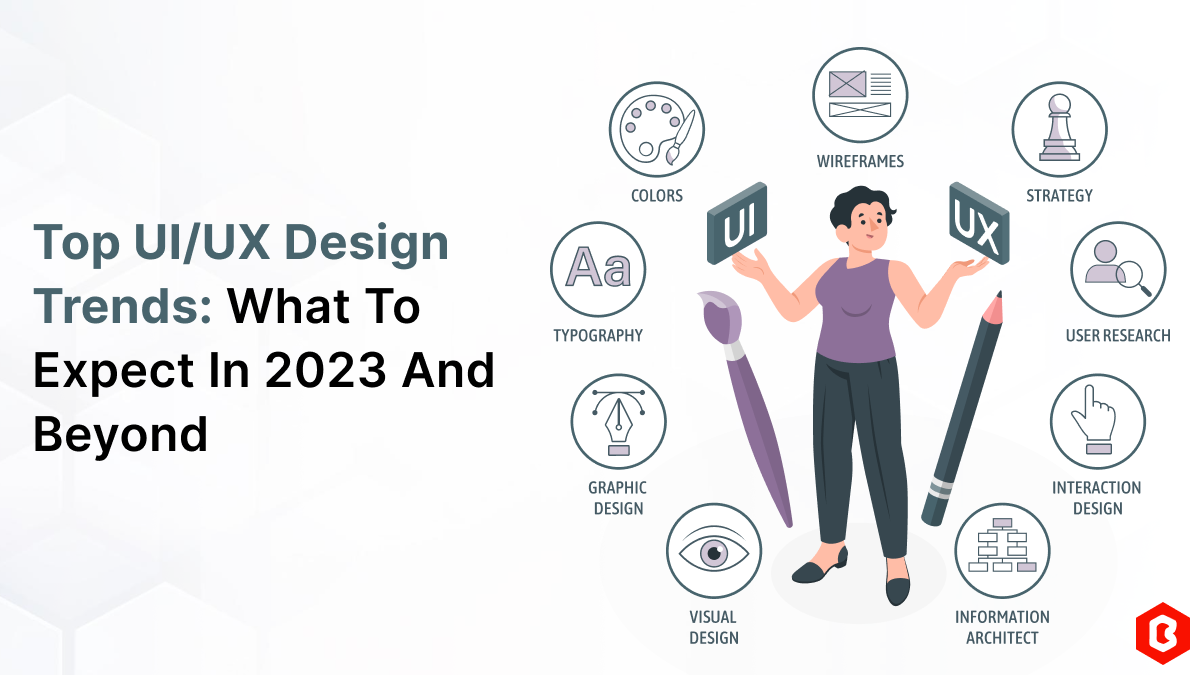
UI/UX. User interface and Use experience are the two important things we can consider in today’s web...
Designing and developing a website may look tough and time-consuming. It is actually tough when it c...
Purchasing UI kits online minimizes a business’s efforts in designing websites or apps. We can consi...
Having an interactive and functional website is a core aspect of making a successful online business...
The digital world is moving exceptionally fast. In this fast-paced digital world, building a website...

Not sure which template or UI kit fits your project? Reach out for expert advice.
 100% Satisfaction Guaranteed
  Shop with Confidence!
 Tags
Tags