Buy any 1 product and get 1 absolutely free — this offer applies to all Website Templates, UI Kits, and Complete Scripts.
Buy Now! Article Information Table Of Contents
Business owners, designers, and developers spend significant time refining layouts, selecting colors, and improving interface elements. Users may not consciously notice typography, spacing, or alignment, but they strongly feel the experience a website creates. When design feels smooth and easy, users stay and explore. When it feels confusing or slow, they leave, showing how design quietly shapes user behavior overall.
Visitors arrive at websites with specific goals. They want to buy something, learn information, or contact a business. Their attention is on completing tasks, not studying the website UI.
When navigation feels simple, users move naturally through the website. They rarely stop to appreciate the structure, but they continue browsing without frustration. This quiet comfort is actually a sign of successful web UI design.
Poor design, however, immediately draws attention. Some common warning signs include:
Confusing Navigation: Users struggle to find menus, categories, or search options. When navigation feels unclear, visitors often leave before exploring deeper pages.
Unreadable Content: Text that is too small, poorly spaced, or difficult to scan reduces engagement and makes users lose interest quickly.
Unclear Call-To-Action Buttons: If users cannot easily understand what step to take next, conversions drop even if the product or service is strong.
In short, users notice bad design instantly. Good design, meanwhile, allows them to focus fully on their goals.
Visitors form opinions about websites almost instantly. Within seconds, visitors decide whether they trust the platform or not. That judgment is heavily influenced by the website UI.
A clean and organized layout creates confidence. When elements are properly aligned, and content looks balanced, users naturally assume the business is professional and reliable. Even subtle details like spacing and consistent colors contribute to trust.
Consider two similar service websites. One uses modern UI design with clear sections and easy readability. The other uses cluttered visuals and inconsistent fonts. Even without reading detailed content, most visitors will trust the first website.
This reaction happens subconsciously. Visitors rarely analyze why they prefer one design over another, but their behavior clearly shows the difference.
One major goal of web UI design is to minimize user effort. People prefer websites that help them complete tasks quickly and smoothly.
A good website UI supports users by:
Showing important information in visible areas
Keeping menu structures logical and predictable
Highlighting important actions with clear buttons
Removing unnecessary steps during interaction
For example, online stores with simple checkout processes usually see higher purchase completion rates. Customers appreciate when forms are short and instructions are clear.
On the other hand, if users must search repeatedly for basic information, frustration builds quickly. Most visitors will not spend extra time learning complicated interfaces when alternative websites are easily available.
Consistency is often overlooked, but it plays a powerful role in shaping user trust. When layouts, fonts, and color patterns remain consistent across pages, users feel comfortable navigating the website.
Consistent design offers several advantages:
Users learn navigation patterns quickly
The website feels more professional
Brand identity becomes stronger
Future updates become easier to manage
For designers and developers, maintaining consistency can be challenging in large projects. This is where a Figma UI kit becomes extremely useful. A Figma UI kit provides ready-made interface components that follow uniform styling. Using these components helps teams maintain a structured web UI design across multiple pages.
Additionally, design kits improve collaboration. Designers and developers can work from the same visual reference, reducing confusion and saving development time.
Design is not limited to appearance. Performance plays a huge role in how users evaluate websites. A visually impressive platform that loads slowly creates frustration immediately.
Modern website UI focuses strongly on speed and responsiveness. Websites must perform well across multiple devices, including mobile phones and tablets. Users expect smooth browsing regardless of screen size.
Mobile responsiveness has become especially important. Many visitors access websites primarily through smartphones. If text becomes unreadable or navigation requires excessive zooming, users lose interest quickly.
Fast loading pages combined with responsive website design create a seamless browsing experience. This improves both user satisfaction and search engine visibility.
Business owners sometimes treat UI design as a visual upgrade instead of a strategic tool. In reality, website UI directly influences customer decisions.
Strong web UI design guides users toward important actions through visual hierarchy. This includes:
Highlighting key sections using contrast and size
Structuring pages to guide natural reading flow
Placing call-to-action buttons in visible areas
Reducing distractions around important content
For example, service websites with clear inquiry forms often generate more leads. Similarly, eCommerce websites with structured product layouts usually experience higher engagement and conversions.
Design becomes a silent salesperson that works continuously without interrupting the user experience.
Good design not only improves user experience. It also improves internal development efficiency.
Using structured UI systems and tools like a Figma UI kit allows teams to:
Reuse design components across projects
Maintain visual consistency automatically
Reduce design-to-development confusion
Speed up project timelines
When teams rely on organized web UI design systems, they avoid recreating basic elements repeatedly. Developers receive clear design instructions, which reduces errors during implementation.
Over time, these systems allow businesses to expand websites easily while maintaining professional quality.
Most users cannot describe the exact design elements after leaving a website. However, they clearly remember how the experience felt.
If a website feels simple and comfortable, users are more likely to return. Positive browsing experiences build emotional trust with brands. Visitors start associating smooth interaction with reliability.
Negative experiences create the opposite effect. Even if users cannot explain why they disliked a website, they often avoid returning. This emotional response proves how deeply UI design influences user behavior.
Users do recognize good website design, but they feel it through ease, clarity, and trust instead of analyzing visual details. Strong UI design reduces confusion, improves navigation, and helps users complete tasks smoothly. A well-planned website UI builds strong first impressions, supports brand identity, and encourages business growth. Tools like a Figma UI kit help maintain design consistency and improve workflow efficiency. Good web UI design works quietly but shapes every user interaction.
 Similar Blogs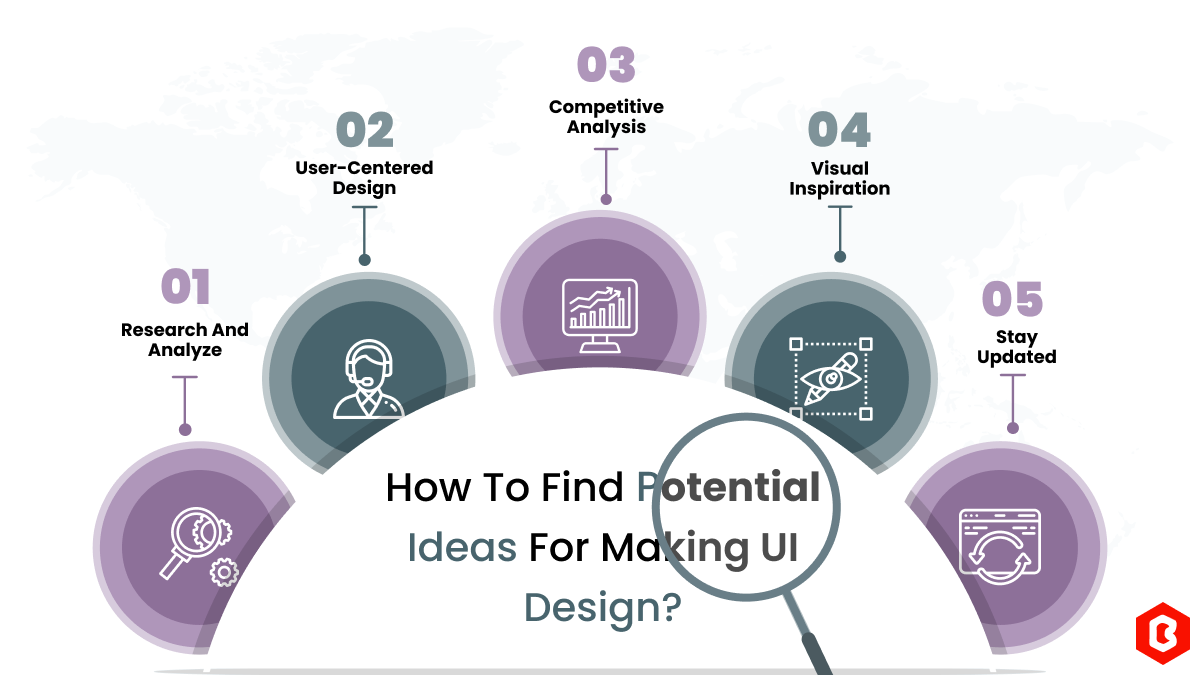
We can discover a lot of alternatives when it comes to UI design or UI thoughts, which we are able t...
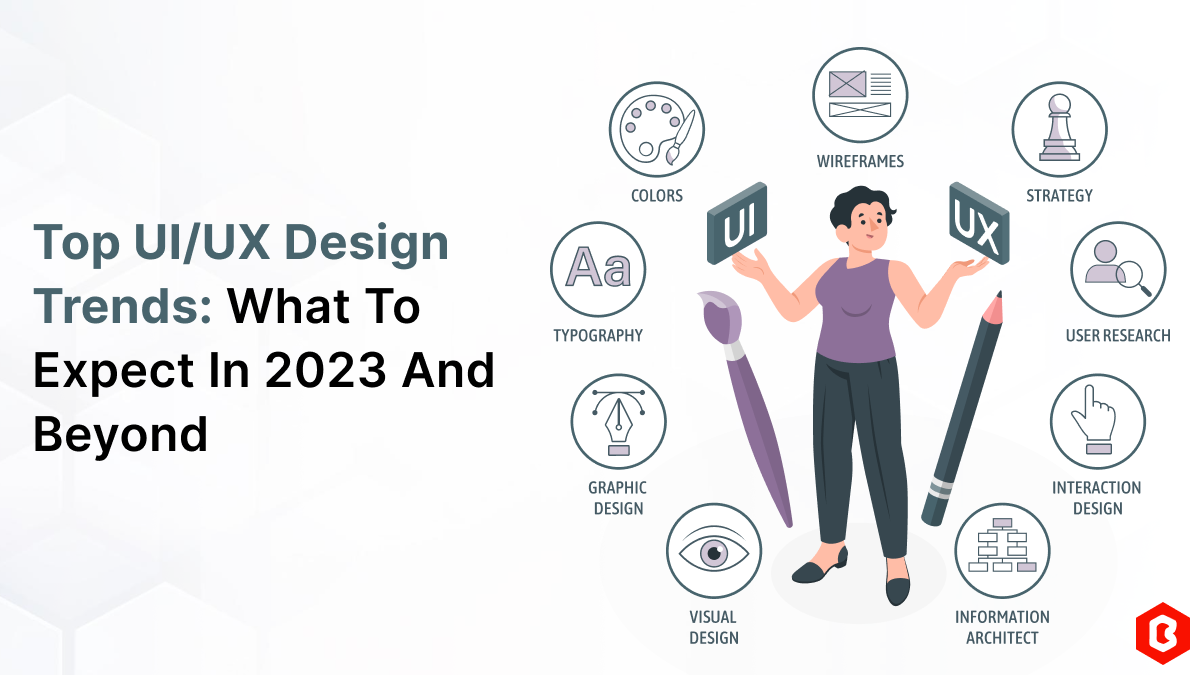
UI/UX. User interface and Use experience are the two important things we can consider in today’s web...

In web development, choosing the right CSS framework can make a significant difference in the succes...
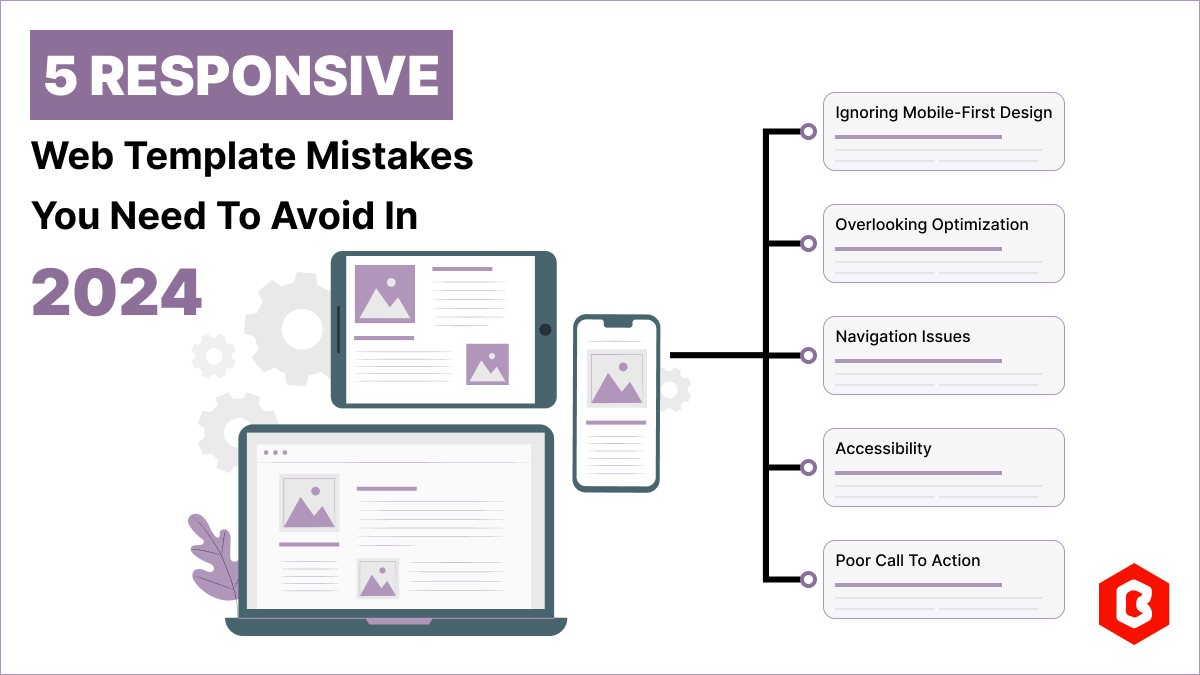
Having a responsive web template can help you succeed and keep your business ahead of the competitio...
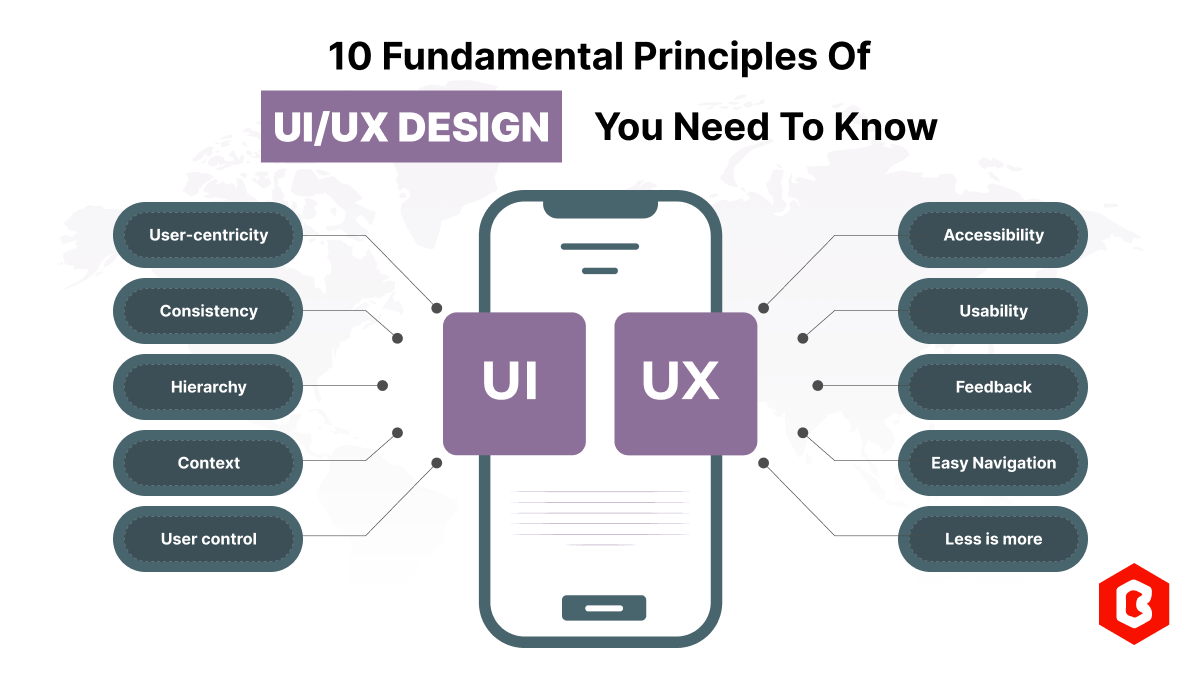
Today everything seems to be online whether it's an eCommerce store or a stock broker mobile app. Bu...
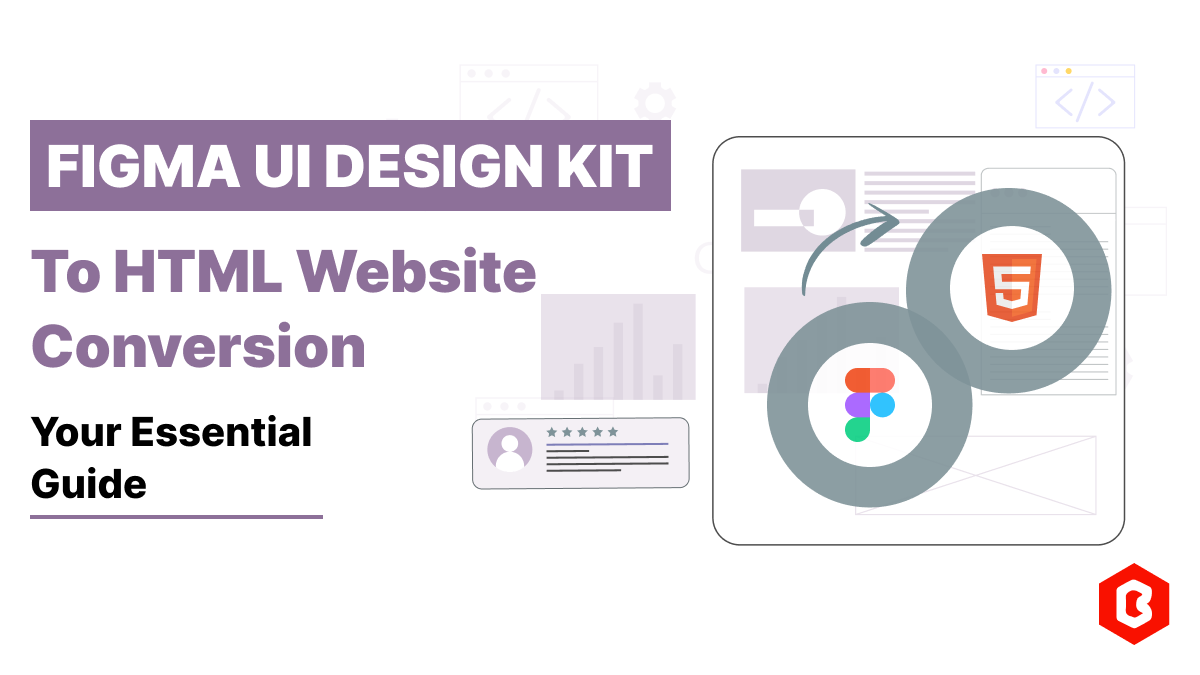
Having an interactive and functional website is a core aspect of making a successful online business...

Not sure which template or UI kit fits your project? Reach out for expert advice.
 100% Satisfaction Guaranteed
  Shop with Confidence!
 Tags
Tags