Buy any 1 product and get 1 absolutely free — this offer applies to all Website Templates, UI Kits, and Complete Scripts.
Buy Now! Article Information Table Of Contents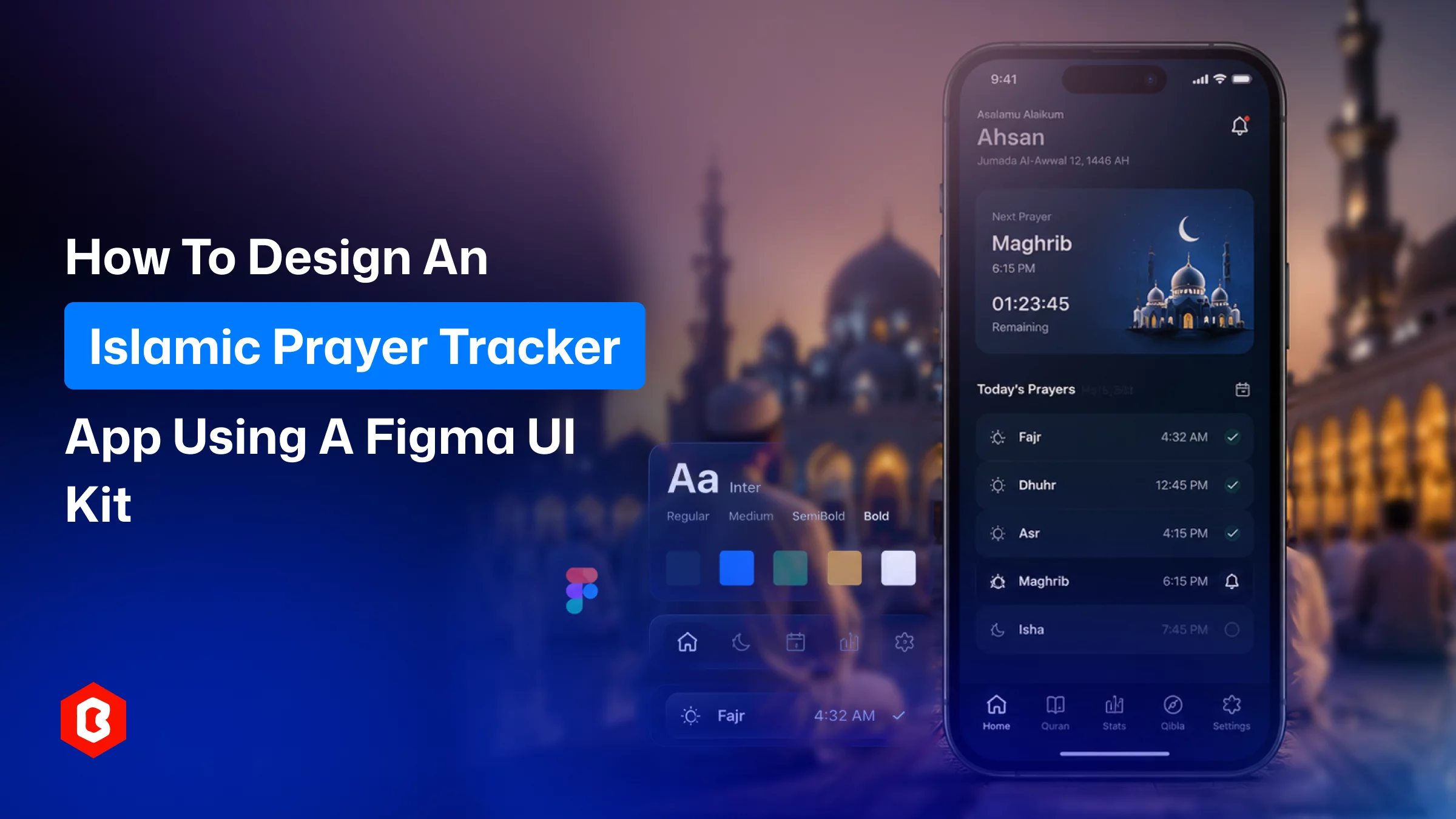
Prayer apps are one of the few important app categories where design is related to earning trust fast. Just looking good is not enough. For example, a Muslim user opening a prayer tracker for the first time is making a small act of faith and will get their prayer times right, respect their routine, and not clutter that experience with noise. If the interface feels off, they'll delete it before day two.
That's the real challenge of Islamic prayer app UI design. By maintaining a balance between spiritual sensitivity and modern usability, the app becomes helpful for people. A well-structured Figma UI kit can offer the same. If you’re working as a design agency, solo developer, or a product manager, look to scope an MVP to pitch to a mosque or a muslim app; this works for you.
This guide walks through exactly how to design an Islamic prayer tracker app according to screens. Additionally, using a Figma UI kit as your foundation, a ready-made kit like Rahma saves you from reinventing screens that thousands of apps already need.
The demand for faith-based utility apps has grown steadily, and prayer trackers are at the center of that category. The reason is that five daily prayers create five daily touchpoints. This is not a fitness app or productivity tool that gets that kind of built-in, non-negotiable engagement.
A few reasons teams keep building in this space:
The app has to be designed to encourage users to track their daily prayers for Fajr, Dhuhr, Asr, Maghrib, and Isha in real time.
Many existing apps ignore local prayer time calculation methods, regional Hijri calendars, or language support beyond English and Arabic.
Local mosques, Islamic centers, and educational institutions often want a branded app but don't have design resources in-house. It can be helpful here.
In a holy Ramadan month, fasting trackers, Iftar countdowns, and Taraweeh reminders create a predictable annual surge in downloads that smart product teams plan around.
Plenty of prayer apps exist, but very few have interfaces that feel current. That gap is an opportunity for anyone who gets the UI right.
If you're weighing whether this niche is worth the build effort, that last point matters most. Functionally, most prayer apps do the same thing. The 2026 app has to look and work properly and avoid the 2016 static ones.
Before opening Figma, it helps to map out the screens your app actually needs. Skipping this step is how projects end up with a scattered, inconsistent flow. A functional Islamic prayer app UI design typically includes:
Onboarding and location setup: This screen is made for allowing user to set their city, calculation method (ISNA, MWL, Umm al-Qura, etc.), and notification preferences.
Home / Next Prayer screen: The most-viewed screen in the entire app, showing the countdown to the next prayer and a quick view of the overall day's schedule.
Prayer Tracking Dashboard: To track how many prayers are completed, missed, or made up (qada), the dashboard has to present it in a weekly and monthly streak.
Qibla Direction: To do prayer toward the Kaaba, a compass-style screen is required and should be handled device-sensor-driven.
Dhikr / Tasbeeh Counter: The screen is designed to give a user a simple tap counter for post-prayer remembrance, often with preset counts (33, 99).
Dua Collection: Here, users can categorize supplications for daily situations, travel, illness, and more for tracking overall prayers.
Islamic Calendar / Ramadan Timetable: Users get in-app screens for Hijri date conversion, fasting schedules, and important religious dates.
Mosque or Halal Finder: The location-based results showing nearby mosques, prayer halls, or halal food places.
Profile and Settings: Users are allowed to personalize, tune notifications, and manage their account.
Mapping these out first tells you exactly what a UI kit needs to cover before you commit to one.
Once your screen list is set, the actual design process follows a fairly predictable path.
Open the kit and check it against the list above. Most generic mobile UI kits won't have Qibla compasses or Dhikr counters. These are niche components. A purpose-built Islamic app kit saves the most time here.
Before touching individual screens, lock in your color palette, typography scale, and spacing system. Islamic prayer apps depend on calm, low-saturation palettes. Add deep greens, muted golds, and soft neutrals during the design. The sans-serif font style for UI text and a legible Arabic-compatible font for Quranic or dua text.
These two screens carry the most daily traffic, so they deserve the most iteration. You can adjust the countdown component, prayer status indicators, and streak visualization. Then, test how the layout holds up with real prayer time data (some cities have five-minute gaps between prayers, others have hours. Your layout needs to handle both).
If you're targeting Arabic, Urdu, or other RTL-reading audiences, this is the point to mirror your layouts. Confirm text components support right-to-left rendering. Controlling RTL support later is far more expensive than building it in from the start.
Most screens like Qibla direction, Dhikr counter, Dua collection, and calendar can move faster. These screens are more component-driven and less data-heavy than the dashboard. Improve it from the first design perspective.
Follow the flow like Link onboarding → home → prayer log → notification, and click through it as if you were a first-time user. This is usually where teams catch confusing navigation before a single line of code gets written.
Design is now ready, and the front-end mobile app developer will start work on it. So, organize the Figma design file with clear layers, auto-layout frames, and named components. Your development team (or Claude Code, ChatGPT Codex for prototyping solo) can translate the design into code for Flutter and React Native, or native code. There’s no need to guess.
Designing all nine-plus screens from a blank Figma file is a multi-week effort even for an experienced UI designer. That’s before accounting for icon sets, illustration work, and component states (empty, loading, error). A pre-built kit changes that math:
Faster time to prototype. You're customizing existing screens instead of conceiving layouts from zero.
Component consistency baked in. Buttons, cards, and navigation patterns already follow a coherent system, so your app doesn't end up with five different button styles by screen ten.
Niche components already solved. It's tough to design the Qibla compasses, Tasbeeh counters, and Hijri calendar widgets for the first time. A design kit built specifically for this category has already solved that problem.
Lower design cost for early-stage teams. For a startup or a mosque committee funding an app on a limited budget, a $45–$100 UI kit is a fraction of what custom design hours would cost.
Easier stakeholder buy-in. Mosque boards, investors, or leadership get faster approval for a near-finished prototype than a moodboard and wireframes.
The trade-off, of course, is that the kit needs to actually fit the use case. A generic fitness or finance UI kit repurposed for prayer tracking prioritizes looking and feeling wrong no matter how much you tweak it.
This is exactly the gap the Rahma Islamic Prayer Tracker Mobile App Figma UI Kit is built to close. Instead of assembling a prayer app from unrelated components, Rahma ships with the full screen set this category actually needs:
A Prayer Dashboard
Qibla Direction
Tasbeeh (Dhikr) Counter
Dua Collection
Islamic Calendar
Profile and settings screens
All styled in a consistent, modern visual language designed specifically for faith-based apps.
A few details worth knowing before you start customizing:
Cross-platform ready: For Android and iOS mobile app development, the UI kit is structured.
Fully customizable: It depends on you to change colors, typography, and icons that can be adjusted in Figma. Match your own brand without rebuilding components.
Component-based structure: The Figma file has organized layers and reusable elements that make developer collaboration smoother.
Room to extend: To add more features like a Ramadan timetable, fasting tracker, or community events section supported in the kit design. Don’t break the existing design system.
Suited for multiple use cases: Building for Muslim-majority markets can all work from the same base kit.
Reduce the prayer mobile app design time and get a clickable prototype. Focus on product improvements like prayer time calculation logic and notification system setup.
A useful Islamic prayer app combines accurate prayer times with an interface that feels calm, trustworthy, and built with intention. Mapping out your core screens first, then designing (or customizing) around that structure, keeps the process focused.
The Rahma Islamic Prayer Tracker Mobile App Figma UI Kit gives you a complete, customizable starting point.
Yes. If you’re saving time and costs, a UI kit gives a consistent design system with thorough testing. Freelancers offer creative adoption but require a higher cost ot be invested there. Many teams use a kit as the base and bring in a designer only for brand-specific refinements.
Early integration is useful because personalizing right-to-left layouts and Arabic typography reduces changes to redesign a large share of the screens.
An MVP with Flutter or React Native can be done within a small-to-mid range with core screens (dashboard, Qibla, Dhikr, calendar). Most of the complexity is in prayer-time calculation logic. The interface design is managed accordingly.
Yes. Figma's own prototyping tools let you link screens together and simulate the app flow for tapping through onboarding, prayer logging, and settings. This is enough to test real-time usability or pitch to stakeholders before any development starts.
The duration is 12-18 months to think about the UI update. If found any feedback for the app functionality, you have to resolve it immediately. Focusing on seasonal updates around Ramadan (fasting trackers, Iftar timers) is common even outside a full redesign cycle.
 Similar Blogs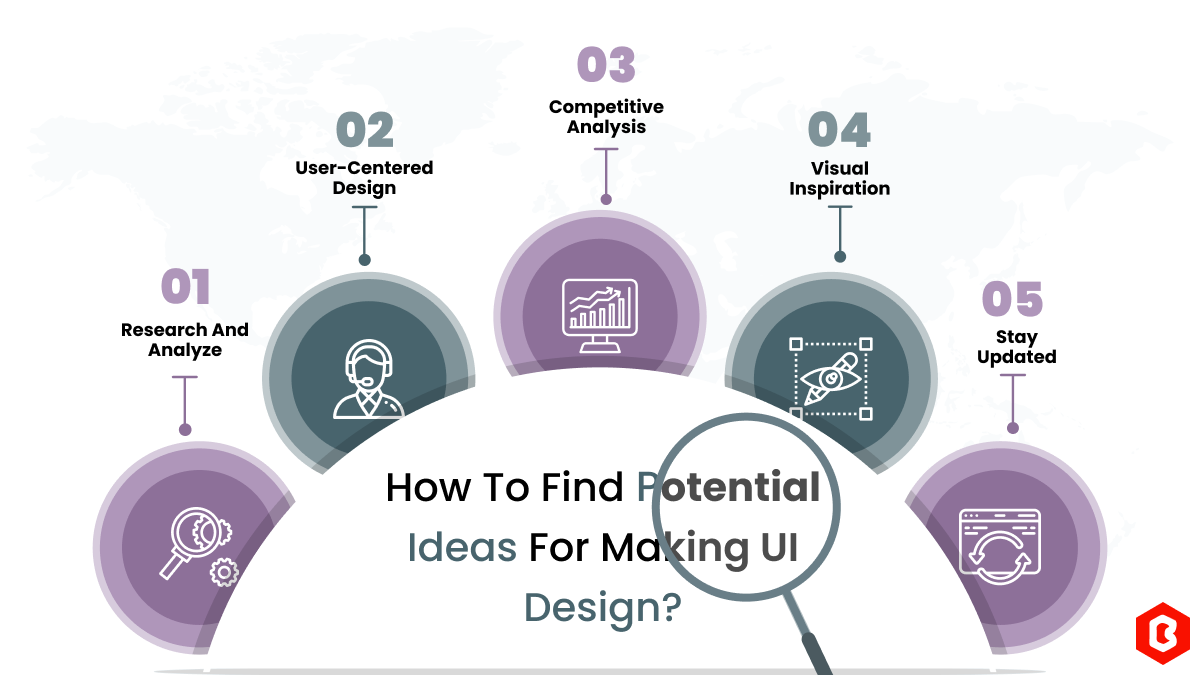
We can discover a lot of alternatives when it comes to UI design or UI thoughts, which we are able t...
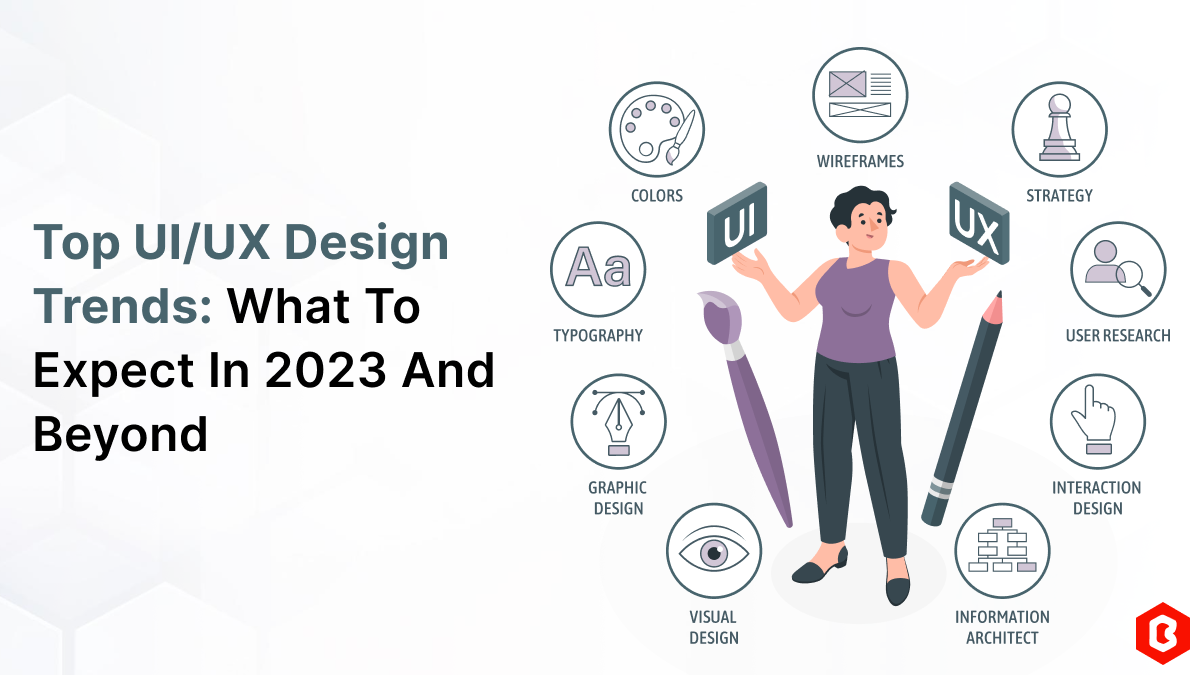
UI/UX. User interface and Use experience are the two important things we can consider in today’s web...
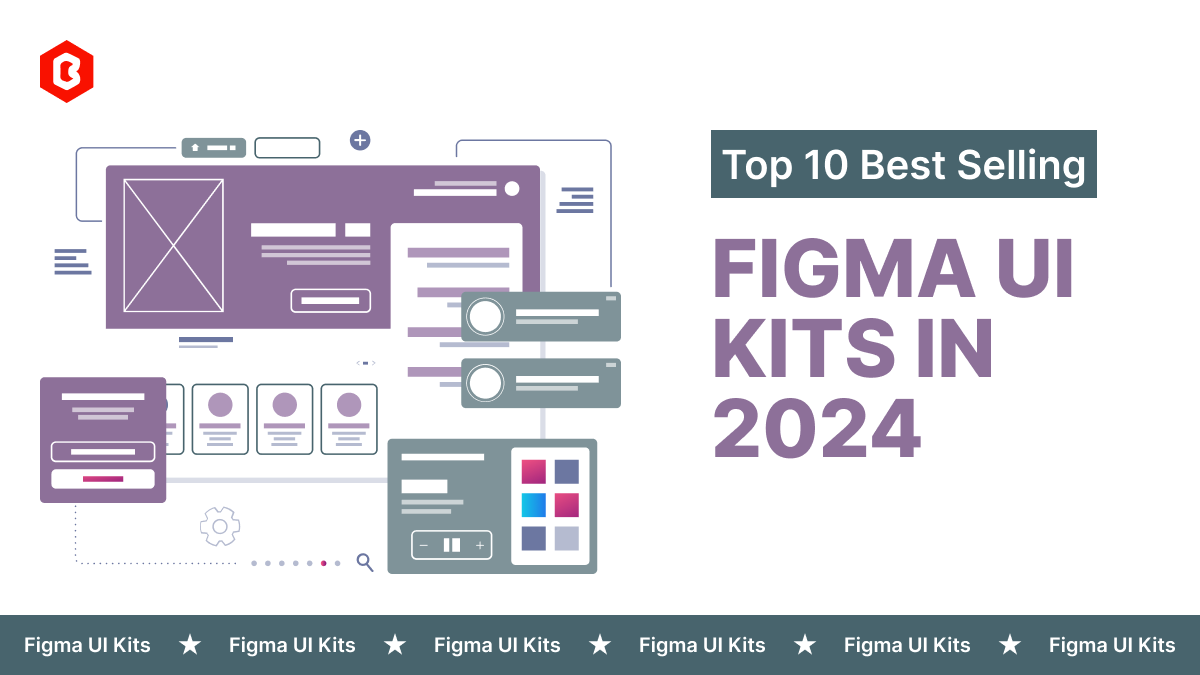
Purchasing UI kits online minimizes a business’s efforts in designing websites or apps. We can consi...
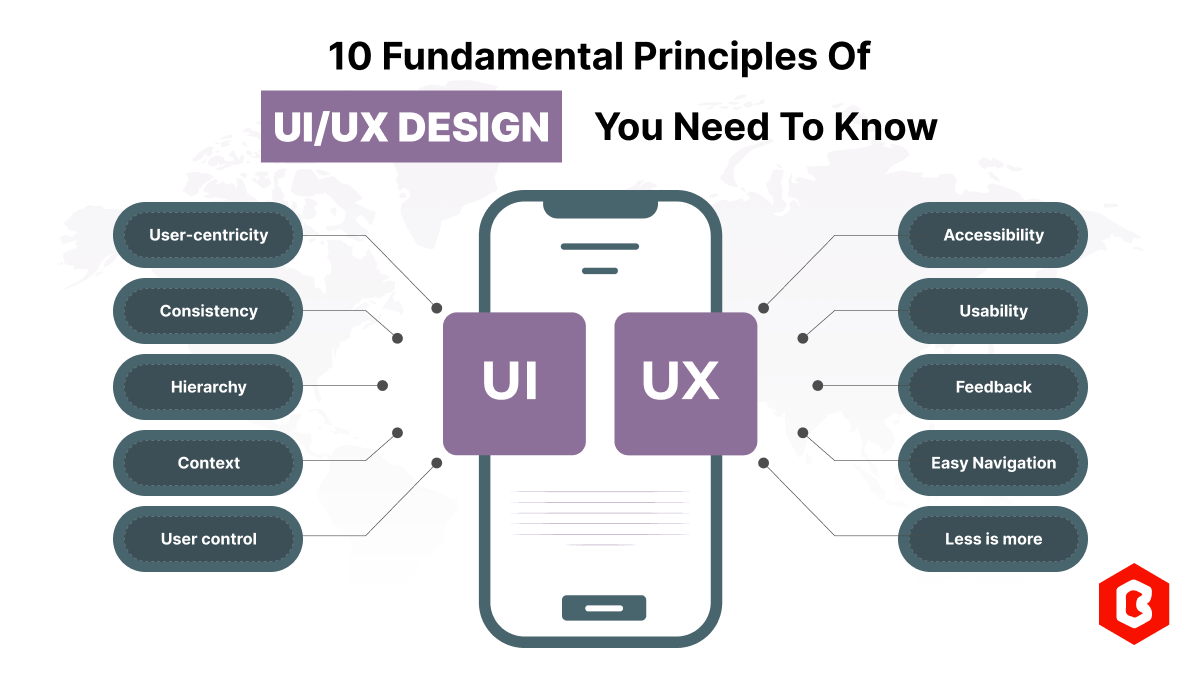
Today everything seems to be online whether it's an eCommerce store or a stock broker mobile app. Bu...
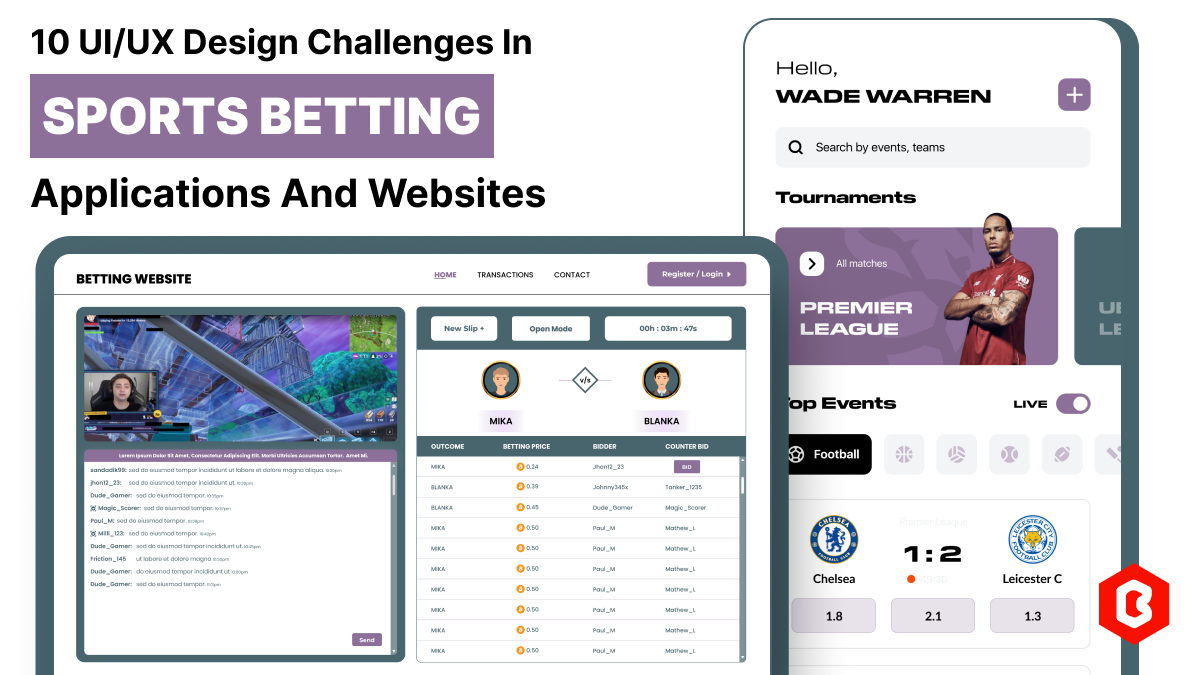
In 2023, the worldwide online betting and lottery market size reached $242.04 Billion. To capture a...
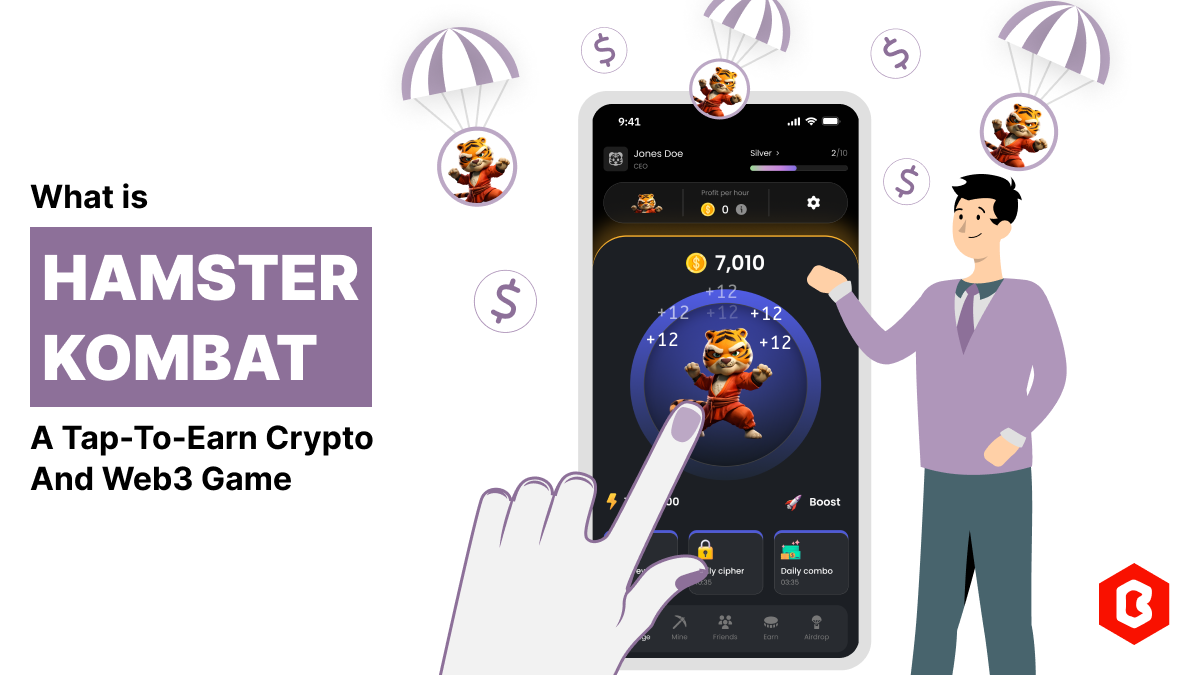
Have you ever played and learned about the best experience for exciting mobile gaming? So, welcome H...

Not sure which template or UI kit fits your project? Reach out for expert advice.
 100% Satisfaction Guaranteed
  Shop with Confidence!
 Tags
Tags