Buy any 1 product and get 1 absolutely free — this offer applies to all Website Templates, UI Kits, and Complete Scripts.
Buy Now! Article Information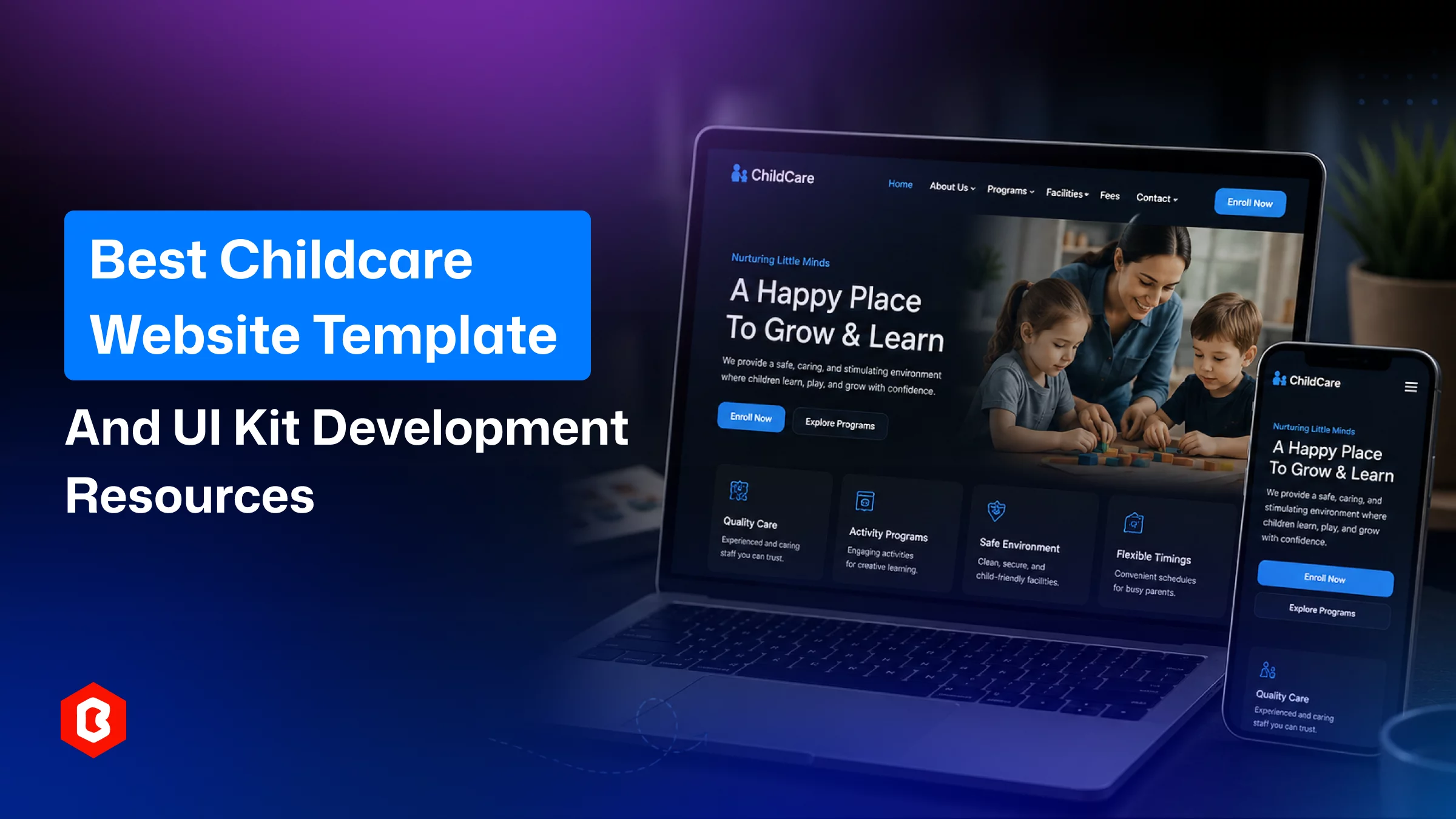
A parent choosing a daycare rarely walks in cold. They've already scrolled through your homepage, checked whether your program feels safe and organized, and quietly compared you against two or three other centers. All these happened before your phone ever rings. In that sense, your website works as the first "interview" your center goes through. Most kids learning centers lose that round simply because their site looks outdated, cluttered, or thrown together.
With the right foundation, like a childcare website template or nursery website template gives you an interview-ready-site from day one. It is built around what parents actually check first, like what safety cues are, program clarity is mentioned, and ease of navigation.
This guide walks through why that foundation matters. Then, it talks about which features separate a genuinely useful template from a generic one. Know how to take a template from download to live site without losing the details parents notice most.
You don’t have time to code the website yourself because running a daycare, preschool, or babysitting service can take a full day. That’s why utilizing a template and taking the help of a developer for custom childcare website development brings your site live within a week.
What is the benefit of it?
You can still handle teaching, scheduling, answering parent calls, and managing staff.
A dedicated babysitting website template solves this in three practical ways:
General-purpose templates serve not specific needs of a website. Focusing on getting a childcare template gives parents expects for example, enrollment details, activity pages, staff bios, and safety information.
Custom design and development for a nursery website requires a budget around $2,000-$5,000. Also, it takes time to be completed. For a quick launch and to save on budget, the template gives a polished and tested layout. That can be adapted with your own branding, photos, and copy.
Parents are handing over their most precious responsibility: professional childcare. A clean, professional, mobile-friendly site signals that your center takes its operations seriously. It matters just as much online as it does at pickup and drop-off.
A premium template helps you to manage the school operation budget rather than spending on website development.
The template you choose is not just enough to look good along with what additional things it offers is important:
Parents like to visit the preschool website on their phone. A template with automatic adjustment to any screen size makes sense to them; the institution looks credible. This ensures nobody has to pinch and zoom to read your enrollment page.
On the childcare website, navigation and search options work as conversion drivers that help them to get information. Parents want to know the fees, hours, teacher availability, and program curriculum with ease. The template you choose make sure has the menus and a search bar.
The template with separate layouts to present programs for different age groups, class packages, and care plans enhances enrollment numbers. The compare options help them choose what fits their child and budget.
This is an informative section to showcase daily activities, learning milestones, and seasonal events (holidays, sports day, graduation). Parents can see the day-to-day value of your program.
New parents lean heavily on other parents' experiences before filling out the enrollment form or ringing your childcare center. A built-in testimonials layout gives you a ready space to display reviews and build confidence with first-time visitors.
The blog page can be helpful to publish updates on enrollment, curriculum changes, or parenting tips as a trusted nursery. Parents can make informed decisions by reading the content.
It’s a technical job, and for that evaluation, you need a web developer. Because a well-coded template built on modern frameworks loads quickly and follows basic SEO best practices.
You’re selecting a website template, then the branding has to be maintained by swapping colors, fonts, and images. There’s no need to rebuild the layout.
If you want a ready-to-launch option instead of evaluating dozens of templates, Bitrix Theme offers two products purpose-built for the childcare niche.
When it comes to preschool website front-end development, this coded website template is useful. Bootstrap and Tailwind CSS are two frameworks that are utilized for a professional appearance. The childcare template includes:
A package-based class selection layout
A dedicated activities section
An events section for festivals and holidays
A blog page
A parent testimonials area
A search bar for quick navigation
Additionally, the template has HTML pages, CSS, and JS files that make development smarter. The Tailwind CSS integration and documentation files provide a way to make a responsive website.
In website development, the design system is important, and if done wrong, the entire product has to suffer from failure and redesign. This is a Figma-based design kit for teams that want full creative control before development begins. It includes
Package-wise service selection layouts
A kids' activities section
A blog page layout
An easy class-booking flow
The layouts are built with customizable fonts, colors, and layout elements. Designers or developers can adapt them to create it for a specific brand.
Getting either product live doesn't require advanced technical skills. Here's a way to follow:
The Tailwind CSS and Bootstrap template is the choice when a development team your already has. For a design team, the Figma UI kit can be the solution.
Both products come with a product description and technical description file. Read through these before making changes so you understand the folder structure and design system.
To avoid a common look on the template-based website, replace placeholder logos with your own. Change color palettes and fonts with the center’s branding.
To make sure more parents agree to enroll in your childcare centers, swap actual programs from the template mentioned. Then, add class packages, pricing, staff bios, and photos of your facility. Genuine photos build more trust than stock imagery.
Adding an activities section, describing events, and informing with a blog can ensure the center is well-maintained and needs to be visited once.
Before publishing the site, check how it performs on various devices. If issues are found, contact the template provider or seek help from the web developer.
Content and branding are applied, and then site deployment comes. Connect the site with your hosting provider and business domain.
Following this sequence helps you move from template to live website.
Running a child care center, nursery, or babysitting services professional website presence matters. A childcare website template or UI kit gives you everything needed without investing time and cost as custom development does. Go live with your website with the smart solution and manage the school easily.
Yes. The template has pages for home-based babysitting, including listing programs, pricing, and contact details.
Yes. UI kit has a design, but in Figma, the dev tab allows developers to use the same code for development.
Support varies by template. Check the technical documentation accurately, as multilingual setup often requires additional setup or plugins.
In every school term, updating the enrollment, pricing, and event pages works. Keep information accurate for parents.
Yes. The activity sections can be useful for after-school, tutorial, or extracurricular program listing platforms.
 Similar Blogs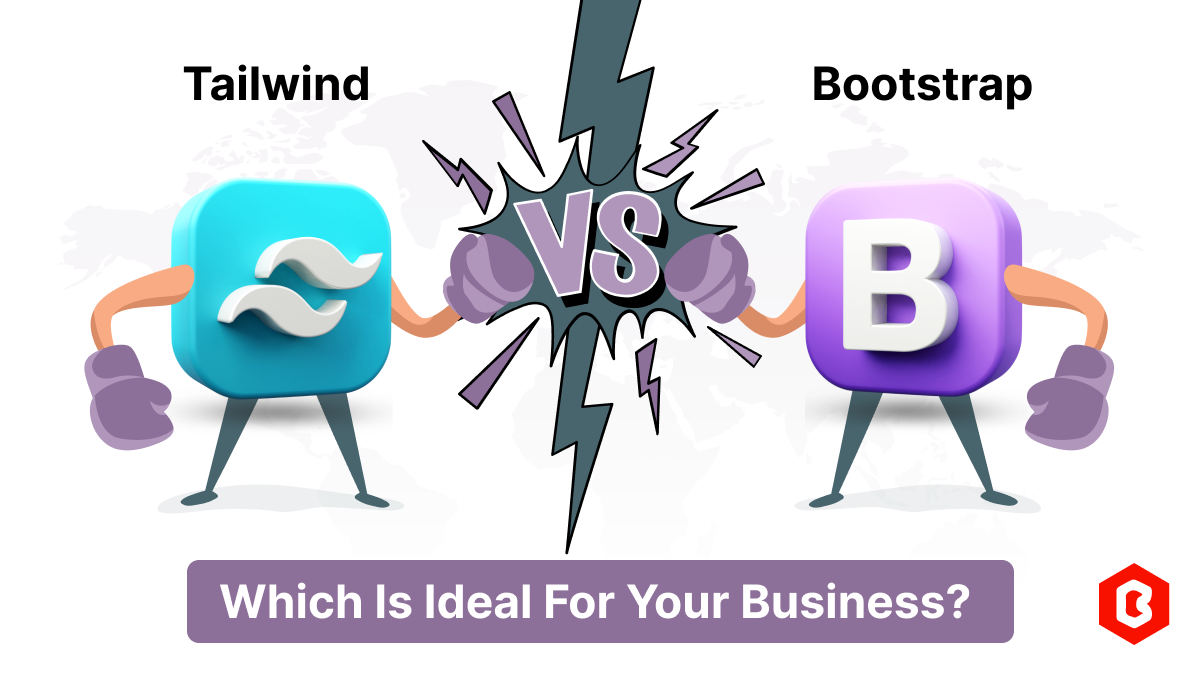
In web development, choosing the right CSS framework can make a significant difference in the succes...
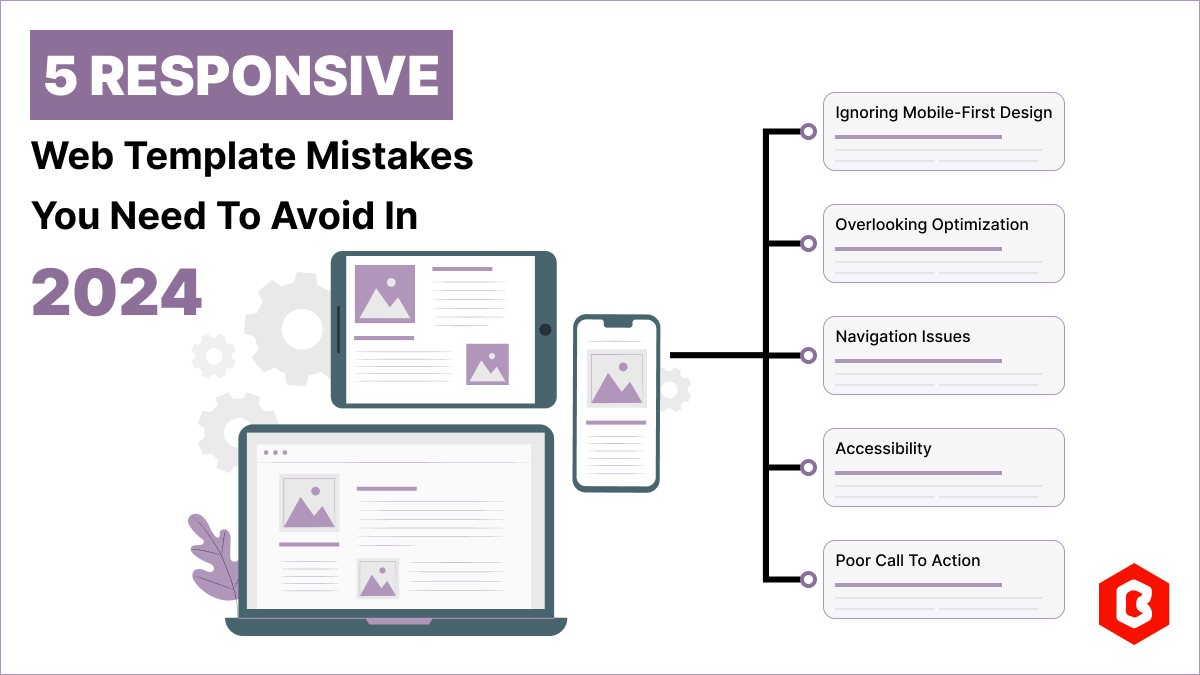
Having a responsive web template can help you succeed and keep your business ahead of the competitio...
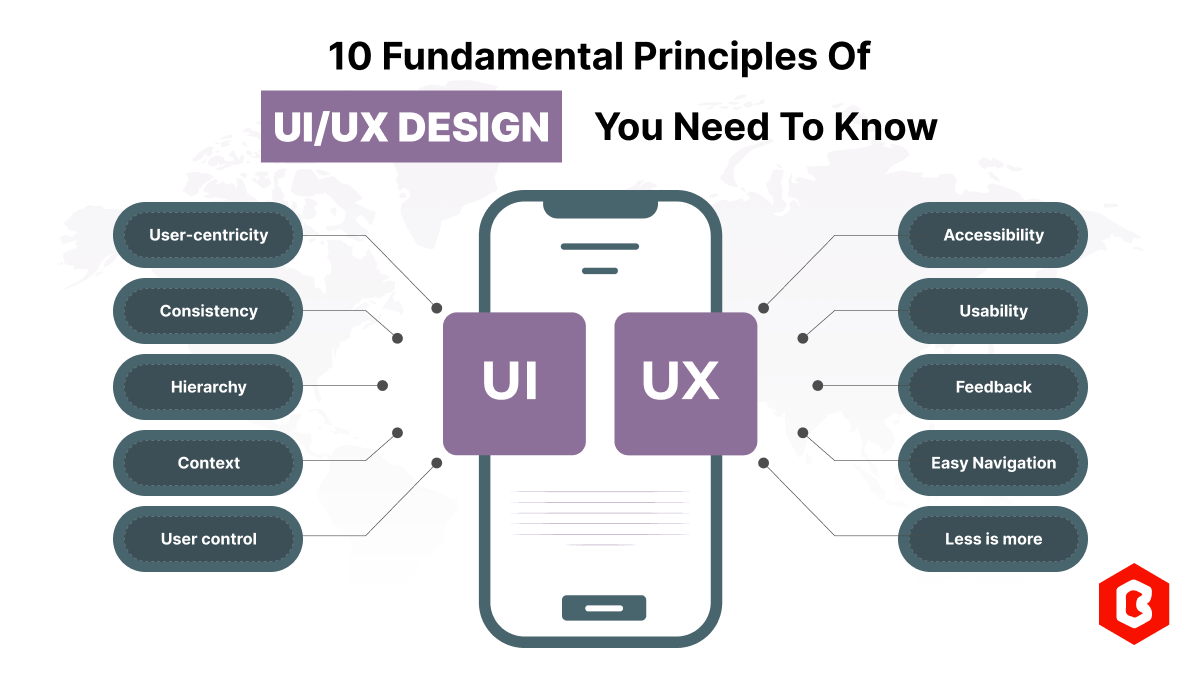
Today everything seems to be online whether it's an eCommerce store or a stock broker mobile app. Bu...
Nowadays, every business is operating from an online website which is called a virtual shop. From eC...

In today's digital age, having a strong online presence is no longer a luxury for local businesses -...
When the world is going online, having a responsive website that works flawlessly across all devices...

Not sure which template or UI kit fits your project? Reach out for expert advice.
 100% Satisfaction Guaranteed
  Shop with Confidence!
 Tags
Tags