Buy any 1 product and get 1 absolutely free — this offer applies to all Website Templates, UI Kits, and Complete Scripts.
Buy Now! Article Information Table Of Contents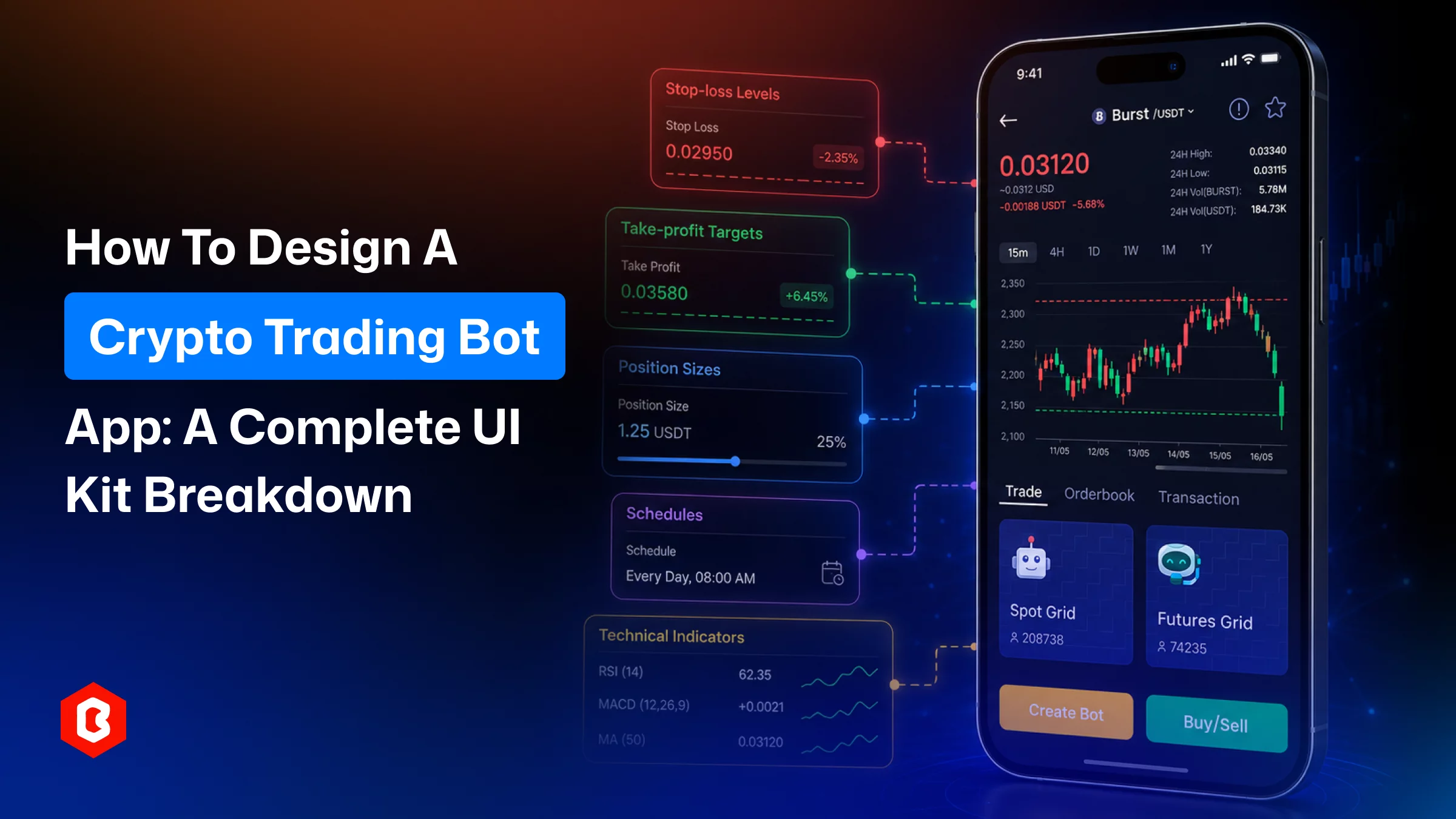
Automated trading execution through a mobile app has become important now. It’s not limited to stock and finance, but adoption of crypto trading apps is growing. However, to make a bot helpful to investors, the interface plays an important role. The design should explain what a bot is doing, how much money is at risk, and what they can change or stop at any moment.
That makes the UI more than a visual layer. It is the part of the product that helps users feel in control of automation.
This guide looks at the main screens and features a crypto trading bot app needs, from onboarding and portfolio tracking to strategy setup, alerts, and security. It also explains where a pre-built crypto trading app UI kit can save time during product development.
A crypto trading bot is made to help users create and manage automated trading strategies using a mobile or web platform. The app connects with one or more exchange APIs and then places orders according to rules.
The rules are set by a user, and it includes multiple things:
Entry and exit conditions
Stop-loss levels
Take-profit targets
Position sizes
Schedules
Technical indicators
But what is the challenge? Presenting them together without feel like a control panel for a complicated algorithm.
A good interface gives users a quick answer to three basic questions:
What is my bot doing?
How much risk am I taking?
What happens if I need to intervene?
If those answers are easy to find, users can monitor automation without constantly checking technical logs or individual orders.
These features are prioritized in a bot trading interface to make a good presence:
Strategy implementation: The UI is for controlling entry and exit rules, and position sizing. It also includes the trading indicators, schedules, stop-losses, and take-profit levels.
Order management: This feature has been designed to support market, limit, and conditional orders. It includes confirmation screens that make the selected action obvious.
Real-time monitoring: To help users make decisions on trading, the monitoring includes current P/L, open positions, bot status, recent activity, and alerts.
Portfolio overview: This screen works as a dashboard where users can see asset allocation, performance history, transaction records, and useful filters.
Security and compliance: This feature describes API key controls, two-factor authentication, biometric access, and KYC screens where applicable.
Risk controls: In this screen, multiple things include position limits, daily loss limits, and drawdown settings.
A useful UI kit should cover the complete journey, not just the trading screen. The following structure gives product and design teams a practical starting point.
The first few screens establish how much users trust the product.
Important flows include:
Welcome and onboarding: Simple and secure onboarding encourages most users to use the app for automated trading.
Security setup: Features like biometric login, 2FA, and trusted devices to keep their accounts secure.
Sign-in and verification: The design supports users with multiple options. For example, email or phone, OTP verification, and resetting their password.
App design has to be optimized for users to understand how to connect an exchange account or activate a strategy.
Information hierarchy matters in the dashboard, where users will probably spend most of their time.
A typical home screen can include:
Portfolio summary: Here, they can see a total value, daily P/L, and overall performance.
Active bots: Users can take a quick view of running, paused, or stopped strategies.
Quick actions: This screen includes functions for starting or stopping a bot, depositing funds, withdrawing funds, or opening the trading area.
Portfolio details: In this screen, users can see asset allocation, historical performance, and profit/loss information.
Wallet screens: This screen is for deposits, withdrawals, QR codes, transaction history, and transaction status.
The dashboard should work at a glance for explaining what can be done.
This is where the product needs to turn trading logic into something people can actually configure.
Useful screens and components include:
Bot templates: This includes ready-made approaches such as DCA, grid trading, or portfolio rebalancing automatically.
Risk settings: In this screen, risk management is handled with stop-loss, take-profit, maximum drawdown, and daily loss limits.
Bot activity: Users can view the bot’s current status, recent actions, open orders, and any error messages.
Strategy configuration: This screen includes at what point entry and exit conditions will apply with the indicators. It also considers position size and scheduling options.
Defaults can make setup easier, but they should never hide important decisions.
Even a bot-first product still needs clear market information.
A markets section can include:
Markets list: This helps users make decisions. Through charts, showcase the current prices of cryptocurrencies and 24-hour price changes. Include trading volume and other useful details so users can quickly compare different assets.
Coin details: Give users access to crypto price charts, market depth, and recent trades. Also, easy-to-find buy and sell options.
Trade flows: Market and limit orders, confirmation steps, and clear success or error states.
Trading screens should avoid confusion.
Automation does not mean users should be left in the place they were before execution.
A notification system can handle:
Price alerts: This screen is designed to notify users when an asset reaches a price level they have set.
Bot alerts: This screen is for sending messages to users for entries, exits, completed actions, failures, or unusual activity.
Notification center: The screen for sending updates when a bot enters or exits a trade, completes an action, and encounters an error. It is also helpful for detecting unusual activity.
Settings and profile: Keep all alerts in one place, with filters and read/unread options. Users can quickly find important updates.
The trick is avoiding notification overload. Users should hear from the app when something actually requires attention rather than receiving an update for every minor event.
The Crypto Trade Bot Mobile App UI Kit is aimed at crypto service providers that need a ready-made interface for automated trading.
The kit covers key product areas such as strategy setup, order management, real-time monitoring, and account security. It also includes flows for common order types, including market, limit, and stop-loss orders.
App development teams working on a production-ready app design find this UI kit helpful. They can skip the repetitive work.
That can be particularly useful for a bot-centric application, where there are many states to account for beyond the main trading screen.
A pre-built UI kit can be useful for several types of teams:
Crypto exchanges and brokers adding automated trading features to an existing product.
Fintech startups building investment products where automation and risk controls are central to the experience.
Trading signal providers to let subscribers execute strategies through automated bots.
Internal product teams looking for a reusable design system.
It makes the most sense when the roadmap already includes the screens for automated strategies, monitoring, trading controls, and account management.
A ready-made kit should provide a starting point, making the final product ready.
A few areas deserve attention during customization:
Content and copy: To keep the audience engaged, update the placeholder text, labels, warnings, explanations, and content.
Platform alignment: Adjust navigation, gestures, and interaction patterns for iOS and Android.
Component tokens: To make development easier, set consistent values for applying spacing, corner radius, and elevation. Manage these reusable elements.
Accessibility: The app has to maintain color contrast, easy touch-target sizes, and keyboard navigation. It should also support screen readers.
Brand system: Give the interface a distinct look. Apply your own brand colors for the app, change typography, and customize icons.
The interface should look like it belongs to your product.
To develop the crypto trading bot app within a time constraint and a large number of screen designs, a UI kit is helpful.
Some practical benefits include:
Faster initial design: The screens are available, and components give the team a working foundation to start development.
Better consistency: To maintain consistency, shared components help keep related screens visually and behaviorally aligned.
Broader screen coverage: A UI kit can include less obvious states such as KYC, 2FA, empty states, and errors.
Lower design overhead: The team spends less time recreating common patterns.
Easier developer handoff: Well-organized components and layers can make implementation more predictable.
That does not remove the need for product-specific design work. Crypto trading products still need careful decisions around security, compliance, risk communication, and the behavior of individual trading strategies.
Crypto trading bot app design intent is to make automation easy to understand. Do not place users into technical complexity; simply explain what the bot has done for risk controls. Security also needs to be visible throughout the experience rather than treated as a separate feature.
A pre-built crypto trading app UI kit can provide a useful foundation for those requirements. With the right customization, it can help teams move faster.
Check what required screens are needed, the technology stack, customization support, and reusable components availability.
Clear price changes, strong visual hierarchy, obvious trading actions, concise confirmations, and easily scanned portfolio information all help.
Useful metrics include portfolio value, daily P/L, active bot status, open positions, recent activity, and relevant alerts.
Controls have to be visible and labeled clearly for stop-losses, take-profit levels, position limits, and loss caps. Do not add these screens in the advanced settings tab.
A bot interface gives more attention to strategy templates, automated execution, configuration, bot activity, and risk parameters. A conventional exchange interface is generally centered on manual trading and market data.
 Similar Blogs
In today's world, web applications are controlling the business arena. Whether it's an eCommerce web...

Online Sports betting apps are considered as the source of earning passive income but with that, the...

The tattoo industry has experienced significant growth and evolution in recent years. All thanks to...

In today's digital age, businesses are transforming and managing their entire workflow through softw...
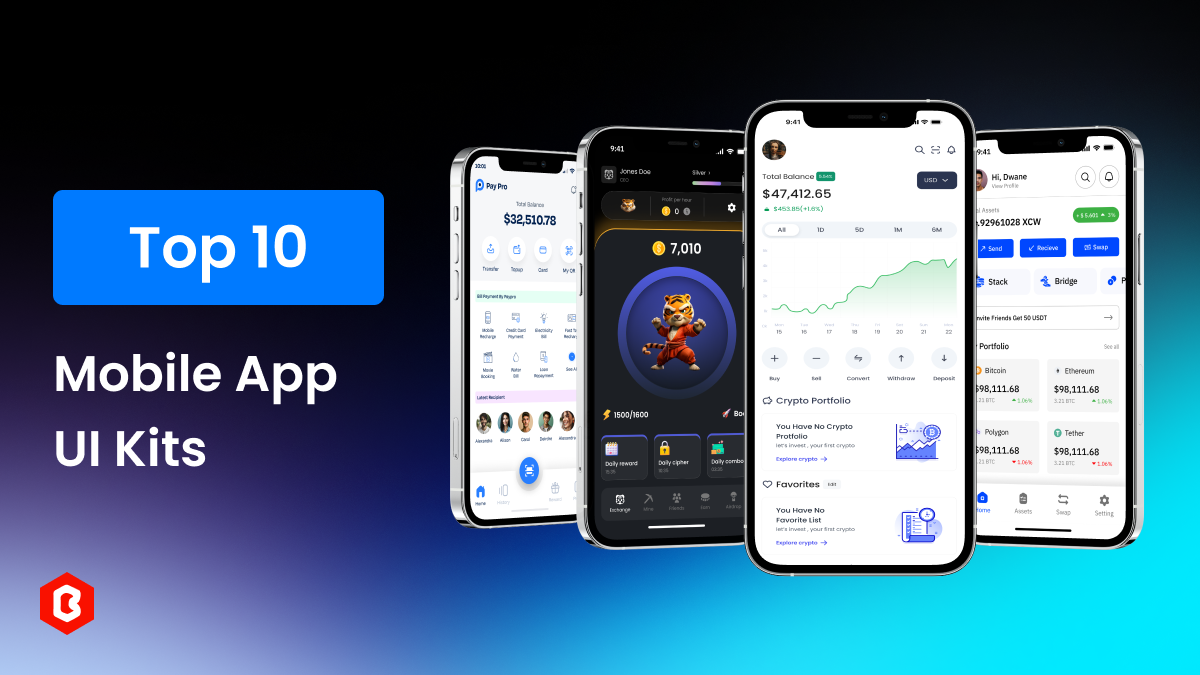
In today’s mobile-first world, how easy and enjoyable an app is to use plays a big role in its succe...
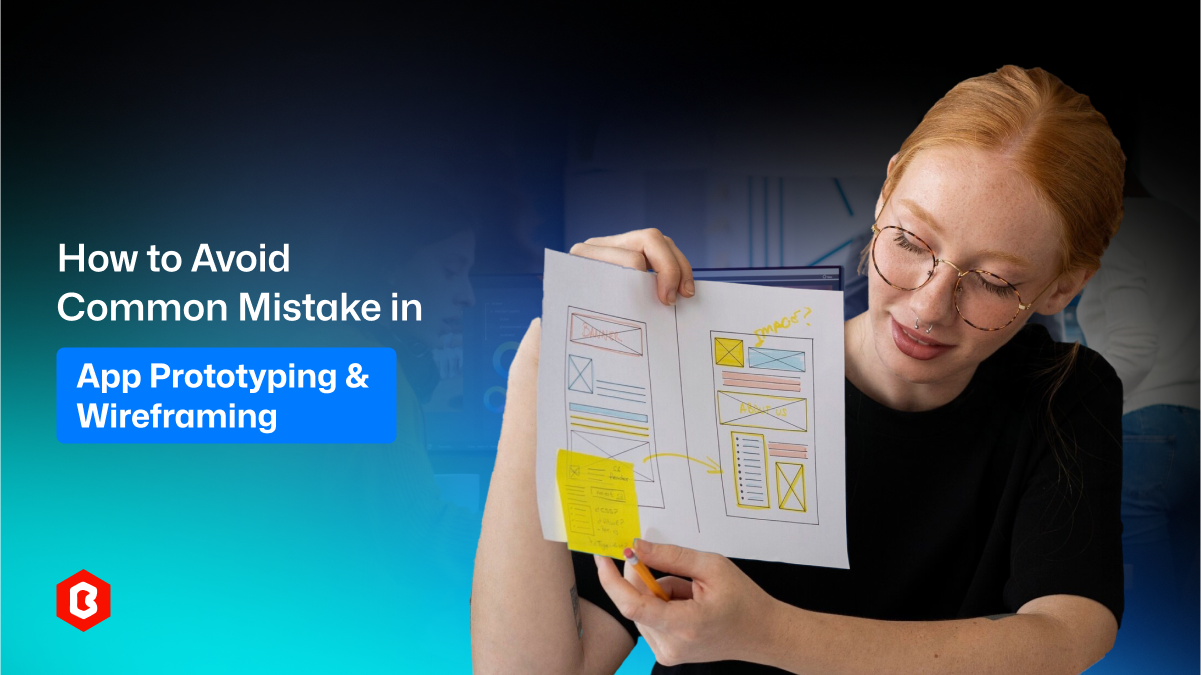
Making professional apps starts before any coding happens. It begins with planning. Prototyping an a...
Related Products 
Not sure which template or UI kit fits your project? Reach out for expert advice.
 100% Satisfaction Guaranteed
  Shop with Confidence!
 Tags
Tags