Buy any 1 product and get 1 absolutely free — this offer applies to all Website Templates, UI Kits, and Complete Scripts.
Buy Now! Article Information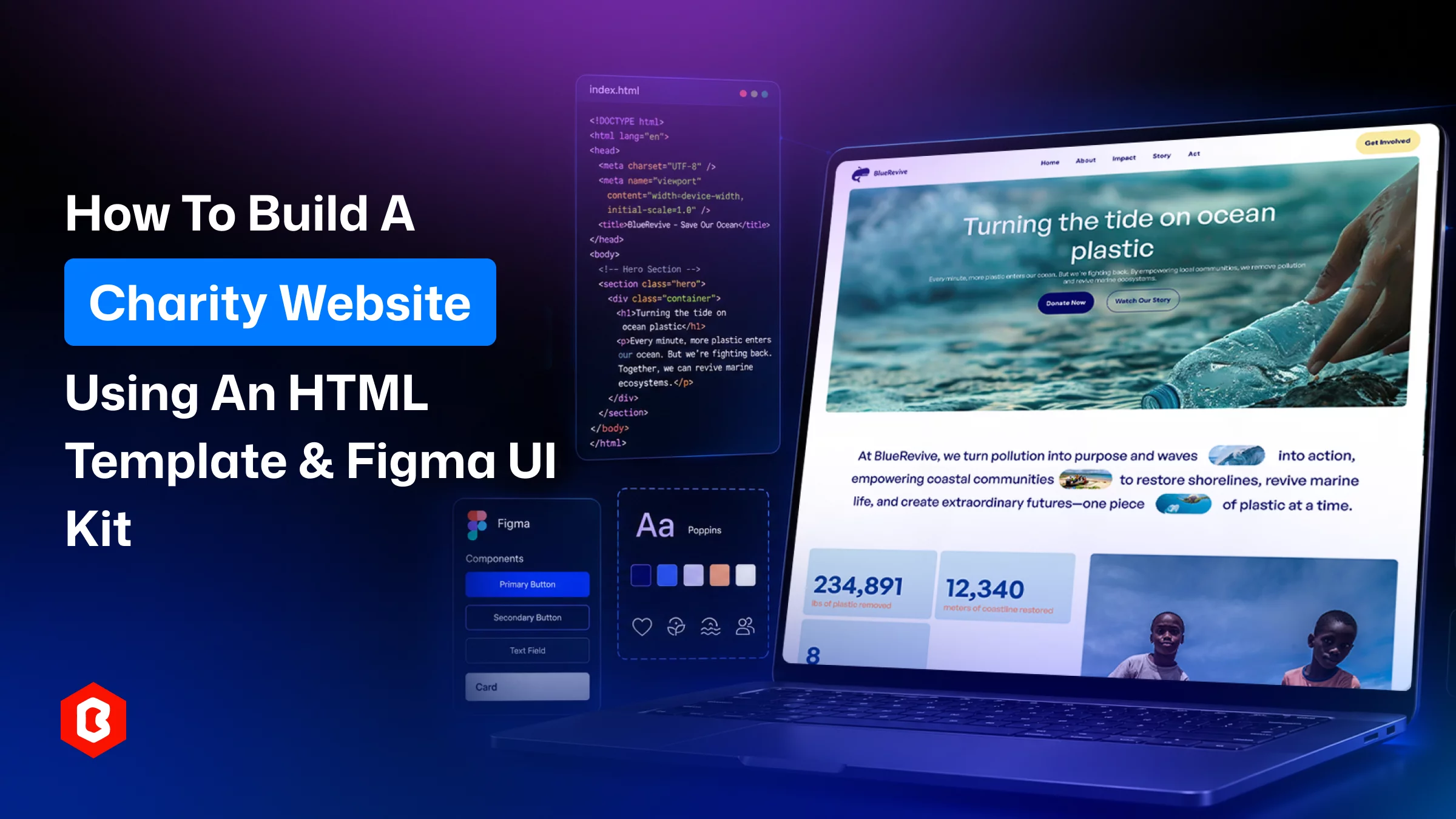
Usually, an online charity website isn’t based on a polished interface. The moment users land on the website, it should speak for itself about credibility and transparency. The custom web design can solve the issue, but a Figma UI kit is also helpful for you as it saves time and cost.
Here's how the process actually works, plus two Figma UI kits worth considering if you're starting from scratch.
An NGO website template comes with professionally designed landing pages that follow UI and UX rules and coding logic. All of these pages are built around how nonprofits communicate:
Homepage
Donation form
Volunteer sign-up
Project gallery
Team page
With a template, you’re not starting development with a blank screen but with an existing structure to edit: your charity logo, photos, copy, and colors.
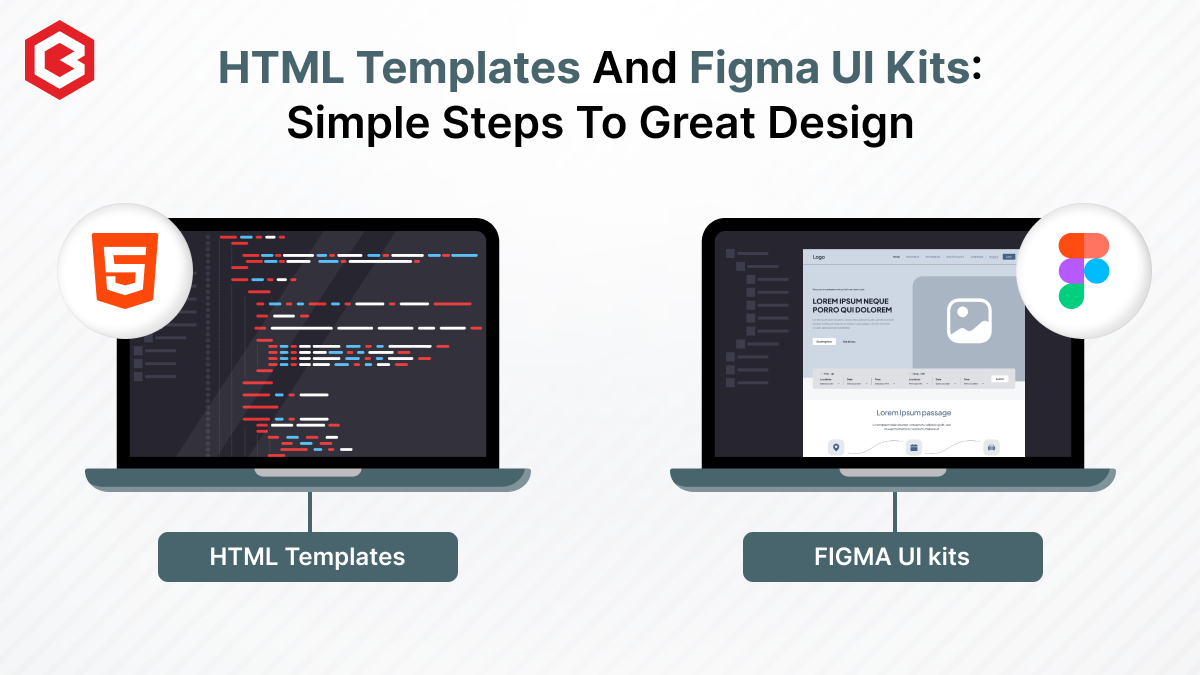
Two formats show up under this umbrella. An HTML template is already coded, so it can go live quickly. A Figma UI kit is a design file that offers components and layouts a designer works with before anything gets built. A lot of organizations use both: the Figma kit to plan and get sign-off on the look, then the HTML build to live website from it.
Nonprofit organizations depend on donations and funding from the people. They don’t have corporate-sized budgets for web development. Donors still expect a site that looks legitimate, and templates help to close that gap:
Speed can be experienced. Your team has to spend less time on layout decisions, more time on content and outreach.
Cost is saved. A one-time template purchase usually beats custom design work by a wide margin, but the quality can depend on a premium template.
Proven structure available. Good NGO templates already include the sections that matter most, including donation flows, volunteer forms, impact stories, and a contact page with a map.
Consistency in design. A UI kit keeps fonts, spacing, and colors uniform across every page. This matters more than people expect when someone's deciding whether to give a donation.
A clear mission statement or good writing is important. The template and UI kit remove the technical bottleneck that stops small teams from launching a website that looks credible.
The process involves three stages: first is get the technical setup right; then pick the page structure, and choose the visual system.
The design part comes later. First, decide where the site will be going to live, and for that register a domain that matches your organization name. You have to pay discounted or waived fees for verified nonprofits to registrars. Then, select the platform your in-house team can maintain.
A coded HTML template gives control to your developer for donation payment integration. Using a drag-and-drop builder can be a realistic choice to avoid being involved in maintaining code. The platform should handle SSL and secure payments when asking people to add card details.
Next comes page structure. Look for a template that already covers what a charity site needs:
A mission-led homepage
A donation page
A volunteer or "get involved" page
A programs section
A team page
Contact details
Avoid e-commerce or corporate site templates that are designed for nonprofit use. A donation flow, for example, should feel shorter and more reassuring than a retail checkout. Templates designed specifically for NGOs already reflect that.
This is where the visual identity comes together. A nonprofit website UI kit in Figma gives you editable components for every section. So, future updates and new pages stay consistent. This reduces the need for a redesign every time.
Two kits worth a look:
It is built around clear CSR and nonprofit messaging. It includes
A hero-first homepage
Sections for "who we are"
Featured projects
Community involvement
A donation payment page
Blog page
A contact page with map integration
The color palette is calm and professional. It's a good fit for design agencies and freelancers who want a dependable starting point based on NGO requirements. They don’t have to design everything from zero.
It covers similar ground but is tailored to environmental and conservation-focused organizations. The website design adds.
Storytelling layouts built for environmental impact
Volunteer sign-up pages
Event promotion blocks
Sponsor or partner showcases
This Charity website UI kit suits ocean conservation campaigns, sustainability platforms, and mission-driven startups that need both storytelling and a clear donation path.
Both kits include the Figma file, a product description, a technical description, and a read-me. They’re meant for your own site or client work, not redistribution.
The decision to make a website for charity collection is based on what makes it professional in minimal time and cost. For that, you have to follow the process mentioned above, using a UI kit as a design resource, then move towards the development. Once everything is done and QA has tested the site, start collecting the funds.
No. It’s a design file. A developer still has to turn it into a working, coded website.
Usually yes, for projects you manage yourself, but check the license before reselling it to other buyers.
They include the donation page design; connecting an actual payment gateway depends on your development setup.
It varies by project. But templates typically cut design time well below what a fully custom build would take.
Not required, but a kit built for environmental storytelling, like BlueRevive, tends to fit that messaging more naturally.
 Similar Blogs
Picking the perfect style for your website is a major decision, especially in the vast scope of web...
Designing and developing a website may look tough and time-consuming. It is actually tough when it c...
Developing a website has now been important to reach a wider audience. Performing web development fr...
Today everything seems to be online whether it's an eCommerce store or a stock broker mobile app. Bu...
Having an interactive and functional website is a core aspect of making a successful online business...
In 2023, the worldwide online betting and lottery market size reached $242.04 Billion. To capture a...
Related Products 
Not sure which template or UI kit fits your project? Reach out for expert advice.
 100% Satisfaction Guaranteed
  Shop with Confidence!
 Tags
Tags 
