Buy any 1 product and get 1 absolutely free — this offer applies to all Website Templates, UI Kits, and Complete Scripts.
Buy Now! Article Information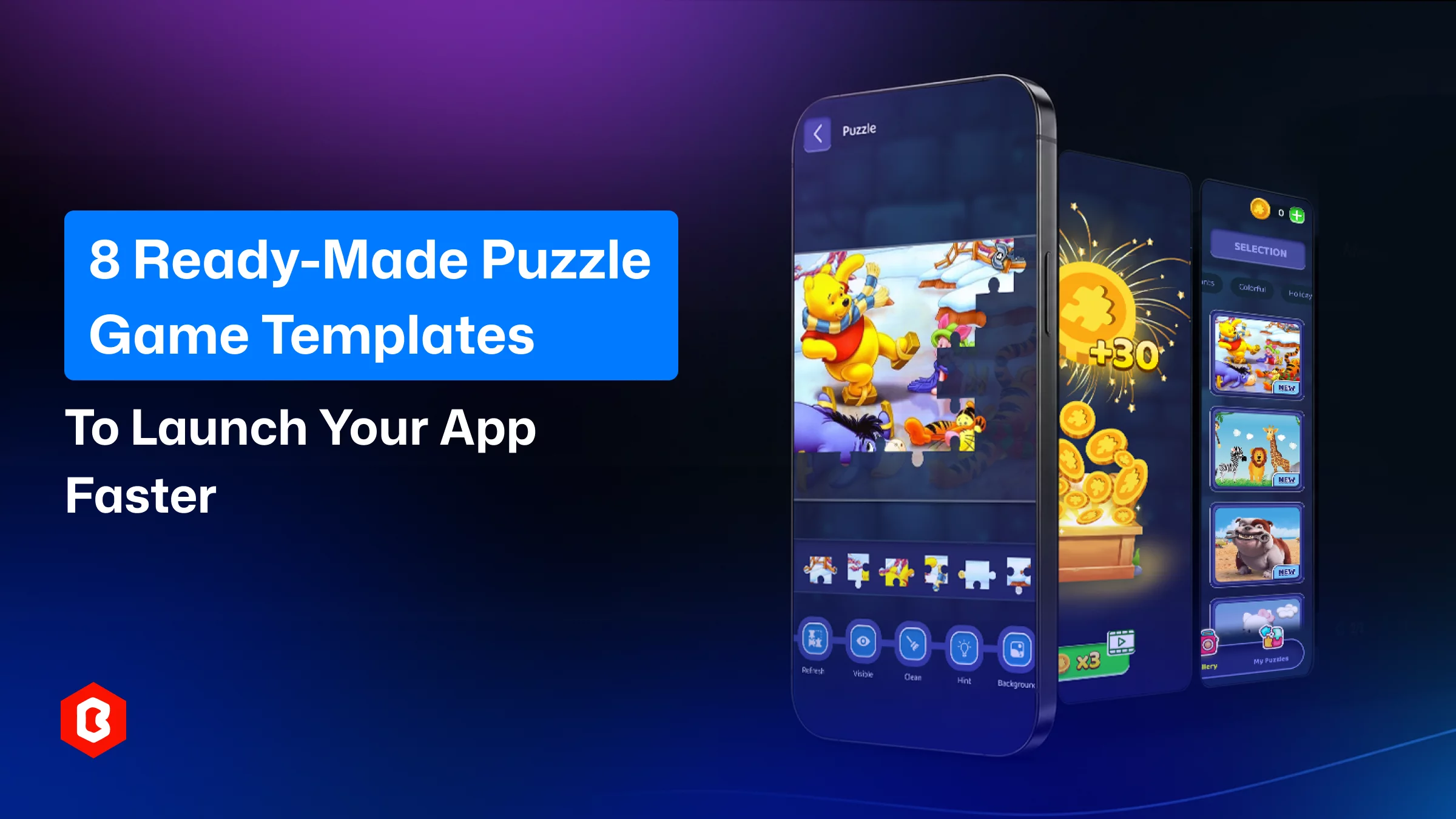
In puzzle game development, you have to invest time properly. Like, wireframe the concept, prototype the screen, and test it before development. Game studios and solo developers working against a launch date and timeline rarely fit the budget. A ready-made puzzle game template becomes helpful for them. The template save their efforts to design every button, transition, and scoring screen. Utilizing it, developers can start from a working structure and better focus on gameplay balance, branding, and monetization.
This guide walks through eight ready-made puzzle game UI designs. Select which template works for your development efforts.
For puzzle game development, clients give a minimal budget. Within this budget, hiring a graphic designer and development team is not possible. The template has the design and code that give the level to start the work on it:
Teams can move straight to customization and QA because core mechanics, screens, and animations are tested beforehand.
The fact is, a complete puzzle game UI development team is expensive. The template saves the cost in a one-time purchase. So, the budget can be utilized for marketing.
Puzzle game templates are built for the famous formats like match-three, sliding tiles, and number merging. This already reflects gaming UI design conventions players recognize and reduces the learning curve for new users.
With editable source files for HTML5, CSS, JavaScript, or Figma, branding becomes easy. You can change the color scheme and apply difficult curves without touching the logic.
The puzzle game templates remove the repetitive scaffolding work, and direction can be applied faster.
There are a few criteria to look for before purchasing a template:
Check that the template is built with HTML5, CSS, or JavaScript. Identify what other framework has been used. Templates comes without external library dependencies can be easily integrated into an existing codebase and are lighter to load.
Mobile devices are common for playing puzzle games and sometimes on a desktop browser. A template has to work smoothly on both devices, with smooth touch and mouse controls.
Reverse-engineering code work can be reduced with a well-documented template. Check setup guides, comments in the source, and a dedicated support channel.
To get a premium look to your puzzle game, color replacement, grid size options, and level counts can be supported in the template. Also, sound effect modification choices should be present there. Do not make the structure rigid.
Read the license before buying a template. Most marketplace templates allow modification for personal or commercial projects but restrict resale of the raw template itself.

This is a Figma-based UI kit for a design team. It includes professionally designed screens for difficulty selection, a rewards dashboard, badge sharing, and in-game settings. The best part of this puzzle game UI design is a diverse puzzle-piece library and pre-built boards. To develop a jigsaw, sliding, or match-three format game, the design interface can be handed to game creators.
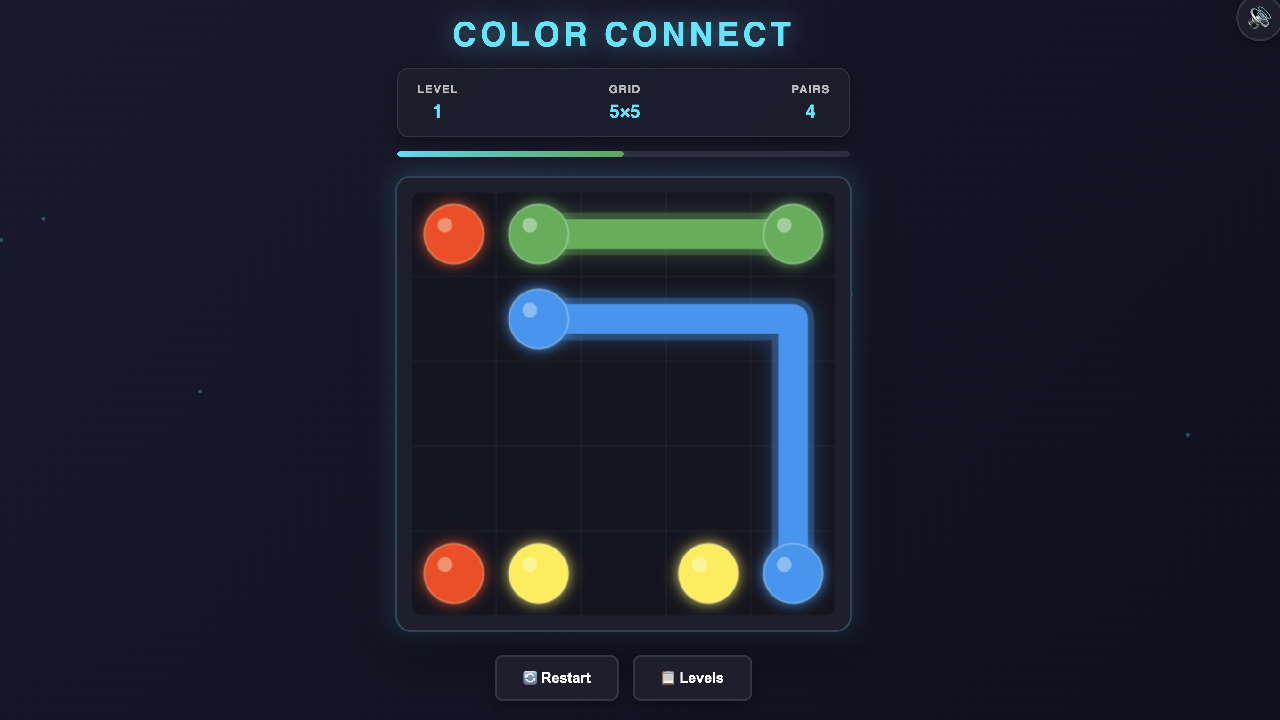
Color Connect Master puzzle game is entirely built on HTML5 canvas, CSS, and JavaScript. The mechanism of this game asks players to connect matching color pairs on a grid without crossing paths. The multiple difficulty levels, a level-selection system, progress tracking, and sound toggle are key aspects of this web game. Get this game for a lightweight and dependency-free codebase.
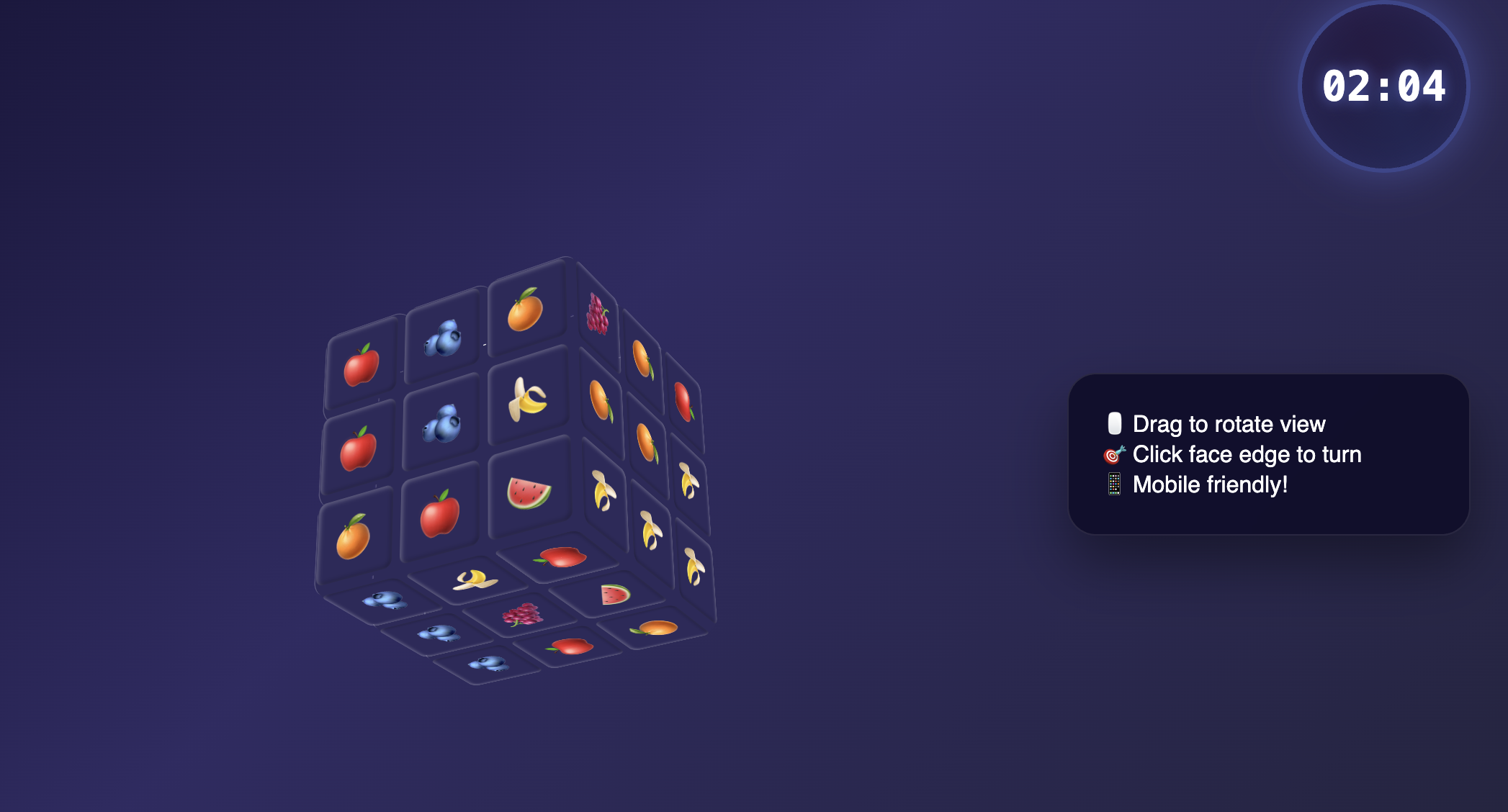
This 3D HTML5 puzzle makes the classic Rubik's Cube with a fruit-emoji theme. HTML, CSS, and JavaScript support this game. To solve the cube, mouse and touch controls are supported by the template. A timer makes the challenge more interesting for the player. This is a strong candidate for teams wanting a distinctive 3D mechanic without a heavy game engine.

Flag 2048 replaces numbers with flag graphics and supports configurable grid sizes from 3×3 up to 6×6. The mechanism is a famous 2048 tile-merging format for swipe gestures and high-score tracking. The built-in features serve a casual and replay-driven audience.
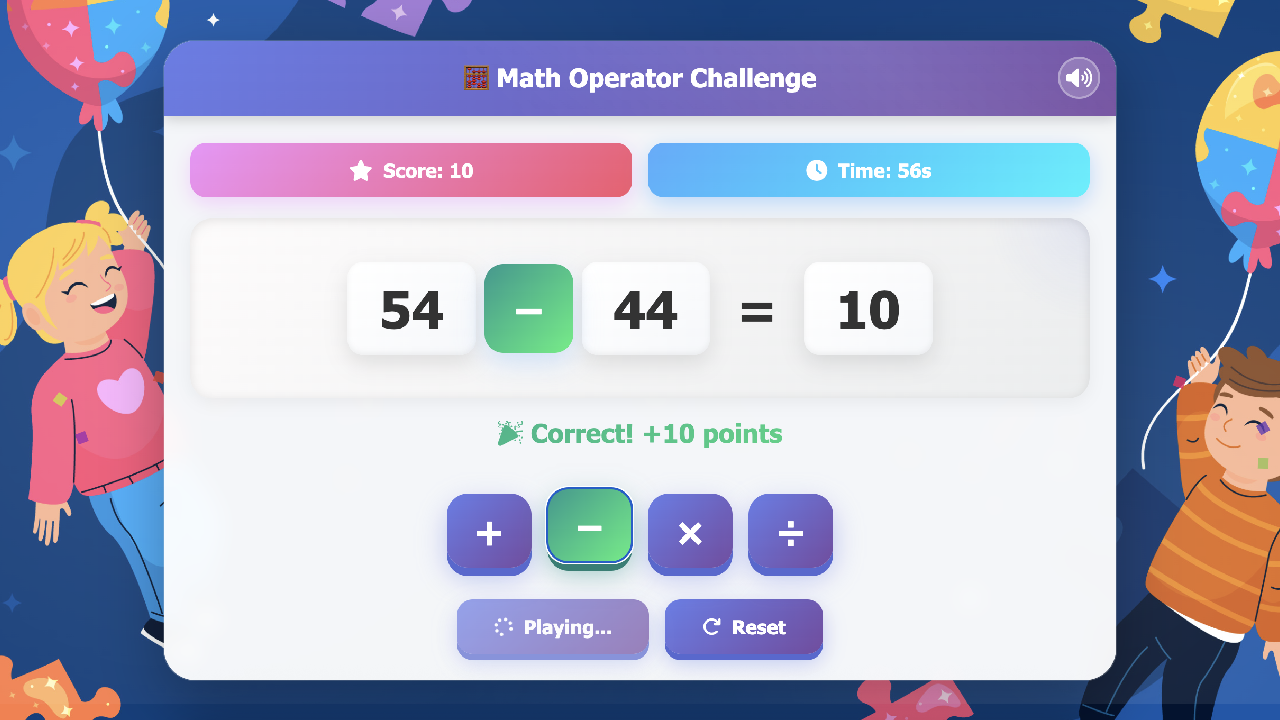
Designed for educational platforms, the Math Operator Game presents equations with a missing operator and asks players to pick the correct one under a countdown timer. It includes a scoring system, sound effects with a mute option, and confetti feedback for correct answers. This is a lightweight and browser-based puzzle game for learning portals and edtech products.
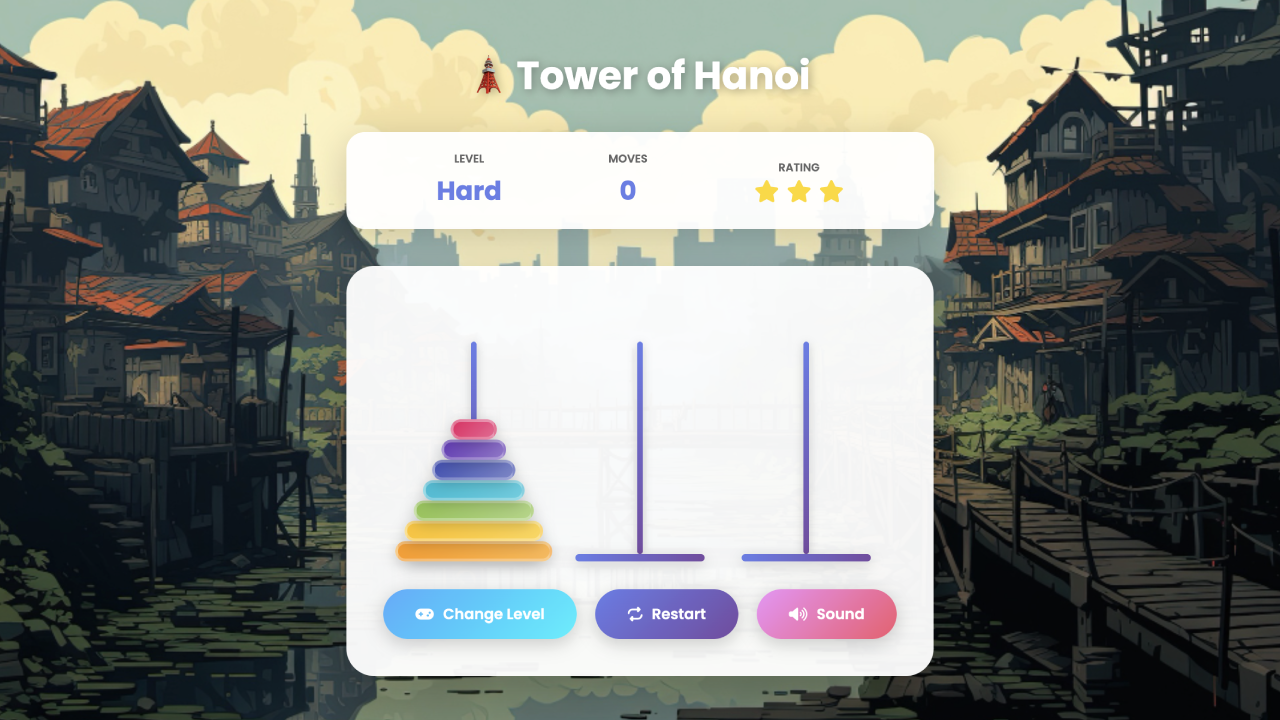
This logic puzzle template rebuilds the classic disk-stacking challenge. It includes an animated gradient UI, three difficulty tiers, and sound effects for moves and wins. To utilize for logic-game portals, this framework-free and fully responsive mini-game is bundled into a larger app.
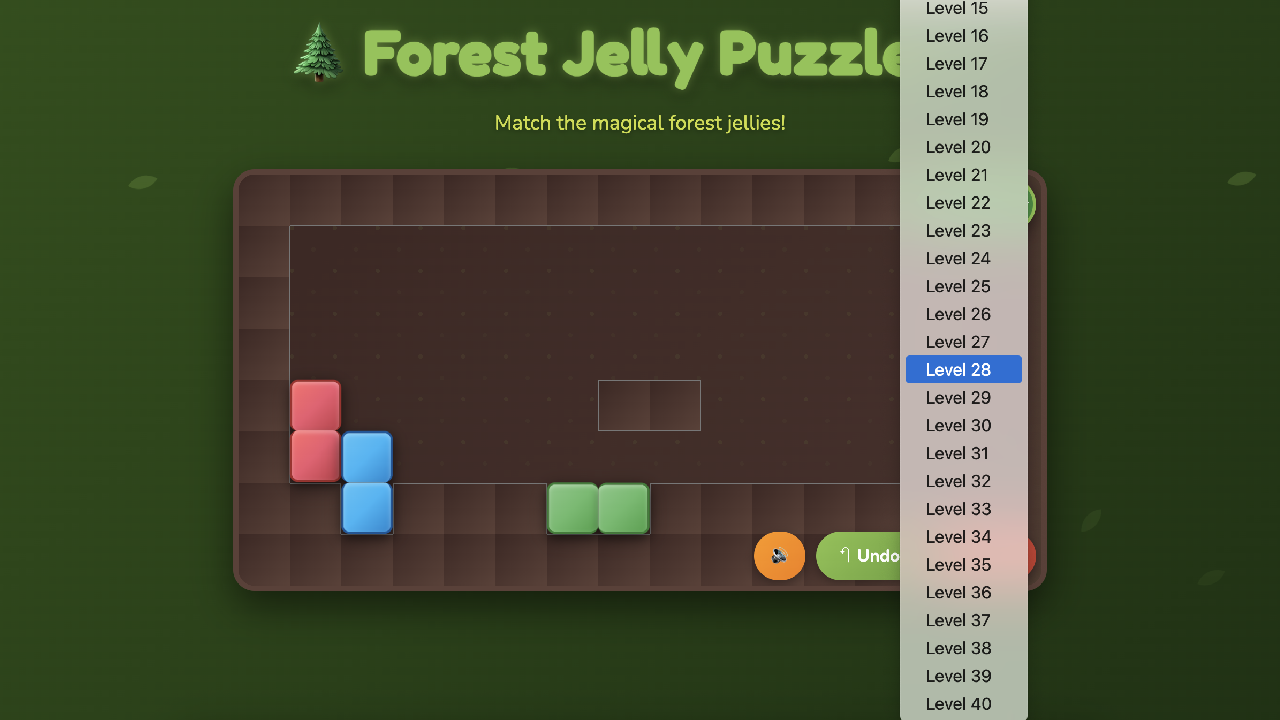
A match-and-merge game set on a forest-themed board, Forest Jelly Puzzle features more than 40 handcrafted levels, undo and reset controls, and touch support alongside desktop play. The well-structured JavaScript codebase is built with rebranding and marketplace resale in mind. It's a practical starting point for teams planning several themed variants of the same mechanic.
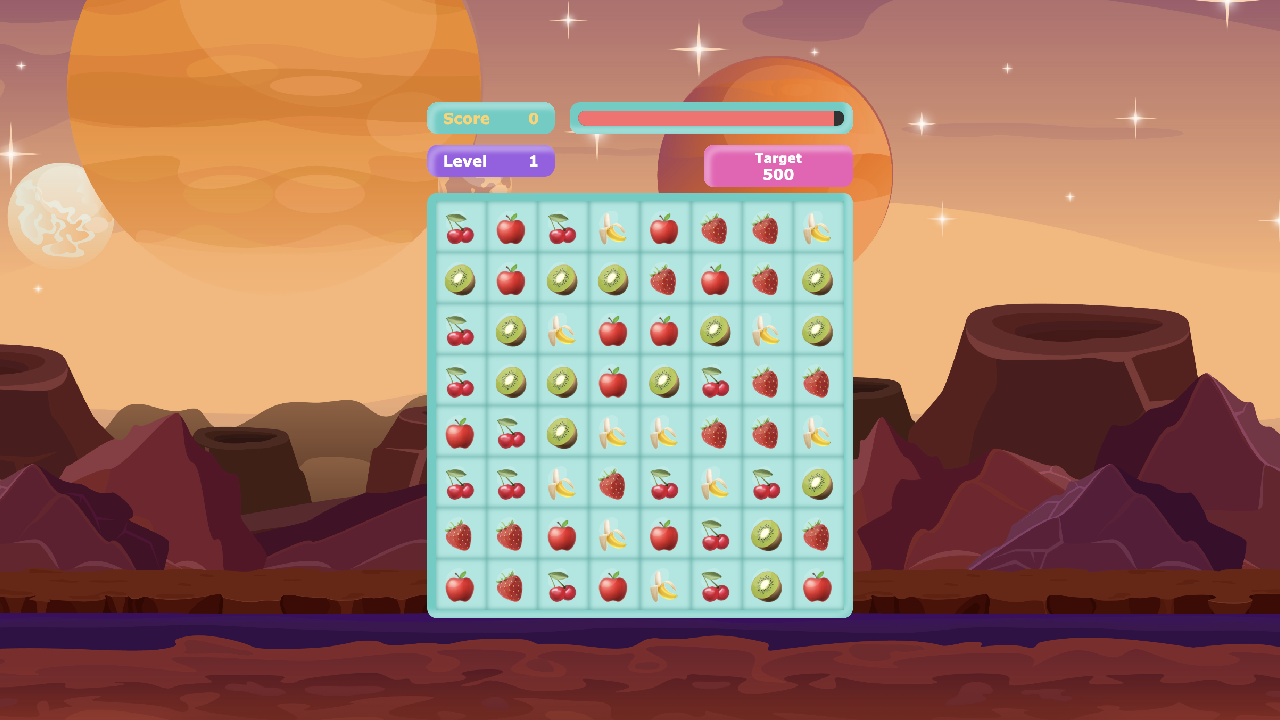
Fruit Crush is a match-three puzzle built in a clean, single-file structure with cascading tile animations. The game supports particle effects and a health-and-level system. Developers can use the game for a mini-game.
Ask these questions before selecting the template:
Are you designing the interface before development? Go with the UI kit.
Do you need a playable build ready to customize? The HTML5 games are the option.
What platforms will host the game? A mobile app, a website, or a widget.
Does the mechanic match your audience? An educational platform can use the Math Operator game. A casual oand social apps work for match-three or Fruit Crush or Forest Jelly Puzzle.
It's also worth testing the live preview of any template before purchase. A quick play-through reveals more about pacing and difficulty curve than a feature list ever will.
Ready-made puzzle game templates replace repetitive front-end and mechanic-building work that slows most projects down. Thoughtful design decisions matter. Whether the goal is a Figma-based UI kit for planning or a fully coded HTML5 game ready for customization, the eight templates covered here give development teams a practical shortcut.
Yes, most HTML5 puzzle templates are responsive by default. They adapt to different screens on browsers.
Basic HTML, CSS, and JavaScript familiarity helps. The documentation helps here for non-technical adjustments like colors or levels.
No, a UI kit provides design screens only. To add functions and security, a development team still needs to code the underlying game logic separately.
Three identical pieces are clearly tiles in the match-three games. Merge games combine two matching pieces into a higher-value piece.
Licensing varies by product. Most templates allow personal or business use but restrict reselling the unmodified template itself.
 Similar Blogs
Have you ever played and learned about the best experience for exciting mobile gaming? So, welcome H...
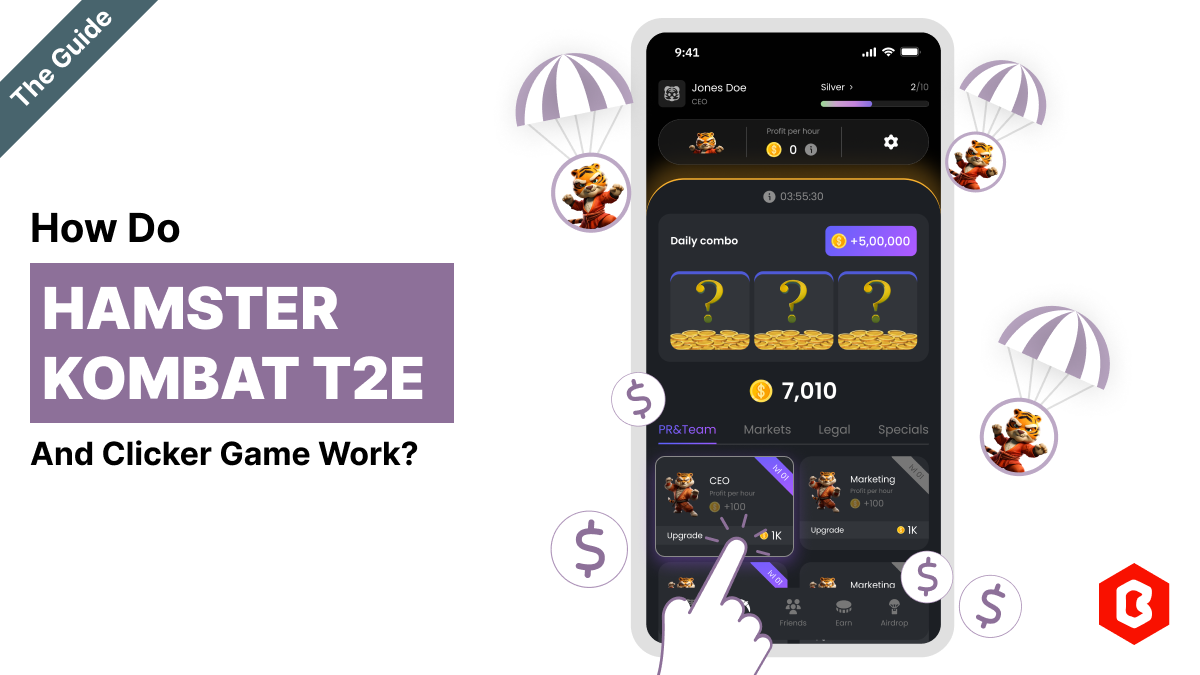
The world of gaming has thrown some curveballs our way, but Hamster Kombat might just be the most ad...
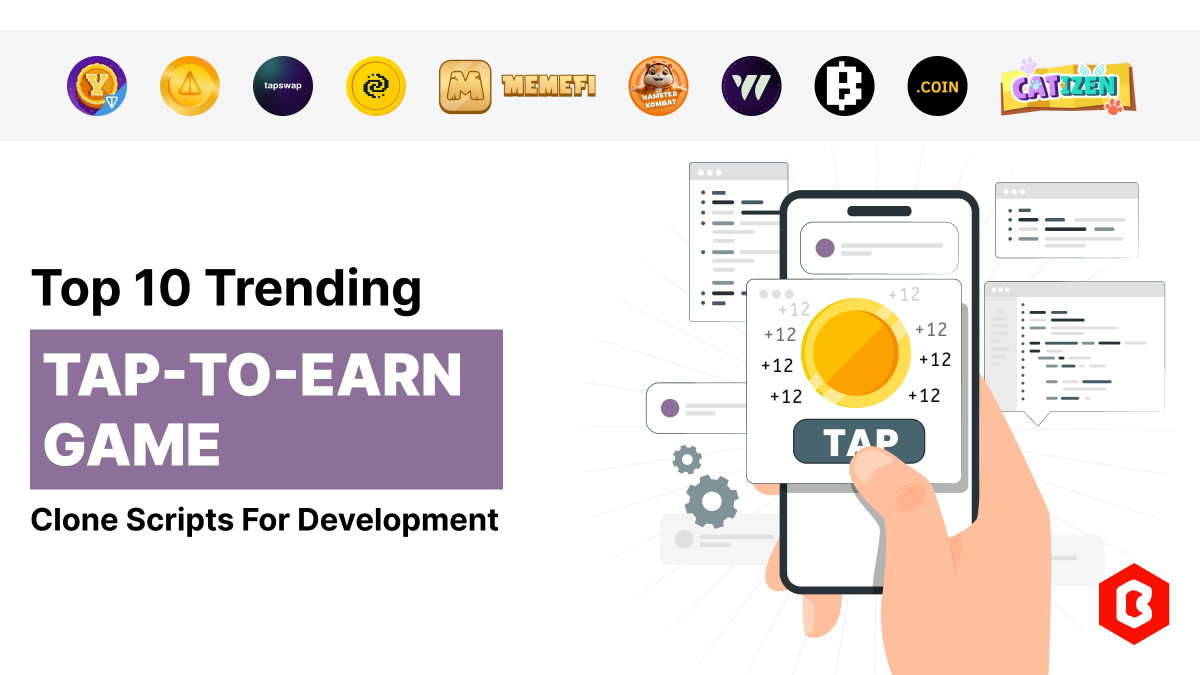
Have you heard about the Hamster Kombat game? A revolutionary Web3 game that gets 239 million users...
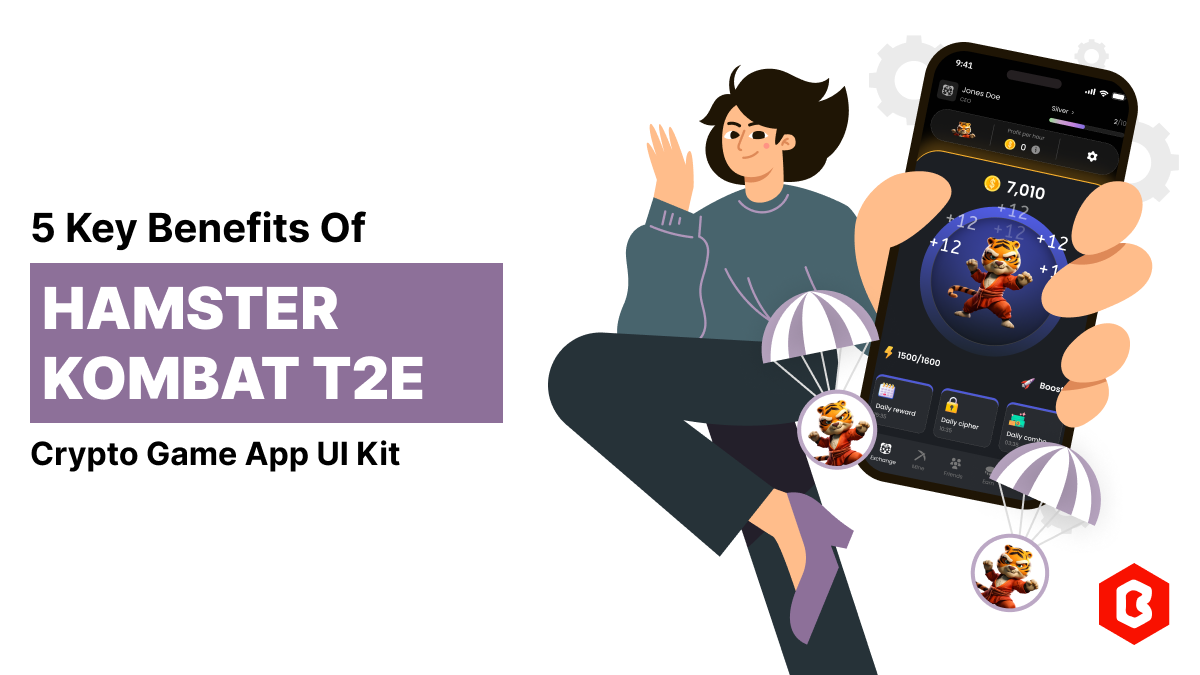
Do you know? Hamster Kombat is the most viral Tap-to-earn (T2E) genre game that incentivizes players...
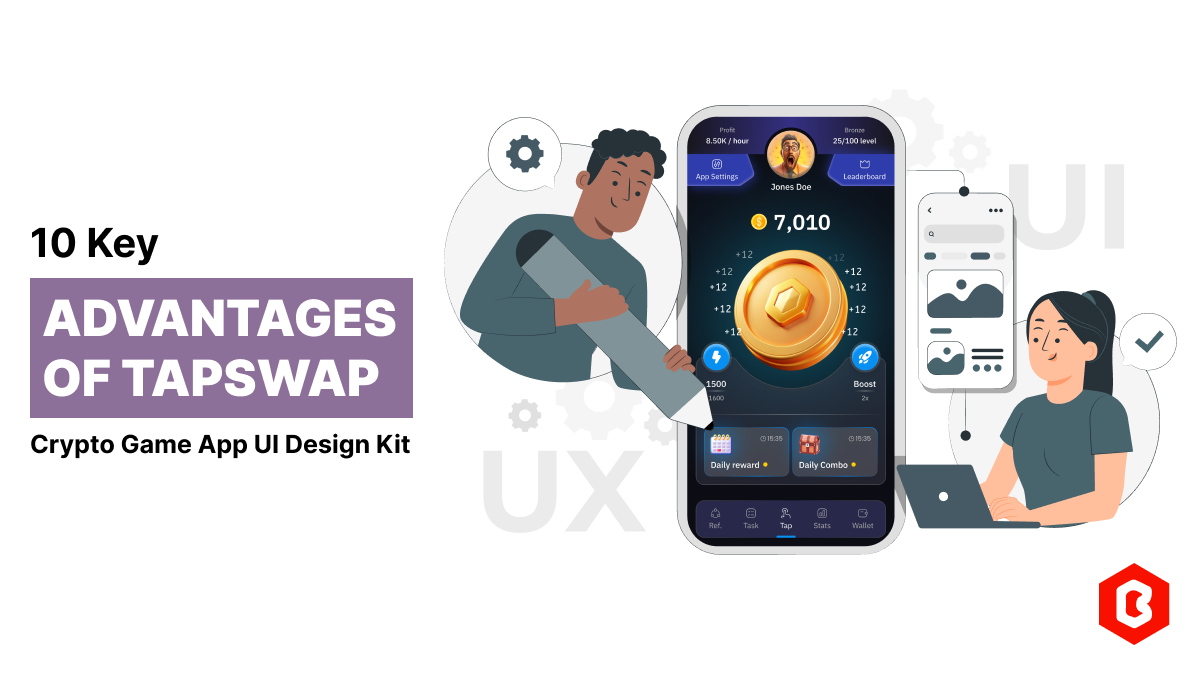
Nowadays, Tap-to-earn (T2E) games are going viral in the crypto field. It’s open the gate for everyo...
UI design plays an important role in the success of a mobile game. We can consider it as a bridge be...

Not sure which template or UI kit fits your project? Reach out for expert advice.
 100% Satisfaction Guaranteed
  Shop with Confidence!
 Tags
Tags