Buy any 1 product and get 1 absolutely free — this offer applies to all Website Templates, UI Kits, and Complete Scripts.
Buy Now! Article Information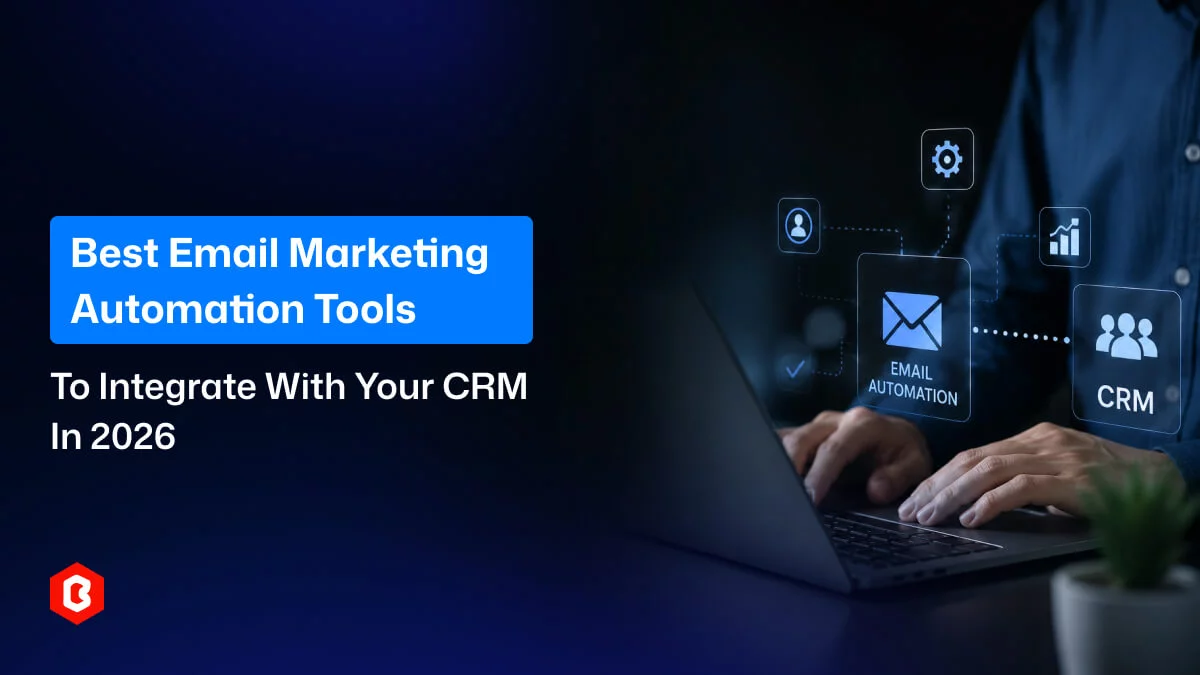
As a business entrepreneur, you have frequently heard that your sales team uses another CRM software and the marketing team prefers a separate email marketing platform. The issue is not limited to business operations but invites other obstacles like contact details drifting out of sync and leads sitting in the wrong sequence. Nobody is fully sure which system has the "real" version of a customer's record.
Connecting two platforms is not as simple as it looks. It’s all about It’s what keeps your customer data accurate and your team's time free for actual work. Here we explain what integration for email marketing really does, its importance, and select the right platform. Also, know what to do if you'd rather not build it yourself.
"Integration" sounds simple until you see what specifically changes once your Email Marketing Platform is connected to your CRM.
In a lead quality cycle management system, when a sales rep marks it as a qualified lead, the email platform can add that person to the right nurture list automatically.
The tool is optimized for automatically updating a contact's email, job title, or company in the CRM, and reflects it too (and vice versa). It depends on which system you treat as the source of truth.
A deal moving to "proposal sent," a support ticket closing, or a demo getting booked can all kick off a specific email sequence automatically. There is no marketer who has to remember to hit send.
The automation email marketing platform is made to segment the email on particular CRM fields: deal value, industry, lifecycle stage, purchase history. The way of email opens and clicks has been removed.
For example, CRM status changes for contact the marketing-qualified to sales-qualified shift into a new email sequence automatically. It can be done without someone manually reassigning them.
Email opens, clicks, and campaign engagement can show up directly on the contact's CRM timeline. A rep prepping for a call can see exactly what that lead has been reading.
If someone opts out in the email platform, that status should carry over to the CRM automatically. That means sales doesn't accidentally re-contact them. This is an operational necessity, not just good manners.
The exporting lists, checking for duplicates, re-uploading spreadsheets, and hoping nothing got missed workflows are replaced when your team used to do them by hand.
A deal closing can automatically kick off an onboarding sequence. A customer who's gone quiet for a few months can automatically get flagged into a win-back campaign. None of this depends on someone remembering to check a spreadsheet and manually starting the right email.
Put together, this turns two separate tools into one connected system where marketing and sales are always working from the same facts about a customer, instead of two slightly different versions of the truth.
There are so few trends that make CRM-connected email automation important as of now.
A single buyer might interact with multiple channels. This includes your website, a sales rep, a support ticket, and several email campaigns before ever deciding to buy. Each of those touchpoints only tells the full story if the data behind it is connected.
Sending generic email blasts to someone mostly ignored or reported as spam. They require only information that helps their buying journey. CRM-informed segmentation is one of the most direct ways to make emails feel relevant instead of random.
The confusion starts when marketing doesn't know what a sales rep already told a lead, or a rep doesn't know a contact just opened three emails about a specific product. Here, the business loses context that could have shortened the sales cycle.
Web behavior, purchase history, support tickets, CRM records- the volume keeps growing. Reconciling all of that by hand isn't realistic anymore. Integration is what keeps the data usable as your business scales.
Especially for businesses operating across different regions, a dependable integration needs to keep unsubscribe and consent status aligned across both systems, not treat each platform's list as its own separate thing.
Don’t assume that in email marketing open rates and click rates are everything. Businesses increasingly want to know which campaigns actually influenced pipeline, closed deals, or improved retention. That kind of reporting only works when the CRM and email platform are sharing data.
Every hour someone spends exporting a list, cleaning up duplicates, or manually adding contacts to a sequence is an hour not spent on strategy, content, or actually talking to customers. As teams and contact lists grow, that hidden cost adds up faster than most businesses expect.
It depends on what your priorities are, the CRM platform you use, the qualified and experienced team, and the automation required. Work through these questions before deciding.
First, know which CRM your company already uses, and does the email platform you're considering offer a proven, native integration for it? A platform with excellent features but no real connection to your CRM will create more manual work.
Not all data matters equally. Decide exactly what needs to sync, including contact details, deal stage, purchase history, support status. Do not assume "everything" needs to flow between systems.
Which events in the CRM should actually kick off an email? A new lead, a closed deal, a support ticket getting resolved? Being specific here makes the automation setup much easier later.
Sometimes businesses require simple and well-timed broadcast emails to run campaigns. Other businesses have multi-step, conditional workflows that react to dozens of different triggers. It’s good to pick a platform built for the level of complexity you actually need.
Someone needs to be responsible for the integration after it launches. This means checking that syncs are working, fixing broken field mappings, and updating workflows when your CRM changes. Know who that person or team is before you go live.
What does sales actually need to see back in the CRM? Campaign engagement? Email history on the contact record? Make sure the platform can report data in a form your team will actually use to decide what to do further.
Depending on your industry and where your customers are located, you may have specific requirements around consent tracking and unsubscribe handling. Confirm the integration supports this properly.
Due to scalability issues, businesses change CRMs and email platforms. That means you have to prioritize integrations that don’t lock your customer data into a proprietary format. It should be exportable later.
Run the integration against a small, real data set first. Catching a broken field mapping in a test environment is far less costly than catching it after it's sent the wrong email to your entire list.
This CRM and email marketing platform has the longest feature list that can help to my team. But what are the current requirements that most entrepreneurs have ignored? For example, a small team with a simple sales process usually gets more value from a straightforward tool that's easy to maintain. They do not require an enterprise platform that takes months to configure properly.
If all of this sounds right in theory but your team doesn't have the time or technical bandwidth to build it, that's exactly the gapTheme Bitrix’s Infotech's Email Marketing Integration Service is built to fill.
Here’s what we cover:
Automated workflows: We are setting up automated emails that respond to user behavior across your connected platforms.
Data enrichment: We pull customer data from sources like your CRM and website analytics so your email content can be more personalized and better targeted.
Less manual work: We reduce the amount of manual data entry your team has to do by managing everything through the email marketing platform itself.
The stated deliverables include integrating your chosen email marketing platform with your website or CRM system, along with custom email templates designed to match your branding. To get started, the service asks for access to your existing email marketing platform and details about your current campaigns and subscriber lists.
This kind of setup makes the most sense if your CRM structure is a bit more complex than average. You’re connecting more than just one pair of tools, your automation needs go beyond simple triggers, or your internal team simply doesn't have the time; it's worth exploring the service as a next step.
Choosing an Email Marketing Platform is about how well it connects to the CRM your team already relies on every day. Get the integration right, and marketing and sales finally work from the same information. Get it wrong, and you've just added a second system to keep track of. If you'd rather have that work handled for you, the email marketing integration service is a straightforward place to start.
It's software used to design, send, automate, and track email campaigns. Most modern platforms also include contact management, segmentation, and automated workflows, and, increasingly, the ability to connect with a CRM so campaigns can be informed by real sales data.
There are reasons: to keep customer data consistent across the two systems your business depends on most. Also, know who your customers are and manage automation tool talks to them. It also cuts down on manual data entry and gives sales visibility into marketing engagement.
Yes, in many setups. CRM records automatically: email opens, clicks, and campaign activity can be written back to a contact. For that, you have to be dependent on the specific platforms and integration methods.
Know whether the email platform is workable to your CRM or not. If yes, then ask about the data synchronization methods, like one-way or two-way. Map out which fields need to match up and decide who's responsible for the integration once it's live.
Not strictly. Simple things like a welcome series or a scheduled newsletter can run without a CRM connection. But once you want emails that respond to real customer behavior or sales activity, CRM data is what makes that possible.
It may take around 1-2 weeks for a simple integration, and a complex one can take months. Such aspects as your CRM's complexity, the platforms involved, and how much custom automation you need decide the timeline. Don’t assume a fixed timeline. It’s best to ask your platform or integration provider for an estimate based on your specific setup.
For faster setup and easy maintenance, a native integration can be useful for your CRM. A custom integration built through APIs only makes sense once your needs go beyond what the native platform option can handle.
 Similar Blogs
In today's digital landscape, email marketing remains a champion for all sizes of businesses whether...
Digital Marketing has emerged as the core solution for small businesses in today's competitive marke...
Email marketing is a useful way to stay connected with customers. Businesses use it for newsletters...
A dental website helps people learn about a particular clinic. Visitors check treatments or find a d...

You have to make some important decisions while designing a casino website. The website also needs t...

Online taxi booking is becoming more reliable. People can book a taxi from a website. They don’t hav...

Not sure which template or UI kit fits your project? Reach out for expert advice.
 100% Satisfaction Guaranteed
  Shop with Confidence!
 Tags
Tags