Buy any 1 product and get 1 absolutely free — this offer applies to all Website Templates, UI Kits, and Complete Scripts.
Buy Now! Article Information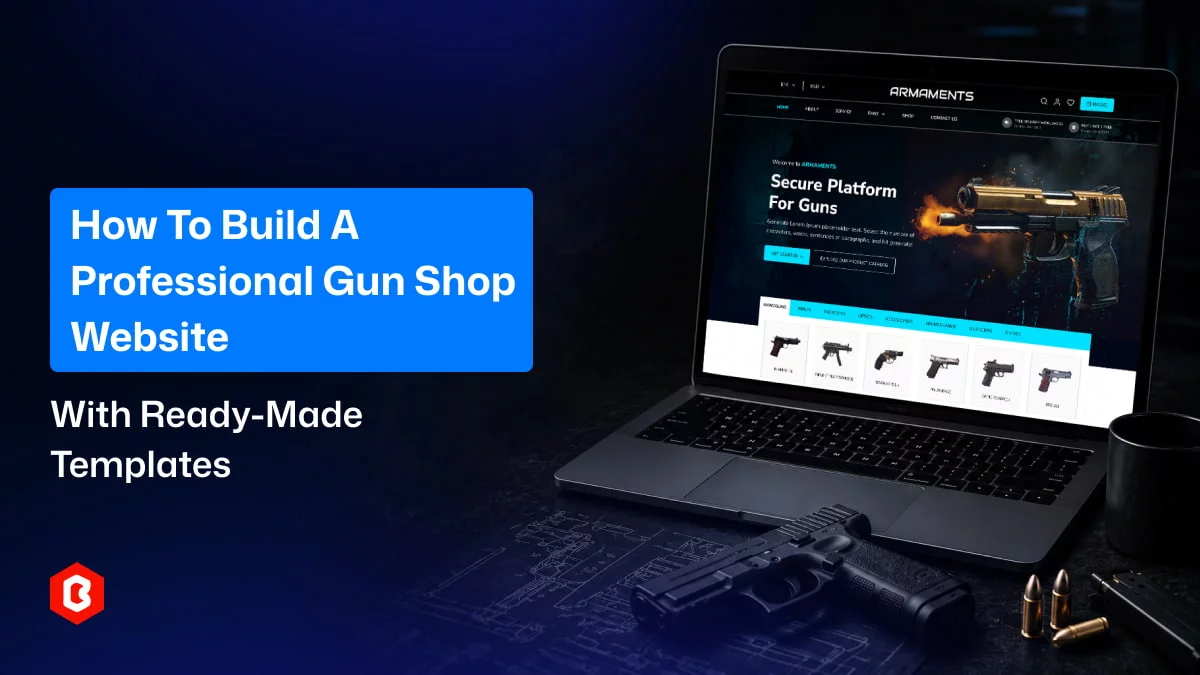
Many businesses now regularly use ready-made solutions to build a website. One such solution is website templates. Online firearms shopping has increased quite a bit. So, building a website for the same makes sense.
Here, we will discuss how to build an online gun shop website using firearms website templates. We’ll provide a brief guide on how to use a website template for professional website development.
Explore other websites that sell similar products to yours. Perform a detailed competitive analysis to know what’s trending in the market and then decide the services and features you must offer.
Start looking for an e-commerce website template that can help you build a gun shop website. Here, you have two options:
Buy a gun shop website template (a template specifically built for gun shop e-commerce websites.
Buy any other e-commerce website template.
Here, we recommend buying a template specifically built for gun shop websites. So, it will reduce your customization efforts and help you complete your website quickly.
Once you choose a template, download or purchase it. After getting the template, extract the important files. Most templates come with HTML files. There may be CSS, JavaScript, or other front-end framework files depending on the template. Sometimes, a template can also carry images and icons.
This step is necessary and shouldn’t be ignored. You have to test your website locally before it goes live. You can set up a local server environment. Popular options are XAMPP and MAMP. After setting up local hosting, you can create your local server’s directory ("htdocs" or "www" folder) and paste the template files there.
Modify the website template with your brand identity. Add your content and media. Replace generic or dummy text with branded, unique, and high-quality text.
Review all the sections properly and add or remove according to your business requirements. Make sure the gun shop template is customized properly and doesn’t look generic. Our firearms website template comes with clean and readable code, so you can customize it easily. Customization helps you create a unique website that stands out from the competition.
Integrate with your preferred back-end service to add important functionality.
Update the website with real and meaningful content.
Product List: Classify all products in appropriate categories. List them properly on respective pages.
Product Details/Catalog: Explain all the products with accurate information. Take care of writing correct information and specs only. Show product images that are clicked professionally, or purchase high-quality ones from our product image service. Add a detailed and attractive product catalog to highlight features and recommend other options for a satisfactory experience.
Media Optimization: Compress images to reduce their file size. This will help you with website loading speed optimization. However, ensure there is no visible difference/pixelation in the image quality.
A checkout flow is quite necessary for an e-commerce website. It can either make or break a deal. So, you should add the following to your website’s checkout flow:
Cart/Bag:Shopping cart functionality is quite important for customers. Most use this feature to save products to purchase in the near future. This helps them simplify the purchase of multiple products from the same platform.
Payment and Shipping Details: A grand total of all the added products makes the job easy for the consumer. Apart from that, the Expected Time of Arrival (ETA) helps them make decisions more easily.
Payment Gateway: You must integrate a reliable payment gateway to ensure a smooth payment flow. A reputable gateway also helps you build trust with customers.
Below are a few considerations to test your website before it goes live:
Check Responsiveness: Ensure the website adapts smoothly to all screen sizes, so you can serve customers with any device. If you have bought a responsive website template, the website will be responsive by default.
Verify Products and Content: Ensure there is no wrong media or text content in product details.
Make a Dummy Purchase: Confirm the entire shopping flow, including payments. This part is quite sensitive, so you have to check it carefully. Any errors in this can result in a big loss. So, ensure purchases and payments are working perfectly.
Check Tracking: Ensure shipment tracking is accurately shown to the consumer.
Once you have completed customization and testing, you can publish your website.
Choose a reliable hosting provider for your website.
Use FTP to upload your files from the local server to your web hosting account.
Update the DNS settings of your domain name if you have a custom domain name.
Building a professional online gun shop website may seem tough. But it can be much easier. You can get a pre-built gun shop website template. A well-designed gun shop template can save you time and development costs. With clean source code, you can easily customize it for your brand. By adding secure cart functionality and a payment gateway, you can ensure a smooth online gun shopping experience for your customers.
 Similar Blogs
Picking the perfect style for your website is a major decision, especially in the vast scope of web...
Designing and developing a website may look tough and time-consuming. It is actually tough when it c...
Developing a website has now been important to reach a wider audience. Performing web development fr...
When it comes to managing an online store, time is a precious commodity for every business owner. Th...
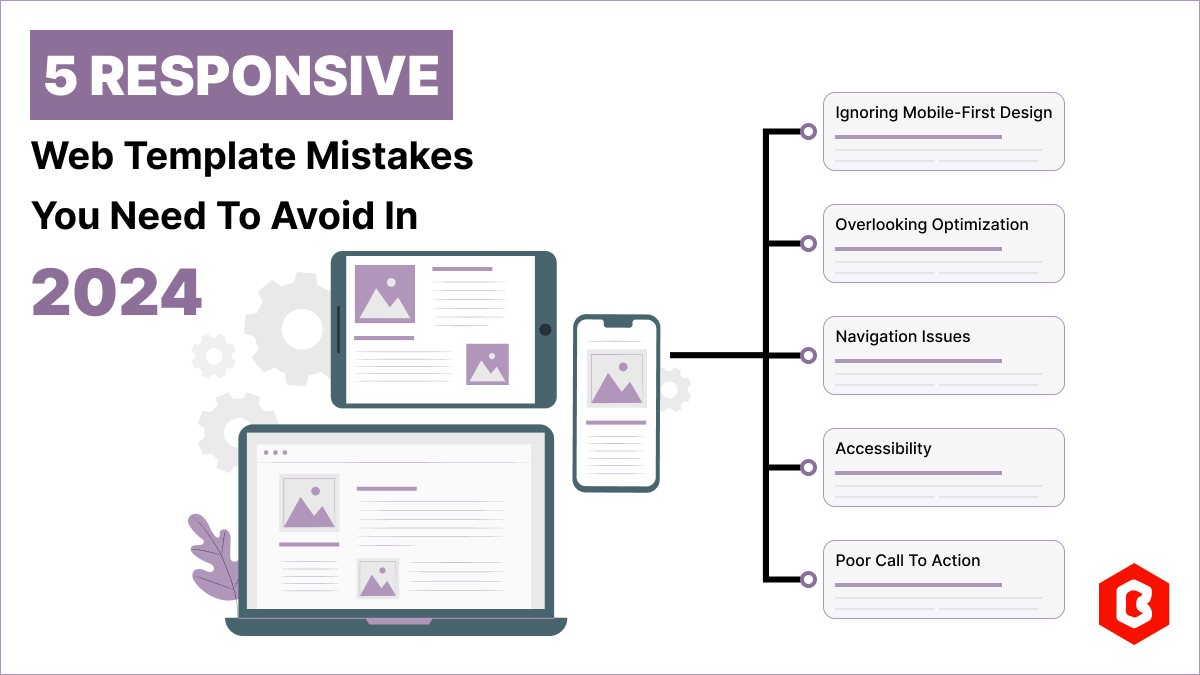
Having a responsive web template can help you succeed and keep your business ahead of the competitio...
Do you know? The Jewelry Market value is hitting the limit of 310.88 Billion USD in 2024 and by 2028...

Not sure which template or UI kit fits your project? Reach out for expert advice.
 100% Satisfaction Guaranteed
  Shop with Confidence!
 Tags
Tags