Buy any 1 product and get 1 absolutely free — this offer applies to all Website Templates, UI Kits, and Complete Scripts.
Buy Now! Article Information Table Of Contents
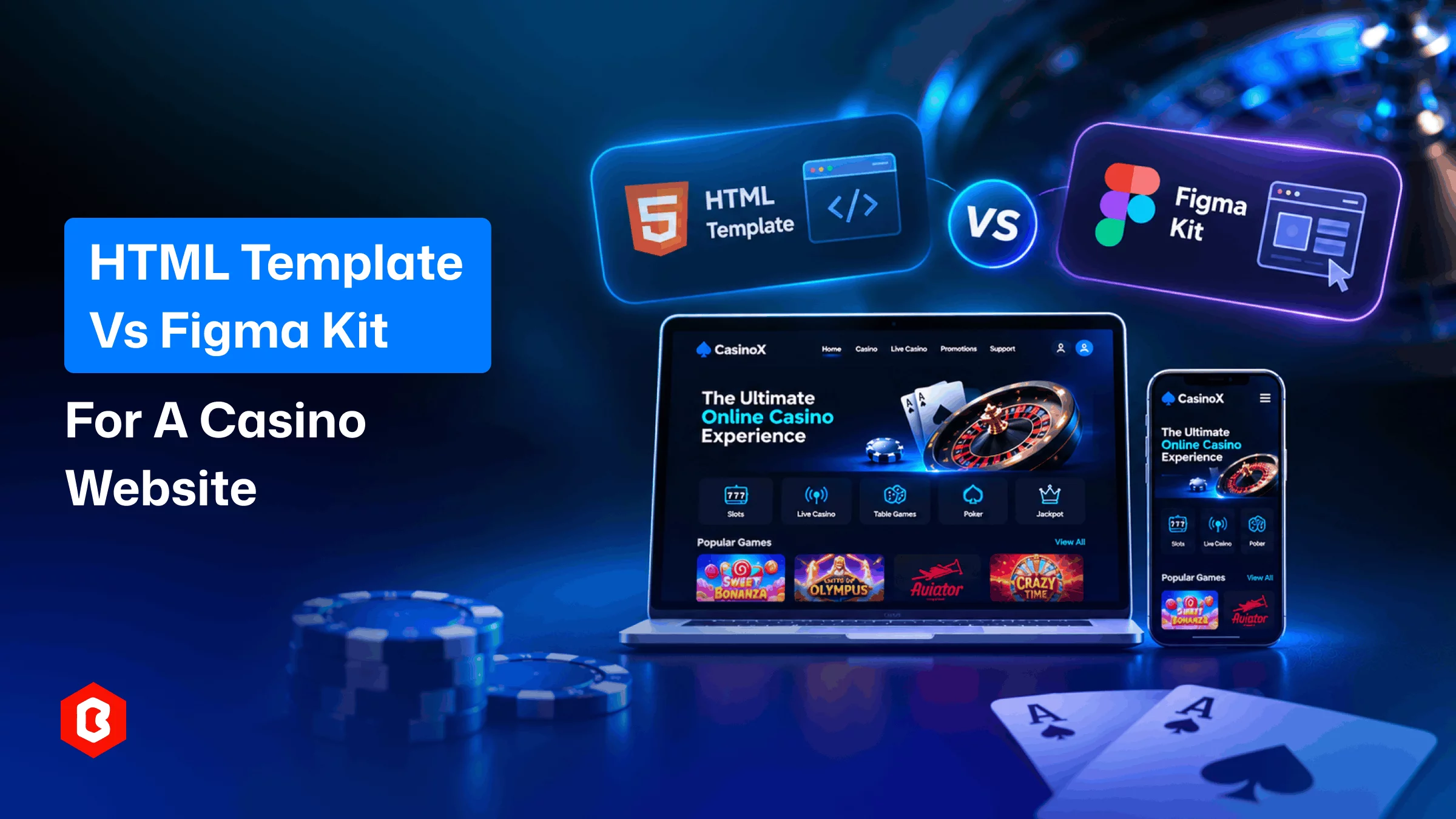
Building a casino website involves several design decisions. One important choice is selecting the right starting point. Should you use an HTML template or Figma kit? Both options offer different advantages for website projects. However, they serve different stages of development. Understanding these differences can help you plan better. It also helps avoid unnecessary design and development work.
An HTML template provides a ready-made frontend structure. A Figma kit offers editable layouts and components. Your choice depends on your project requirements. It also depends on your team's skills and resources. Let's compare both options and understand their uses.
Before comparing both options, understand their basic purpose. Each resource supports a different part of development. Knowing what they offer helps make better decisions.
An HTML template is a pre-built website structure. It uses HTML, CSS, and JavaScript technologies. Developers can customize its layouts and interface elements. This reduces the need for repetitive frontend coding.
A casino website template can provide several ready-made sections. These may include homepages, game listings, and dashboards. Some templates also include promotional and account pages. Developers can modify these sections for specific projects.
However, an HTML template does not provide everything. Game mechanics and backend features need separate development. Payment processing also requires suitable integrations. The template mainly provides the frontend foundation.
A Figma UI kit contains editable design components. Designers use these components to create website layouts. It helps plan the interface before development begins. Teams can also explore different visual concepts.
A casino game UI kit may include several screens. These can cover game cards and player dashboards. Some kits also provide card tables and navigation. Designers can customize these elements within Figma.
Unlike HTML templates, Figma kits contain no working code. Developers must recreate approved designs using frontend technologies. The kit serves as a visual development reference. It helps teams agree on layouts before coding.
Both options help teams create website interfaces. However, their features and intended uses differ. The following comparison explains their main differences.
Comparison | HTML Template | Figma UI Kit |
Main purpose | Frontend development | Interface design |
Primary users | Developers | UI/UX designers |
File format | HTML, CSS, JavaScript | Editable Figma files |
Customization | Through code | Through design tools |
Development stage | Frontend implementation | Design planning |
Design flexibility | Depends on existing layouts | Greater layout flexibility |
Functionality | Frontend elements may be included | Static design components |
Best suited for | Faster frontend development | Custom interface planning |
The biggest difference lies in their intended purpose. HTML templates help developers build website interfaces. Figma kits help designers plan those interfaces. Neither option replaces complete website development.
An HTML template works well for defined projects. It provides an existing structure for frontend development. Developers can customize its sections through code. This approach can reduce initial development time.
Consider an HTML template for these requirements:
Limited development time
Defined design requirements
Code-level customization
Frontend development
Reduced repetitive work
For example, a casino website needs several sections. These may include game listings and promotional banners. It may also require account-related pages and navigation. An HTML template provides a starting structure.
Developers can then modify these sections accordingly. They can also connect the required backend services. Additional coding handles features beyond the template. This makes HTML templates useful for frontend development.
A Figma kit suits projects needing custom interfaces. It gives designers more freedom during planning. They can experiment with different layouts and components. Changes are also easier before development begins.
Consider a casino game UI kit for these requirements:
Custom visual identity
Multiple design concepts
Specific gameplay screens
Design collaboration
Development planning
Consider a project focused on card games. It may require dedicated gameplay screens and controls. Designers must plan card placement and player positions. Bidding options and scores need clear visibility.
A suitable Figma kit provides useful starting components. Designers can modify these elements for specific requirements. They can also review the complete interface. Developers then receive approved designs for implementation.
Choosing the right resource is only the beginning. Your website also needs a practical interface. Different sections should serve clear purposes. They should also provide consistent navigation throughout.
Here are some important design elements to consider.
The game lobby helps visitors explore available games. Organize games into clear and recognizable categories. Use consistent cards for presenting game information. Add filters when your platform offers many options.
Avoid placing too many elements together. Keep important categories easy to find. Clear navigation makes browsing more convenient.
The gameplay screen should prioritize the game. Controls and instructions must remain easy to understand. Player information should also have clear placement. Avoid unnecessary elements around the main gameplay area.
A Pinochle card game needs specific interface elements. These include card placement and player positions. Bidding controls and score displays also matter. Each element should remain visible during gameplay.
A dashboard organizes important account information. It may include profiles and account settings. Transaction history can also appear within this section. Keep navigation consistent across dashboard pages.
Use clear labels for different dashboard sections. Avoid complicated menus and unnecessary visual elements. A simple structure improves overall usability.
Visitors may access websites through different devices. Your layouts should adapt to smaller screens. Buttons must remain easy to tap. Text should also remain readable without zooming.
Test important screens across different screen sizes. Check navigation, spacing, and element placement carefully. A responsive interface improves the browsing experience.
Yes. Both resources can support one project. Many teams use Figma before frontend development. They then use HTML templates for implementation. This approach combines design flexibility with ready-made code.
You can follow this simple development workflow:
Plan the interface
Review the layouts
Choose an HTML template
Customize the code
Add functionality
Test the website
This approach helps teams manage design changes. Designers can explore ideas before coding begins. Developers can use existing frontend structures. Both teams work with clearer design references.
However, some sections may need additional coding. Figma designs do not automatically create working websites. Developers must implement the required interactions separately. Backend functionality also requires suitable development.
Your project requirements should guide this decision. Consider your timeline and available development resources. Also review the complexity of your interface. These factors can help identify suitable options.
Project requirement | Recommended option |
Faster frontend development | HTML template |
Exploring visual concepts | Figma UI kit |
Customizing existing code | HTML template |
Creating unique layouts | Figma UI kit |
Planning gameplay screens | Figma UI kit |
Combining design and development | Both |
An HTML template suits projects with approved designs. It provides a starting point for frontend work. Developers can then customize the existing structure.
A Figma kit suits projects needing custom layouts. It helps finalize the visual direction first. Teams can review designs before starting development. Both resources can also work together.
Choosing between HTML templates and Figma kits depends on project requirements. Both resources support different development stages. HTML templates provide ready-made frontend structures. Figma kits help plan customized website interfaces.
A casino website template suits faster frontend development. A Figma kit offers greater design flexibility. You can also combine both resources. This approach supports design planning and implementation.
Focus on your actual website requirements first. Review available layouts before selecting any resource. Plan the required functionality alongside the interface. A clear workflow makes development more manageable.
Yes, Figma components support different design changes. You can modify colors, typography, and layouts. Individual interface elements can also be adjusted.
Yes, both resources can work together. Use Figma to plan your website interface. Then customize HTML layouts to match. This combines design flexibility with faster development.
A casino interface needs several essential sections. These include game lobbies and player dashboards. Gameplay screens also need clear controls. Account settings and responsive layouts are equally important.
Yes, some kits support dedicated card interfaces. They provide layouts for tables and gameplay. Designers can customize these for specific games. Pinochle is one example of a card game.
Not necessarily. Most HTML templates provide frontend layouts and code. Backend features require separate development and integration. These may include accounts, payments, and game mechanics.
 Similar Blogs
The online casino industry is getting more attention, but with opportunity comes intense competition...
We know that in 2025, having an advanced and safe online casino website design is a key element to a...
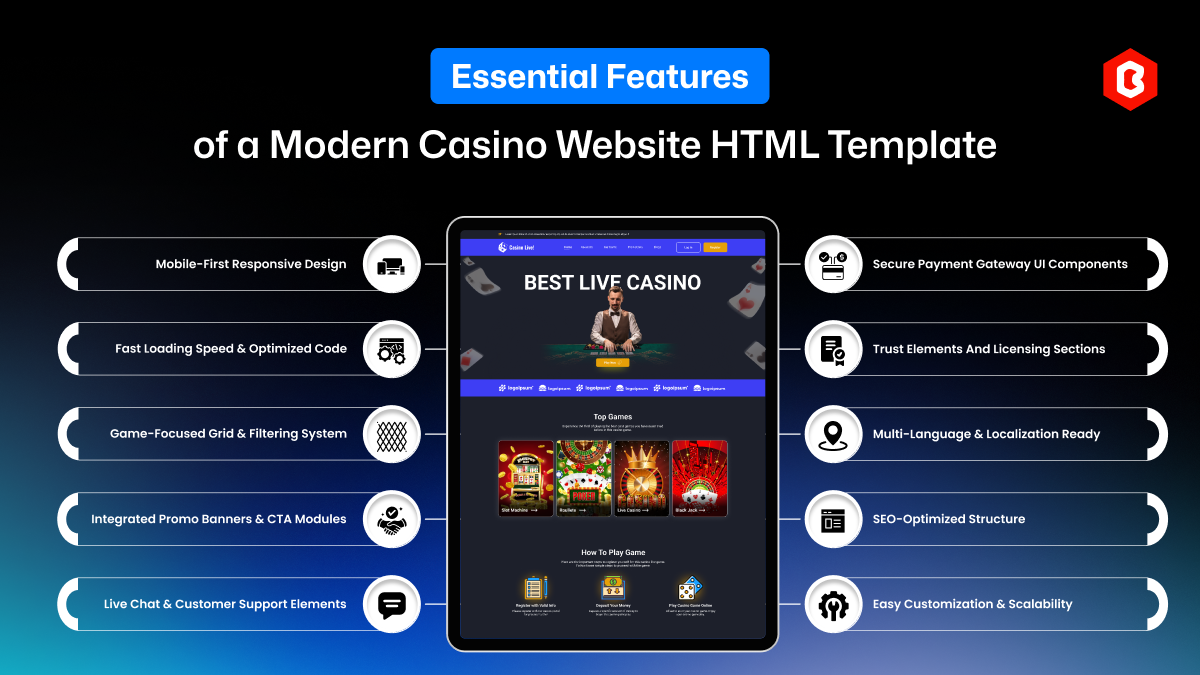
In the high-stakes world of online gaming, your casino website is more than just a virtual storefron...
Everyone has seen the online casino industry grow. It is popular because it offers the convenience o...

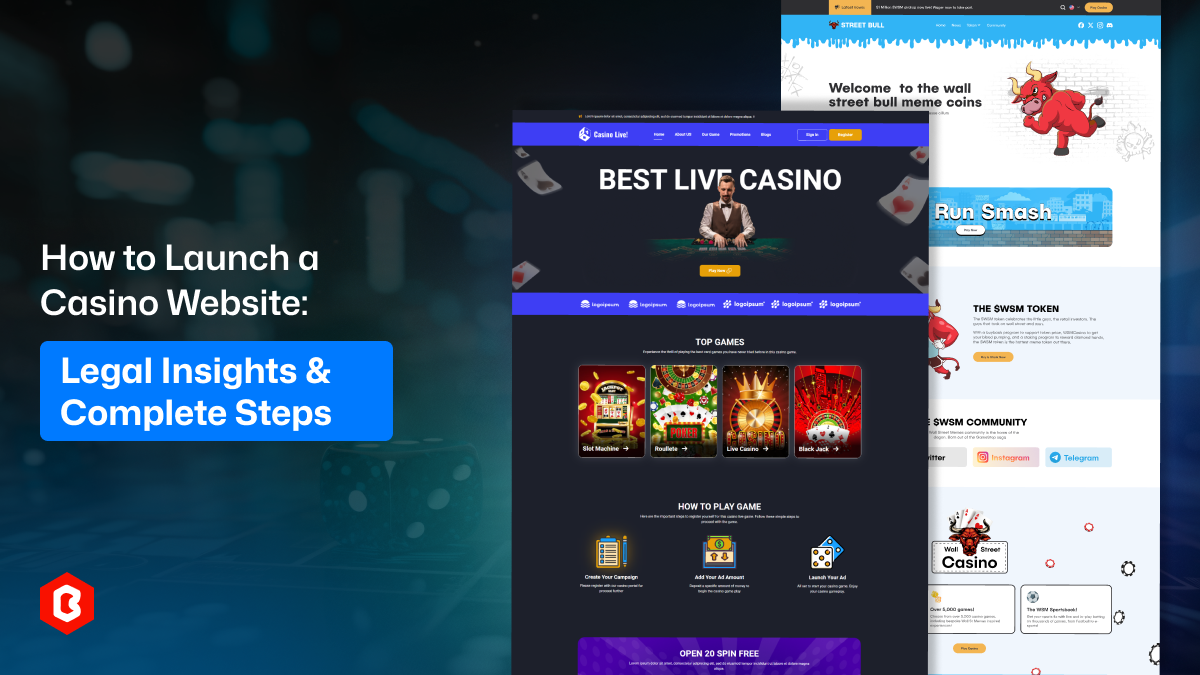
Launching an online gaming platform consists of many steps, and not just placing games on the websit...

A casino website can look completely fine on a desktop. But they fall apart on a phone. That usually...
Related Products 
Not sure which template or UI kit fits your project? Reach out for expert advice.
 100% Satisfaction Guaranteed
 Shop with Confidence!

 Tags