Buy any 1 product and get 1 absolutely free — this offer applies to all Website Templates, UI Kits, and Complete Scripts.
Buy Now! Article Information
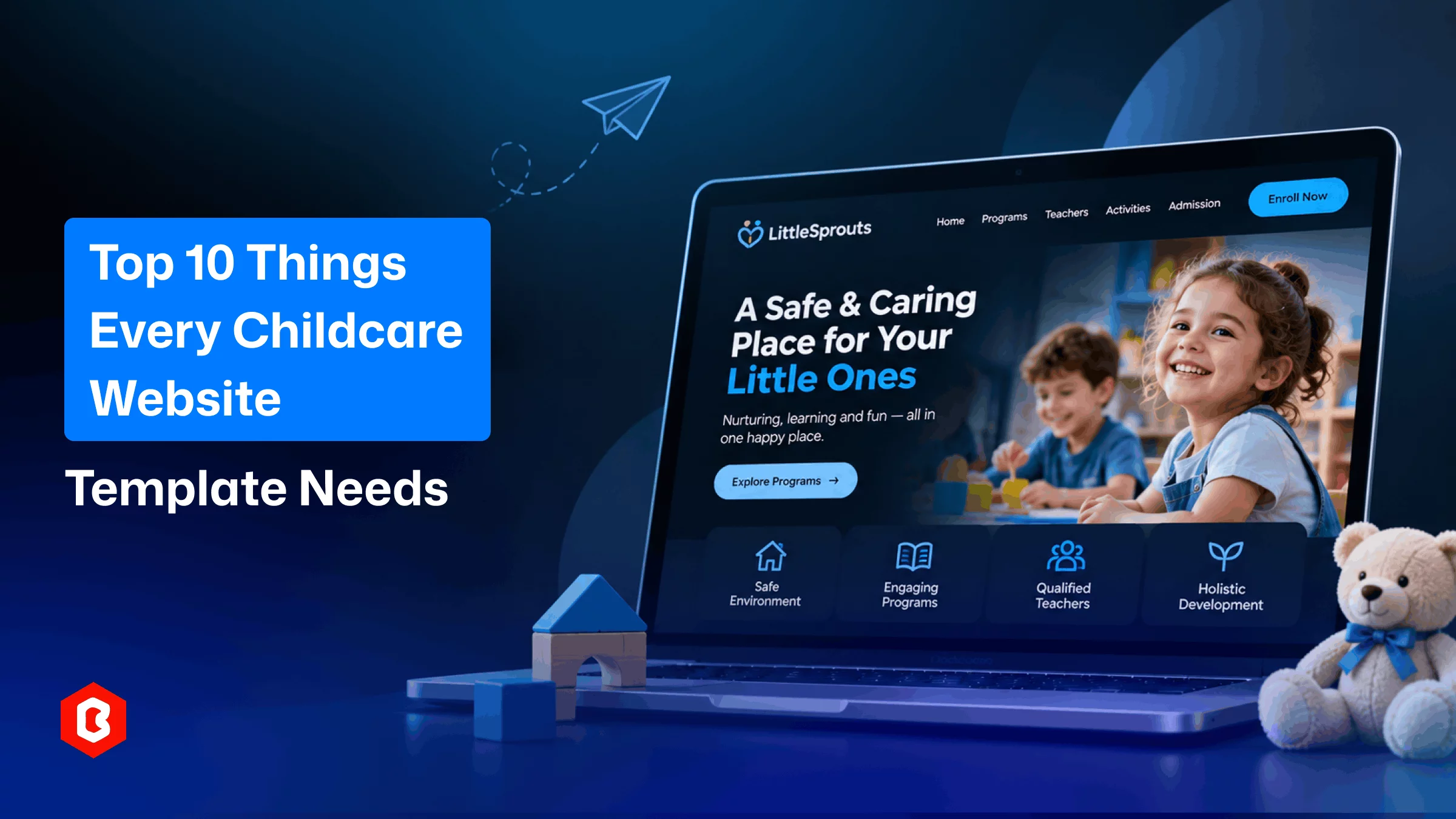
Top 10 Things Every Childcare Website Template Needs
Parents research before handing over their children to a center. They want to know about the environment and programs. Apart from that, they look for:
Teachers
Activities
Admission details
Your childcare center should have a website. Finding information about your business should be easy to find.
You can get a childcare website template for your preschool. It gives a kickstart to your web development project. It helps organize important details for parents. It can also help users easily access your services. But the right choice depends on your center. Daycare and preschool both have different requirements. A kindergarten may need separate program information.
A childcare website should answer parents' common questions. It should explain programs and introduce the teaching team. It should also show daily activities and facilities. These ten features can be valuable for your website.
Children of different ages need different care. Your website should explain the available programs. Parents should understand which age groups you accept. Program details should be easily available.
You can arrange programs by age or learning stage. Add descriptions of activities and daily routines. This helps parents know the available options. They can compare them and choose one for their children.
Parents want to know who cares for their children. Teacher profiles help introduce your staff. Add the following:
Names
Roles
Relevant experience
A short introduction can make the information more useful.
Use photographs where appropriate. Keep staff information accurate and updated. This section helps parents become familiar with your team.
Many parents want to see what children do daily. Your website should explain these activities clearly. Include both learning and recreational experiences.
You can present activities through short descriptions. Photo galleries can provide a closer look. Consider highlighting:
Creative Activities
Outdoor Play
Story Sessions
Group Learning
Arts and Crafts
Parents can get a sense of your center's daily environment.
Parents should effortlessly get admission details. Explain the admission process on your website step-by-step. Mention the steps required to apply. Also add important dates and required documents.
A clear admission section can cover:
Age Requirements
Application Process
Required Documents
Admission Dates
Contact Details
Keep them easy to update. It helps parents know what to do next.
The environment matters to many parents. They may want to know about:
Classrooms
Play areas
Safety details
Use dedicated sections to describe your facilities. Add photographs of the school. Explain important policies properly. Avoid making overpromising safety claims.
Childcare centers manage events regularly. There may be celebrations and family activities. Your website can keep parents informed.
An events section can display dates and descriptions. Add photographs after activities take place. This gives visitors a better idea of school life.
Feedback from families can help new visitors. It gives parents an idea of others' experiences. A dedicated section makes feedback easy to find.
Use genuine comments with permission. Keep each testimonial readable and relevant. Avoid showing false claims as customer feedback.
Parents may visit your website from their phones. Your pages should remain readable on smaller screens. Menus and buttons should also work properly.
A responsive daycare website template works on different screen sizes. This helps parents easily access programs and contact details. Check the mobile layout before choosing.
Visitors should find important pages with fewer clicks. Keep the main menu short and properly arranged. Use familiar labels for each section.
Contact information should be easily locatable. Add a form for admission inquiries. Phone and email links can help too.
A blog gives your center space to share updates. You can publish useful information for parents. It can also explain your learning approach.
Possible topics include:
Parenting Tips
Child Development
Learning Activities
School Updates
Event Announcements
Keep articles useful and easy to understand. Update the section whenever new information is available.
Each template serves a different website purpose. We have a collection of preschool website templates. The comparison table shown below can help you choose the best.
Template | Main Focus | Suitable For |
Kidelia | Educational resources and courses | Kids' learning platforms and educational stores |
Kids Care | Childcare services and activities | Daycare and childcare centers |
Lumina | Preschool and early learning | Preschools and Montessori schools |
LittleSprouts | Kindergarten and nursery programs | Kindergartens and nursery schools |
Choose based on your actual services. Don't select a template by appearance alone. Review its pages and available sections.
A childcare website should make parents feel informed. It should explain programs and introduce staff. It should also present activities and admission details.
The right childcare website template depends on your center. Kids Care focuses on childcare services. Lumina and LittleSprouts support early education. Kidelia is better suited to learning resources.
Review each option before making your decision. Choose the layout that matches your needs. Then add accurate details about your center.
It should show programs and staff information. Activities and admission details are also important. Contact options should be easy to find.
Daycare websites often focus on care services. Preschool websites highlight learning programs and activities. Both need clear information for parents.
Yes. A dedicated section can explain enrollment steps. It can also list required documents and dates. You can get a pre-built kindergarten website template to build your platform.
Parents may visit using phones and tablets. Responsive layouts keep pages readable and accessible. They also make navigation easier.
Lumina and LittleSprouts are good for preschool programs. Compare their layouts and added sections. Choose the one matching your center.
 Similar Blogs
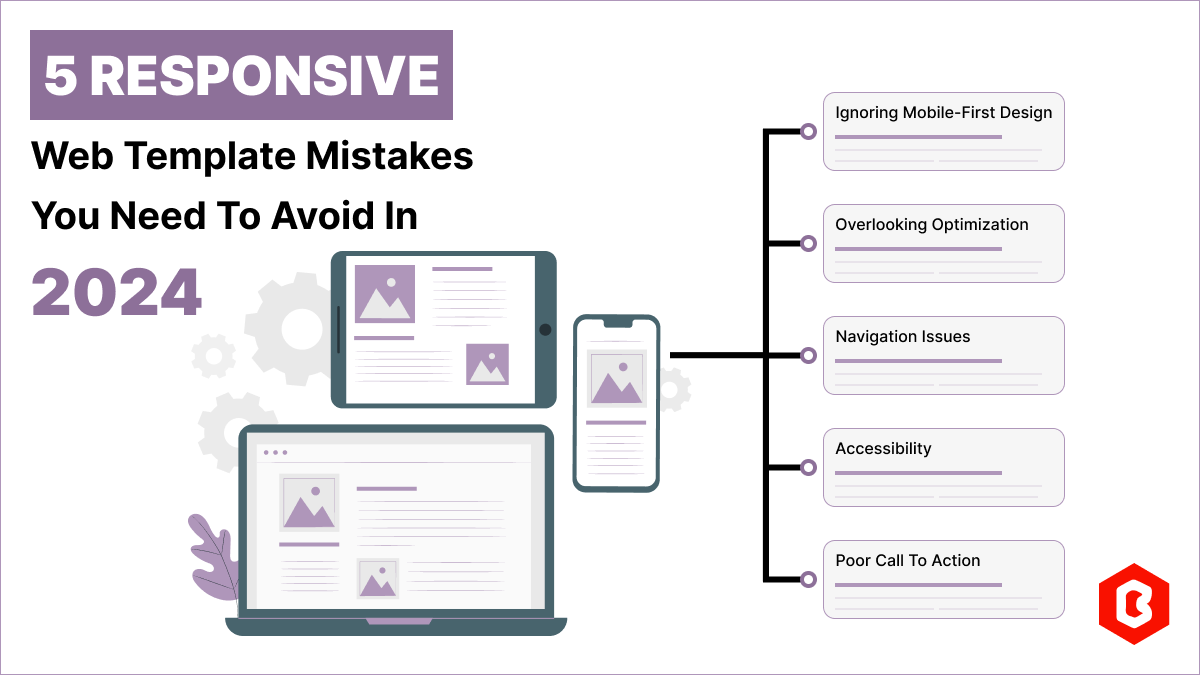
Having a responsive web template can help you succeed and keep your business ahead of the competitio...
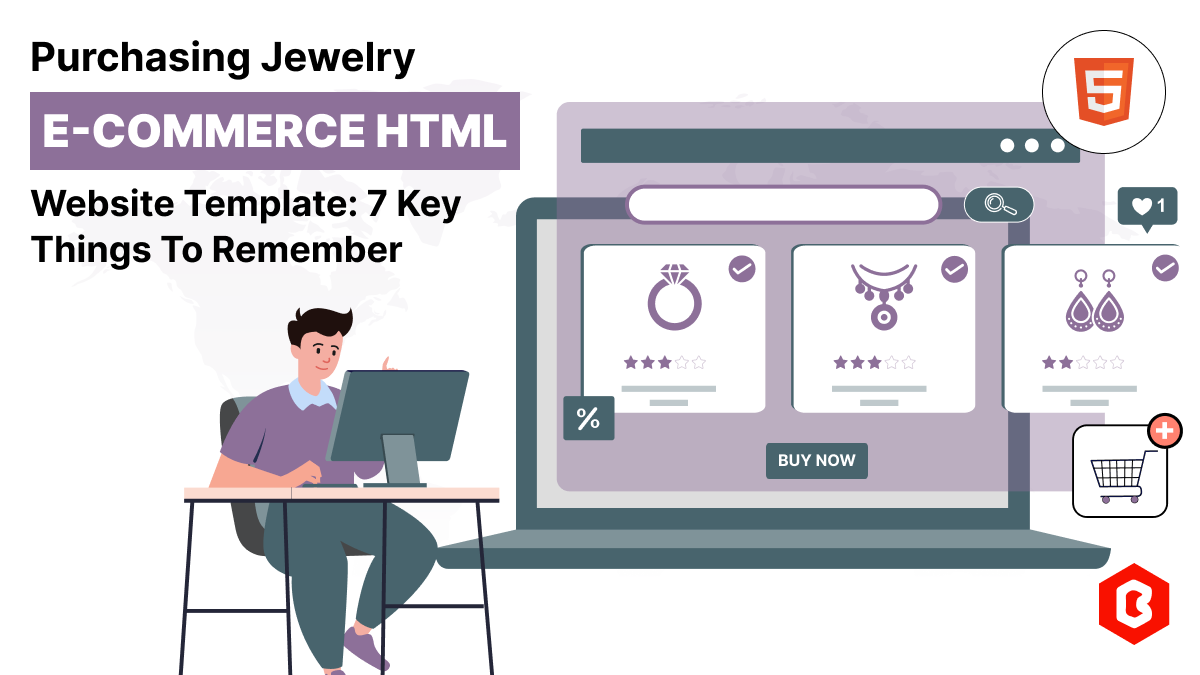
Do you know? The Jewelry Market value is hitting the limit of 310.88 Billion USD in 2024 and by 2028...
When the world is going online, having a responsive website that works flawlessly across all devices...
Building a professional website for your business can be expensive and time-consuming, which can’t b...
Websites were accessed using desktops previously. However, for the past decade, the surge in the sal...
Building a website may seem tough, but it can be easier. With the rise of readily available, user-fr...
Related Products 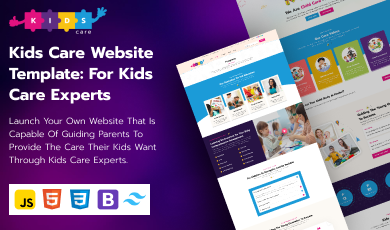


Not sure which template or UI kit fits your project? Reach out for expert advice.
 100% Satisfaction Guaranteed
 Shop with Confidence!

 Tags


