Buy any 1 product and get 1 absolutely free — this offer applies to all Website Templates, UI Kits, and Complete Scripts.
Buy Now! Article Information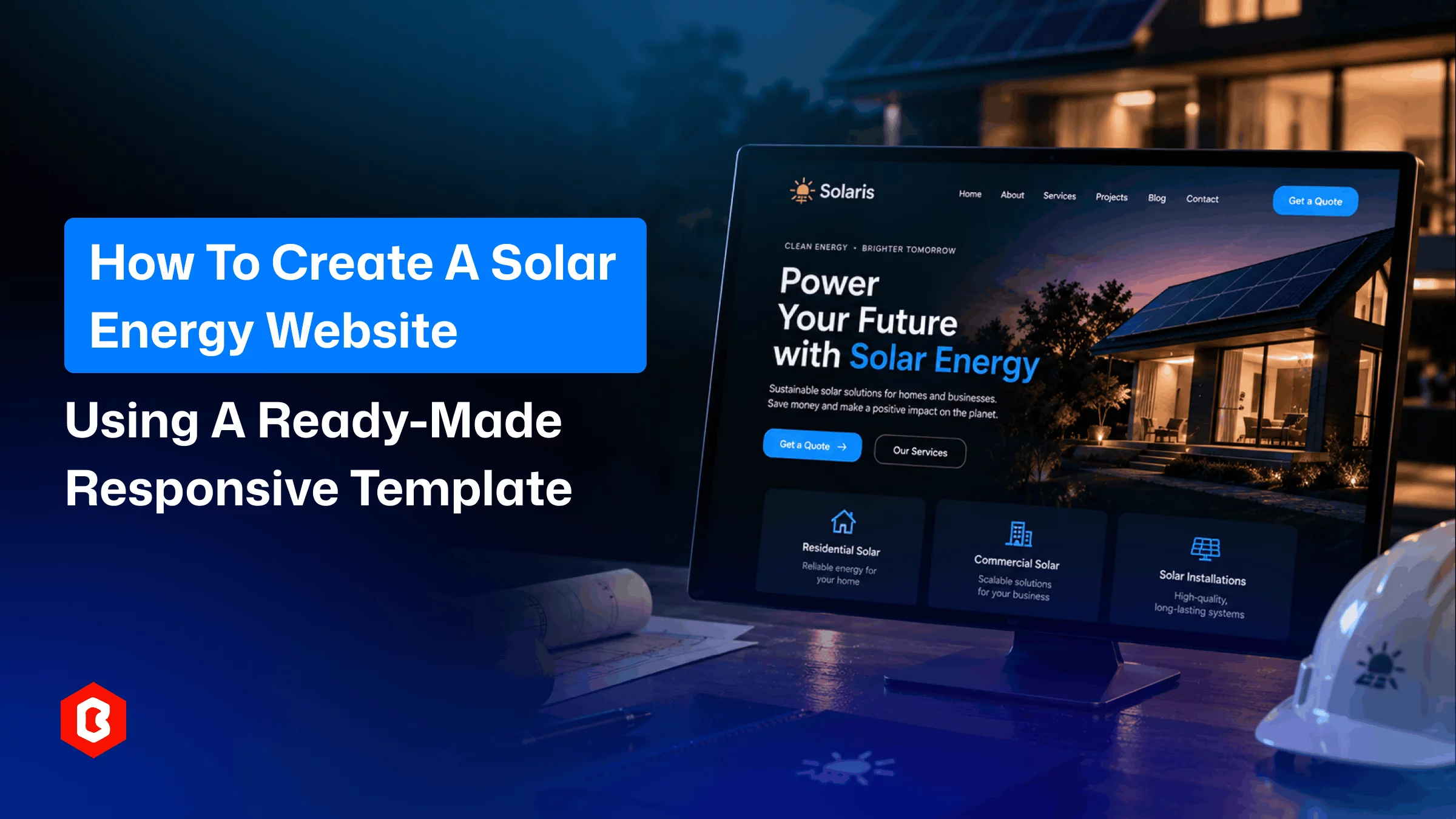
A solar company website has one simple job. It should show what you offer. It should also make the next step easy. Visitors may check your services. They may view past installations. Some may simply want a quick quote.
You can build all of this from scratch. There is another route too. A ready-made solar energy website template gives you the main structure first. You replace the demo content. You add your services and projects. Then you shape the site around your business.
A business website has one simple job: show what you offer and make the next step easy. Visitors may want to check your services, see your past work, or request a quick quote.
You can build all of this from scratch, but a ready-made responsive website template gives you the main structure first. You replace the demo content, add your own services and projects, and shape the site around your business. Follow these steps to go from template to a live website.
The template sets the tone for your website. So choose it carefully. Look beyond the homepage. Open the service pages. Check the project layouts. Test the contact section.
A good solar website template needs more than an attractive hero section. It should support the pages your customers need. Installation services matter. Project examples matter too. Company details and contact options also matter.
You save time if these sections already exist. You also avoid rebuilding the basic structure later.
You do not need a huge website. Start with a few focused pages. Each page should have a clear purpose.
A simple solar site can include:
Home
About Us
Solar Services
Solar Panel Installation
Projects
Products or Solutions
FAQs
Contact
The structure can change with your business. An installer may need more project space. A supplier may need detailed product pages. Commercial companies may need separate solution pages.
The goal is simple. Every key customer question needs an answer. That answer should be easy to find.
This is where the template becomes yours. Demo text only shows the layout. It does not sell your service. Replace it with information about your company.
Start with the hero section. Tell visitors what you actually do. Keep the message clear. “Solar Power Solutions for Homes and Businesses” is direct. Visitors understand the offer right away.
Then update the service blocks. Add your actual services. Mention the locations you cover. Replace stock images with real project photos when possible.
That change makes a big difference. Your solar energy website should feel like a real business. It should not feel like a demo with a new logo.
Solar technology can get technical very fast. Your website does not need every detail upfront. Give visitors the important information first. Let them explore further when needed.
You could create sections for:
Residential solar installation
Commercial solar systems
Solar maintenance
Battery storage
Solar consultation
Keep each introduction short. Explain what the service does. Mention its main benefit. Then give visitors a reason to continue.
A service section can follow a simple pattern. Start with the service name. Add a short explanation. Mention the main benefit. Finish with a clear next step.
There is no need to fill every space with text.
People searching for solar panels want useful details. They want to know what you install. They may also compare different systems.
Your solar panel website should answer those questions clearly. Mention panel types and supported systems. Add warranty details when relevant. Explain your installation and maintenance options.
Use product cards when they fit the design. Add important specifications too. Keep technical information easy to read.
A dedicated solar panel website template can make this easier. Many ready-made layouts already include product blocks. You can adapt those sections to your own products.
Solar customers want proof. Your project section can provide it.
Show completed installations. Add real photos. Mention the system size. Include the location when suitable. You can also share useful results. Annual generation is one example.
For example:
Residential Solar Installation
5 kW system
Ahmedabad
Annual generation: X kWh
This is more useful than another generic panel photo. It also gives potential customers a better idea of your work.
A phone number is useful. A quote form can be even better. It lets you collect basic information before the first conversation.
Keep the form focused. You may need the following details:
Name
Phone
Location
Property type
Estimated requirement
Add a message field for specific questions. Do not ask for everything at once. A long form can make a simple inquiry feel like work.
A responsive website is essential today. Someone may find your company through a phone search. They may check your projects during a break. They may open your contact page from social media.
The site needs to work in all these situations.
A responsive solar energy website template handles much of this work. Your final website still needs testing. Check the mobile menu. Test the forms. Open project images. Read the headings. Tap the buttons.
Large images can affect the layout. Long headings can do the same. Test everything after adding your own content.
Visitors should know what to do next. Use direct buttons that match their intent.
Some useful options include:
Get a Solar Quote
Book a Consultation
View Our Projects
Talk to an Expert
Contact Us
Keep the main action connected to the page. A service page can focus on getting a quote. A project page can lead visitors to more work.
The homepage can introduce your services. It can then guide visitors toward contact.
You do not need a different button everywhere.
The template gives you the starting point. The final cleanup is still important.
Compress large images. Remove unused sections. Test every form. Check every link. Read the pages on a phone.
Then check the website speed. Solar websites often use large project photos. These images look good. They can also slow the site down.
Resize images before uploading them. Keep only useful sections. Remove anything that adds little value.
Then review the homepage again. Look at it like a new visitor. Can you understand the company? Can you find the services? Can you request a quote?
The site is doing its job if yes.
The Solaris website template is ideal if you want to build a website for your solar energy products. It is ideal for both sales and services. It’s built professionally and comes with a responsive design. You don’t have to code separately for different screen sizes. It covers all the important pages that you need in a business website.
There are a few chances that you will need to build a webpage from scratch. You just have to modify content and brand identity. The rest on the frontend side is already given. You can cover sales, services, and support in one platform if you use this solar energy website template.
Solution Stacks
User Profile Creation and Management
Product Listing and Description
E-commerce Functionality
Service List and Details
Responsive Design
Dropdown Options
CTA Buttons
A ready-made template removes much of the initial design work. You do not have to build every page from an empty screen.
Choose a responsive solar website template. Replace the demo content. Explain your services. Show real projects. Make the quote process easy.
That can turn a basic template into a useful business website. A professional solar panel website does not need to be complicated. It needs to be clear. It needs to load well. It needs to help visitors become inquiries.
A solar energy website template is a ready-made layout. It is designed for solar businesses. It can include service pages and project sections. It can also include contact forms and product sections.
Yes. You can change the text and images. You can also change the logo and colors. Services and other design elements can be updated too.
People use phones and tablets to browse websites. A responsive layout adjusts to different screen sizes. It also makes the site easier to use.
A solar website should explain your services clearly. It should show real projects. It should provide useful contact details. A simple quote form can also help.
Yes. A ready-made template provides the basic structure. You can customize that structure with your content. This saves time during development.
 Similar Blogs
Parents prefer to research online for a childcare center. They want to know about their activities a...
A dental website helps people learn about a particular clinic. Visitors check treatments or find a d...

You have to make some important decisions while designing a casino website. The website also needs t...

Online taxi booking is becoming more reliable. People can book a taxi from a website. They don’t hav...

Wedding planning has many steps. Couples have to finalize venues. They need help from multiple busin...
A solar energy website needs more than attractive visuals. It must explain services and build custom...
Related Products 
Not sure which template or UI kit fits your project? Reach out for expert advice.
 100% Satisfaction Guaranteed
  Shop with Confidence!
 Tags
Tags 
