Buy any 1 product and get 1 absolutely free — this offer applies to all Website Templates, UI Kits, and Complete Scripts.
Buy Now! Article Information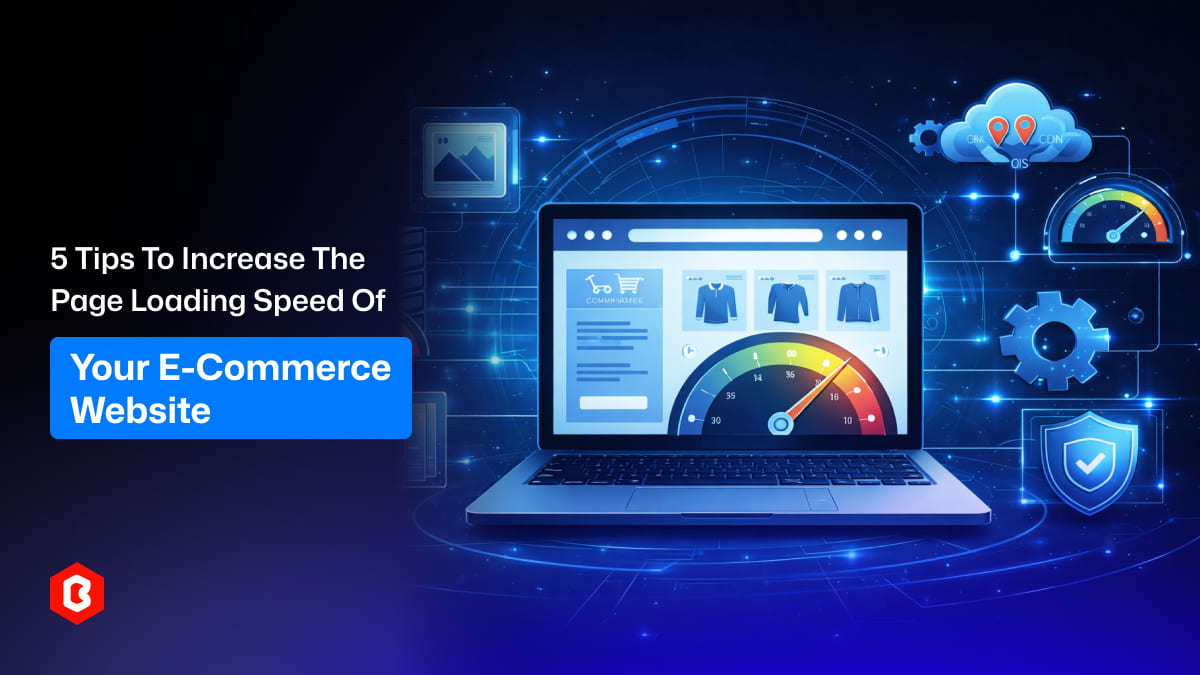
A slow e-commerce website can quietly damage your business. Picture a shopper clicking on a product and then waiting several seconds for the page to finally load. In many situations, that person simply gives up and moves to another online store. Most online shoppers expect pages to open almost immediately.
Page speed also affects more than the user’s experience. Search engines look at loading speed when deciding how websites should rank, and many customers judge a store’s reliability by how smoothly everything works. When pages take too long to load, even a nicely designed store may struggle to turn visitors into actual buyers.
From what I have seen while working with different online stores, improving page speed usually begins with a few small but important changes. Many websites become slow because images are too large, scripts are overloaded, or the hosting setup is not efficient enough. Correcting these issues can make a clear difference.
Now, let’s explore five practical ways for e-commerce website speed optimization.
Product images are very important for online stores, but they are also one of the most common reasons pages load slowly. Clear photos help shoppers understand the product better, yet very large image files can make a page take longer to open.
For example, imagine a clothing store that uploads five large photos for every product. If each image is around 5MB, the product page quickly becomes very heavy. When a customer browses several items, their browser needs to download a lot of data again and again.
Reducing image size is often the simplest improvement you can make. Tools like TinyPNG or the compression options available in many design programs can lower file sizes while keeping the image quality almost the same.
It is also helpful to choose the correct image format. For instance, WebP images usually load faster than traditional PNG files. Many modern e-commerce platforms already allow store owners to use this format easily.
Another good practice is uploading images in the right dimensions. If a product image appears at 800 pixels wide on the page, there is no reason to upload it at 4000 pixels. Extra-large images only consume more bandwidth and slow the page down.
Online stores such as electronics shops or furniture retailers often manage large product catalogs. In these situations, properly optimized images can greatly reduce page size and make browsing faster across the whole website.
Many e-commerce websites slowly collect plugins and scripts as time passes. In the beginning, every tool feels helpful. A chat widget gets added for customer support, then an analytics script to track visitors, followed by marketing pop-ups and social sharing buttons.
After a while, dozens of scripts may end up running on the same page.
Take a typical online fashion store as an example. Besides the main store platform, it might include a live chat feature, Facebook tracking pixels, email marketing pop-ups, customer review widgets, and multiple analytics services. Each of these tools loads extra files whenever a page opens.
Instead of keeping every tool active forever, it is useful to review them from time to time. Some plugins may no longer be necessary, while others might repeat features that the platform already provides.
Removing unnecessary plugins lowers the number of background requests made by the browser. Because of this, the main content of the page can appear more quickly for visitors.
Another helpful step is delaying scripts that are not essential right away. For example, marketing pop-ups do not need to load the moment a page opens. Letting the main product content appear first helps keep the browsing experience smooth.
Even reducing a few scripts can make a noticeable difference in page loading speed.
Website speed depends a lot on the server where the online store is hosted. Even a well-optimized website can feel slow if the hosting service cannot manage traffic properly.
Many small businesses begin with basic shared hosting because it is affordable. On shared servers, several websites use the same resources. If many of those sites receive traffic at the same time, the overall performance can slow down.
As an online store grows, this setup may no longer be enough.
For instance, imagine an e-commerce shop selling electronics during a festive sale. A sudden jump in visitors can place heavy pressure on the server, which may cause pages to load slowly or sometimes stop responding.
Moving to cloud hosting or managed hosting often improves this situation. These services offer stronger performance and allow the server to handle larger amounts of traffic more easily.
Some hosting providers also include built-in caching systems. Caching saves temporary versions of pages so they can be delivered to visitors more quickly.
Reliable hosting helps make sure your store continues to run smoothly, even during busy times like holiday sales or major promotional events.
Returning visitors should not have to download the same website files repeatedly. Browser caching helps solve this problem by allowing certain files to be stored directly in the visitor’s browser.
These files usually include images, style sheets, and scripts that do not change very often.
For instance, imagine someone browsing an online shoe store. When they open the homepage, the browser downloads the logo, navigation layout, and other design elements. If the same person then clicks on a few product pages, those design files can simply be reused from the browser cache.
Without caching, the browser would need to download the same files again for every page that opens.
Turning on browser caching makes navigation much faster for returning visitors. Product pages load more quickly because many visual elements are already saved on the user’s device.
Most website platforms make it easy to enable caching through simple settings or small configuration updates. Once it is activated, the improvement in browsing speed becomes clear, especially for customers who move through several pages on the site.
Location can also affect how quickly a website loads. When a visitor is far away from the main server, the data has to travel a longer distance between the server and the user’s device.
A Content Delivery Network, often called a CDN, helps solve this problem by storing website files on multiple servers in different parts of the world.
Here is a simple example. Imagine your e-commerce website is hosted on a server in the United States. If someone from Europe visits the site, the page may load more slowly because the data needs to travel a much greater distance.
When a CDN is used, images and other static files are saved on servers located in many regions. So when that European visitor opens the website, the CDN delivers those files from a nearby server instead of the main one.
Large online stores, such as international clothing brands, often depend on CDNs to keep their websites fast for customers across different countries.
Even smaller e-commerce websites can gain advantages from this setup, especially when they receive visitors from several parts of the world.
Speed plays a crucial role in the success of any online store. Customers want to browse products quickly, move from one page to another without delays, and complete their purchases smoothly. Even small technical improvements can create noticeable results. Optimizing images, removing unnecessary plugins, upgrading hosting, enabling caching, and using a CDN can all help make a website faster.
When these improvements work together, the difference becomes easier to see. Visitors do not want to waste time waiting for pages to load. They prefer exploring the products available in the store. Over time, a faster e-commerce website improves the overall shopping experience. It also increases the possibility of turning visitors into actual customers.
 Similar Blogs
When it comes to managing an online store, time is a precious commodity for every business owner. Th...
E-commerce platforms have become similar to convenience in the shopping dictionary. Around 33% of th...
E-commerce has been a synonym for convenience. Many customers have appreciated the concept of gettin...
Choosing the right e-commerce template can be an important step for the success of your online store...

Launching an online store comes with countless decisions, from the platform you choose to the look a...
Now, e-commerce is not just a game of “uploading the products and praying for conversions.” Customer...
Related Products 

Not sure which template or UI kit fits your project? Reach out for expert advice.
 100% Satisfaction Guaranteed
  Shop with Confidence!
 Tags
Tags