Buy any 1 product and get 1 absolutely free — this offer applies to all Website Templates, UI Kits, and Complete Scripts.
Buy Now! Article Information Table Of Contents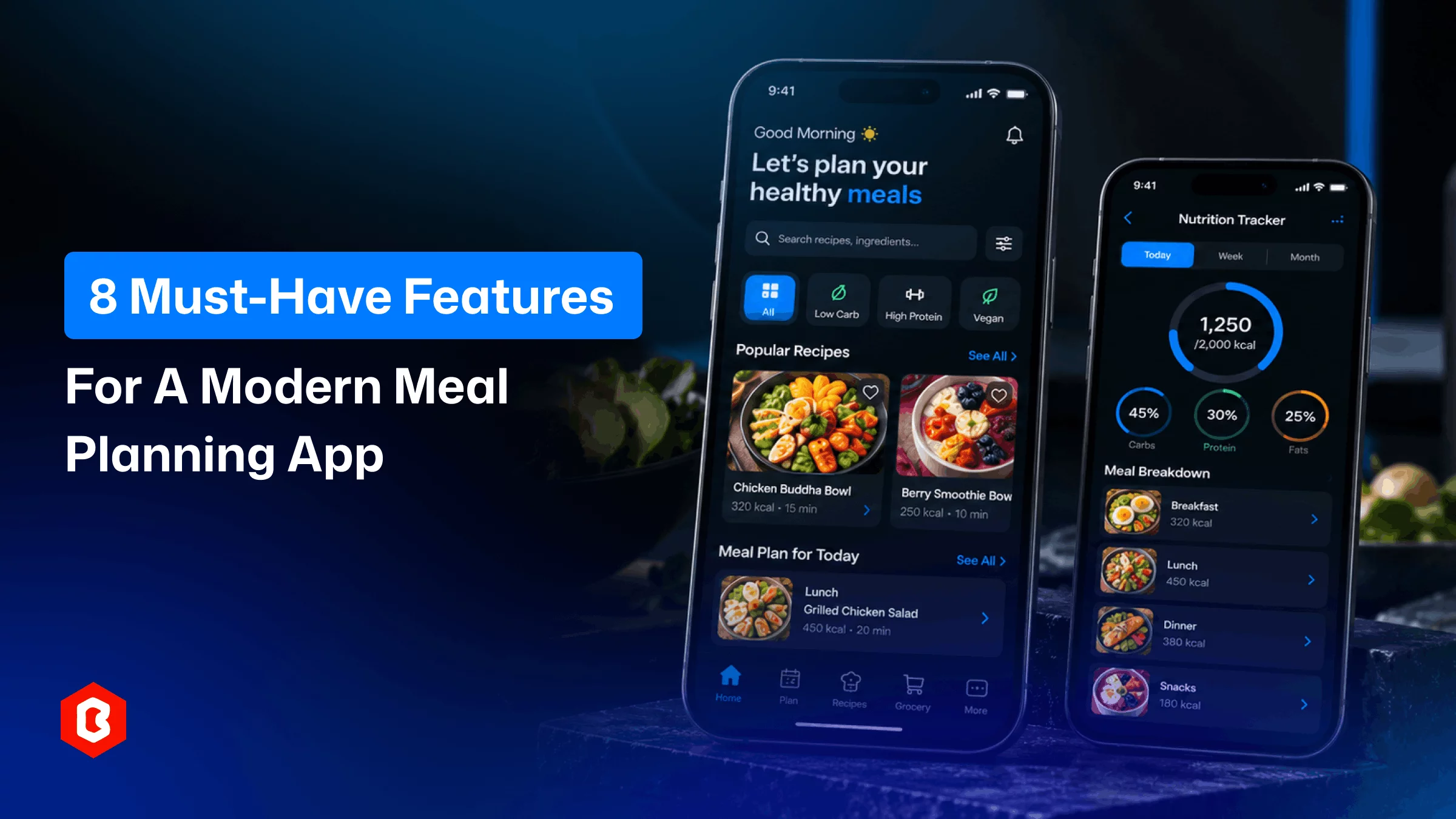
Planning meals can take time every day. People need to decide what they want to eat. They also need to remember required ingredients. Managing recipes can take extra time too. Food preferences can make planning more difficult.
A meal planner app can bring these tasks together. Users can manage their meals in one place. They can also organize recipes and ingredients. A modern app should make planning easier.
It should support simple daily meal management.
Meal planning is the main purpose of this app.
Users should be able to plan meals for different days. Day-wise meal planning should be available. They should also be able to plan lunch and dinner. A snacks add-on can be a bonus.
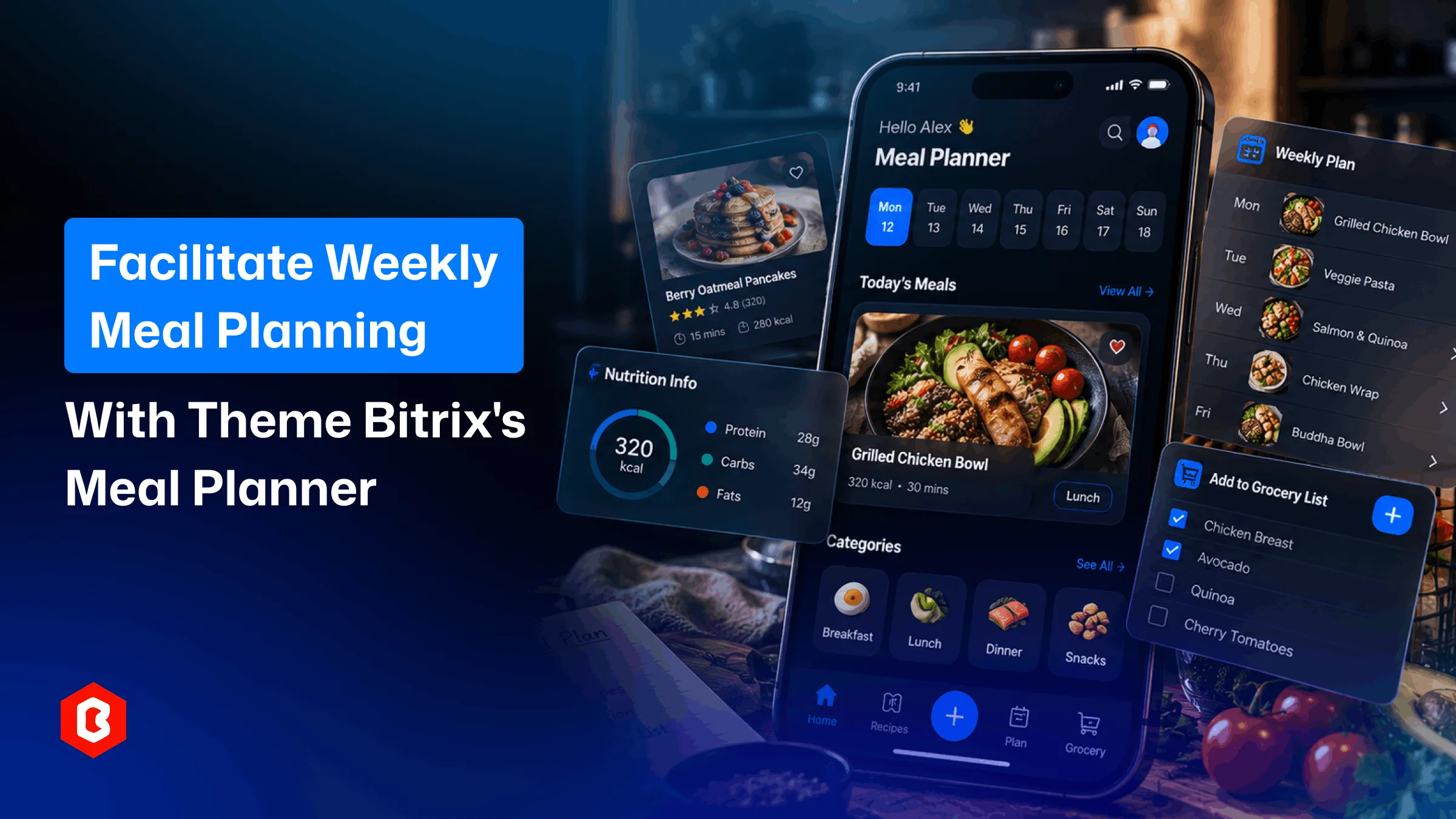
A weekly view can show planned meals clearly. Users can review their plans at any time.
Suppose users want to plan their entire week. They can add meals to each day. Then they can review the plan whenever needed.
Users should also be able to change meals when plans change. They should be able to remove planned meals.
Recipes can be an important part of planning. Users may want to check recipe ingredients. They may also check the cooking instructions.
A recipe can include the following parameters:
Ingredients
Preparation time
Cooking instructions
Serving size
The meal planning app should allow users to save recipes for later. Saved recipes can be easier to find later. This can make future planning more convenient.
Meal planning often connects with grocery shopping.
Users may need several ingredients for planned meals. A grocery list can track these ingredients.
The meal planner app should allow users to create lists from selected recipes. Users should also be able to add items manually.
They can mark items as bought. This can make shopping easier to manage. It can also help track required ingredients.
This type of mobile app may contain many meals. That’s why users may not want to browse everything. Search can help them find meals faster.
Filters can narrow down available options. They can help users find suitable meals.
Suppose users want a specific meal type or those requiring less time. Search and filters can simplify this process. Users can find suitable options more easily.
Some users may need nutrition details.
The meal planning app should provide nutrition information. You can show this information with meals or recipes.
Nutrition details can include:
Calories
Protein
Carbohydrates
Fats
This helps users understand their planned meals. Available nutrition details depend on the app or available recipe data.
Users may forget their planned meals later. Notifications can remind them about planned meals. They can also remind users about food tasks.
Suppose users plan dinner for a specific time. The app can send a suitable reminder in this case. Reminders can also support grocery planning and other available activities.
Users should be able to control these notifications themselves. The app should allow them to choose settings based on their preferences.
Users can have different food preferences.
Some users may prefer certain meal types, while others may avoid specific ingredients. Some users may follow dietary requirements.
The app should be able to collect these preferences. Then it can show relevant meal options.
The following options can be helpful to users:
Preferred meal types
Preferred ingredients
Ingredients to avoid
The app can use these selections and show more relevant options. Personalization depends on available app features and user data.
The meal planner app design can affect everyday usability. Users should find important sections easily. They shouldn't have to search through complex menus.
The meal plan should be easy to view. Adding a meal should also be simple. Changing a meal should require only a few steps. Users should be able to see planned meals quickly.
Clear navigation can make this easier.
Readable content can improve overall usability.
A simple design can reduce unnecessary steps and make planning more comfortable.
A meal planner should offer more than recipes. It should help users organize their meals and manage related information.
A meal calendar supports weekly planning.
Recipe management provides useful cooking information.
Grocery lists help manage required ingredients.
Search and filters help users find meals.
Nutrition details provide additional food information.
Reminders can support daily meal planning.
Personalized options can support different user needs.
The selected features should match app requirements.
They should also match the target audience.
Creating every screen can take extra time. A ready-made mobile UI provides a starting point.
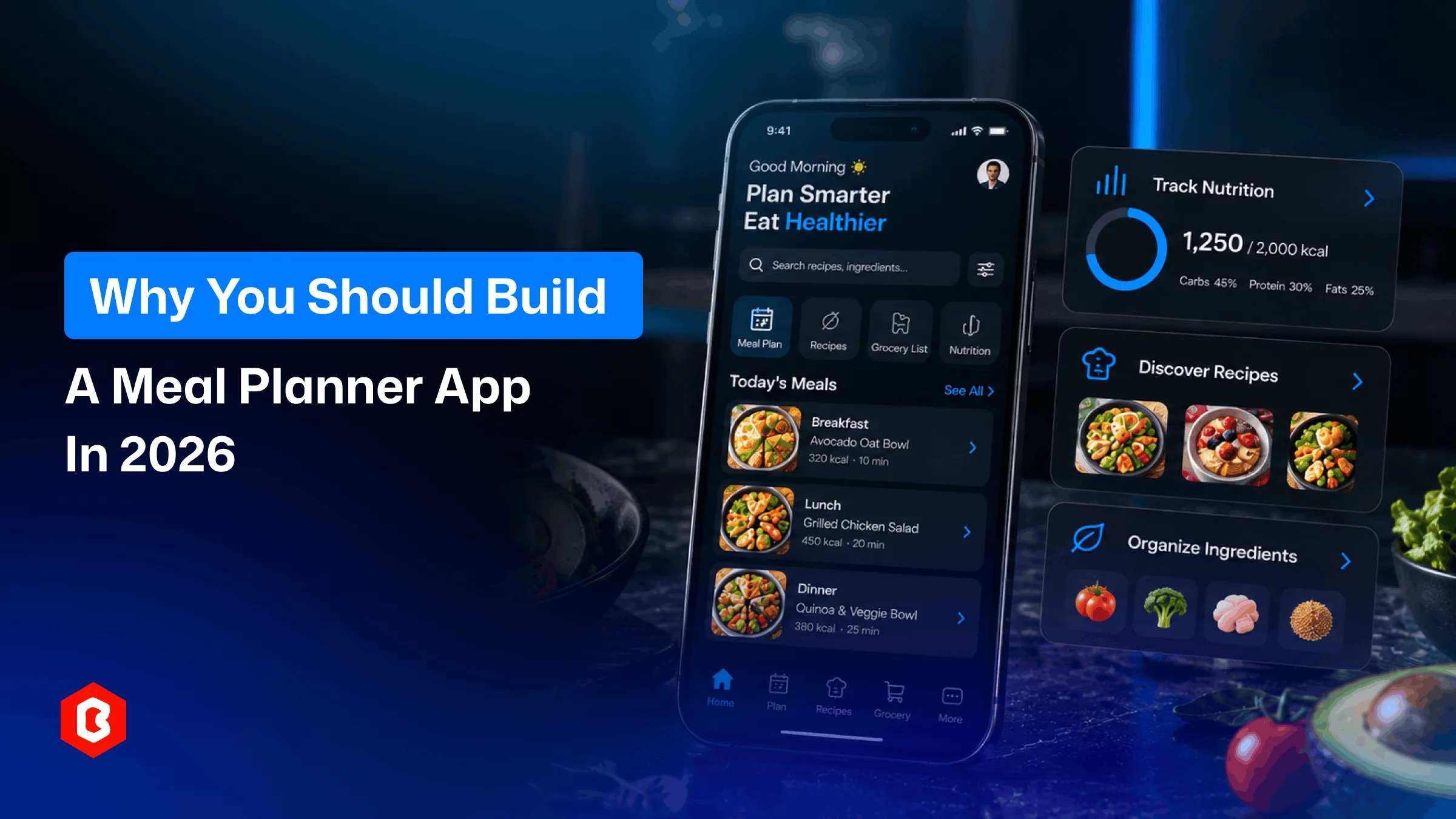
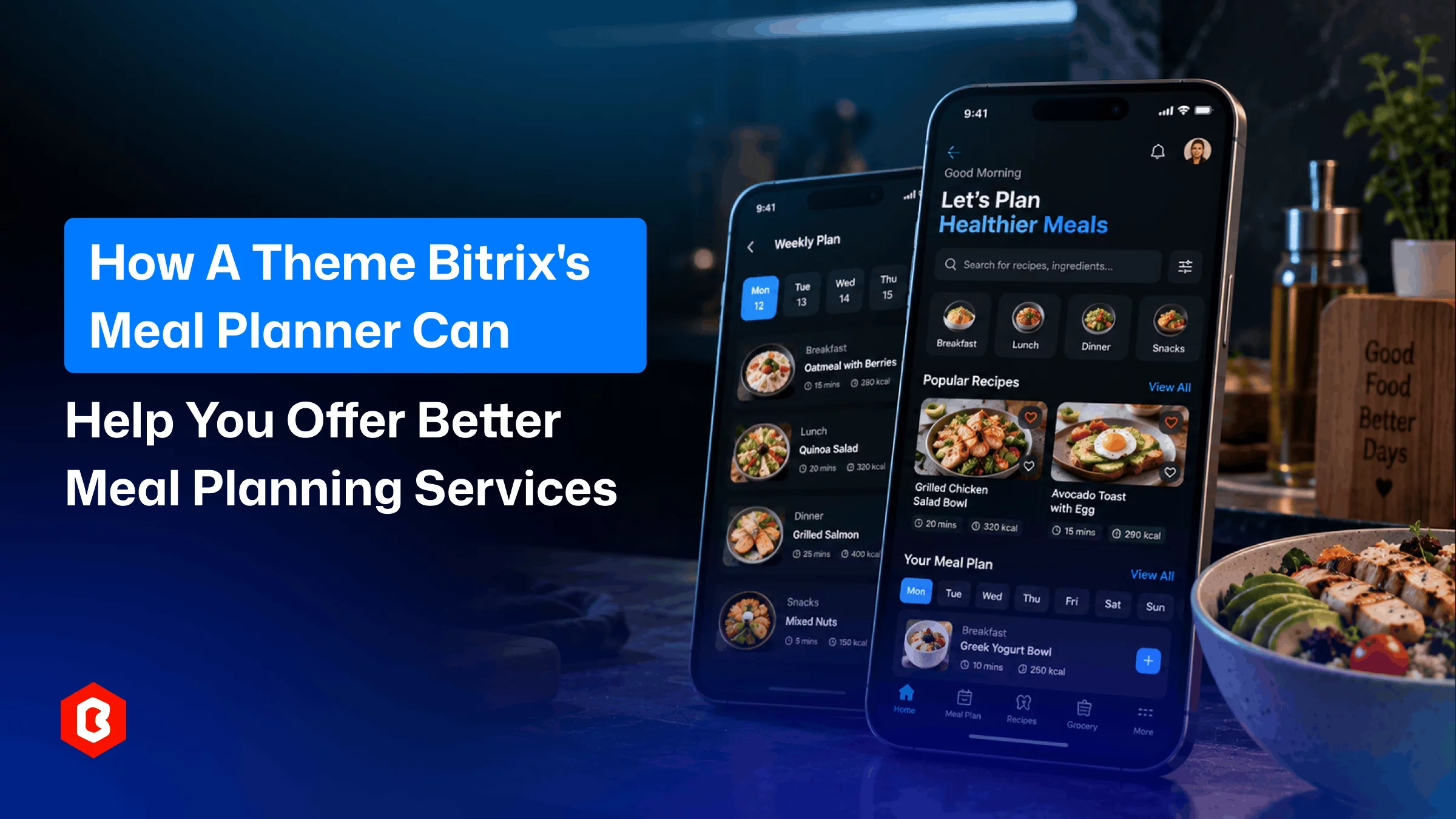
The Meal Planner Flutter Mobile App offers a ready-made interface. It is available with Theme Bitrix. Developers can use it as a starting point.
They can customize it for their project and adjust the design as needed. The interface can follow the project branding and support required application features.
A modern meal planner should simplify daily planning. Meal planning helps users organize their meals. Recipe management provides useful cooking information. Grocery lists help manage required ingredients. Search and filters help users find meals. Nutrition details provide additional recipe information. Reminders can support different planning activities. Personalized options can support individual requirements.
The design should keep these features accessible. A clear interface can simplify daily tasks.
The right features depend on app requirements. They also depend on the target users. A ready-made UI can provide a useful starting point.
Design affects how easily users manage meals. A simple design can improve navigation and can make meal plans easier to view.
Users can also find recipes more easily. They can make changes with fewer steps.
Yes. The app can create grocery lists. Lists can use selected recipe ingredients. Users can also add items manually. They can mark items as completed while shopping.
Yes. Users can provide food preferences. They can also provide dietary requirements. The app can use these preferences. It can then show more relevant meal options.
Yes. A meal planner can provide nutrition details. Information can include calories, protein, carbohydrates, and fats. Other nutritional values may also be available. This depends on the available recipe data.
Reminders can help users remember planned meals and support other food-related tasks. Notifications can follow the user's settings.
Yes. A ready-made UI can be customized. It can follow the application's branding and match required features.
Flutter can build mobile applications for multiple platforms. A Flutter-based design can provide a starting point. Developers can then customize it for their project.
 Tags
Tags  Similar Blogs
Planning meals every day can take time. People need to decide what to cook. They also need to check...
Planning meals for an entire week can take time. People need to decide what they want to eat. Then t...
Planning meals can take time every day. People need to decide what they want to eat. They also need...
Meal planning often starts with a simple question. What are we eating today? For one day, that is ea...

Fashion stores need a website that feels easy to explore. Product images should get enough attention...

MLM and e-commerce are both popular business categories. Those who own businesses in these categorie...

Not sure which template or UI kit fits your project? Reach out for expert advice.
 100% Satisfaction Guaranteed
  Shop with Confidence!