Buy any 1 product and get 1 absolutely free — this offer applies to all Website Templates, UI Kits, and Complete Scripts.
Buy Now! Article Information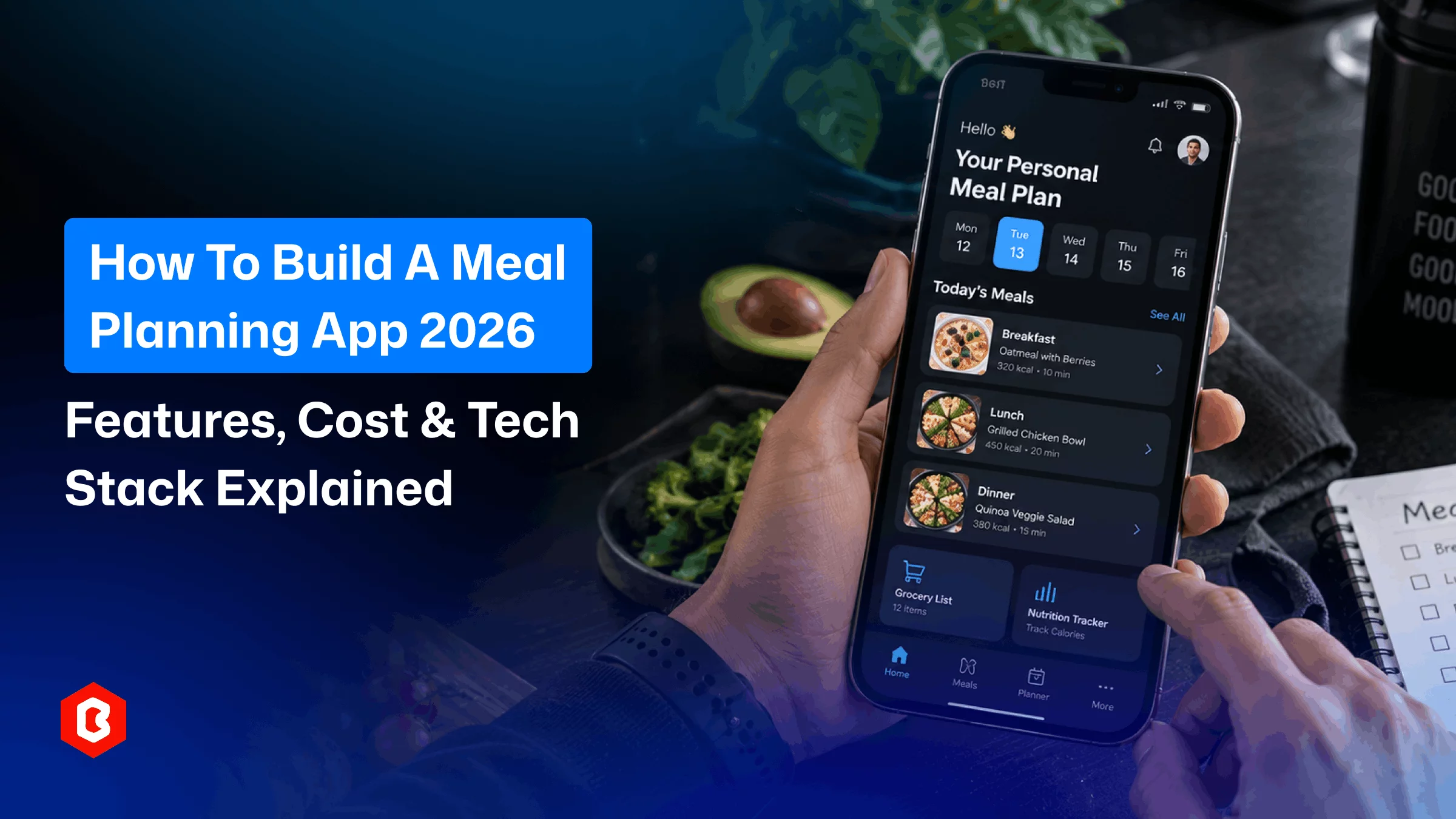
Planning meals every day can take time. People need to decide what to cook. They also need to check ingredients and manage grocery lists. They may also need to keep track of their food choices.
A meal planner app can make these tasks easier. It can help users organize meals for the week. It can also help them manage their food plans from one place.
Focusing on features is important for a meal planner app in 2026. You also need to consider its design and technology. Development cost is another important factor.
This guide explains the important parts of building a meal planner app.
A meal planning app helps users plan their meals for different schedules.
Users can add meals to specific days. They can also manage their food plans based on their needs.
A meal planner can include recipes. It can also include ingredient lists and grocery planning. Nutrition information and reminders can also be part of the app.
The exact features may vary based on target users and business model.
A simple app may focus only on meal scheduling. A larger platform can include more tools for managing food and nutrition.
A meal planning app usually starts with a calendar or planning screen. Users can select a day and add a meal to their plan.
The app can then organize the selected meals in a calendar. Users can edit their plans whenever needed.
Suppose a user can plan breakfast for each day. They can then add lunch and dinner to the same plan.
The app can also create a grocery list. It can be based on the selected meals. The feature must be included for this. This gives users one place to manage their meal plans and related information.
The features you include will affect the user experience and development cost.
Start with the features that are most important for users.
The app should allow users to register using their email address. Other supported login methods can also be added.
A user profile can store meal preferences. It can also store other information needed to personalize the app.
A meal calendar is one of the main parts of a meal planner app. Users can view their planned meals by day there.
They should be able to add or remove meals easily. They should also be able to edit them when needed.
Users can replace a planned meal with another option.
You can organize meals into different categories. Breakfast can have its own category. Lunch and dinner can have separate categories too.
You can also add categories for snacks and desserts. Users can easily find and manage different types of meals with categories.
A recipe section can provide important cooking details. It can show the ingredients. It can also show cooking instructions and preparation time. Serving size can also be included.
Users can select recipes and add them directly to their meal plan.
A grocery list can help users keep track of the ingredients needed. The app can allow users to add items manually.
It can also create a grocery list based on selected recipes.
Search features can help users find meals or recipes quickly. Filters can make this process easier.
Users can filter meals by type. They can also filter them by preparation time or ingredients. Other filters can be added based on the purpose of the app.
Notifications can remind users about upcoming meals or planned tasks. Suppose the app can send a reminder about a meal planned for the day.
It can also remind users about ingredients that are required.
Users may want to save meals or recipes they use regularly. A favorites section can make these items easier to access.
Users can then find their preferred recipes when creating future meal plans.
If your target audience is interested in nutrition, you can include nutritional information. The app can show calories and protein. It can also show carbohydrates and fats.
Other nutritional values can be added based on the purpose of the app. This feature can make the app more useful for users following specific food goals.
Good meal planner app design should make planning simple. Users should be able to understand the main screens without spending time learning how the app works.
The meal calendar should be easy to access.
Important actions should also be clear. Users should quickly understand how to add a meal or change a planned meal.
The design should use consistent navigation. Content should also be easy to read. Meal images can help users identify recipes quickly.
Users can easily manage meal plans on a clean mobile interface.
The technology stack depends on the app's features. Platform requirements should be analyzed before choosing. It also depends on your budget and future plans.
You can use a cross-platform framework for a mobile app. Flutter is the most recommended framework. You can build apps for multiple OS with a shared codebase.
Backend can help you manage user accounts and meal data. It can also manage recipes and user preferences. It can also handle other application information.
A typical technology setup can include:
Frontend: Flutter
Backend: Node.js or Laravel. Another suitable backend technology can also be used.
Database: MySQL or PostgreSQL. Firebase can also be used.
Authentication: Email login or social login. Other authentication services can also be used.
Cloud Storage: This feature can be used to store images and other media.
Notifications: Push notification services can be used.
Payment Gateway: This can be added if the app includes paid plans or subscriptions.
The final stack should be selected based on the actual requirements of your meal planning app.
Start by deciding who will use the application. Your target users could include busy professionals. Families can also be a target audience.
Fitness users and health-focused people can also use the app. Some users may simply want easier meal organization.
Knowing your audience helps you decide which features to include.
Create a list of essential and optional features. You can focus on user accounts and meal planning on the first version.
You can also include recipes and a meal calendar. A grocery list can be added as another core feature. Additional features can be added later.
This can help keep the first version manageable.
The next step is to create the meal planner app design. Design the main screens for the application.
These can include a login screen and a home screen. You can also design the meal calendar and recipe details screen.
The grocery list and profile screens can also be included. A settings screen can also be part of the app.
The design should focus on simple navigation and easy meal management.
Select the frontend framework and backend technology based on your requirements. You should also select the database and other services that your app needs.
If you want to support multiple mobile platforms, you can consider Flutter for the mobile application.
Developers can then build the frontend and backend. They can also connect the required services.
The meal planning features should work together. This allows users to easily create and manage their plans without unnecessary steps.
Testing is important before launch.
Check the app on different screen sizes and devices. Test the following:
Login process
Meal creation
Recipe management
Grocery lists
Notifications
App’s performance
Usability
The app can be released through the required app stores after testing.
Development does not stop after launch. You may need to fix issues and improve performance.
You may also need to update features based on user feedback.
The cost of building a meal planning app depends on several factors. The number of features is one of them.
A basic meal planner with a few screens will cost less. An application with recipes and nutrition tracking can require more development work.
Subscriptions and integrations can also increase the development effort. Advanced personalization can require additional development work as well.
The development team and location can also affect the budget. Design requirements and backend development can also affect the cost.
Third-party services and testing should also be considered. Ongoing maintenance should be included when estimating the total cost.
A pre-built solution can help reduce the time needed for app development.
Creating every screen from the beginning can take additional design time.
A ready-made meal planner UI can provide a starting point for the application.
The Meal Planner Flutter Mobile App from Theme Bitrix can be used as a starting point for building a meal planning mobile application.
It can help developers work with an existing mobile interface instead of creating every screen from scratch.
You can review the design and customize the interface according to your application requirements.
You can add app features based on your business model and users. Below are some features you can consider:
Personalized meal recommendations
Dietary preferences
Nutrition tracking
Subscription plans
Shopping integrations
Recipe collections
Reminder settings
Admin panel
Categories
Meal content
The features should match the actual needs of your target audience. Avoid adding unnecessary options that do not support the main purpose of the app.
A meal planning app can help users organize meals and manage related tasks from one mobile platform.
Define your target users and decide which features are essential before development. Then create a simple meal planner app design. Choose a technology stack that supports your future plans.
Using a ready-made Flutter UI can also reduce the time needed to start the design and development process.
With the right features and a clear user experience, you can build a meal planning app that is easy to use and practical for everyday meal organization.
A meal planner app helps users organize meals. It can also include recipes and grocery lists. Reminders and nutrition information can also be included.
The cost depends on the features and design. Technology and development requirements can also affect costs. Integrations can also increase the budget.
Flutter can be used to build a cross-platform mobile application. You can choose the backend and database based on the app's features and requirements.
Good meal planner app design makes it easier for users to create meal plans. It also helps users find recipes and manage their food-related tasks.
Yes. You can customize a ready-made UI to match your branding. You can also customize the content and features based on your application requirements.
Yes. Flutter can be used to develop mobile applications for multiple platforms. It allows developers to work with a shared codebase.
Advanced features can increase the development cost. Custom design and backend development can also require more resources.
Third-party integrations and subscriptions can add to the cost. Notifications and ongoing maintenance can also affect the overall budget.
 Tags
Tags  Similar Blogs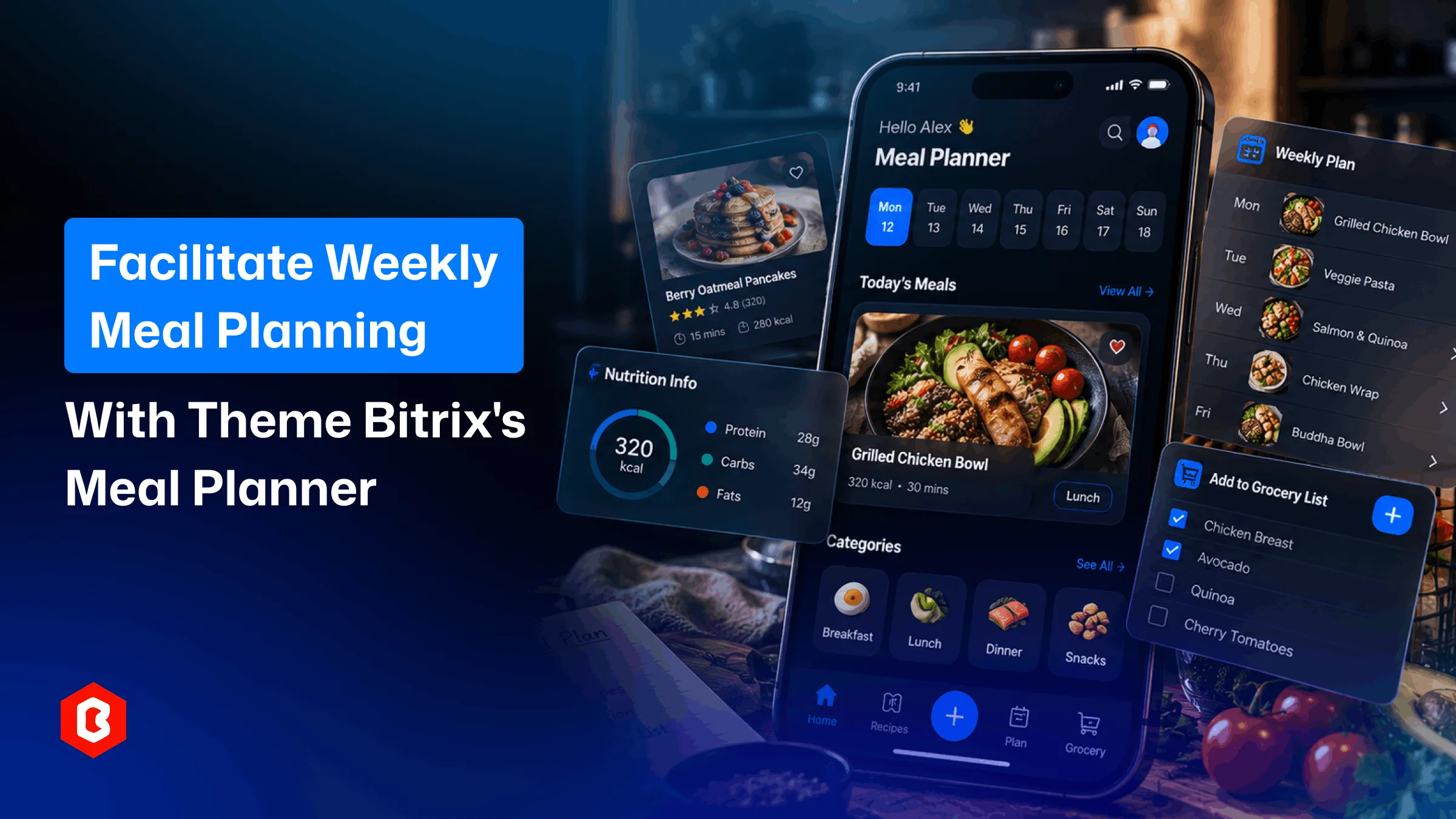
Planning meals for an entire week can take time. People need to decide what they want to eat. Then t...
Planning meals can take time every day. People need to decide what they want to eat. They also need...
Planning meals can take time every day. People need to decide what they want to eat. They also need...
A therapist website can cost a few hundred dollars or several thousand. The price changes quickly on...
Meal planning often starts with a simple question. What are we eating today? For one day, that is ea...
A meme coin project needs a clear online presence. The website can explain the project to visitors....
Related Products 
Not sure which template or UI kit fits your project? Reach out for expert advice.
 100% Satisfaction Guaranteed
  Shop with Confidence!

