Buy any 1 product and get 1 absolutely free — this offer applies to all Website Templates, UI Kits, and Complete Scripts.
Buy Now! Article Information
If you look at big apps today, they all feel consistent. Buttons look familiar. Colors stay the same. Spacing feels balanced. Nothing feels random. That’s not by accident. Behind all of this, there’s something called a design system. And honestly, once you understand it, you’ll realize why big apps almost never start from scratch.
In simple words, a design system is like a rulebook. It defines how your app should look and behave.
Not just design, but also:
Colors
Fonts
Buttons
Spacing
Components (like cards, modals, forms)
Instead of designing every screen from scratch, you reuse these predefined pieces. Think of it like LEGO blocks. You don’t create new shapes every time. You just use the blocks in different ways.
At first, starting fresh feels like freedom.
You think:
“We’ll design exactly what we want”
“No limitations”
“Everything will be unique”
But in reality, things get messy pretty fast.
Different designers may:
Use slightly different colors
Change button styles
Adjust spacing randomly
At first, it’s not very noticeable. But as the app grows, these small differences pile up. And suddenly, your app feels inconsistent.
Consistency sounds simple. But it’s not. Let’s say you have 10 screens. Easy to manage. Now imagine 100 screens. Now imagine multiple designers working on them.
Without a design system, you’ll start seeing things like:
3 different button styles
4 different font sizes for the same text
Inconsistent padding everywhere
Users may not say it directly, but they feel it. Something just feels off.
This is one of the biggest reasons big apps use them. Instead of designing a button again and again, you create it once. Then reuse it everywhere.
The same goes for:
Input fields
Cards
Navigation bars
Alerts
So instead of asking, “How should this look?” every time, you already know the answer. It speeds things up more than you might expect.
Let’s say you start building a simple app.
At the beginning:
3–4 screens
One designer
Things feel under control
So you don’t bother creating a design system. But after a few months:
More features are added
New designers join
Screens increase to 30, then 50
Now changes become difficult. You update a button in one place, but forget to update it elsewhere. Fixing design issues becomes a task on its own. This is usually the point when teams think, “We should have done this earlier”.
It’s not just for designers. Developers benefit a lot, too. Because design systems often come with reusable code components. So instead of building UI design again and again, developers:
Reuse existing components
Maintain consistency easily
Reduce bugs
It also improves communication. Instead of saying, “Make it like that blue button on the second screen”, you just say, “Use the primary button”. Simple and clear.
Here’s something interesting. Let’s say you want to change your app’s primary color.
Without a design system:
You manually update every screen
High chance of missing something
With a design system:
You change it in one place
It updates everywhere
The same goes for fonts, spacing, or styles. This saves much effort, especially in large apps.
Big apps care a lot about how they look and feel. Because that’s part of their identity.
A design system ensures:
Same look across all screens
Same feel across devices
Strong brand recognition
Think about apps you use daily. Even without seeing the logo, you can often recognize them just by their design. That’s not random. That’s consistency at work.
This is something people don’t talk about much. When you don’t have a design system, you keep making small decisions:
Which color to use?
What size should this be?
How much spacing?
Again and again. It gets tiring. With a design system, many of these decisions are already made. So you can focus on bigger things, like user experience.
Not always. If you’re just testing an idea or building a quick prototype, you might skip it. That’s fine. But once your app starts growing, you’ll feel the need for it. In most cases, the earlier you set it up, the better. Because fixing an inconsistency later is harder than preventing it early.
Instead of building a full design system from the start, teams often:
Start with basic components
Use them consistently
Expand the system gradually
So it grows along with the app. This feels more natural and less overwhelming.
Now, coming back to the main point. Big apps avoid starting from scratch because:
It slows down design and development
It creates inconsistency
It increases maintenance effort
It makes scaling difficult
A design system solves all of this. That’s why companies invest in it early. It’s not just about design. It’s about working smarter.
Design systems may sound like a “big company thing,” but honestly, they’re useful for almost any growing app. They bring clarity. They save time. They reduce confusion. And most importantly, they help your app feel consistent and polished.
So next time you think about designing everything from scratch, just pause for a second. Maybe you don’t need to start from zero. Maybe you just need a good system.
 Similar Blogs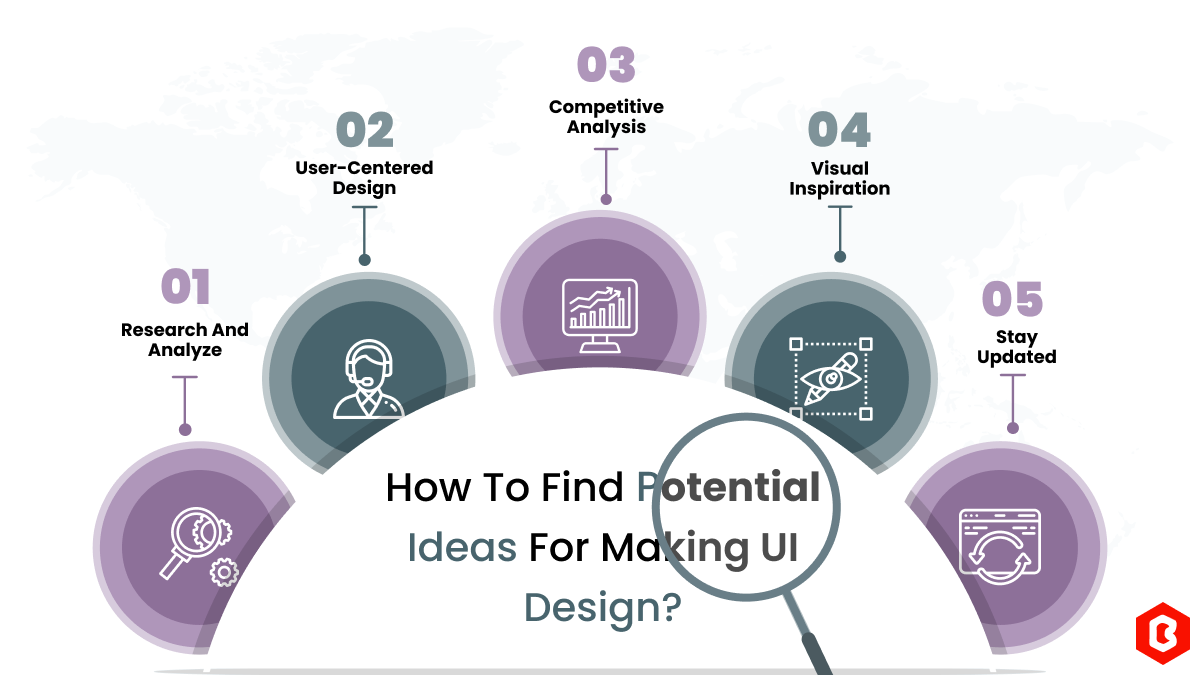
We can discover a lot of alternatives when it comes to UI design or UI thoughts, which we are able t...
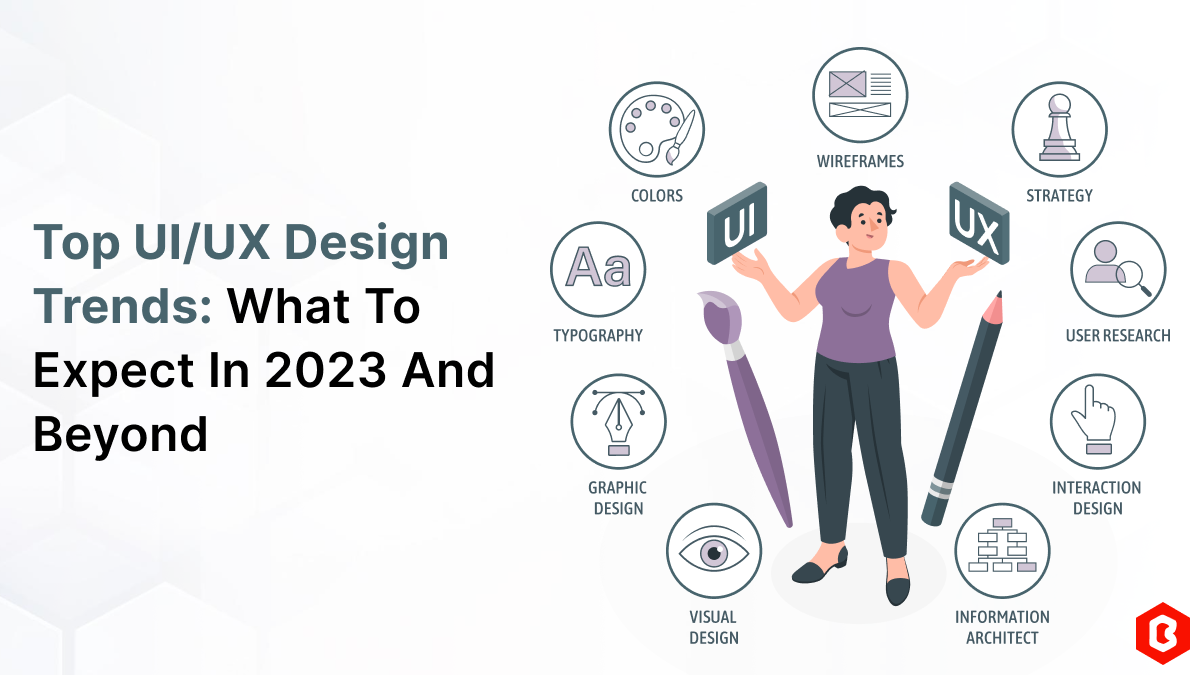
UI/UX. User interface and Use experience are the two important things we can consider in today’s web...
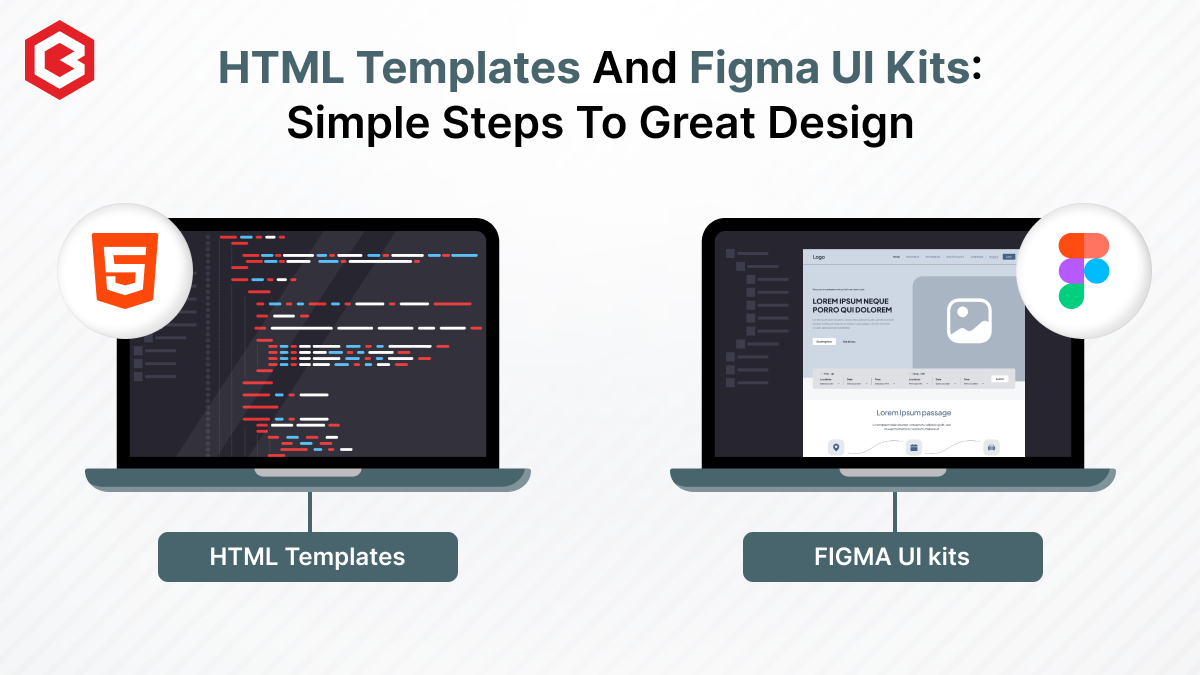
Designing and developing a website may look tough and time-consuming. It is actually tough when it c...

Purchasing UI kits online minimizes a business’s efforts in designing websites or apps. We can consi...
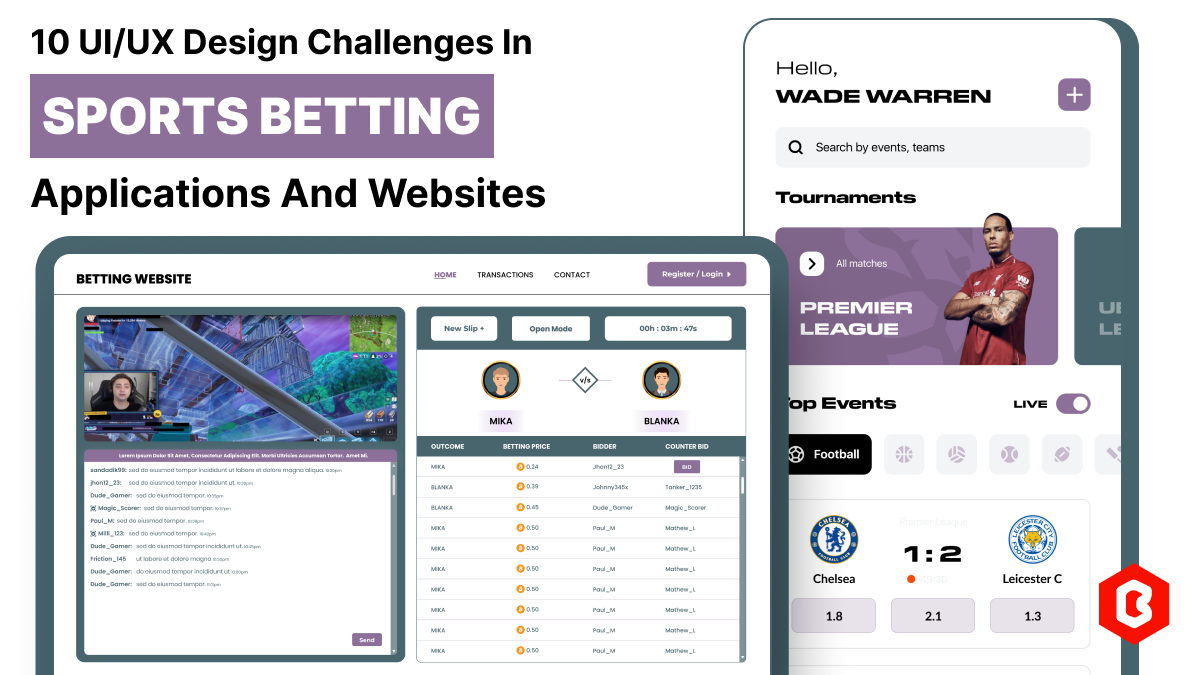
In 2023, the worldwide online betting and lottery market size reached $242.04 Billion. To capture a...

Have you ever played and learned about the best experience for exciting mobile gaming? So, welcome H...

Not sure which template or UI kit fits your project? Reach out for expert advice.
 100% Satisfaction Guaranteed
  Shop with Confidence!
 Tags
Tags