Buy any 1 product and get 1 absolutely free — this offer applies to all Website Templates, UI Kits, and Complete Scripts.
Buy Now! Article Information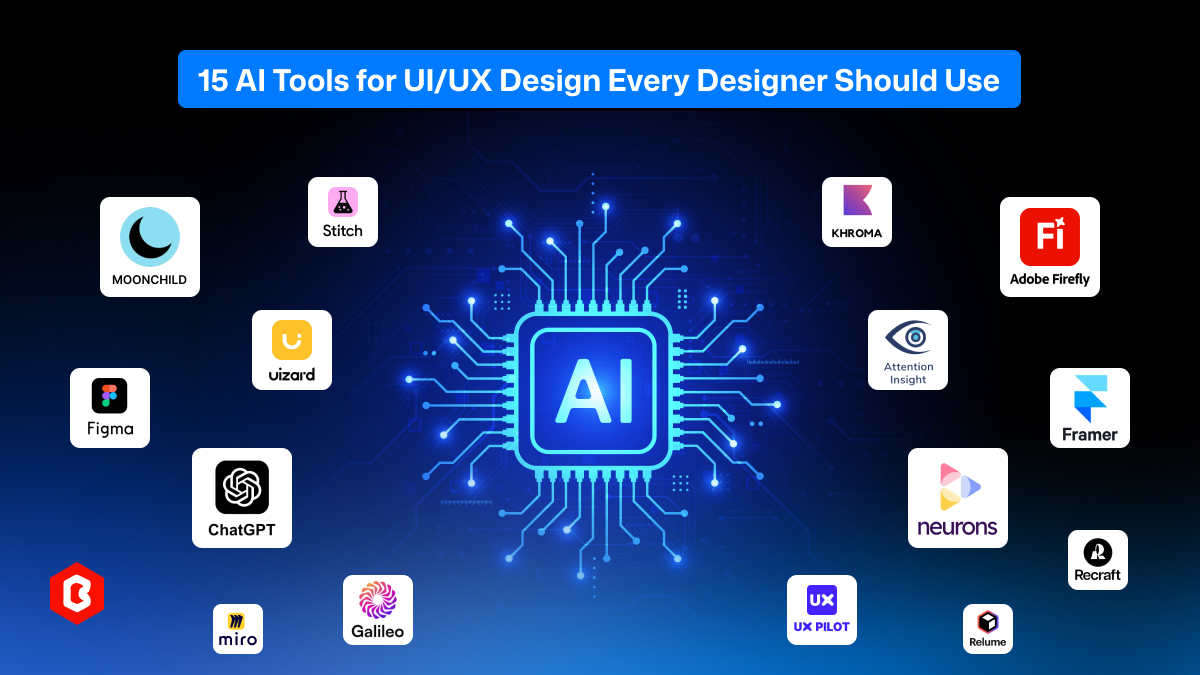
Artificial Intelligence has revolutionized the Website User Interface (UI) and User Experience (UX). The AI design tools are becoming more helpful to teams to manage entire workflows properly, whether it's through automation or making decisions.
This guide explores 15 AI tools for UI/UX design products, what they do, how they work, their strengths, and why every designer should consider adding them to their toolkit.
Artificial Intelligence (AI) is not here to replace designers. It’s here to replace the repetitive, time-consuming tasks that keep designers from focusing on creativity and problem-solving.
Here’s why AI matters in UI/UX workflows:
AI can convert sketches, written prompts, or text instructions into fully visualized UI components or layouts. This can reduce early-stage exploration time, and you can prototype the interfaces properly.
With the latest tech usage in Artificial Intelligence tools, there’s an option to choose usability predictions and color contrast suggestions. These systems analyze what works and what doesn’t before a designer invests effort into polishing a design.
One of the best parts of AI designing tools is that they optimize for data-driven personalization. It means designers can know the user patterns, behavior, and create adaptable experiences for products. This reduces the chances of losing leads.
Whether you need to organize layers, resize the elements, generate UX copy for branding, or build variants, everything is possible with these tools. Additionally, testing the product accessibility is not tough. The automation in web designing keeps the task enjoyable, not a repetitive one.
In web product designing, usually the entire team can work on different sections and projects. There a multiple times of discussion required for icon sets, design elements, etc. So, the collaboration with these AI tools is easy, and it helps in quicker iteration cycles and shares design intelligence.
Simply put, AI enhances both speed and quality. This gives designers more time for strategy, storytelling, and innovation.
Below are the top 15 AI tools for UI and UX design every modern designer should know. Some focus on UI generation, while others help with ideation, usability, content creation, or research.
Stitch UI
Moonchild AI
Uizard (Overview, Example, AI Features, Pricing, Best For)
Figma AI
ChatGPT
Miro Assist
Galileo AI
Khroma
Adobe Firefly
Attention Insight
Framer AI
Neurons
Recraft
UI Pilot AI
Relume AI
Let’s explore each one in detail.
Stitch UI is a Google-developed and backed AI design tool. Use this interface generator for web designs and convert simple prompts into structured, production-ready UI screens. With focus on precision, hierarchy, and clean visual composition, designers rapidly build layouts that follow modern product design standards. Built for speed, clarity, and early-stage concept exploration.
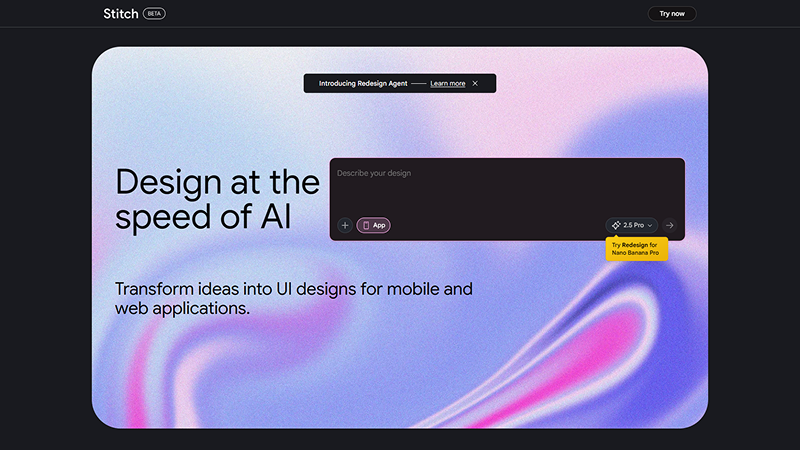
Image Courtesy: Stitch UI
This tool generates clean, component-ready UI screens in minutes.
Stitch UI builds responsive layouts automatically through AI design agents.
This web design tool accelerates early-stage UI ideation in a single platform.
Prompt-based UI generation
Smart spacing and structure
Multi-screen workflow support
Export to Figma easily
Stitch UI pricing changes frequently as it evolves. Users will get a 350 allowance limit for standard mode and 200 for experimental mode.
Type a prompt like “SaaS dashboard with metrics, sidebar, charts.” Stitch UI design tool instantly generates a polished dashboard layout with structured components ready for refinement in Figma.
Moonchild AI is a creative UI exploration tool built to generate fresh concepts and visual directions. It helps designers overcome creative blocks by producing styled screens and variations instantly. It’s especially useful for concept development, early ideation, and moodboard creation based on textual or stylistic prompts.
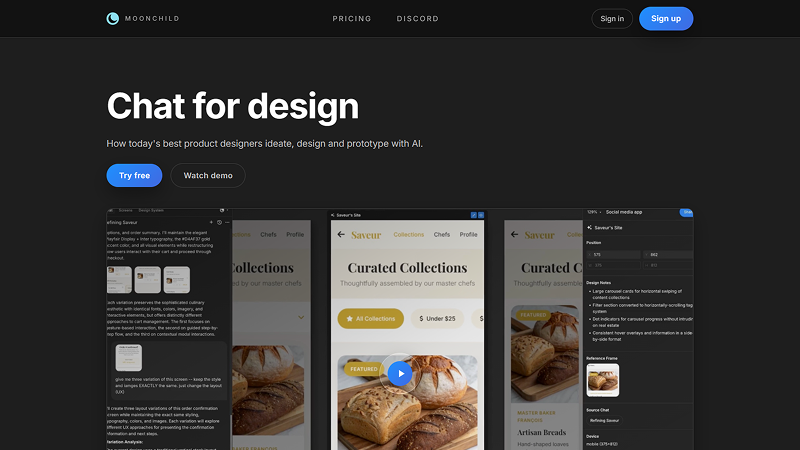
Image Courtesy: Moonchild AI
This design tool generates concept visuals quickly with a single prompt.
It provides unique style variations that can be used across the development phase.
This UI tool inspires creative direction exploration and helps teams to work easily across projects.
Prompt-based UI ideas
Style-driven variations
Moodboard generation
Fast visual prototyping
Moonchild AI typically works on a subscription model with tiered access. There are three types of plans: 1. Free, 2. Pro and 3. Max. The price of this design tool starts from $10.20 to $35.70 per month, and yearly plans are also available.
Enter the prompt “modern fintech onboarding screen with dark theme,” and Moonchild produces multiple styled variations to help refine the initial creative direction.
Uizard is a user-friendly AI design platform that converts sketches, screenshots, or written prompts into editable UI designs. It is widely used for rapid prototyping, wireframing, and idea validation.
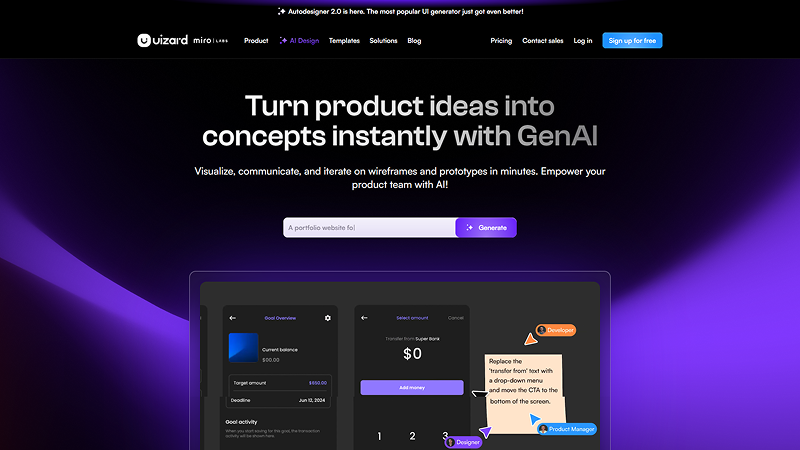
Image Courtesy: Uizard
It instantly converts sketches into production-ready UI designs.
This tool turns screenshots into wireframes to match the desired branding.
It rapidly prototypes interfaces through the AI design system.
Sketch-to-UI engine
Screenshot conversion
Theming and style tools
Multi-screen generation
Uizard offers a free plan with limited features, while paid tiers include higher-quality exports, team collaboration, and unlimited generations. Pricing varies but generally includes monthly and annual options starting from $12/month.
First, upload a hand-drawn login screen, and Uizard instantly transforms it into a clean digital wireframe ready to customize. Then, easily create other required screens.
Figma AI enhances the Figma environment with intelligent automation. This tool helps designers create layouts, organize layers, write UX content, and generate design variations with natural language prompts. It integrates seamlessly into existing workflows. From there, design systems, prototyping, and wireframing become faster and more efficient.
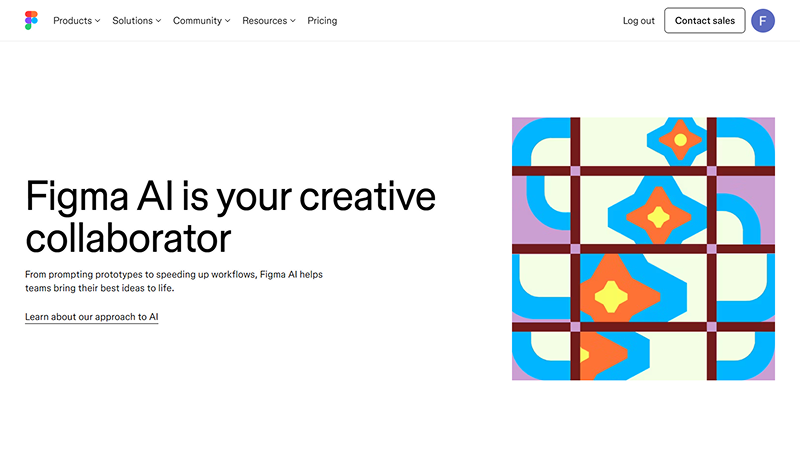
Image Courtesy: Figma AI
Figma generates UI from prompts and offers a screen that can be ready to hand off for development.
This tool organizes messy layers in a proper manner that saves time.
It automates content creation that suits the product.
Layout generation
Auto layout intelligence
UX text creation
Smart variant suggestions
Figma AI features are included within standard Figma plans. Advanced AI capabilities may roll out gradually with optional upgrades depending on your workspace subscription. The price starts from $3/month.
Type “Create a profile settings page for CMS platform,” and Figma AI builds a fully structured layout with sections, headings, and placeholders.
ChatGPT is a versatile AI assistant widely used by designers for UX writing, research, idea validation, flow creation, and product understanding. It helps make microcopy, user stories, personas, and documentation with clarity and speed. In short, ChatGPT is a useful companion in modern UX workflows.
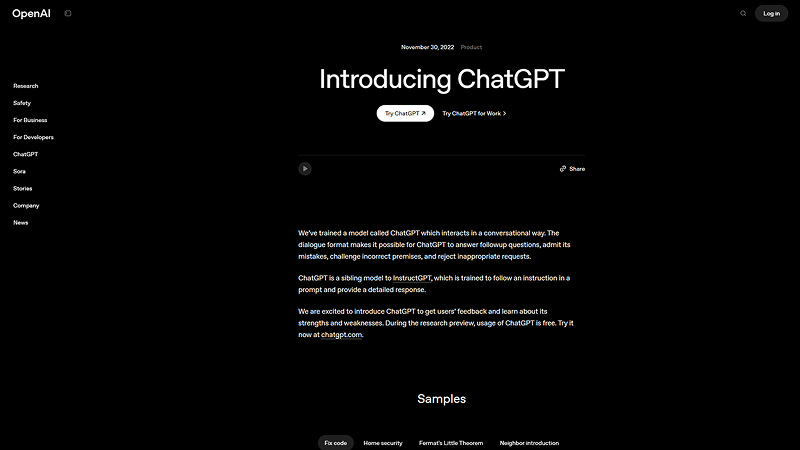
Image Courtesy: ChatGPT
This tool generates UX copy that sounds relatable to the product requirement.
Getting support for research tasks can be easy with ChatGPT.
It creates structured documentation, helping other design team members and others to stay consistent.
Contextual writing
Brainstorming support
Flow and scenario generation
Persona creation
ChatGPT offers free and paid plans. Paid versions provide faster responses, more advanced models, higher limits, and improved reasoning features suitable for professional use.
Ask in the prompt section “Write microcopy for a password reset flow,” and ChatGPT produces clear, friendly UX text aligned with product tone.
Miro Assist enhances collaborative whiteboarding by using AI to organize ideas, summarize boards, generate flows, and structure workshops. It helps teams turn sessions into actionable insights, accelerating user flow mapping, journey mapping, and early UX ideation processes.
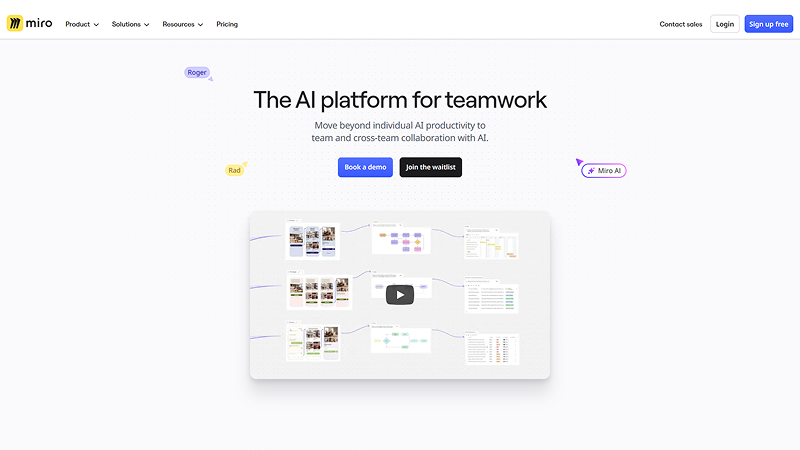
Image Courtesy: Miro Assist
This tool organizes large boards into an understandable manner and saves time for analysis.
It summarizes ideas for product design and gives a quick highlight of what to focus on.
Miro Assist generates user flows automatically as you give commands to it.
Sticky-note clustering
Prompt-based flow creation
Automatic summaries
Diagram generation
Miro Assist is included in Miro’s subscription plans, but now there’s a waitlist. Advanced AI features may require higher-tier plans, depending on usage and workspace needs. The pricing range starts from $8 per month for and member.
Paste a list of app features and ask Miro Assist to “create an onboarding user flow,” and it builds a complete flow diagram accordingly.
Galileo AI is a modern UI generation tool that converts design prompts into polished, visually consistent interface screens. It focuses on producing high-quality results that follow professional design standards. To speed up layout creation and early-stage visual direction, this tool is an appropriate choice.
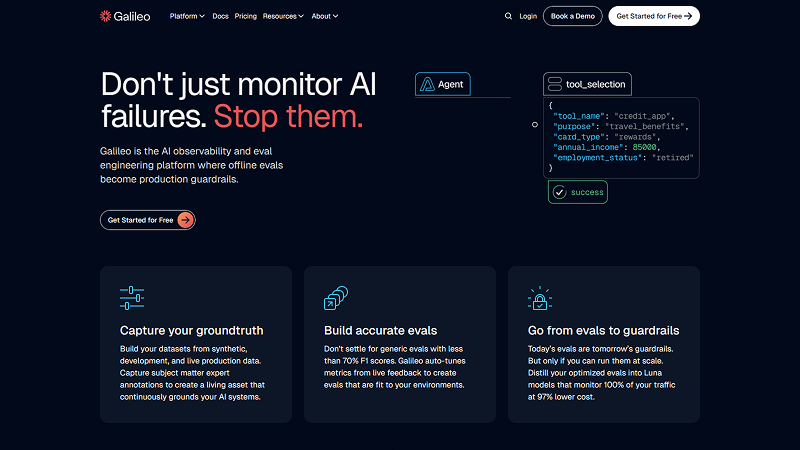
Image Courtesy: Galileo AI
It generates a polished UI with a single prompt without requiring any specialized skills.
This tool produces screen flows optimized for a measured performance.
This tool supports clean design systems to speed up website development.
Prompt-based screen creation
Multi-screen flows
Figma export
Style consistency
Galileo AI uses a waitlist and variable subscription model. Pricing includes credits per generation and export capabilities, depending on the plan. You can use the free plan to test the tool and then move to the upgraded plan starts from $150 per month.
Prompt “E-commerce product details page with grid optimization,” and Galileo generates a polished layout with images, descriptions, pricing, and structure.
Are you looking for the best branding for a website, or want to make a design that suits the colors based on AI inputs? Introducing Khroma, a color tool that learns your design preferences and generates personalized color palettes. Use the palettes for UI and illustration. It helps designers explore accessible, contemporary color combinations tailored to their creative style.
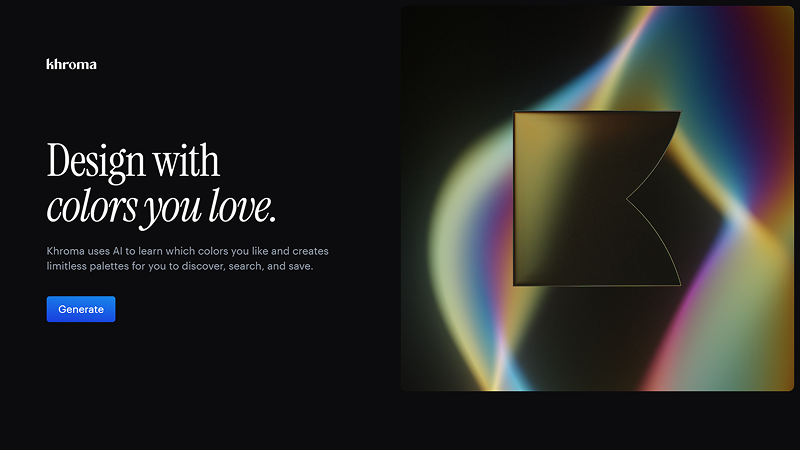
Image Courtesy: Khroma
It generates personalized palettes as per your preferences.
This tool ensures accessibility for every level of design teams, from beginners to advanced.
Learns user preferences according to the choices.
Palette generator
Color accessibility previews
Preference learning
Palette variations
Khroma is currently free to use. Its tools are accessible online without subscription requirements. So, it is ideal for designers needing quick palette help.
Input preferred colors, and Khroma generates multiple palette combinations suitable for UI themes, dashboards, or branding.
Adobe Firefly is Adobe’s generative AI platform designed for producing images, illustrations, textures, and graphic elements. Integrated into Adobe apps, it enhances visual storytelling for UI/UX designers by generating supporting assets quickly and adaptively.
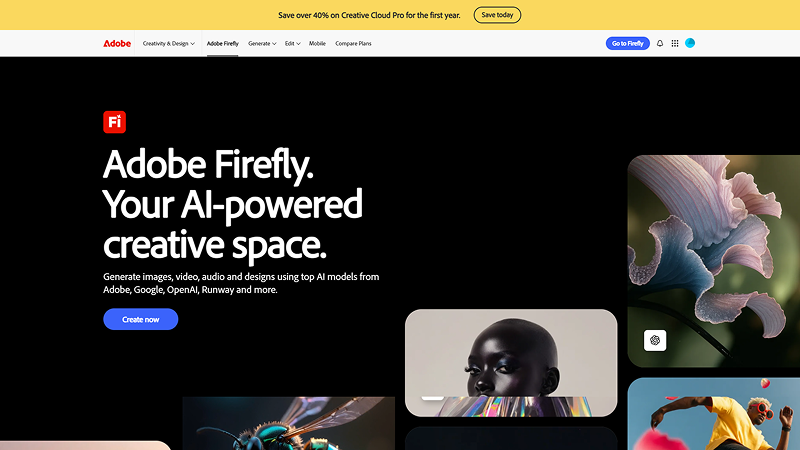
Image Courtesy: Adobe Firefly
It creates high-quality graphics through advanced technology without any software integration.
Adobe platform enhances visual design, that sounds perfect for branding.
This design tool generates illustrations and helps the design team to maintain consistency.
Text-to-image
Vector generation
Style variations
Background adjustments
Firefly is included in Adobe Creative Cloud with usage-based credit limits. Higher-tier plans offer larger generation allowances and faster processing. The starting plan price is $9.99 per month.
Use a prompt to generate custom illustration sets for a fintech product’s empty state screens. The tool automatically creates the interfaces you want through AI creative agents.
Attention Insight uses an AI-driven predictive eye-tracking tool to analyze UI layouts and identify where users are most likely to focus. It helps designers validate visual hierarchy, improve clarity, and make evidence-based decisions before usability testing.
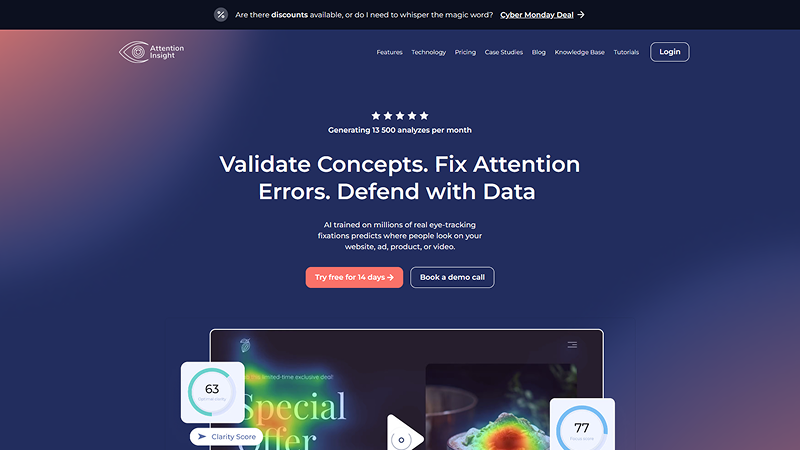
Image Courtesy: Attention Insight
It predicts visual attention where most users usually land and click.
This tool identifies layout issues and prevents costly re-development of the web application.
It supports usability validation and helps to make the product accessible.
Heatmap prediction
Clarity scoring
A/B layout comparison
Attention analytics
Attention Insight offers tiered plans based on heatmap credits and team usage. Pricing varies depending on project volume and reporting needs. The starting price range is $24 per month for an annual subscription.
Upload a homepage design to predict where users will look first. It helps refine CTA placement and makes the product's success rate more optimized.
Responsive web design lays the foundation for product success, and the Framer AI tool helps with it. This tool accelerates website creation from natural language prompts. It combines visual editing, smart components, and instant layout generation. To produce clean, modern websites, especially landing pages, faster, this no-code design and development tool is used.
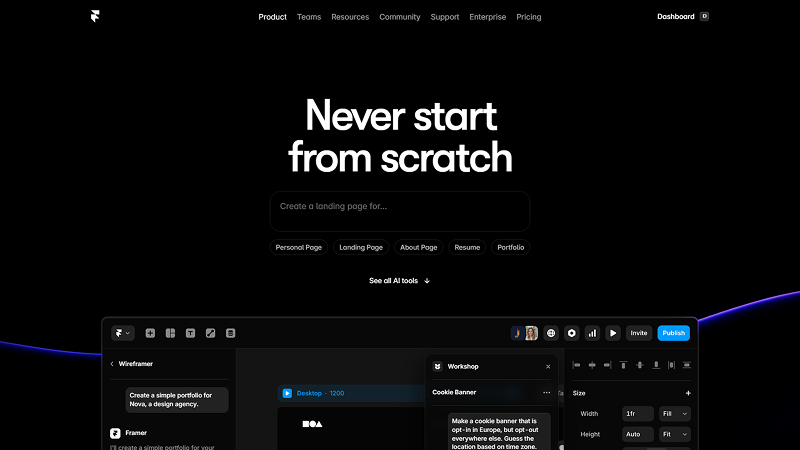
Image Courtesy: Framer
It generates nearly production-ready website layouts.
It produces responsive pages for desktops, mobiles, tablets, and smart gadgets.
It enables fast customization to fit correctly with branding requirements.
Prompt-based generation
Component library
Real-time editing
Exportable pages
Framer offers free and paid plans. AI features may require a pro-level subscription depending on usage and export requirements. The price starts from $10 per month.
Use the prompt: “Create a SaaS landing page with hero, features, testimonials.” Framer builds a complete responsive layout instantly.
Neurons uses neuroscience-powered AI models to predict user behavior and evaluate UX performance. It helps designers validate layouts, messaging clarity, and visual attention before conducting real user tests, offering data-driven insights for UI improvements.
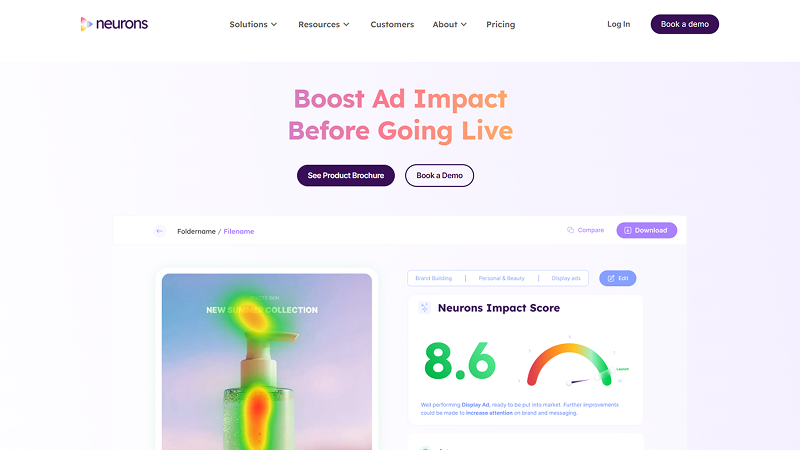
Image Courtesy: Neurons
Predicts user behavior
Validates design usability
Strengthens design decisions
Attention prediction
Message clarity testing
Visual comparison
Behavioral analytics
Neurons operates on enterprise-level subscription plans. Pricing varies depending on analysis volume, team size, and advanced testing features.
Analyze a single signup screen to predict user focus areas and optimize field ordering without any heavy research.
Recraft is an AI design generator that produces vector-quality illustrations, icons, and stylized graphics suitable for digital products. Designers use it to maintain visual consistency while producing scalable assets quickly.
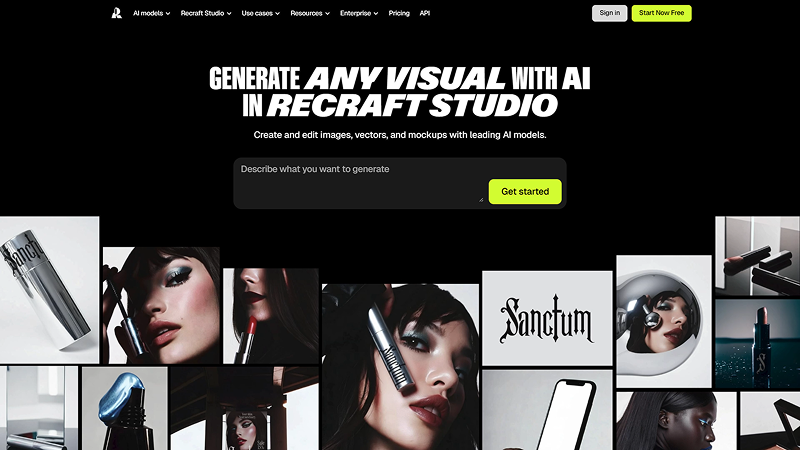
Image Courtesy: Recraft
It generates vector-quality graphics without requiring technical skills and integrations.
It supports consistent illustration sets helpful in a good digital product development.
It enhances product visuals and suits branding elements.
Vector art generation
Icon sets
Style variations
Export in multiple formats
Recraft offers free access with limitations. Paid plans unlock higher resolution, more styles, and expanded export options. The price starts from $12/month.
Prompt on the chat screen, “generate a complete illustration set for onboarding screens in a consistent style.”
UX Pilot AI is a Figma-focused automation tool that generates UI layouts, organizes layers, applies auto layout, and produces clean components from natural language prompts. It helps streamline production tasks within Figma design workflows significantly faster.
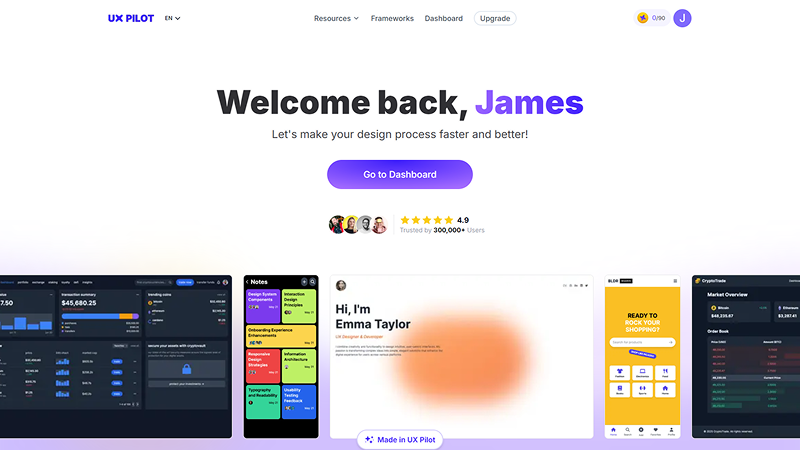
Image Courtesy: UX Pilot
It automates layout creation through AI UI design systems that are tested for an expected output.
It cleans and organizes layers in a proposed manner that speeds up the development.
This tool generates design components in a moment and offers a complete setup.
Prompt-to-screen
Auto layout adjustments
Content filling
Wireframe creation
UX Pilot typically uses a subscription model with credits for generations, Figma plugin upgrades, and professional features. The price starts from $19/month.
Type “Create a settings screen with toggle controls,” and it produces a clean, organized design with proper hierarchy.
Searching for the best rapid website architecture and wireframing tool? Relume AI is a good option. It generates sitemaps, wireframes, and component structures from prompts. Designers plan to build web projects, especially Webflow-based sites, with greater speed and consistency can use this Relume AI tool.
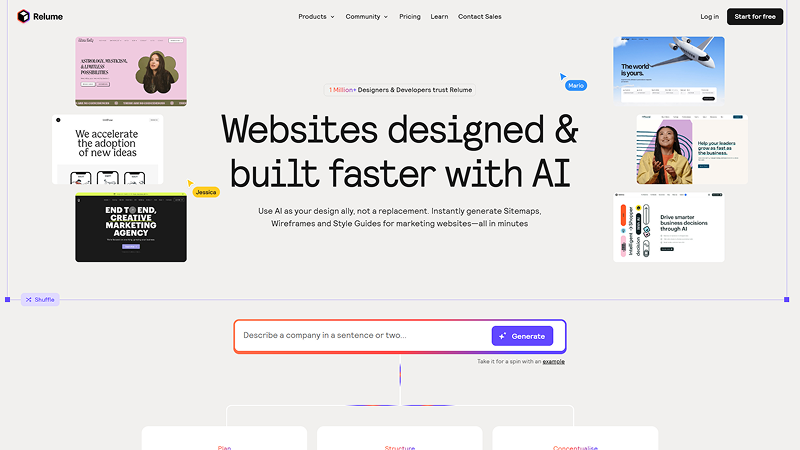
Image Courtesy: Relume
It generates sitemaps for a website that help search crawlers navigate the pages.
It creates wireframes according to the brand requirements and user preferences.
It builds Webflow-ready structures, and it offers a prompt solution to an enterprise-ready product.
Prompt-based wireframes
Component library
Sitemap builder
Webflow export
Relume offers free and paid plans. AI generation, advanced components, and Webflow export usually fall under its Pro-tier subscriptions. The price starts from $26 per month.
Ask Relume to “Create a digital marketing site structure,” and it builds a sitemap and wireframes instantly.
While AI tools accelerate ideation, ready-made UI kits help designers maintain consistency, speed, and quality across projects.
Consistent Design Language: All components follow the same grid, spacing scale, and visual rules. There a no issues about maintaining the brand consistency.
Reusable Elements: Saves effort in recreating buttons, cards, forms, and navigation repeatedly. Everything is available and has the freedom to use as required.
Faster Prototyping: You can assemble full screens in minutes rather than starting from scratch.
Great for Collaboration: Teams stay aligned with pre-built components and make a web design project more organized.
Reduced Cognitive Load: Designers focus only on solving design problems, not asset creation.
Creating a dashboard UI in hours instead of days
Quickly producing design variations for A/B testing.
Building consistent product flows for enterprise apps.
Speeding up client presentations with polished components
Used together with AI tools, UI kits become even more powerful, accelerating both creative exploration and production.
AI has become an essential part of the modern UI/UX designer’s workflow. From ideation and wireframing to research, usability prediction, and visual generation, the right AI tools for UI and UX design help designers work smarter, faster, and more creatively.
What are the best AI tools for UI and UX design?
Top AI tools include Figma AI, Uizard, Galileo AI, Framer AI, Relume, Attention Insight, and ChatGPT for UX content creation.
How does AI help UI/UX designers?
AI speeds ideation, automates repetitive tasks, predicts usability issues, generates layouts, assists UX writing, and helps designers produce better interfaces faster.
Can Figma AI generate complete layouts?
Yes. Figma AI can generate structured UI layouts, organize layers, fill content, and suggest component variations from simple instructions.
Do AI tools support design system creation?
Yes. Tools like Figma AI, Relume AI, and UI Pilot help generate components, patterns, and structure consistent with system guidelines.
Is AI design expensive?
Most tools offer free or affordable plans. Premium tiers unlock advanced generations, higher resolution outputs, and collaborative workspace features.
 Similar Blogs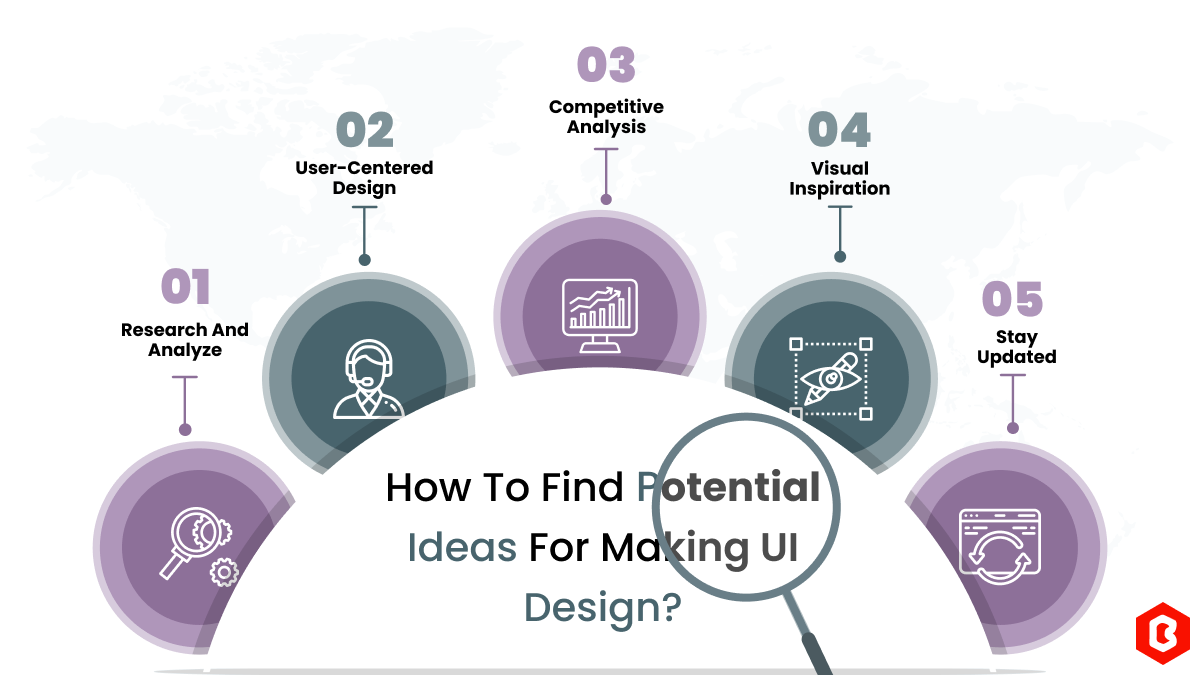
We can discover a lot of alternatives when it comes to UI design or UI thoughts, which we are able t...
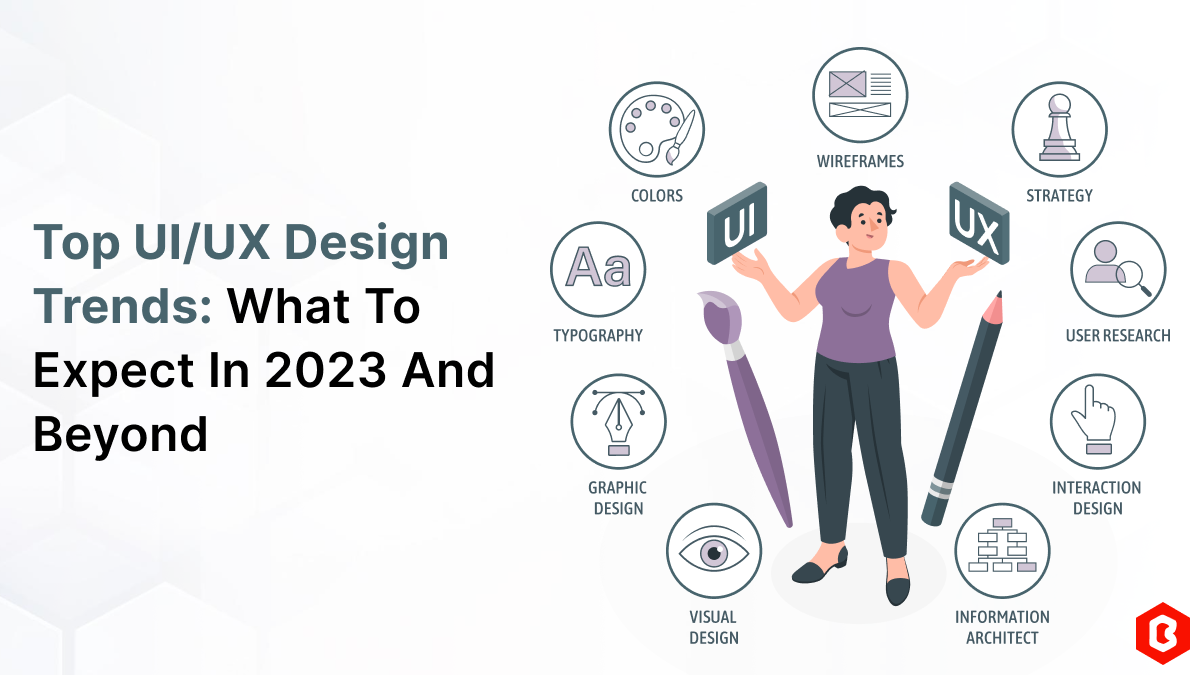
UI/UX. User interface and Use experience are the two important things we can consider in today’s web...
In web development, choosing the right CSS framework can make a significant difference in the succes...
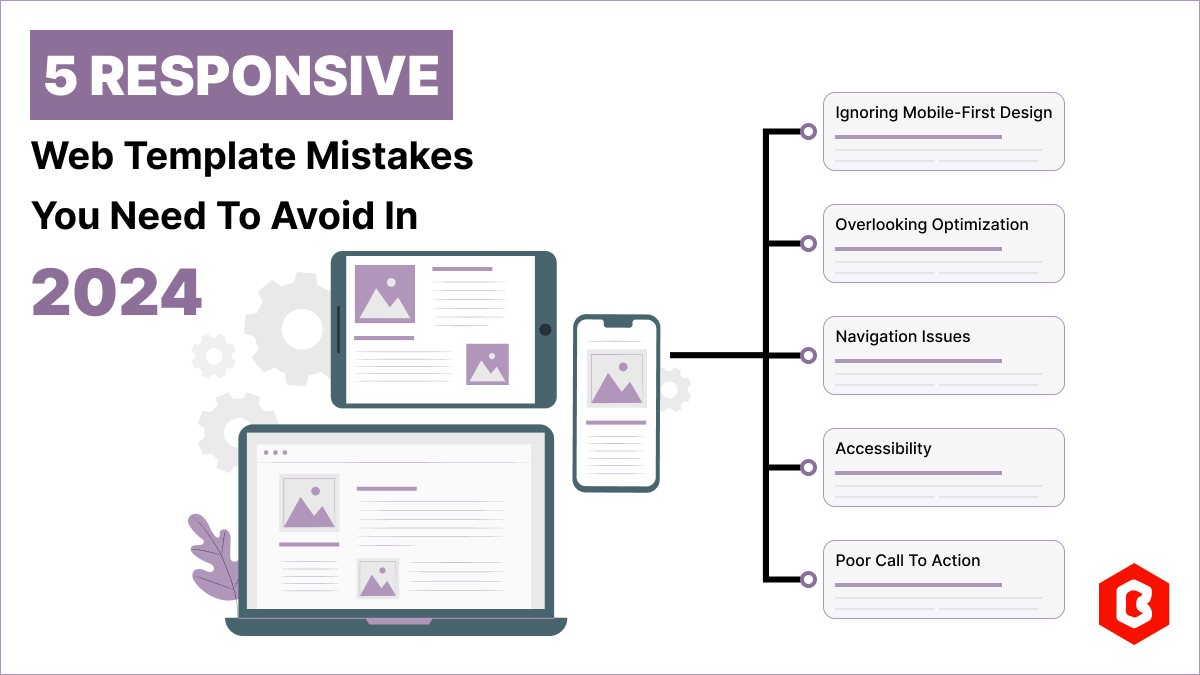
Having a responsive web template can help you succeed and keep your business ahead of the competitio...
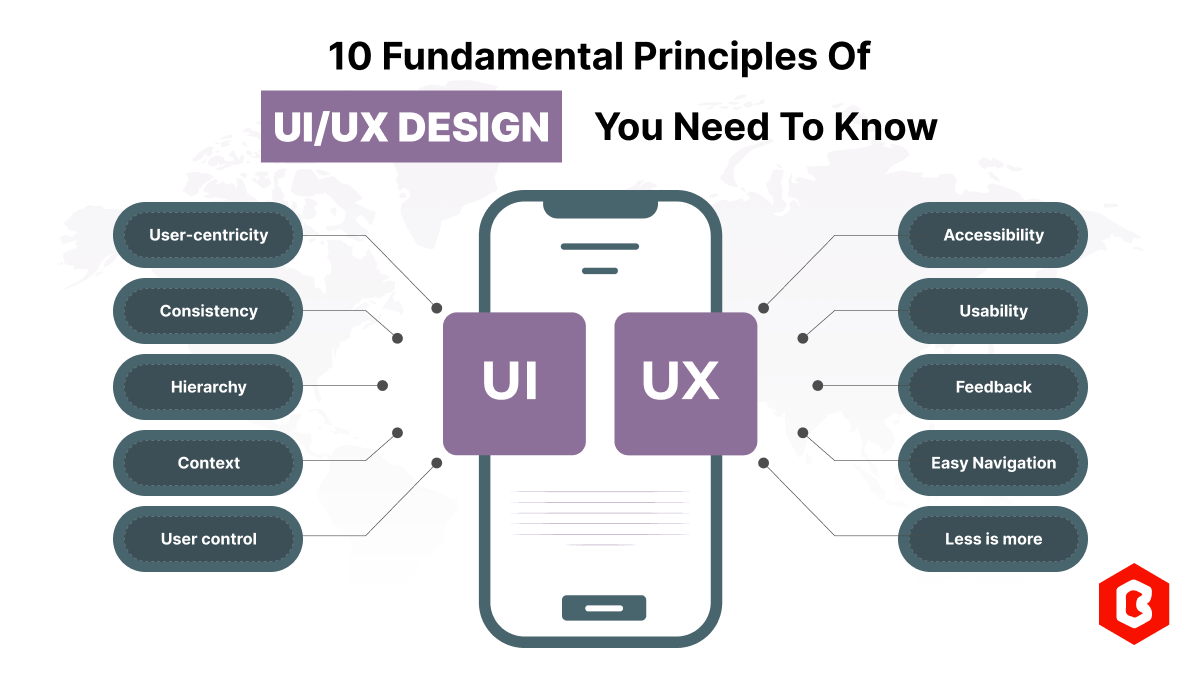
Today everything seems to be online whether it's an eCommerce store or a stock broker mobile app. Bu...
Having an interactive and functional website is a core aspect of making a successful online business...

Not sure which template or UI kit fits your project? Reach out for expert advice.
 100% Satisfaction Guaranteed
  Shop with Confidence!
 Tags
Tags