Buy any 1 product and get 1 absolutely free — this offer applies to all Website Templates, UI Kits, and Complete Scripts.
Buy Now! Article Information Table Of Contents
UI designers rely on various design tools to create their projects. There are many tools available online for user interface design. However, Figma and Photoshop are two of the most used UI design tools. In this article, we will compare both of them. So, you can easily choose one for your next app or website UI design project.
It is a cloud-based design tool made specifically for UI and UX design. It can be used in the browser or in the desktop app (if your device supports it). It has valuable features such as components, responsive layout tools, and built-in prototyping.
Real-time collaborations to help multiple designers work together in the same file.
Designers can create a consistent UI design with the help of components, variables, and reusable styles.
Figma lets you prototype interactions and user flows directly in the tool.
The entire tool is cloud-based, so any team member can log in and modify the design without heavy file exports.
With auto-layout and constraints, you can easily resize the UI, which can be helpful for creating responsive web designs.
It needs a stable internet connection to be used properly.
Limited advanced bitmap editing compared to Photoshop.
If you are working on a large Figma file with hundreds of pages, you may face slow performance.
UI/UX designers
Product designers
Startups and companies that work in collaboration.
Designers who need quick prototyping and want to hand over their projects easily to developers.
It is another powerful tool made specifically for photo editing, digital art, and image manipulation/correction. Photographers or editors can use it for pixel-level controls. However, it cannot be ideal for designing the UI and UX of a website or an app.
High-quality and pixel-perfect photo editing
Useful for detailed graphics and custom artworks
Brushes, effects, textures, and advanced imaging tools can help in professional photo editing.
Designers can expect better flexibility for marketing graphics and creative images.
No features for real-time collaboration
Multi-screen projects may result in large files and slow performance.
No components, variants, or design system management.
No built-in prototyping for UI design.
Not so easy to learn.
Not optimized for creating responsive web designs.
Graphic designers
Photo editors
Digital artists
Marketing and content creation teams
Creatives working with image manipulation
Figma is a better UI design tool for the following reasons:
A team can easily work on the same Figma file to modify or use the design for a project. This improves the collaboration. On the other hand, this type of collaboration is not possible with Photoshop, which limits its usability for teams.
You can reuse buttons, forms, icons, and layouts in Figma to save your time. If you have designed a component, you can use it in other Figma files to create similar ones; you don't always have to create new components from scratch. This is also not possible with Photoshop.
If you are using Figma, you can easily create real app-like interactions inside the design file. You don't have to export screens or use other tools for prototyping. On the other hand, Photoshop doesn't allow this. You have to export the design file and rely on other tools if your app or website UI design is prepared in Photoshop.
Figma's Auto Layout feature lets you create UI designs that adapt to content. So, you can create a flexible, consistent, and easily customizable UI design. Photoshop doesn't support this, so you can't easily create responsive web or app designs.
Learning Figma is much easier than learning Photoshop. Also, with Figma, you can easily share a design file via a link. While with Photoshop, you have to export a PSD file and share it.
UI kits are ready-made design files for creating app or website UIs. We can find more Figma UI kits than Photoshop UI kits on online marketplaces. We have also listed some professional Figma UI kits on our marketplace to help you design your website or app's UI easily and quickly.
 Similar Blogs
Designing and developing a website may look tough and time-consuming. It is actually tough when it c...
Purchasing UI kits online minimizes a business’s efforts in designing websites or apps. We can consi...
Today everything seems to be online whether it's an eCommerce store or a stock broker mobile app. Bu...
Having an interactive and functional website is a core aspect of making a successful online business...
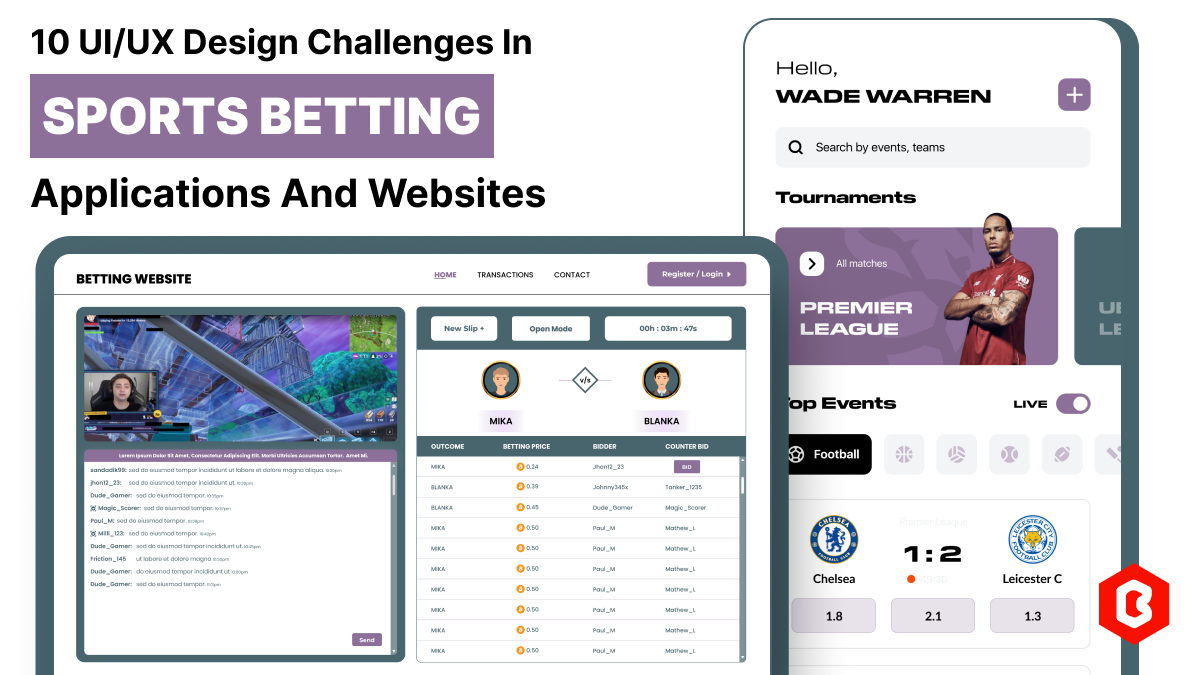
In 2023, the worldwide online betting and lottery market size reached $242.04 Billion. To capture a...
Nowadays, every business is operating from an online website which is called a virtual shop. From eC...

Not sure which template or UI kit fits your project? Reach out for expert advice.
 100% Satisfaction Guaranteed
  Shop with Confidence!
 Tags
Tags