Buy any 1 product and get 1 absolutely free — this offer applies to all Website Templates, UI Kits, and Complete Scripts.
Buy Now! Article Information Table Of Contents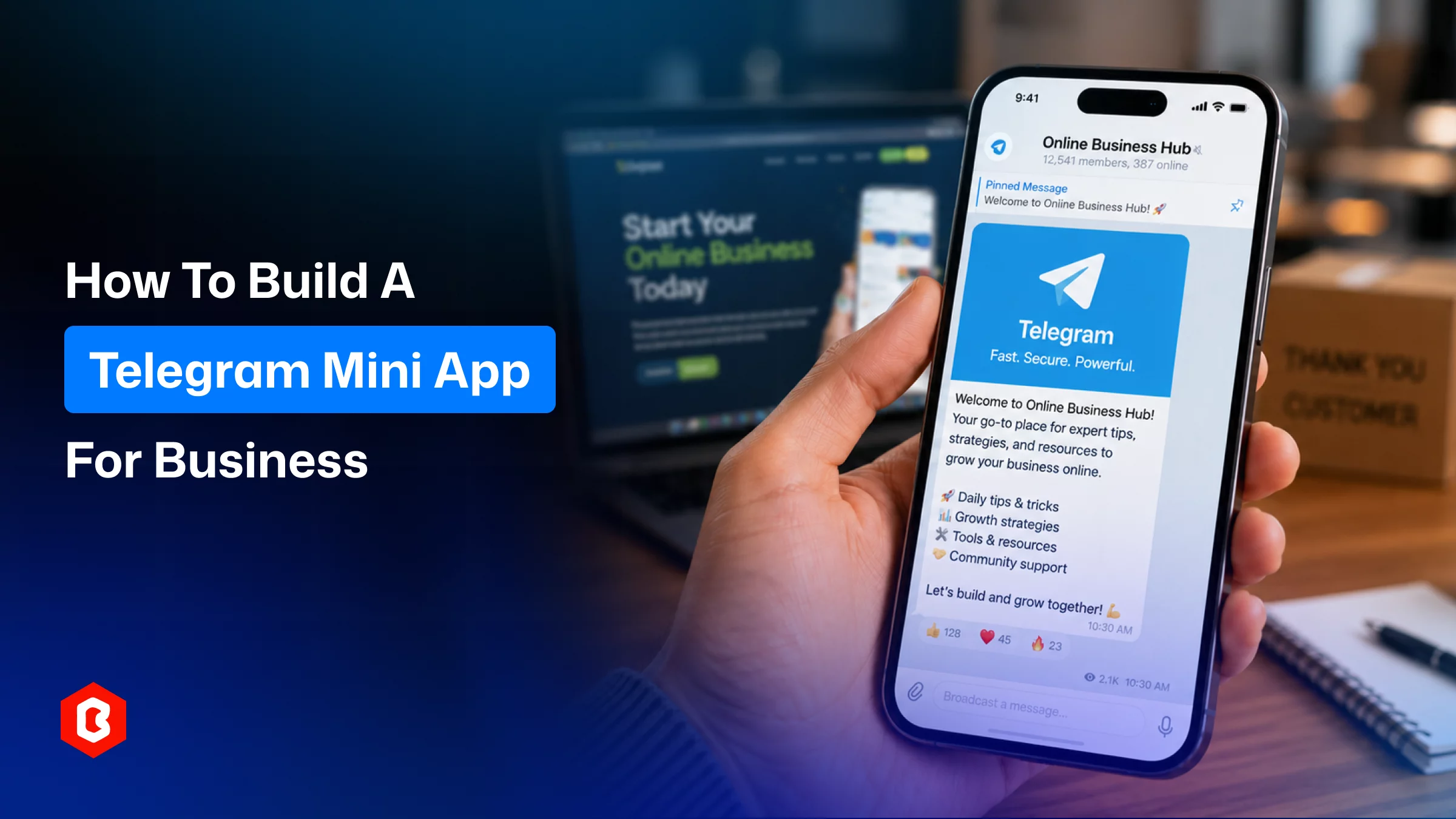
Telegram stopped being "just a messenger" a while ago. Inside the same chat window where people talk to friends and follow news channels, they now book cabs, buy game skins, trade crypto, and check out at online stores all without leaving the app. That shift is what makes Telegram Mini Apps worth a serious look for any business weighing its next digital channel.
This guide covers what a Mini App actually is, how it stacks up against bots and native apps, what happens on the backend when a user opens one, where the format is already working, and how to plan a build, including what it typically costs and how to choose between an in-house team, an agency, and a ready-made Telegram Mini App Development service.
A Telegram Mini App is a web application that runs on an in-app browser (WebView). There is a no separate installation is required for accessibility. The HTML, CSS, and JavaScript, along with React and Vue, back the platform. For interaction in the mini app, the Telegram Web App SDK and JavaScript layer have been added.
Some Mini Apps also connect to the TON blockchain for wallet linking and token-based rewards, which explains their popularity with Web3 projects and gamified referral programs. That said, blockchain integration is entirely optional; most business-focused Mini Apps (bookings, storefronts, support tools) never touch it.
Here's how the three formats compare on the factors that usually decide which one a business should build:
Factor | Telegram Bot | Telegram Mini App | Native Mobile App |
Interface | Chat bubbles, buttons | Full custom UI (forms, catalogs, dashboards) | Full custom UI |
Installation | None | None | Required (app store) |
Store approval | Not applicable | Not required | Required, can take days |
Complex flows (checkout, seat selection) | Clunky | Well suited | Well suited |
Update speed | Instant | Instant | Waits on user download |
Typical build cost | Lowest | Low-to-moderate | Highest |
Best for | Notifications, FAQs, simple automation | Transactions, bookings, catalogs, dashboards | Offline access, deep device features |
A bot is a conversation; a Mini App is a product screen. Many businesses run both together; the bot acts as the doorway and handles reminders or follow-ups, while the Mini App does the actual transaction.
Understanding the actual flow helps explain why the format converts well:
Entry — a user taps a button inside your bot, a shared deep link, or a QR code. There's no app store search involved.
Instant load — Telegram opens the app inside its WebView in roughly the time it takes to load a fast website. Tapping "back" returns straight to the chat.
Automatic authentication — Telegram passes along verified user data (ID, username, language) so there's no signup form, password, or email confirmation standing between interest and action.
Live communication with Telegram — the Web App SDK keeps the interface synced with theme changes, handles button states, and manages events like closing or expanding the app, so it behaves like part of the platform rather than an embedded website.
From a business standpoint, every one of those steps removes a point where a prospective customer could otherwise give up and leave.
The appeal isn't just technical convenience; it's reach and conversion.
On Telegram, 500 million monthly users prefer it for shopping, gaming, and everyday services. To save costs on user acquisition, companies take built-in audience advantage.
A few other reasons the channel keeps gaining traction:
Every step between interest and action searching an app store, downloading, granting permissions is a chance to lose the user. A Mini App removes nearly all of it.
Customers never provide details when they are redirected to a suspicious site or create another account for service accessibility. Staying inside Telegram's familiar environment lowers that resistance.
Transactions complete without redirecting to an external checkout page, which tends to keep cart abandonment lower, and confirmation happens right in the chat.
Updates go live the moment you deploy, no app store review cycle to wait through. That makes the app more accessible for every user.
One web codebase can serve iOS, Android, and desktop Telegram users at once, instead of maintaining separate iOS and Android builds.
Monetization isn't limited to direct product sales. Common models include:
Direct transactions: Users can make product sales, pay booking fees, or pay service charges in-app without connecting to third-party services.
In-app advertising: Mini apps support sponsored placements or promoted listings inside high-traffic apps for conversions.
Affiliate and referral mechanics: For inviting other users to several gaming and community-focused Mini Apps.
Subscriptions handling: Users who want services can pay for subscriptions to premium content, private channels, or ongoing services.
Loyalty and cashback programs: Users can earn redeemable points or rewards inside the same chat customers are already using.
The format works best wherever a transaction or a repeatable task can be simplified into a few taps.
Product catalogs, order tracking, and loyalty points redeemed inside the same conversation customers use to ask about their order.
To allow customers to reserve a slot without a separate booking app, the mini app can be helpful to restaurants, salons, clinics, and car rentals.
Quote comparisons, policy purchases, and wallet-style balance tracking, aided by Telegram's built-in authentication.
A service provider for gated content, course access, and paid channel memberships is easily managed with the app.
A project built on TON for lending, swapping, and wallet management is best for a mini app. It acts as the front door to on-chain activity.
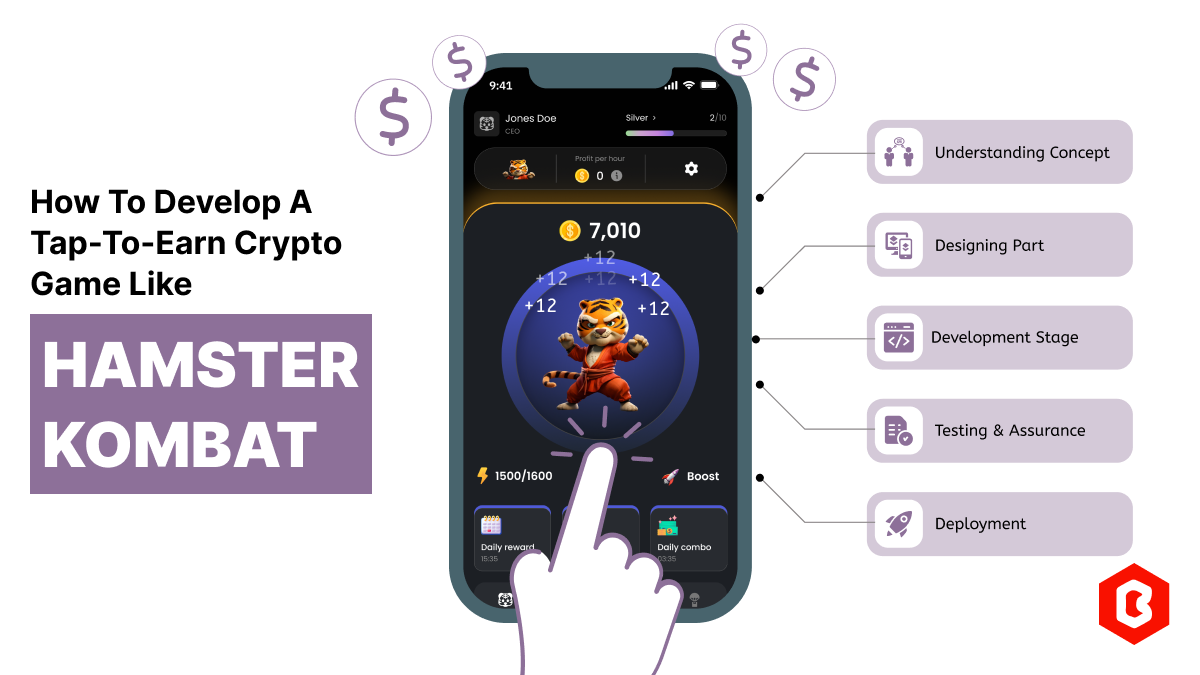
From lightweight casual games to referral contests. Well-known examples in this category include Hamster Kombat, Catizen, and Notcoin, which turned simple, repeatable in-app actions into large, fast-growing user bases. On the utility side, Telegram's own Wallet app is a widely used example of a finance-focused Mini App.
Building a Mini App isn't fundamentally different from building any web product, but Telegram adds a few platform-specific steps.
It’s important to understand what the mini app is trying to do, including purchases, bookings, lead captures, or subscription renewals. It has to be decided before any design work starts. This also decides which integrations matter: CRM, payment gateway, analytics, and prevents expensive rework later.
Every Mini App is launched through a Telegram bot, created and configured through BotFather. It is helpful to generate the bot token, set permissions, and link the Web App URL. When a user taps the launch button, the app quickly opens.
This is where the actual user experience takes shape through front-end development. This includes layout, navigation, checkout flow, and how closely it should mirror Telegram's native look and feel. Theme adaptation (light/dark mode) matters more here than on a typical website. It’s what makes the app feel native rather than embedded.
The back end handles business logic, database operations, and payment validation, while the Telegram Web App SDK manages the live connection between the interface and the Telegram client, user data access, event handling, and in-app notifications.
At minimum, this means HTTPS hosting, server-side verification of the data Telegram passes to the app, and encrypted data transmission. Apps that handle money also need PCI-aligned payment handling and secure webhook validation.
Telegram mini app launch doesn’t require app store review; testing matters. QA should cover different devices, low-bandwidth conditions, and edge cases like expired sessions or bot restarts. Once approved, deployment is instant no waiting period for users to receive the update.
A few areas cause more trouble than the core build itself, especially at scale:
Connecting a Mini App to a CRM, inventory system, or existing customer database takes real planning; treating it as an afterthought is a common source of delays.
Telegram's authentication flow has its own rules for validating user data server-side. Getting this wrong creates security gaps, not just bugs.
A Mini App runs independently of Telegram's own infrastructure, so a sudden spike in users (a viral campaign, for instance) can expose an under-provisioned backend fast. Planning server capacity around realistic peak traffic, not just average load, avoids this.
Telegram Mini App development service pricing varies and depends on the scope. But there’s a pattern:
1. A single-screen app with basic payment integration is affordable to develop within a week. To add CRM syncing, custom analytics, or multi-step user flows, both the timeline and budget climb.
2. Enterprise-grade builds heavy automation, fintech-level compliance, and layered security sit at the top end and can take several months.
Compare the quotes from different vendors and confirm what they are actually offering. Like, a one-page prototype or a running commerce platform.
Not every web development shop has hands-on experience with Telegram's SDK, bot configuration, and payment quirks, so vetting matters. When comparing Telegram mini app development services, look for a team that can show:
1. Direct experience with the Telegram Web App API and BotFather setup, not just general web development.
2. A clear, specific answer on how they handle authentication and payment security; vague reassurance is a warning sign.
3. Ready-made components or templates that can shorten the build timeline without cutting corners on security.
If you'd rather skip custom development entirely, ready-made options exist too. Bitrix Theme, for instance, offers a Telegram Mini App development service built around a functional single-page app, covering front-end and back-end work plus full Telegram setup, with source code handed over at the end a practical starting point for teams that want a working app without commissioning a project from scratch. It's worth treating as one option among several rather than a default choice; the right fit still depends on your feature list and timeline.
Whichever route you take, working with an established Telegram mini app development company rather than a generalist team bolting on Telegram support for the first time tends to shorten the learning curve considerably.
When a business needs a platform with zero install needs, a Telegram Mini app is a worthwhile option. It can be used for checkout flows, bookings, and customer engagement. The mini apps are not an alternative to a native app or a business website. The build itself is straightforward once the bot, the SDK, and the security basics are in place. Focus on deciding what the app should actually do for your customers.
Yes — a bot is the entry point that launches the app; the app itself handles the interface once opened.
Often yes, if it's rebuilt to use Telegram's SDK and fits within the in-app WebView's display constraints.
No. TON is optional and mainly used by Web3, gaming, or token-reward projects, not standard business apps.
Through HTTPS hosting, encrypted transmission, and server-side verification of the data Telegram passes to the app.
Yes — changes deploy instantly server-side, so users always see the current version without downloading anything.
 Similar Blogs
AI (Artificial Intelligence) is shaking things up in the education industry as well! According to a...
In today's world, web applications are controlling the business arena. Whether it's an eCommerce web...
Hamster Kombat is a tap-to-earn crypto game where players are designated as virtual CEO. In developi...

Online Sports betting apps are considered as the source of earning passive income but with that, the...

Every business needs better marketing to promote their products and services. Nowadays, they prefer...

The cryptocurrency world is transforming at every moment. That world is not just limited to only exc...

Not sure which template or UI kit fits your project? Reach out for expert advice.
 100% Satisfaction Guaranteed
  Shop with Confidence!
 Tags
Tags