Buy any 1 product and get 1 absolutely free — this offer applies to all Website Templates, UI Kits, and Complete Scripts.
Buy Now! Article Information Table Of Contents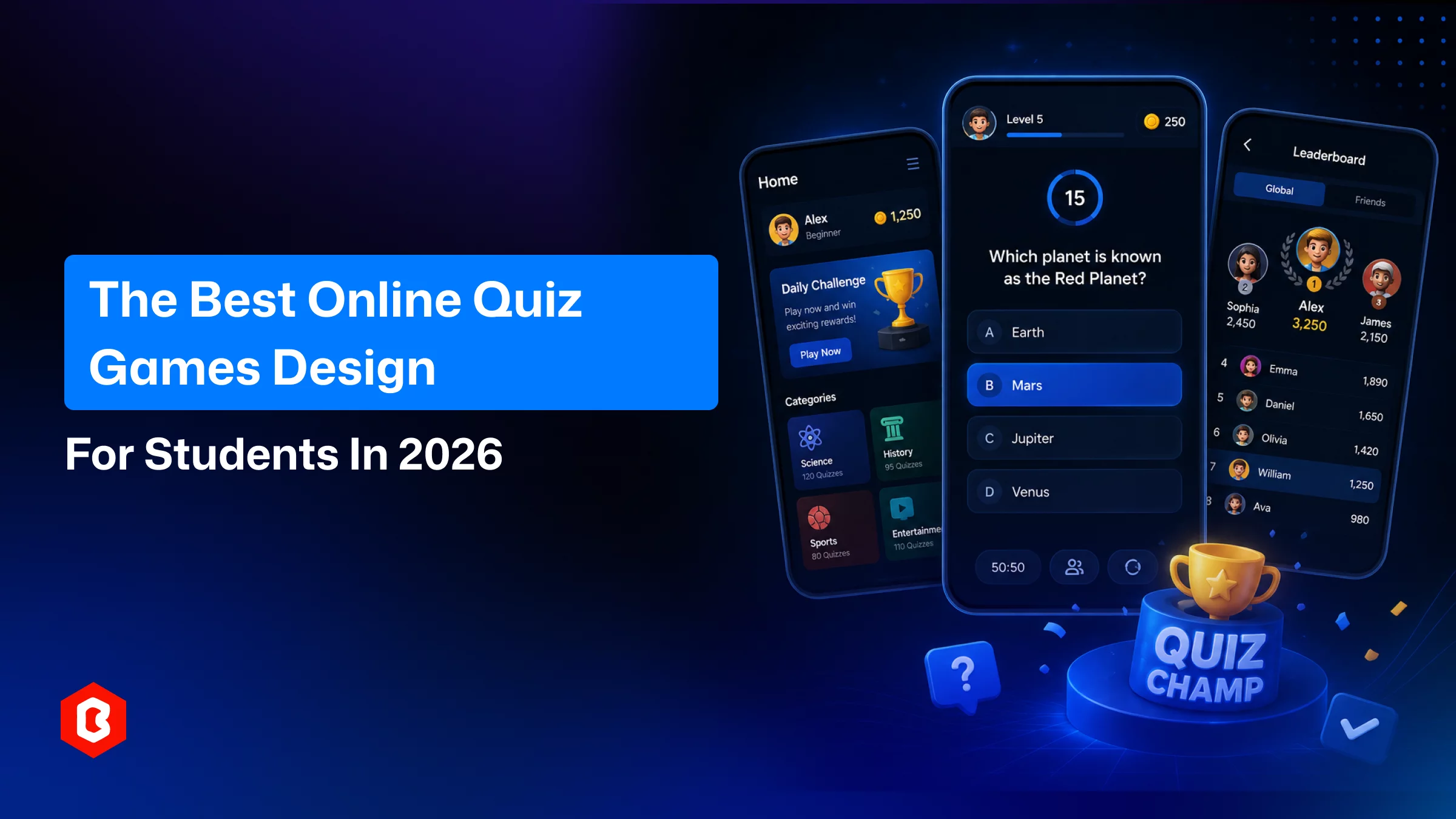
On your mobile, open the Google Play Store or App Store and see the education and trivia category. There are dozens of quiz apps exists and most of them are forgettable. People like only the quiz games that make them smart, test their knowledge, along with entertainment and fun. The quiz game UI design app with freeze screens and clunky navigation loses users before they finish round one. Even good content can’t retain them.
Knowing why it has become such a big part of quiz game UI design trends for 2026, and what separates a mediocre quiz user interface (UI) from one people actually enjoy using. Also, find ready-made UI kits that shortcut months of design work, including a closer look at QwizChamp, a Figma-based quiz app UI kit.
Gamified learning stopped being a novelty a while back. It's now a measurable line item in edtech budgets, especially with quiz game UI design.
In 2025, the gamification-in-education market valuation was $2.5 billion. And guess? $3.19 billion it achieves in the 2026 as expected. This expectation will maintain its compound annual rate of near 27.5% and outstrip most other segments of edtech.
Once you look at classroom-level data, it sounds interesting.
Classcraft study finds that gamified formats lifted engagement by 48%. They covered 1,500 K-12 students in the report.
82% of students felt more motivated taking a gamified quiz than sitting for a standard test. This is found in Kahoot’s own survey of 50,000 users.
Duolingo-run study across 200,000 users found gamified learners scoring higher. They outperform peers using non-gamified tools.
None of these numbers guarantee results for every app, but they explain why quizzes, timed, scored, competitive aspects have become the default format for turning passive studying into something students return to voluntarily.
Global smartphone subscriptions have crossed roughly 6.9 billion, and mobile devices now account for more than 60% of all digital learning sessions worldwide. Students aren't opening a laptop to review flashcards anymore. They're doing it between classes, on a five-minute break, on a phone screen. That change is exactly why quiz app UI design has become its own specialized discipline. It’s not an afterthought managed onto a bigger learning platform.
Ever look at any of the quiz apps on iOS and Android? There are some differences. Just adding flashy colors can’t covert 1st time app installer to repeated player. A handful of design decisions separate the apps that maintain around from the ones deleted after a week.
The best quiz screens show one question, a countdown, and answer options, and that’s it. Nothing competing for attention mid-round. The app becomes slow once adding the extra banners, pop-ups, or busy backgrounds. So, does the sense of flow that makes quizzes addictive in the first place.
Correct or incorrect, users want to know the submitted quiz results immediately. Users will feel frustrated if a quiz UI takes time for feedback or delays results from showing at the very end. In other words, it breaks the reward loop that keeps users playing. To solve it, implement micro-animations, color shifts, and small score counters that tick up in real time do a lot of quiet psychological work at its own.
Points and levels only matter if a player can see them accumulate. A profile dashboard design with score history, badges, or rank comparisons gives students a reason to come back tomorrow instead of just today.
A few broader mobile UI shifts are showing up directly inside quiz apps this year:
AI-driven personalization that adjusts question difficulty based on preferences
Softer glassmorphism and neumorphic card layouts replacing flat blocks
Bottom-anchored navigation for one-thumb use
Dark mode as a default rather than an option
Given that mobile devices generate the majority of global web traffic and people spend close to five hours a day on their phones, the bulk of it inside apps. Designing quiz screens for thumb-reach and low-light comfort isn't a stylistic nicety anymore. It's table stakes.
Building a quiz app's interface from a blank canvas is slow. Every screen like onboarding, category selection, the quiz itself, results, leaderboard, and profile has to be designed, tested, and made responsive across device sizes. That's where pre-built UI kits earn their keep.
A solid quiz UI kit should give you, at minimum:
A home screen with categories and search
An active quiz screen with timer and progress indicator
A results screen with score breakdown
A profile or dashboard screen with history and stats
Sign-in/sign-up flows covering multiple account options
Source files in a format your dev team can actually hand off (Figma being the current standard)
Buying a kit like this doesn't just save design hours. It also front-loads a lot of the UX thinking around flow and hierarchy, so your team can focus on back-end logic, question banks, and monetization instead of relitigating button placement.
One kit worth a closer look is QwizChamp. This is a premium quiz game mobile app UI design sold through Bitrix Infotech's theme marketplace. The design was built in Figma and ships with more than 16 pre-built, responsive screens for home, categories, active quiz, results, and profile.
A few things stand out in the actual feature set:
Multiple sign-in and sign-up paths: A ready-made design for Google, Facebook, and other account log-in/sign-up options. This lowers friction for new users who don't want to fill out a form to try a quiz.
Gamification elements built into the layout itself: The screens are structured for a smooth experience. It includes a profile dashboard where players can review past results.
Support for multiple question formats: The mix of multiple-choice, timed rounds, or topic-specific formats will be made with this quiz design.
A grid view for quiz competitions: To offer multiple active quizzes at once, rather than one, this app UI is designed for.
Cross-platform readiness: The design is accessible for both iOS and Android quiz games.
The kit is designed with subject flexibility in mind for multiple categories:
Current affairs
History
Sports
Entertainment
Business
Finance
General knowledge
That also makes it usable by independent tutors or subject-matter experts who want to run their own branded quiz competitions. There’s no need to hire a design team from scratch.
Practically speaking: it's a $45 USD one-time purchase that includes the Figma design file plus product and technical documentation, and comes with a license to modify it for your own or a client's business, though not to resell the design itself. For a team trying to get a quiz MVP in front of users without months of design lead time, that's a fairly low bar to clear.
A ready UI kit compresses timeline. Instead of weeks spent on wireframes and revisions, developers can move almost straight to implementation, adjusting colors and components to match a brand rather than inventing screens from zero.
Subject experts who understand pedagogy but not Figma get a shortcut to a professional-looking product. A clean quiz interface signals credibility as students and parents notice when an app looks maintained and intentional, not thrown together.
If the end experience feels clunky its not a worthy product. A well-designed quiz UI reduces cognitive load during the actual test-taking moment. This is per the engagement research cited earlier, which correlates with higher completion rates and better retention of the material being tested.
Quiz mechanics aren't only for students. Corporate companies use them for various tasks like onboarding assessments, product knowledge checks, or lead-gen quizzes on marketing sites. A polished, mobile-first quiz UI applies just as well outside the classroom on a specific use case.
Building a complete quiz app using the in-house team or from a UI kit, three things to optimize first:
Your target audience (students, general trivia players, or internal corporate users)
The question formats you need (timed rounds, multiplayer, single-player practice)
Your platform priorities (iOS, Android, or both from day one)
From there, kit like QwizChamp before committing to a custom build is a low-risk way. It's useful to see whether its screen flow and visual language already match what you have in mind. You can view the full screen set and feature breakdown on the QwizChamp - Quiz Game App UI Design and decide from there whether it fits your roadmap.
Quiz apps succeed or fail on details that are easy to overlook in a planning meeting. This is how fast feedback appears, how legible a dashboard is at a glance, whether sign-up takes ten seconds or two minutes. The market data backs up what most product teams already sense intuitively: gamified, quiz-based learning is growing fast. Mobile devices are where nearly all of that activity happens, and the interface is doing more of the representation than people give it credit for.
Whether you're a solo developer, an edtech startup, or a tutor building a side project, starting from a tested, responsive UI foundation like QwizChamp means more time spent on content and logic. Invest less time reinventing screens that have already been solved. Take a look at the QwizChamp UI kit and see if it's the shortcut your next quiz app needs.
Yes, the license comes with full customization. You can change colors, fonts, and layouts for personal or client projects.
No, Figma files are design-ready mockups. App developers still need to code the app in languages like Swift, Flutter, Kotlin, or Swift for iOS and Android.
Using a ready UI kit can cut design timelines from several weeks to just a few days. It depends on the back-end complexity to be handled.
Yes, a well-structured kit like QwizChamp works across categories such as history, sports, finance, and trivia without redesigning core screens.
The package includes the Figma design file, a product description document, a technical description document, and a read-me setup guide.
 Similar Blogs
AI (Artificial Intelligence) is shaking things up in the education industry as well! According to a...
In today's world, web applications are controlling the business arena. Whether it's an eCommerce web...
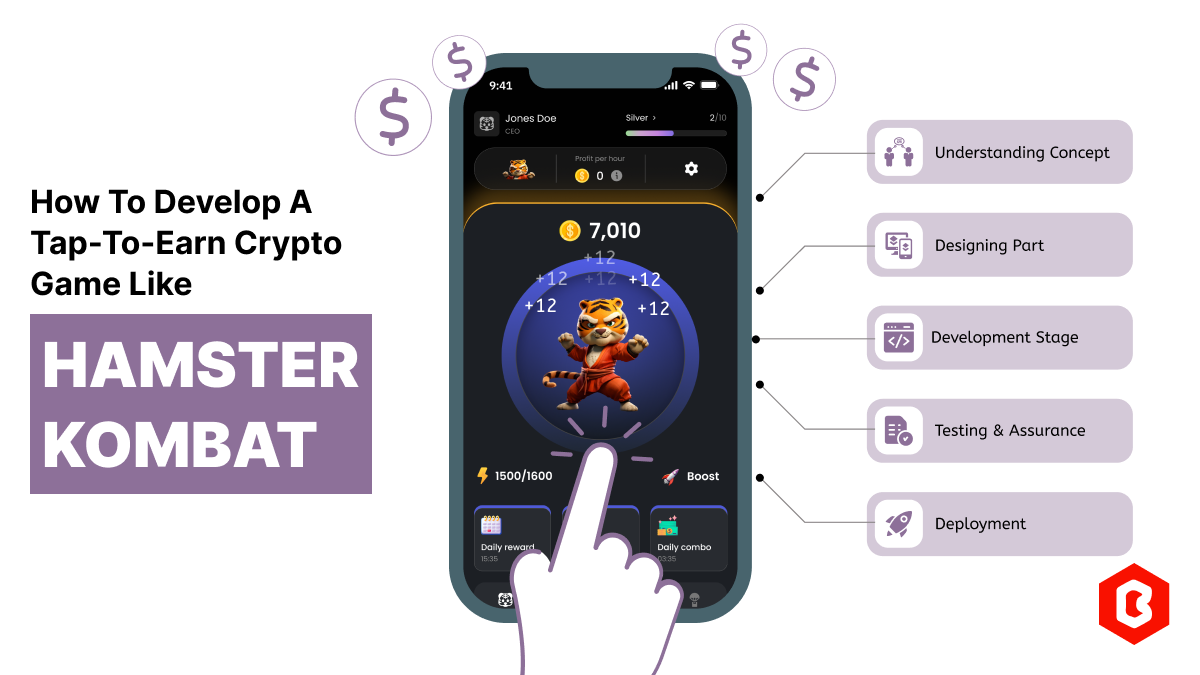
Hamster Kombat is a tap-to-earn crypto game where players are designated as virtual CEO. In developi...

Online Sports betting apps are considered as the source of earning passive income but with that, the...

Every business needs better marketing to promote their products and services. Nowadays, they prefer...
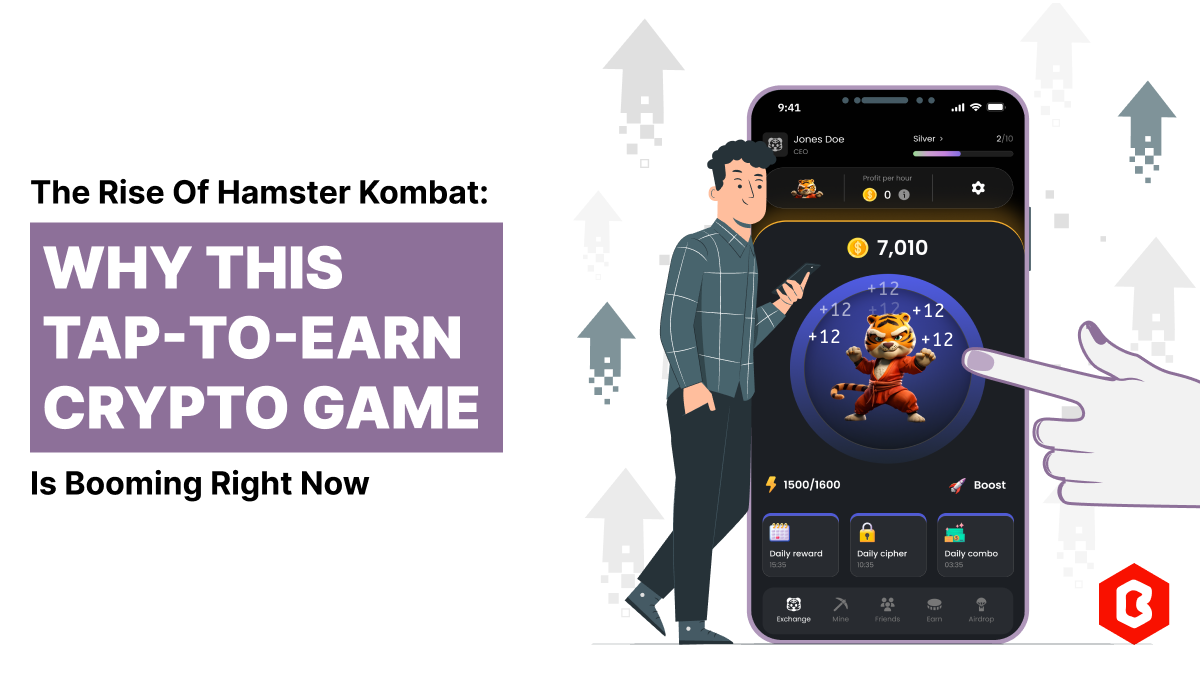
The cryptocurrency world is transforming at every moment. That world is not just limited to only exc...
Related Products 
Not sure which template or UI kit fits your project? Reach out for expert advice.
 100% Satisfaction Guaranteed
  Shop with Confidence!
 Tags
Tags