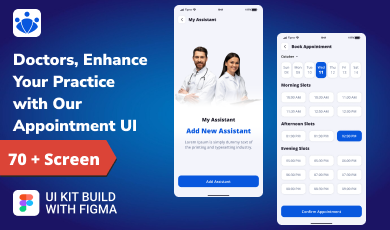
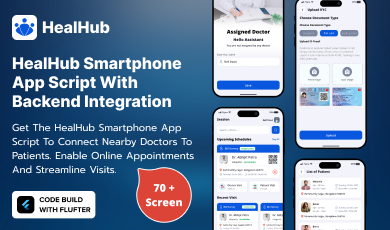
Buy any 1 product and get 1 absolutely free — this offer applies to all Website Templates, UI Kits, and Complete Scripts.
Buy Now! Article Information Table Of Contents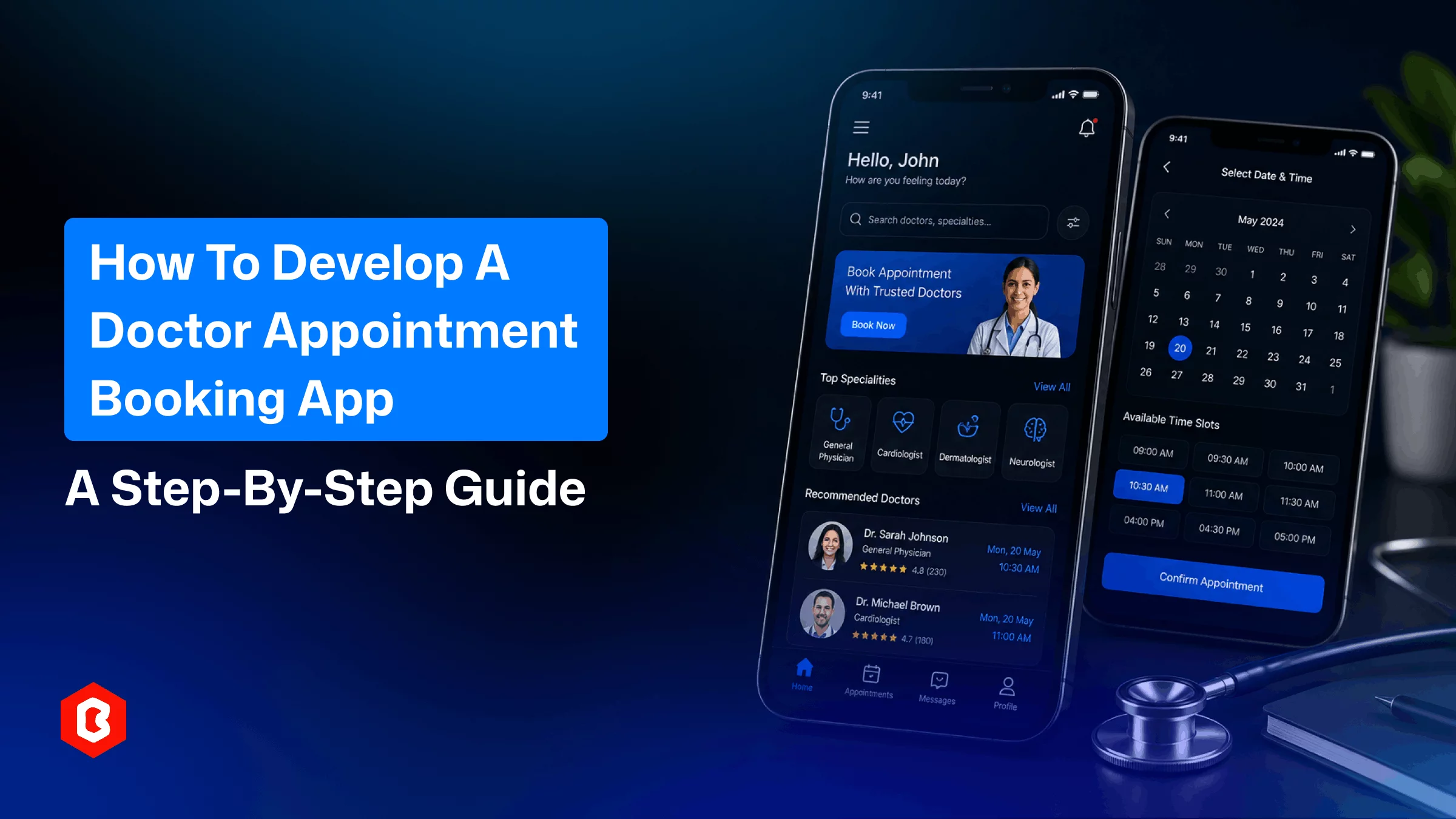
In traditional appointment clinic management, most of the things are not proper. Like, a receptionist works to hold and transfer calls; patients give two missed calls, then refuse to book again. Nobody notices that the appointment is already gone. None of that is a staffing problem. It's a scheduling system problem.
This guide explains what features actually matter, whether to build from scratch or start from an existing codebase, and what it will realistically cost. It also mentions how to stay compliant once real patient data is involved.
Using the app, patients can book online appointments with healthcare experts. Doctors and staff get access to important information about appointments, patient records, and communication.
People call during closed hours, and staff spend hours a week confirming bookings, and there’s no system to manage it. An online doctor appointment app removes most of that friction by letting the calendar do the work.
The app can automatically send appointment reminders through SMS, push notifications, or email. This helps reduce missed appointments, double bookings, and unused time slots.
Once scheduling, rescheduling, and basic intake questions move into the app, front desk staff spend less time on the phone and more time on tasks that actually need a person: insurance verification, in-person check-in, or handling complex cases.
Patients require an experience in healthcare as they booking a restaurant table or a flight. A doctor appointment app has to be easy to access for finding specialists, comparing available times, and confirming a visit in under a minute.
Feature scope is where most projects either succeed or quietly go over budget. Here's what matters most, grouped by who uses it.
Doctor search by specialty, location, and availability
Real-time slot booking and rescheduling
Secure patient profile with medical history
In-app messaging or video consultation
Payment processing and billing history
Ratings and reviews for providers
Editable availability and calendar sync
Patient history and visit notes
Automated appointment and follow-up reminders
E-prescription support
Reporting on bookings, cancellations, and revenue
Role-based access for staff, doctors, and admins
Secure data storage aligned with healthcare regulations
Document upload for lab results and referrals
Transaction and payment history tracking
Start by listing who will use the app. Is it for only patients? Or can doctors and front desk staff use the app? You can add the features users will prefer.
If you want complete control over the app’s design, custom development gives you more flexibility. On the other hand, a ready-made clone script helps you get the app up and running much faster.
The booking flow has to take seconds to work, as patients like. Doctors need a dashboard where patient information and schedules are visible without extra clicks. Design decisions here directly affect adoption; an app that's confusing to use gets abandoned regardless of how many features it has.
The back-end is optimized for appointment logic, notifications, payments, and data storage. This is also where doctor and patient databases get connected, either through APIs or by building the database internally for a single organization.
Any app for doctor appointments handles protected health information, which means encryption, access controls, and, depending on the region, HIPAA or GDPR alignment aren't optional. This step is important to complete; compliance management is expensive after launch.
Before launching it to everyone, test the app with a small group of actual patients and staff. Booking flows that look fine in a demo often reveal issues once actual people with schedules start using them.
Custom development isn't the only route. For clinics and healthcare businesses that want to launch without a multi-month build cycle, a ready-made platform like the Doctor Appointment Booking App with Backend from Bitrix Infotech offers a Flutter-based app with the backend, source code, and a Figma UI kit already built. It covers the essentials most clinics need:
Doctor search by specialty and location
Real-time availability
Secure patient profiles
Appointment reminders
In-app payments
Doctor-side schedule management
This app is optimized for both iOS and Android. Teams can modify a working foundation and shorten the timeline from months to weeks.
Four factors typically decide the final price tag:
Platform choice: Building separate native apps for iOS and Android generally costs more than developing a single cross-platform application.
Team location and structure type: Costs can vary significantly depending on whether you work with an in-house team, an outsourced development company, or use a pre-built solution.
Feature complexity level: Adding features such as video consultations and electronic prescriptions will increase the overall development cost compared with a basic appointment-booking system.
Third-party integrations: Connecting the platform with EHR systems, payment gateways, SMS providers, and other external services can add to the development budget.
Custom builds for feature-rich apps often run into six figures. A licensed, pre-built solution is typically a fixed one-time cost that's a fraction of that.
Before app development, decide how much time you need to get the app ready, how much custom integration with the hospital systems, and budget for customization. Answering these honestly narrows the decision faster than comparing feature lists alone.
No. It reduces repetitive scheduling tasks. Patient care and complex administrative tasks can be managed by staff.
Yes, the back-end system has to be built with role-based access to handle multiple locations from one system.
Typically, the app is ready to use in a week with the clone script. The core back-end, UI, and booking logic are already developed and ready for customization.
Not required, but increasingly expected. Many patients now compare providers partly on whether virtual visits are offered.
Reputable providers include data export options. It’s preferable to always confirm data ownership and portability terms before choosing a platform.
 Similar Blogs
AI (Artificial Intelligence) is shaking things up in the education industry as well! According to a...
In today's world, web applications are controlling the business arena. Whether it's an eCommerce web...
Hamster Kombat is a tap-to-earn crypto game where players are designated as virtual CEO. In developi...
Online Sports betting apps are considered as the source of earning passive income but with that, the...
Every business needs better marketing to promote their products and services. Nowadays, they prefer...
The cryptocurrency world is transforming at every moment. That world is not just limited to only exc...
Related Products 
Not sure which template or UI kit fits your project? Reach out for expert advice.
 100% Satisfaction Guaranteed
  Shop with Confidence!
 Tags
Tags