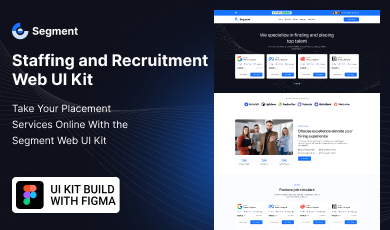
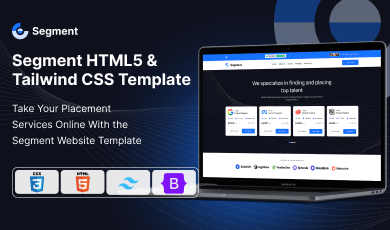
Buy any 1 product and get 1 absolutely free — this offer applies to all Website Templates, UI Kits, and Complete Scripts.
Buy Now! Article Information Table Of Contents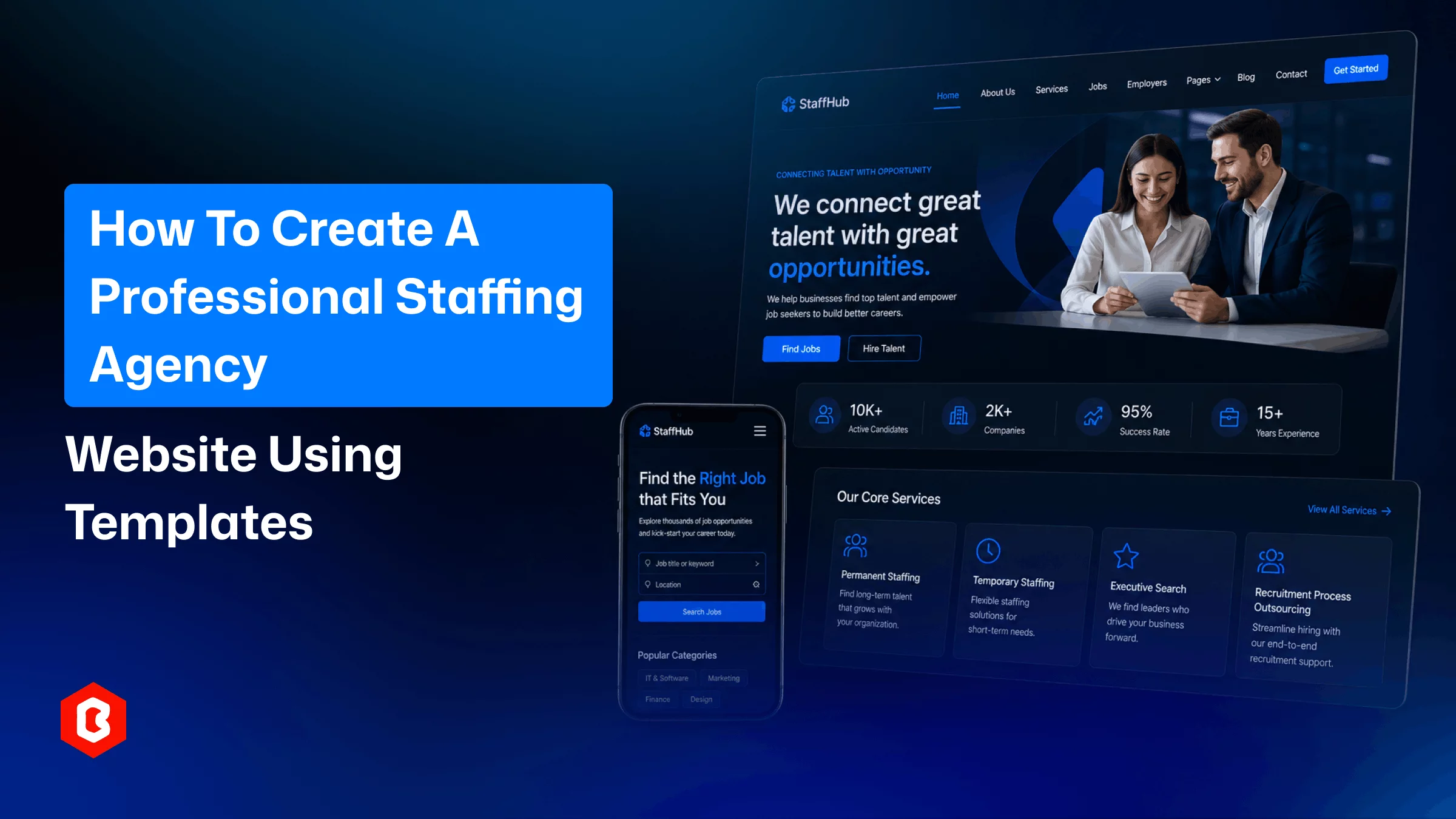
Recruitment is a trust business before it's anything else. A candidate has to believe you'll represent them well to an employer, and an employer has to believe you can deliver qualified people on schedule. Most of that first impression now happens online, before anyone talks to a recruiter - which means an outdated or confusing website is quietly working against your placements.
Building a site from the ground up takes time most agencies don't have to spare. That's where a staffing agency website template comes in - a pre-built structure with the pages a recruitment business actually needs, ready for your branding and content rather than a blank canvas.
This article covers what makes templates a practical choice for staffing businesses, how to configure one for usability, which pages carry the most weight, and how to keep the finished site visible in search and measurable once it's running.
Custom website development involves wireframes, design approval rounds, and coding, a process that can stretch for months. A staffing website template removes that phase by offering layout, navigation, and page types. Your team’s work can focus on content and branding that makes the site live quickly.
Hourly development work is hard to budget for, especially when a staffing site needs several page types - listings, forms, team bios - each with its own design work. Templates flip that into a single known cost. The Segment Staffing and Recruiting HTML5 and Tailwind CSS Website Template from Bitrix Infotech, for example, is priced at $65 USD and includes the HTML pages, CSS and JS files, Tailwind CSS setup, documentation, and a read-me file needed to get started.
A general-purpose business template forces you to invent a job board and candidate-facing pages from scratch. Recruitment website templates built specifically for staffing already include that structure. The Segment template ships with Home, About, Job List, Team & Blog, and Contact pages - the set most agencies need on day one, without unrelated pages to remove first.
HTML5 and Tailwind CSS utility framework are straightforward for a developer to modify later. The code follows a consistent and readable pattern. For example, once your agency adds niche job categories, it's easy to add new client-facing landing pages or region-specific content.
Picking a template solves the foundation. What you do with it determines whether people stick around.
Every staffing site serves two very different audiences at once: people looking for work and companies looking to hire. Your homepage should split these paths clearly from the first screen - a direct route to job listings for candidates, and a direct route to a hiring inquiry for employers - rather than making either group dig for it.
Candidates search and apply from mobile devices during the other tasks. That means whatever recruitment website design template you pick has to handle responsive layouts for job listings, applications, and contact forms. So, you’re not left to manage the work for a mobile-optimized site after launch.
An overloaded job listings page with excessive filters or vague categories tends to lose candidates rather than help them. A clean list - job title, location, summary with a small number of genuinely useful filters (role type, location, industry) performs better than a page trying to cover every possible search angle.
In a professional staffing agency website, trust builds through repetition. Trust comes from a consistent color scheme, typography, and logo placement throughout the entire website. This can be read as one established business rather than a set of templated pages loosely connected.
Every extra field on an application or contact form is a chance for someone to abandon it. Ask for the essentials up front: name, email, resume, brief message, and save deeper screening questions for the actual recruiter conversation that follows.
The staffing website template provides the frame. The content decides whether it converts.
Vague mission statements don't build confidence. Your About page should state specifics - which industries you place candidates in, how long the agency has operated, and what geographic markets you cover. Concrete details do more for credibility than broad claims.
This page has to work mechanically, not just look clean. Each listing needs the role, location, type of employment, and a summary, with an obvious next step to apply. Where a template includes a dedicated Job List page, as the Segment template does, that page should be the primary landing spot for recruiting traffic rather than a secondary link buried in the navigation.
People are more comfortable dealing with a named person than an anonymous inbox. A Team page listing recruiters by name, specialty, and photo technical recruiting, executive search, light industrial staffing, and so on helps visitors figure out who to contact without guessing.
Candidates and hiring companies want different information from a services page. Structuring content into two distinct tracks one covering what job seekers get from working with you, and another covering offerings like temporary staffing, direct-hire placement, or contract-to-hire for employers keeps each visitor reading what's relevant to them.
Content marketing becomes an innovative part of a staffing website to attract qualified leads. The blog section on the website supports two aspects: 1. Supporting search visibility and 2. Give the reason to visitors why your agency is the right choice. Offering exceptional knowledge through hiring guides, industry trend write-ups, and interview and resume advice keeps building trust.
Design and content only matter if people can find the site in the first place.
Most job seekers search using a job title paired with a place - "forklift operator jobs [city]" or "accounting staffing agency near me." Job listing pages, titles, and metadata should reflect that pairing directly instead of relying on broad, nonspecific terms.
A job listing or service page URL that spells out the content role, category, or service name is easier for both users and search engines to interpret than one built from generic IDs or query strings.
Recruitment sites accumulate images, embedded video, and multiple forms fast, and each one can slow the page down if left unoptimized. Compressing images and trimming unnecessary scripts helps, and starting from a lightweight base of plain HTML5 with a utility framework like Tailwind CSS avoids the bloat that heavier, plugin-based platforms tend to add.
Search engines like Google and job aggregators prefer a predictable structure to index job listings. So, keep the fields like title, location, employment type, and posting date up to date and the same way across every listing. This improves how reliably they get picked up.
A blog post about a specific industry should link to the relevant job category. A services page should link back to about and contact pages for credibility. These internal links keep visitors moving and give search engines a clearer map of how your staffing website content relates.
A launched site is a starting point, not a finished project. Ongoing measurement is what tells you if it's actually working.
Analytics can show where in a job application or contact form visitors stop. A sharp drop-off at one particular field usually means that field is unclear, unnecessary, or poorly placed rather than a sign the whole form needs a rebuild.
Looking at views and applications per listing rather than site-wide totals alone can surface which roles, industries, or locations are pulling the most interest, which is useful information for where to focus recruiting effort next.
Because so much candidate traffic comes from phones, comparing conversion rates by device can reveal problems that a blended, all-traffic view would hide entirely.
Knowing whether visitors come from organic search, job boards, social platforms, or referrals shapes where further investment makes sense: more SEO content, paid job postings, or partnership outreach, depending on what's actually driving results.
Once the website is going live, you have to check monthly or quarterly website traffic, job applications, and conversion shifts. These all have to be done before a small issue appears in one part of the funnel and turns into a larger drop in placements.
Yes. The same page structure that serves a full agency works for an independent recruiter who wants a professional site without hiring a website developer.
A plain HTML5 base paired with a framework like Tailwind CSS keeps the code light and easier to extend as the agency grows.
Well-built templates ship with documentation covering installation and customization so a developer can configure the site without guesswork.
Yes. Templates built on standard HTML5 structure are designed to accept new pages and sections without a full site rebuild.
Templates designed for staffing typically separate these audiences through distinct navigation paths, service sections, and contact routes.
 Similar Blogs
UI/UX. User interface and Use experience are the two important things we can consider in today’s web...
Picking the perfect style for your website is a major decision, especially in the vast scope of web...
Designing and developing a website may look tough and time-consuming. It is actually tough when it c...
Developing a website has now been important to reach a wider audience. Performing web development fr...
In web development, choosing the right CSS framework can make a significant difference in the succes...
Do you know? The Jewelry Market value is hitting the limit of 310.88 Billion USD in 2024 and by 2028...
Related Products 
Not sure which template or UI kit fits your project? Reach out for expert advice.
 100% Satisfaction Guaranteed
  Shop with Confidence!
 Tags
Tags