Buy any 1 product and get 1 absolutely free — this offer applies to all Website Templates, UI Kits, and Complete Scripts.
Buy Now! Article Information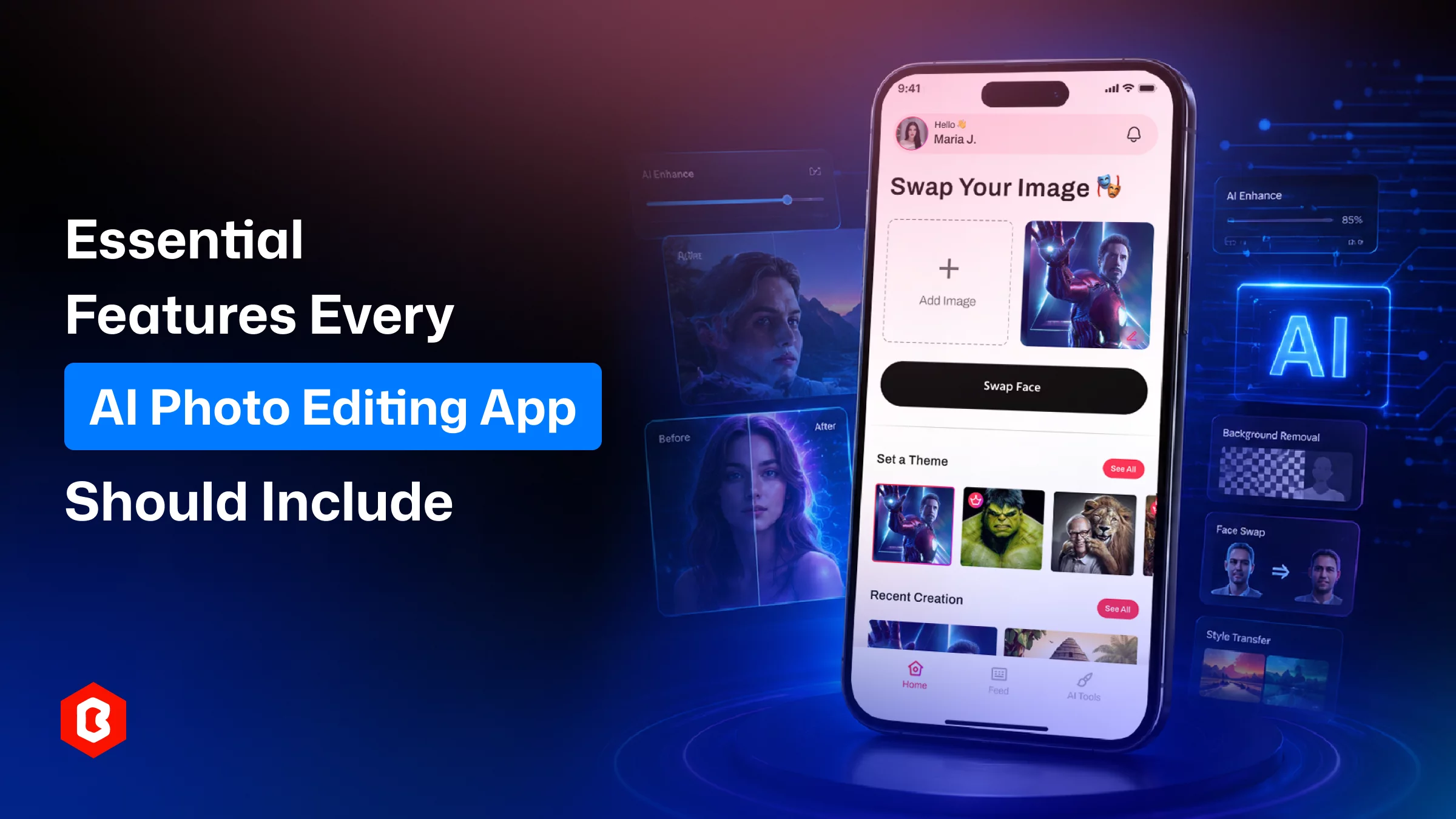
Back in 2021 and so on, if you wanted to edit a photo, you preferred software apps like Photoshop and applied a curve adjustment. Now, we’re in an Artificial Intelligence era, where you just have to type a sentence, and the photo has been changed. It’s all about good AI photo maker apps that are available in the market. But building such a platform is never going to be easy.
Most of the photo editing apps are generating results, but few of them are genuinely helpful to people to keep using. The features integrated in the AI photo maker and design choices create a chance to get the app found on every user’s mobile phone, and for that, the set of features required.
They remove the skills and expertise that old-school editing software required. This includes masking, layers, exposure curves, and blend modes. AI-based apps are designed to get a command as you say, “brighten this,” “swap my face into this shot,” and the app does the interpreting for you.
Three groups get the most out of this shift:
People who require decent-looking images for Instagram or Facebook posts can get a professionally edited photo without opening a design program.
Content creators and marketers who need a lot of visual content, fast, and don't have time to hand-edit every image.
Small businesses that would employ a dedicated designer but can't justify the cost for every product shot or ad.
It’s all about time. Think that photo editing can be done with AI in ten minutes compared to manual editing, which takes 1 hour. This is the actual reason people keep these apps installed for frequent use rather than uninstall after a one-use.
This is the important feature of any AI image editing mobile app: a text prompt box. A user can explain here what they want in an image, and then the app evaluates the need. Describing the image effect or color brightness in a simple manner with context can get the results mostly accurate. Otherwise, confusing prompts do not work well.
So placeholder text, a few example prompts, and maybe a small gallery of "prompts that work" go a long way toward preventing that first-attempt frustration.
In advanced editing image apps, face merging and swapping is one of the most requested features. Basically, this feature is useful for making memes or more serious creative portrait work. In the app UI design, you have to prefer that because users should see an alignment preview before committing to anything. The app should be upfront when a result probably needs a manual touch-up.
Most of the image creation apps offer the feature for users to know how the image was before and what has been changed now with an automated process. This sounds simple. To give a sense of control, prioritize adding a slider or side-by-side view. Apps that skip this step feel more like a black box that no one can use.
You face this most of the time during image editing: you have to manually do the cropping, resizing, and rotating; it’s a time-consuming process. The app offers automation with manual fallback, allowing people to get what they want. AI doesn’t replace the need for these ones but helps to manage the editing.
The unique part with these advanced image editing applications is that they offer one-tap features. This includes adjusting auto brightness, setting contrast, applying saturation, or managing white balance.
In any of the photo editing apps, you find they’re created for people to add to their creativity. They integrated a decent filter and effects library so people can make the image they want. If it’s not available, people think this is not the right app for their editing requirements.
Being able to undo one specific change without redoing the whole edit builds trust fast. This has been standard in desktop software for a long time; mobile users increasingly expect it too, and they're not wrong to. Try to add it to the AI image editing app.
To generate the image, AI takes time. The optimized app offers information during such time, like a progress indicator, a rough time estimate, and " keep browsing while the edit finishes in the background.
People looking for extra features in the editing app like multiple resolutions, format options, and direct sharing to whatever platform someone actually uses. An edit that's a hassle to get out of the app loses most of its value, no matter how good it looks inside it.
After starting to use an AI image editing app, people feel unsafe as the face data and personal photos are sensitive. They increasingly want to know how the image data has been stored, processed, and eventually deleted in simple language. Policy page information is necessary, and mention the opt-out option.
The image editing app has to support any of the devices users prefer, whether it’s a mobile phone, tablet, or doing it in a browser. If the layout logic or gestures change between devices, that's friction nobody asked for.
When new users just need guidance to start their first successful edit, then it should be easy for them. Not a five-screen tutorial needed there. The apps that teach through the first real interaction tend to retain people better than the ones that explain everything up front.
As a web design and development agency, at Theme Bitrix, we know that building a screen for prompt inputs, comparison views, editing panels, and export flows takes time. Using the pre-designed Figma UI kit for an AI image editing app helps you to focus on improving the product itself.
The FaceMeld AI UI Kit supports the layouts built around AI photo workflows and then adjusts them to fit your own product through customization. These screens are available in this Figma design file:
Text-prompt input
Before/after comparison
Face-merge flows
Basic and advanced editing tools
General UI kits serve a common purpose, not AI-specific interactions in mind. Prompt-driven inputs, generation loading states, comparison sliders- these aren't standard components you'll find in a typical design system. FaceMeld was built around exactly these patterns, which is the actual reason it's worth a look if you're working on something in a photo app.
A strong AI photo editing app contains prompt-based editing that actually works on the first try, and previews that build trust. It supports manual tools with AI integration and export options. Those elements decide whether an app earns repeat use or gets deleted after a single attempt.
The FaceMeld AI UI kit a reasonable way to start a team for moving towards app design and development quickly. It is built around the exact workflows an AI photo editing product actually needs, not a generic template stretched to fit.
Not really. An AI photo maker generates or transforms images from a prompt or automated analysis. This is where a normal app depends on manual, tool-by-tool adjustments.
Usually, yes. Most AI features require an internet connection to successfully run on cloud processing. So, a stable connection matters for anything beyond basic manual edits.
Often several weeks. A solid kit skips the ground-up design work for prompts, previews, and editing screens.
Yes. Based on your brand guidelines, you can change colors, types of services, icons, and components in a Figma UI kit. There’s no rework needed for design.
No. It’s also used in marketing visuals, prototyping, and creative portrait work well beyond entertainment use cases.
Look for prompt-based screens, comparison views, editing panels, and export flows built specifically for AI-driven interaction, not bolted on afterward.
 Similar Blogs
AI (Artificial Intelligence) is shaking things up in the education industry as well! According to a...
In today's world, web applications are controlling the business arena. Whether it's an eCommerce web...
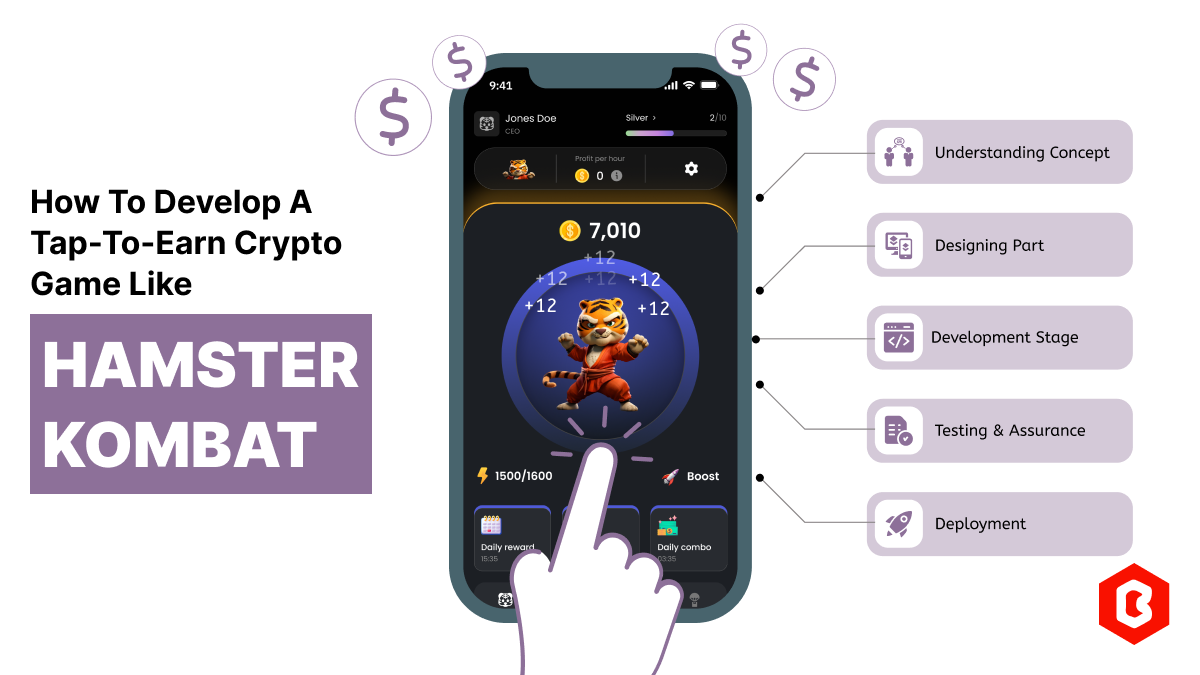
Hamster Kombat is a tap-to-earn crypto game where players are designated as virtual CEO. In developi...
Online Sports betting apps are considered as the source of earning passive income but with that, the...

Every business needs better marketing to promote their products and services. Nowadays, they prefer...

The cryptocurrency world is transforming at every moment. That world is not just limited to only exc...

Not sure which template or UI kit fits your project? Reach out for expert advice.
 100% Satisfaction Guaranteed
  Shop with Confidence!
 Tags
Tags