Buy any 1 product and get 1 absolutely free — this offer applies to all Website Templates, UI Kits, and Complete Scripts.
Buy Now! Article Information
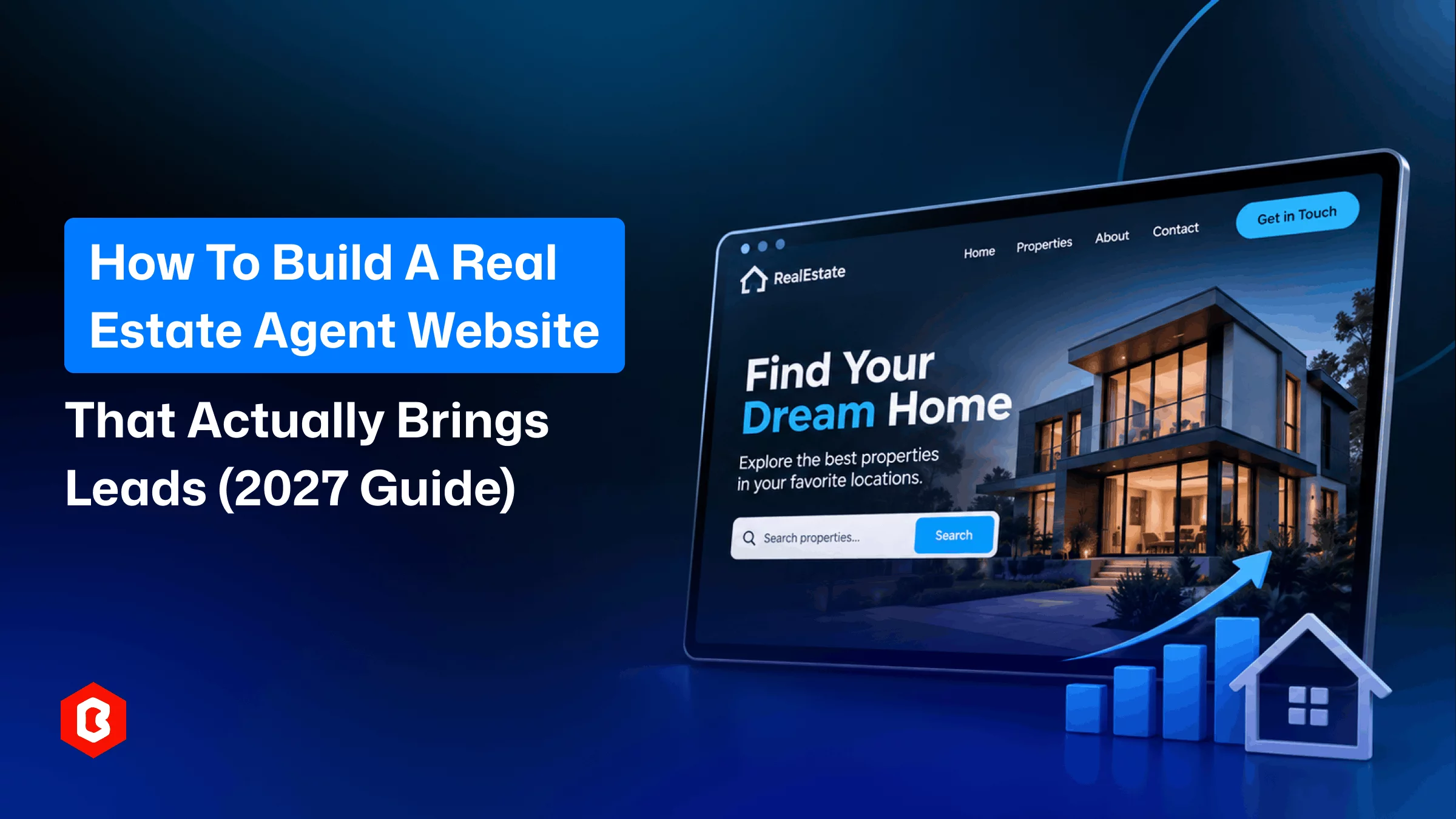
A real estate website should do more than display property photos. It should help potential buyers find relevant listings. It should also give them clear reasons to contact you. Without these elements, even a beautiful website can struggle to generate leads.
Building an effective website starts with the right structure. You need useful property pages and simple navigation. You also need clear contact options and local content. This guide explains how to build a website that supports your business. It also explores how a real estate website template can speed up the process.
Before choosing a design, define your target audience. You might work with homebuyers or property investors. Some agents focus on rentals or luxury residences. Your website should reflect the services you offer.
Avoid trying to promote every property category equally. Give priority to your main market. This helps visitors understand your expertise quickly.
For example, a luxury property agent can highlight premium residences. A residential agent can focus on family homes. Your homepage should communicate this focus immediately.
The website structure affects how visitors explore properties. A suitable real estate website template provides ready-made layouts. You can use these layouts to present listings clearly.
Look for these essential sections:
Property Listings: Display available homes and developments.
Property Details: Explain specifications and important features.
Search and Filters: Help visitors narrow down their choices.
Agent Profiles: Introduce the people handling property inquiries.
Contact Forms: Give interested visitors a direct contact option.
Project Pages: Showcase residential developments separately.
These sections create a useful browsing experience. They also provide several opportunities to capture inquiries.
A listing card cannot answer every buyer's question. Visitors need enough information to consider a property. Create a dedicated page for each important listing.
Include these details wherever available:
Property location and neighborhood
Asking price or price range
Property type and total area
Bedrooms, bathrooms, and other specifications
Available facilities and amenities
High-quality photographs
Nearby landmarks and essential services
Keep the information accurate and updated. Remove listings that are no longer available. Add a clear inquiry option to every property page.
A visitor interested in one property should not have to search for contact details. Place the inquiry button where it is easy to find.
A complicated contact process can cost you leads. Visitors should not complete lengthy forms. Ask only for information that helps start a conversation.
A basic property inquiry form can request:
Name
Phone number or email
Property of interest
Preferred contact method
Additional requirements
Use specific calls to action. For example, try "Enquire About This Property" or "Schedule a Visit". These labels explain what happens next.
You can also create separate forms for different purposes. A property inquiry form serves interested buyers. A valuation request form can attract property owners. This approach helps you understand each lead's intent.
Real estate searches usually involve specific locations. Buyers often search by city or neighborhood. Your website should cover the areas you serve.
Create useful location pages for your main markets. Include local property information and neighborhood highlights. Mention nearby schools, transport, and other facilities. Keep every description relevant to that location.
Also follow basic on-page SEO practices:
Write unique page titles and meta descriptions.
Use descriptive headings for every page.
Add meaningful image alt text.
Create clean and readable page URLs.
Link related property and location pages.
Publish helpful articles about local property markets.
A blog can support your local search strategy. Write about buying processes and neighborhood comparisons. You can also explain common property-related questions.
Property images influence how visitors judge a listing. Poor photographs can make good properties look unappealing. Use clear and recent images instead.
Show different rooms and important property areas. Include exterior views and available amenities. Add floor plans when they are available. A video walkthrough can provide additional context.
Use consistent image quality across your listings. Compress large files to improve loading speed. Keep image galleries easy to browse on phones.
Many visitors browse property listings on smartphones. Your website must remain easy to use on smaller screens.
Check that property cards fit mobile displays. Make images and text easy to read. Keep navigation simple and contact buttons accessible. Forms should also work without unnecessary scrolling.
Test important pages on different screen sizes. Pay special attention to listing filters and inquiry forms. A responsive design is only useful when visitors can complete important actions.
People often want to know who handles their property inquiries. An agent profile can help establish that connection.
Include a professional photograph and short introduction. Mention your experience and service locations. Explain the property categories you handle. Add direct contact details for interested visitors.
If your agency has multiple agents, create individual profiles. Visitors can then understand your team's expertise. This also makes it easier to direct inquiries.
Capturing an inquiry is only the first step. You also need a reliable follow-up process. A lead should reach the right person quickly.
Connect your forms to an email or CRM system. Record the property and visitor's requirements. Assign inquiries to the responsible agent. Set reminders for pending conversations.
Prepare simple follow-up messages for common situations. You can acknowledge inquiries and confirm visit requests. Avoid sending generic messages without checking the details.
Track which listings and pages generate inquiries. This information can help improve your website. You can give more attention to pages that perform well.
Your first website does not need every advanced feature. Start with the essentials and expand gradually.
Depending on your business model, consider adding:
Map Integration: Show property locations clearly.
CRM Integration: Organize inquiries and follow-ups.
Appointment Scheduling: Let visitors request property visits.
Live Chat: Offer another way to ask questions.
Listing Management: Keep property information updated.
Analytics: Understand visitor behavior and lead sources.
Some features require third-party services or backend development. An HTML template provides the frontend structure. It does not automatically include every operational system.

If you want a ready-made starting point, consider Linden – Real Estate Agent Website Template.
Linden is designed around luxury residences and property businesses. It provides layouts for presenting listings and developments. Agents can also introduce themselves through dedicated profiles.
Its main features include:
Luxury Property Listings
Property Image Galleries
Property Details and Specifications
Featured Residential Developments
Property Search and Filtering
Real Estate Agent Profiles
Property Inquiry Forms
Location and Neighborhood Information
The template includes Home, About Us, Properties, and Property Details pages. It also provides Our Agents, Projects, Blog, and Contact pages.
Linden uses HTML5, CSS3, JavaScript, and Bootstrap 5.3. Its responsive-ready layout supports different screen sizes. You can customize the pages to match your brand.
It can suit independent agents and luxury real estate agencies. Property consultants and residential developers can use it too. You can also adapt it for premium housing businesses.
Keep in mind that Linden is an HTML frontend template. Dynamic lead storage and automated follow-ups need integration. You may also need backend support for live listings. Add these systems according to your business requirements.
Buy NowA lead-generating website needs more than an attractive design. It needs useful property information and clear contact options. Local SEO can help people discover your services. A reliable follow-up process can turn inquiries into conversations.
Start with the pages your visitors actually need. Make property discovery simple and contact details visible. Then improve the website using real visitor data.
A suitable real estate agent website template can reduce design work. Linden offers a focused structure for agents and property businesses. Customize it around your market and services. Add the integrations needed to manage incoming leads.
It should include property listings and detailed property pages. Add agent profiles, inquiry forms, and contact information.
Use clear inquiry buttons and simple contact forms. Add local SEO content and respond to inquiries quickly.
Yes. It provides ready-made layouts for listings and profiles. Agents can customize the content for their services.
Yes. You can customize the search interface. Dynamic filtering may require JavaScript or backend integration.
Yes. Linden includes property inquiry forms and contact pages. Form submission and lead management may need backend integration.
 Similar Blogs
Picking the perfect style for your website is a major decision, especially in the vast scope of web...
Designing and developing a website may look tough and time-consuming. It is actually tough when it c...
Developing a website has now been important to reach a wider audience. Performing web development fr...
The Global Real Estate Market was valued at $9.8 Billion in 2023 and this number can reach $14.54 Bi...
When the world is going online, having a responsive website that works flawlessly across all devices...
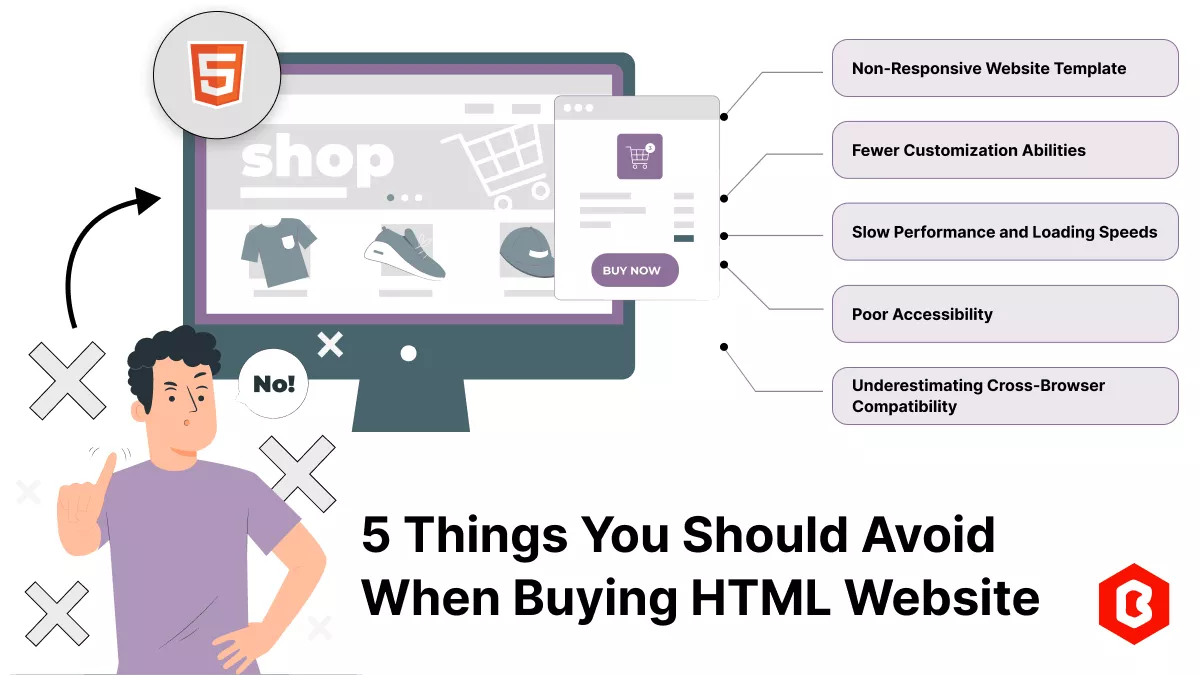
According to stats published on Forbes, 57% of internet users avoid recommending a poorly designed w...
Related Products 
Not sure which template or UI kit fits your project? Reach out for expert advice.
 100% Satisfaction Guaranteed
 Shop with Confidence!

 Tags


