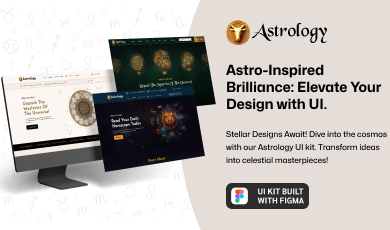
Buy any 1 product and get 1 absolutely free — this offer applies to all Website Templates, UI Kits, and Complete Scripts.
Buy Now! Article Information Table Of Contents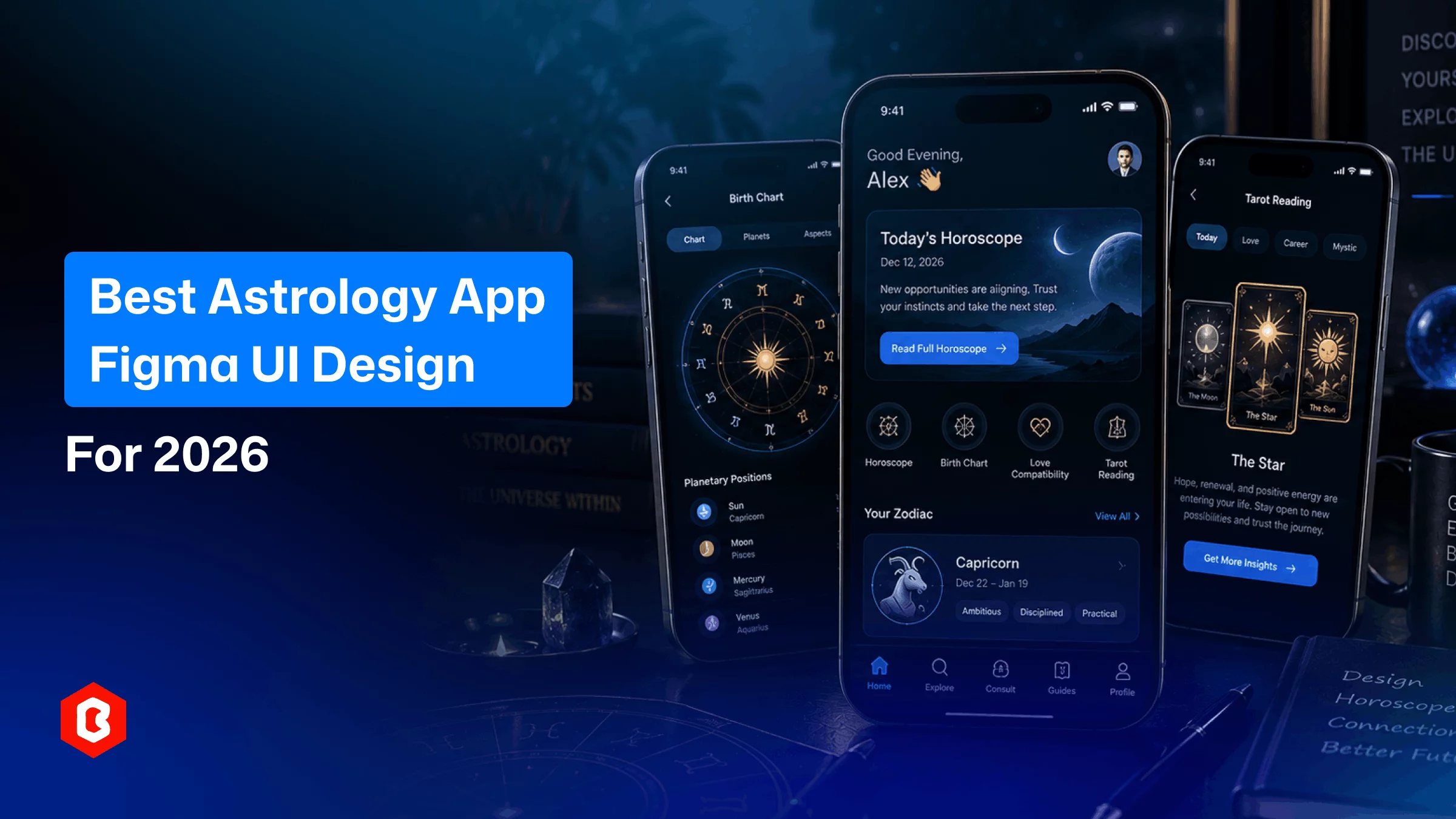
Astrology apps have become useful for online horoscopes and zodiac signs. They can also provide birth charts and personalized astrology readings.
People often want these apps to be simple and easy to use. They may want to check a horoscope quickly or explore other features without dealing with complicated screens.
This makes the app design important.
A good astrology app can help users find the information they need. But the UI design makes an app worthy enough. This is where a well-planned astrology app UI can help.
The UI can provide a clear structure for features such as daily horoscopes and zodiac information. It can also support birth charts and personalized readings.
Creating all these screens from scratch can take time. Designers and developers need to plan the layout. Then they have to maintain the app UI design consistency.
A ready-made Figma UI kit can help you start quickly. It can help reduce the initial design work. It can also give the project a clear visual direction.
An astrology app can include many types of information.
Users may check daily horoscopes and explore zodiac signs. They may also view birth charts or read personalized predictions. Some applications may include astrologer profiles and consultation features.
All these features should be easy to access.
Simple navigation can help users move between different sections. Important information should also be placed where users can find it without much effort.
The visual design is also important for an astrology application. Colors and other visual elements can help create a suitable look for the app. These elements should not make the interface difficult to understand.
A good design should balance usability and appearance.
The best astrology app UI UX design in 2026 should focus on making the app useful and easy to use.
Personalization can be an important part of the experience. Users may want to see horoscope content based on their zodiac sign or personal birth details.
Clean layouts can also help. Astrology apps may contain a lot of information, so users should not have to deal with crowded screens. The buttons and content should be easy to view and use on mobile screens.
Clear navigation can also help users find features faster.
These areas can influence premium astrology app design trends while keeping the application practical for everyday use.
The features of an astrology app will depend on what the application is designed to offer.
A home screen can provide quick access to horoscope information. A zodiac section can allow users to explore different signs and their related information.
Birth chart screens can present information based on the user's birth details. Reading sections can be used for predictions and personalized reports.
If the application offers astrologer consultations, then it may also need astrologer profiles. Users can view available astrologers and their services.
User profile screens can also help users manage personal information and preferences.
The exact screen requirements will depend on the application.
A good astrology UI should make these features easy to find and simple to use.
Designing an astrology application requires planning several screens and interface elements.
Figma can help designers create these screens before development begins. It also allows designers to organize components. They can maintain a consistent app UI design.
A ready-made UI kit can make this process easier.
Instead of creating every button and screen from the beginning, designers can start with existing design elements. They can then change the layout and content according to the project.
This can reduce the amount of initial design work. It can also give developers an idea of how the application should look.
The Astrologer Figma UI Kit from Theme Bitrix can be used to quickly design an astrology app. It provides a ready-made UI structure. It can be customized for different project requirements.
Designers can change the content and visual elements according to their brand. They can also adjust the design to match the features of their application.
Developers can use the completed Figma design as a reference during development.
An app UI kit can be useful for projects that want to design the app without creating every screen from scratch.
You should consider the purpose of your application first.
An app for daily horoscopes may need simple horoscope and zodiac sections. An app focused on astrologer consultations may need more attention to profiles and service-related screens.
You should also check whether the UI kit can be customized.
Your application may require new screens or changes as the project develops. The design should allow these changes without making the interface inconsistent.
Mobile usability is another important factor.
The screens should be easy to read and interact with on smartphones. Simple navigation can also make the application easier for users to explore.
Astrology applications can contain a large amount of information.
Users may need to read horoscope details and explore different astrology sections. A crowded interface can make it harder to find the right information.
A simple UI can make this easier.
Important features should be easy to see. The content should also have enough space so users can read it comfortably.
Good organization can make the application easier to understand.
This can help users use the app without being filled with too many elements.
A good astrology app should be simple to use and easy to understand.
The design should have important features such as horoscopes and zodiac signs. It can also have birth charts and personalized readings. Dedicated astrologer services are a bonus.
The astrology app UI should make these features easy to access. It should also provide a consistent experience across different screens.
Using a ready-made Figma UI kit can reduce the initial design work. It provides a foundation that designers can customize according to their project requirements.
For businesses and developers looking for a ready-made starting point, the Astrologer Figma UI Kit from Theme Bitrix can be considered for an astrology application design.
An astrology app UI is the visual design of an astrology application. It includes screens and navigation as well as buttons and other interface elements.
It can include horoscope screens and zodiac sections. It can also include birth charts and personalized readings. Astrologer profiles and user account screens can be added based on the application.
A Figma UI kit provides ready-made screens and design elements. It can reduce the design work needed to create an astrology application from scratch.
Yes. You can customize the design according to your brand and project requirements. You can also change the content and visual elements.
Personalized content and clean layouts are important areas to consider. Mobile-friendly screens and simple navigation can also help create a better user experience.
Yes. Figma can be used to design and organize mobile app screens before development. It also makes it easier to update design components.
UI designers and developers can use an astrology app UI kit. Startups and agencies can also use it as a starting point for astrology application projects.
 Similar Blogs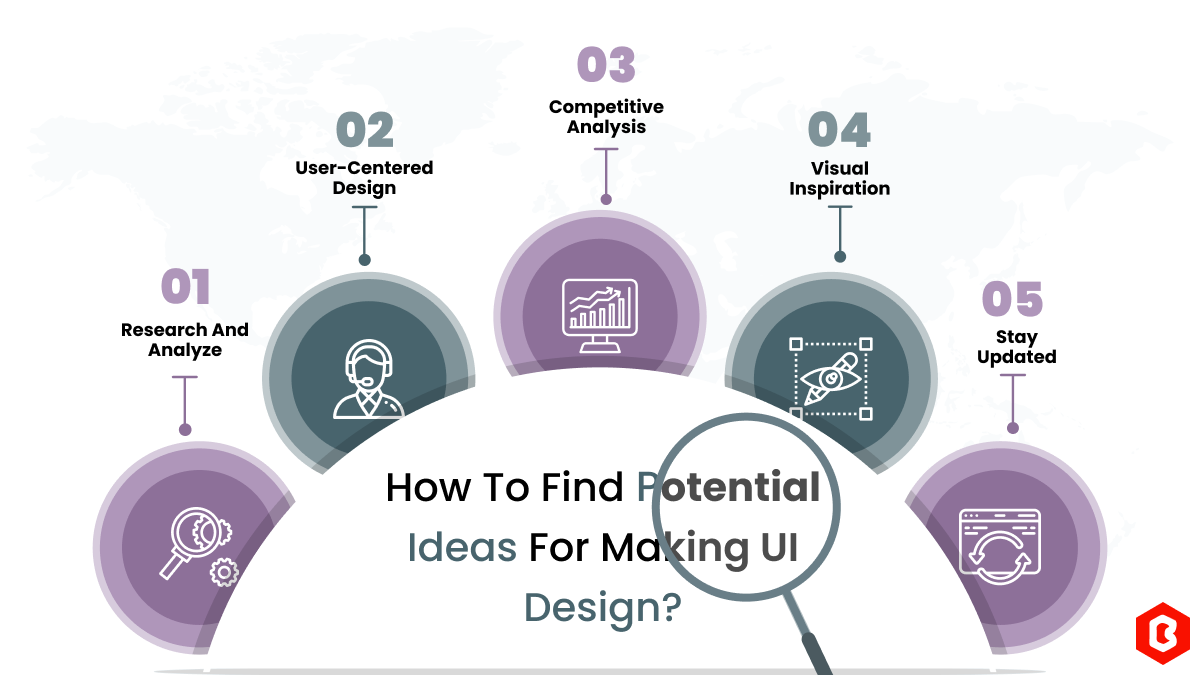
We can discover a lot of alternatives when it comes to UI design or UI thoughts, which we are able t...
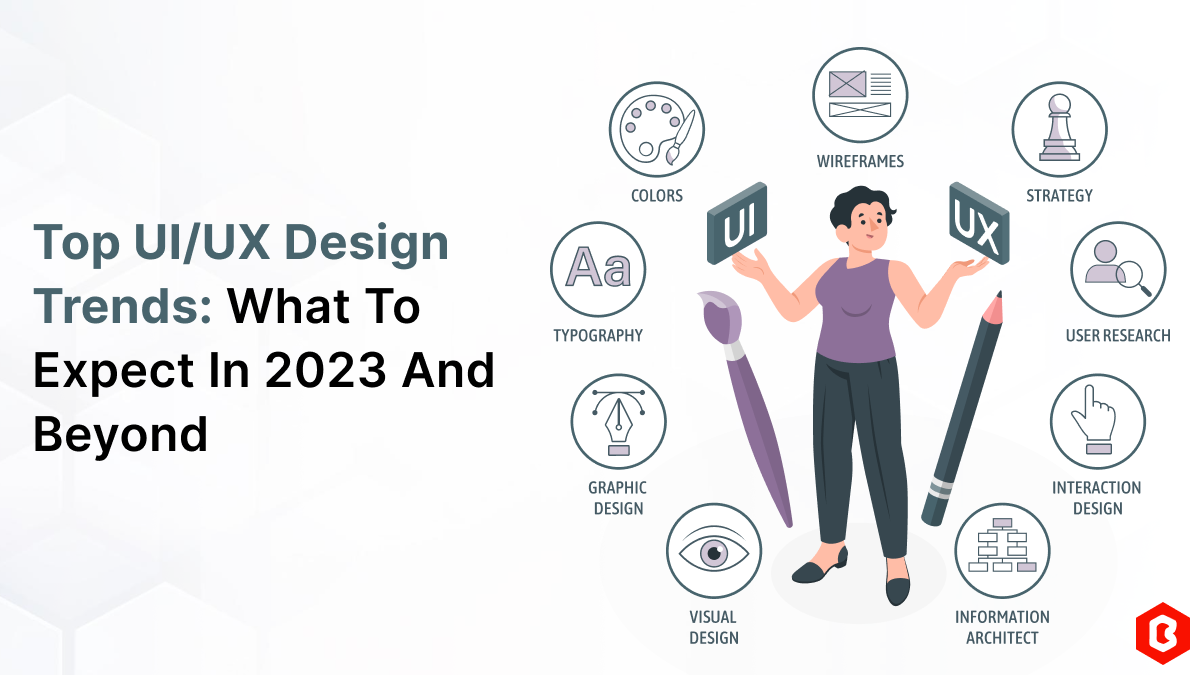
UI/UX. User interface and Use experience are the two important things we can consider in today’s web...
The digital world is moving exceptionally fast. In this fast-paced digital world, building a website...
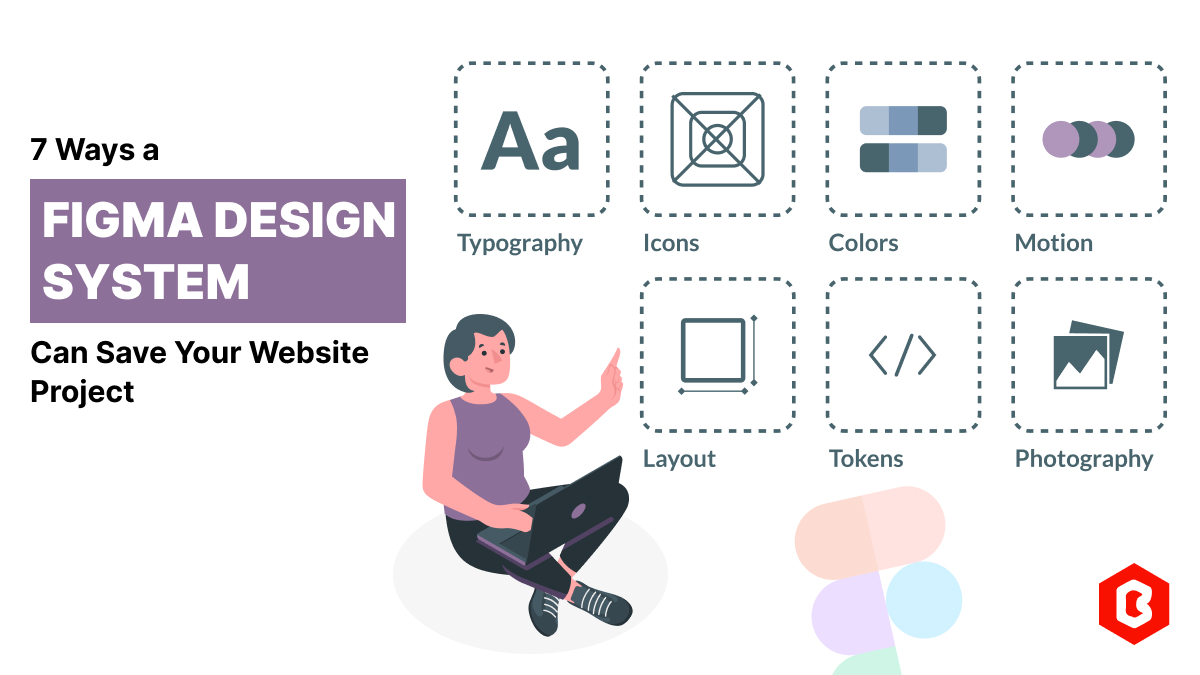
Figma has revolutionized the web design process. Figma design systems are a game-changer for website...
HTML website templates and Figma web UI kits are the two most reliable readymade solutions for the f...
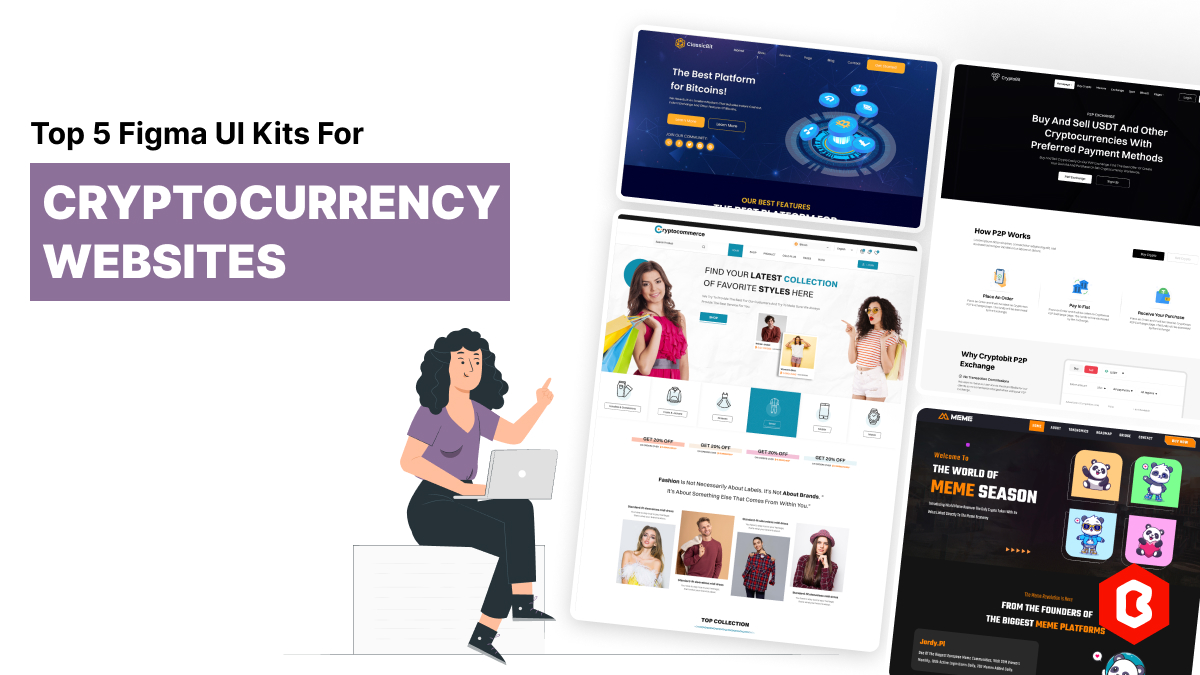
Launching a successful cryptocurrency website requires a strong foundation and a user-friendly inter...
Related Products 
Not sure which template or UI kit fits your project? Reach out for expert advice.
 100% Satisfaction Guaranteed
  Shop with Confidence!
 Tags
Tags