Buy any 1 product and get 1 absolutely free — this offer applies to all Website Templates, UI Kits, and Complete Scripts.
Buy Now! Article Information Table Of Contents
Buying a website template looks simple at first. You visit a marketplace, see a nice design, and click the purchase button. But if you choose a template without checking the right details, you may end up wasting money and time. Many buyers face issues after the purchase because they ignore small but important factors. To help you avoid these problems, here are the most common mistakes people make when buying a website template—and how you can avoid them.
One of the biggest mistakes is buying a template without exploring its live preview. A few screenshots cannot show you how the website actually behaves.
A live preview lets you see:
How pages load
How buttons, animations, and menus work
How the design looks on different sections
Whether the template feels smooth or outdated
Always take time to browse the homepage, inner pages, blog pages, and product pages if available. If the preview feels confusing or slow, the final site will feel the same. Treat the live preview as a test drive.
Customer reviews reveal real-world experiences from people who already bought the template. They help you understand:
Template quality
Support response time
Hidden bugs and issues
Updates and long-term reliability
If you ignore reviews, you may choose a template with unresolved problems. Look for a template that has positive reviews from real customers. A template with no reviews may also be risky unless the seller is known for high-quality work.
A template may look beautiful, but still load slowly. This happens due to:
Heavy images
Poor coding structure
Unnecessary animations
Too many plugins or scripts
Slow performance affects SEO, user experience, and conversion rates. Before buying, test the preview link on speed-checking tools like PageSpeed Insights or GTmetrix. If the template scores poorly, it may slow down your website after launch.
More than half of your visitors will view your website on mobile devices. A non-responsive template can break layouts, hide content, and create a poor user experience. On the other hand, a responsive website template can improve your website’s user experience.
When checking responsiveness, test:
Mobile view
Tablet view
Landscape mode
Navigation behavior
Image resizing
A good template should adapt smoothly to all screen sizes.
Sometimes buyers choose the first template they like, but this leads to missed opportunities. A little comparison helps you understand:
Better design options
More features for the same price
Templates that match your business more closely
Different frameworks or build quality
Comparing templates prevents impulse purchases and helps you find the best match for your brand.
A template must work properly on all major browsers, including:
Chrome
Firefox
Safari
Edge
Mobile browsers
If a design looks perfect in one browser but breaks in another, visitors will face problems. Most template sellers mention browser compatibility in the description. You can also test the live preview manually in different browsers to be safe.
A beautiful design is not enough. If the template doesn’t match your business model, it won’t deliver good results. A restaurant, a tech startup, a law firm, and an e-commerce store all need different layouts, features, and structures.
Always check whether the template supports:
Your content style
Your services or product pages
Your brand personality
The features your business needs
The right template should fit your business, not force you to change your entire content plan.
Many templates are built using frameworks like:
Bootstrap
React
Vue
Angular
Tailwind CSS
WordPress versions
Each framework updates over time. If the template is created using an outdated version, you may face compatibility issues, missing features, or security risks.
Before buying, always check:
Which version of the template does it use
How frequently does the seller update it
Whether it supports the latest standards
This ensures long-term stability and fewer technical problems.
Buying a website template becomes easy when you focus on the right details. Always check the live preview, reviews, responsiveness, browser compatibility, and framework version. Compare multiple templates so you can choose the one that truly fits your business. A well-selected template saves time, reduces development cost, and gives your website a strong, professional look.
Because the live preview shows how the template actually behaves, screenshots can be misleading, but the preview helps you test pages, animations, and layout quality.
Very important. Reviews show real user experiences, highlight issues, and give you an idea about support quality and long-term updates.
Slow-loading templates can hurt your SEO, reduce user satisfaction, and lower conversions. Always test performance before buying.
Use the live preview and switch between mobile, tablet, and desktop views. Make sure the layout adjusts smoothly on all screen sizes.
Yes. Comparing helps you find better design options, more features, and better value for money instead of picking the first template you see.
 Similar Blogs
Picking the perfect style for your website is a major decision, especially in the vast scope of web...
Designing and developing a website may look tough and time-consuming. It is actually tough when it c...
Developing a website has now been important to reach a wider audience. Performing web development fr...
In web development, choosing the right CSS framework can make a significant difference in the succes...
When the world is going online, having a responsive website that works flawlessly across all devices...
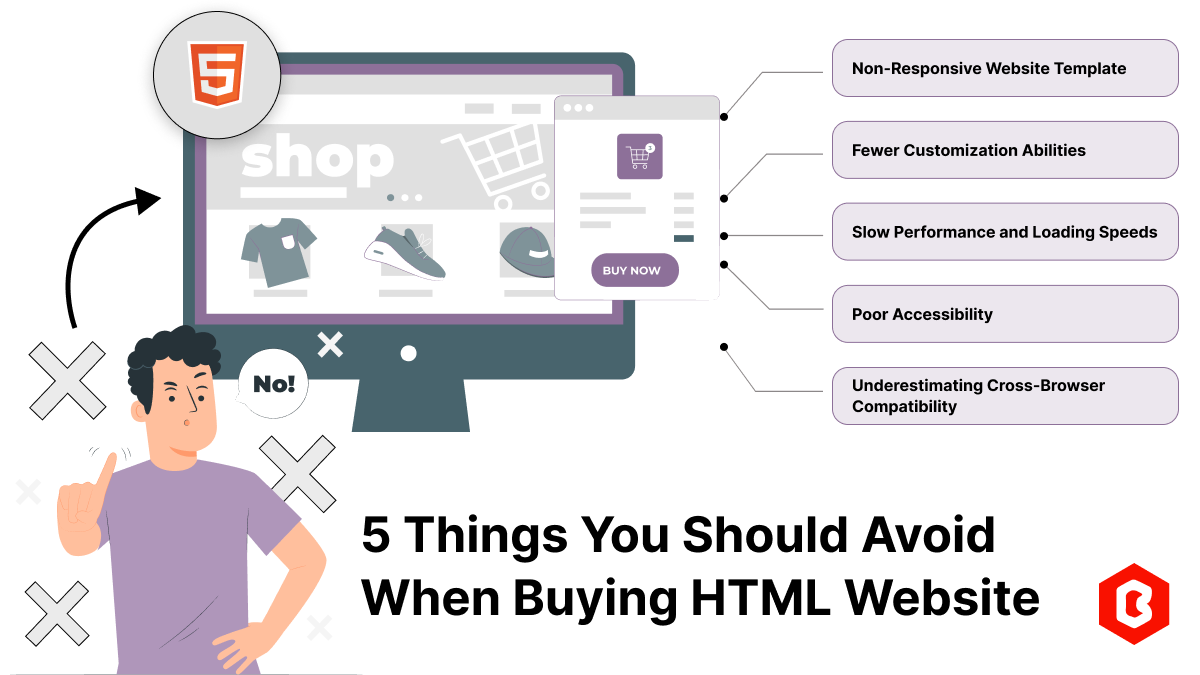
According to stats published on Forbes, 57% of internet users avoid recommending a poorly designed w...

Not sure which template or UI kit fits your project? Reach out for expert advice.
 100% Satisfaction Guaranteed
  Shop with Confidence!
 Tags
Tags